What’s new on Android.

Bring fun into the chat by remixing photos in Google Messages, discover the best of what's nearby with Google Maps, and more. See new, helpful updates made for your devices.

Play silent looping video Pause silent looping video

The magic of AI.

From remixing photos right in your chat to getting instant help when you’re stuck in a game. Experience the latest in Google AI, bringing magic to more of your devices.

The magic of AI.
From remixing photos right in your chat to getting instant help when you’re stuck in a game. Experience the latest in Google AI, bringing magic to more of your devices.
  • Play silent looping video Pause silent looping video
    Google Messages

    Bring more fun to the chat with 🍌 Remix.

    Turn your pet into an action figure, redesign your friend’s room, or try a 1950s makeover – without leaving the chat.1
  • Play silent looping video Pause silent looping video
    Gemini

    Create images for fun and function.

    Combine and blend multiple images, resize your creations in a range of sizes, and add clear text – perfect for invitations, infographics, comic panels, and more.2
Play silent looping video Pause silent looping video
Circle to Search

Quickly check for scams in any app.

Get peace of mind for any text – across any app. Check if any chat or DM is a scam the moment you see it, simply circle the text and get an AI Overview response letting you know if there are any red flags.3
  • Play silent looping video Pause silent looping video
    Circle to Search

    Translate the whole page as you scroll.

    See continuous translations, wherever you scroll. Whether you’re reading menus, news articles, or social media posts and comments, get automatic translations in your preferred language, without switching apps.4
  • Play silent looping video Pause silent looping video
    Circle to Search

    Get instant help when stuck in a game.

    Find fast answers to gaming questions – without switching apps. Just circle or tap anything on your screen to pull up an AI Overview with tips to help you advance.5
Play silent looping video Pause silent looping video
Gemini

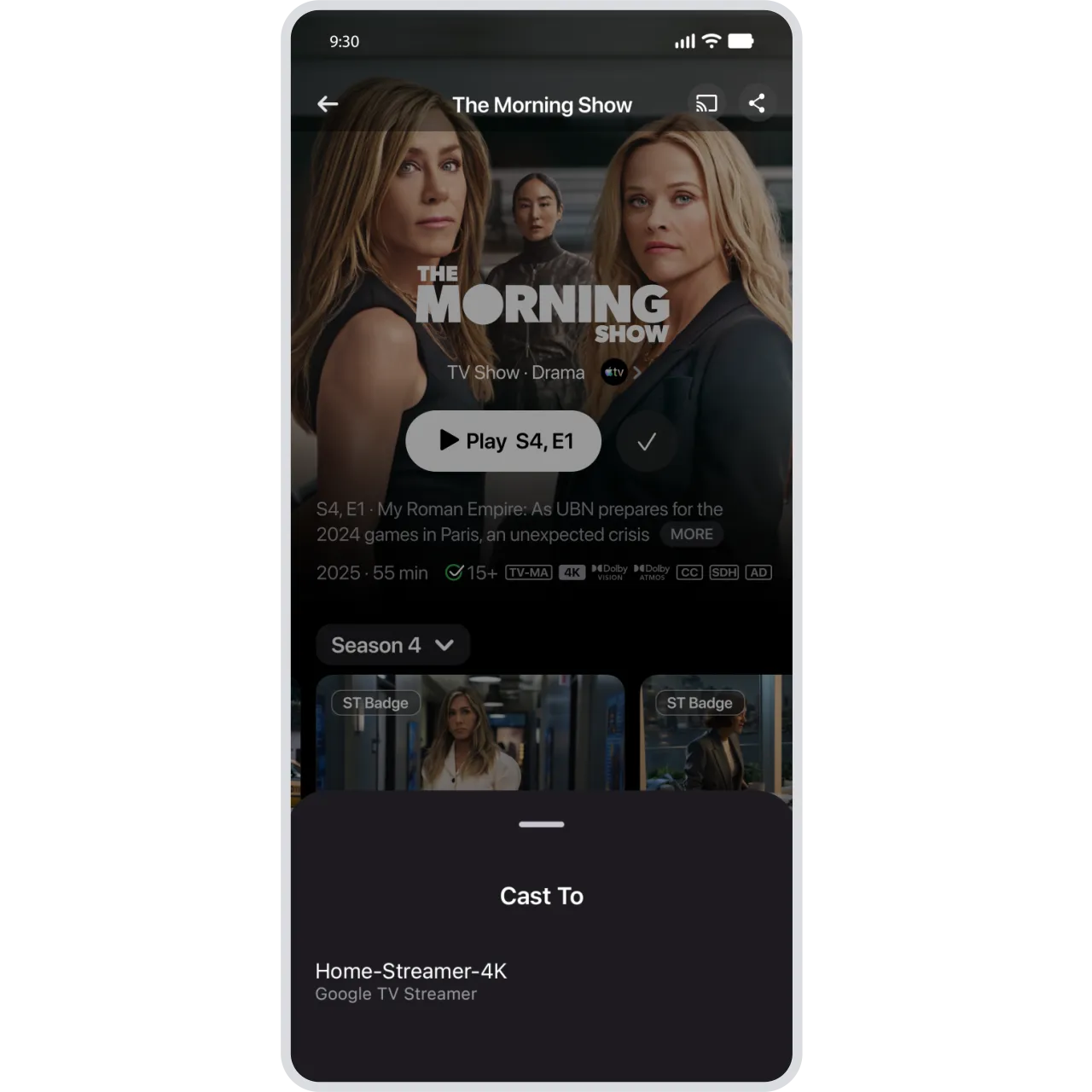
Chat with Gemini on your Google TV.

Discover your next favorite show, get answers to questions beyond entertainment with supporting videos, and simplify everyday tasks. Gemini is now rolling out to your Google TV Streamer and additional select devices.6

Superpower your everyday.

Feel what someone is saying in videos, leave and report unwanted group chats, and more. Discover the latest features making your everyday easier.

Superpower your everyday.

Feel what someone is saying in videos, leave and report unwanted group chats, and more. Discover the latest features making your everyday easier.
  • Play silent looping video Pause silent looping video
    Expressive Captions

    See the emotion behind speech in videos.

    Expressive Captions now shows when someone is [joyful] or [sad] – using real-time AI that works across your apps.7
  • Play silent looping video Pause silent looping video
    Google Messages

    Easily spot and leave spam group chats.

    Receive alerts on potential spam chats as soon as you’re added. If an unknown number invites you to a group in Google Messages, you’ll see one-tap actions to leave the group, block the number, and report it as spam.8
Play silent looping video Pause silent looping video
Google Maps

Easily find top sights and eats nearby.

Exploring a new city? Filling an afternoon? Find trending restaurants, top sights, and the best of what’s nearby in the Google Maps Explore tab – all based on reviews and trusted sources.9
  • Play silent looping video Pause silent looping video
    Chrome

    Pin important tabs in your browser.

    Juggling tabs on your Android phone? Pin the ones you can't lose. Whether it's your daily reads or vacation research, keep important pages saved and ready for you to jump back in.
  • Play silent looping video Pause silent looping video
    Google Messages

    Keep conversations safe from fraud.

    Help protect yourself from fraud. With Key Verifier, you can confirm the identity of whoever you're talking to in Google Messages using public encryption keys – so you know who’s on the other end of your messages.10

Always connected.

From letting friends know which calls can’t wait to better expressing yourself with new emoji combos, explore the latest features making it easy to stay connected.

Always connected.

From letting friends know which calls can’t wait to better expressing yourself with new emoji combos, explore the latest features making it easy to stay connected.
Play silent looping video Pause silent looping video
Phone by Google

Make your important calls stand out.

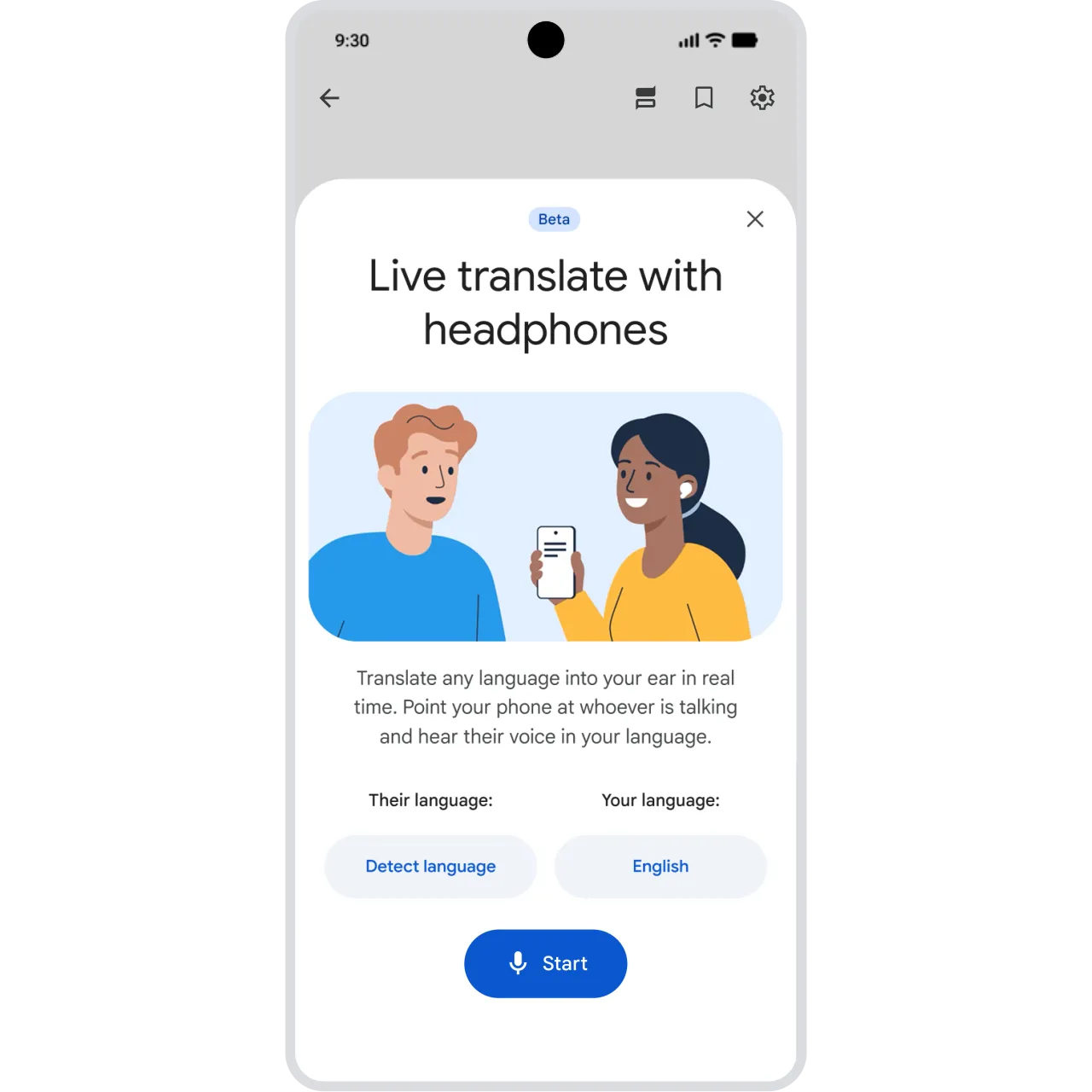
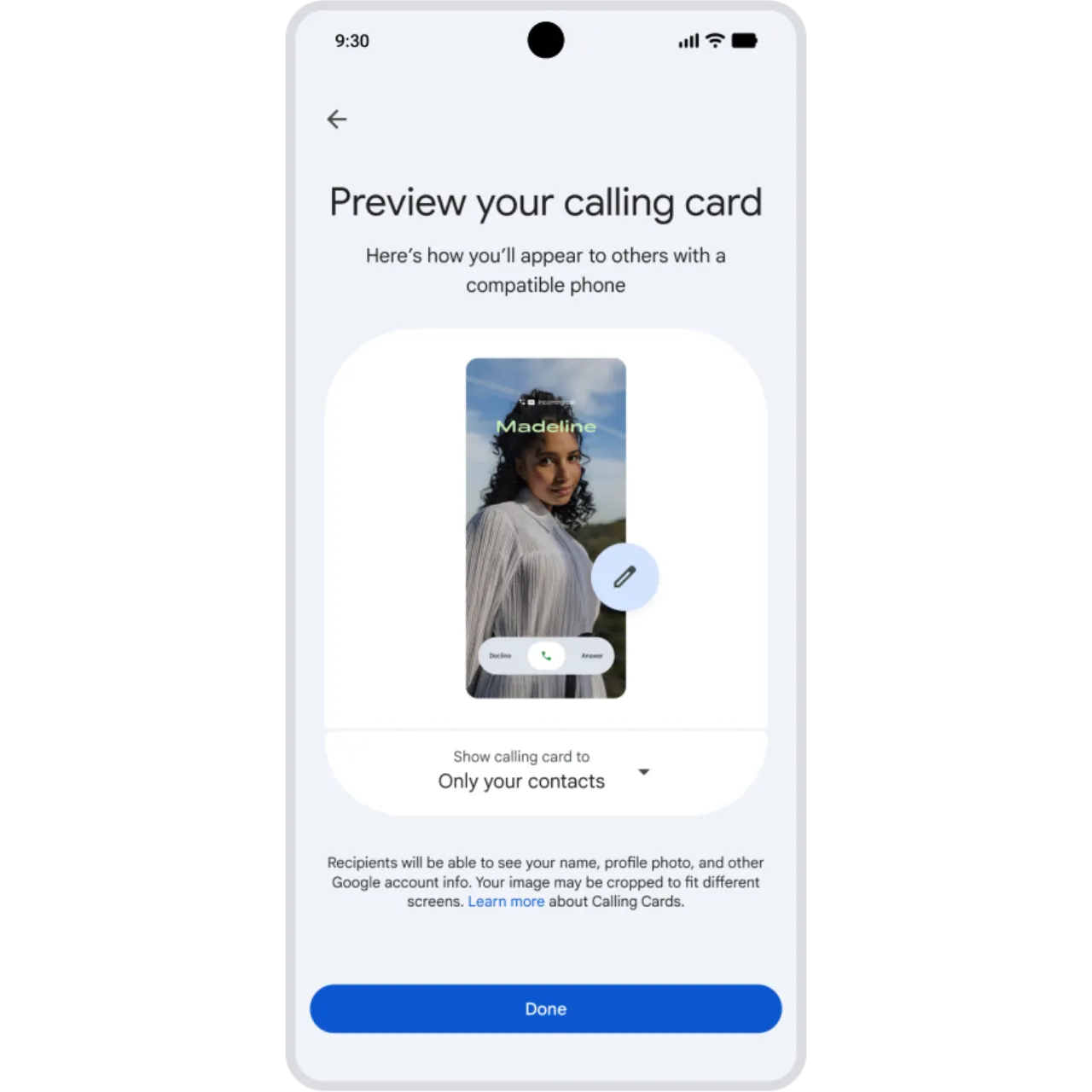
Locked out? Concert tickets about to go on sale? Coming soon, with Call Reason (in beta), you will be able to flag a call to a friend as ‘urgent’, so they know it’s time-sensitive and can prioritize answering or getting back to you.11
  • Play silent looping video Pause silent looping video
    Gboard

    Embrace new sticker combinations 🐵+🫂.

    Send bigger hugs with new Emoji Kitchen sticker combos. Whether you’re signing off for the year ⛄️ + ✒️ or sending holiday well-wishes 🫂 + ⛄️, mix and match your favorites and share them with friends.12
  • Play silent looping video Pause silent looping video
    Gmail app

    Send larger attachments from your phone.

    Send your biggest files right from the Gmail mobile app. Simply attach large videos, photos, and more, and Gmail will automatically create shareable Google Drive links for anything over 25MB in size and add them to your email.13
Play silent looping video Pause silent looping video
Digital car key

Use digital car keys with more vehicles.

Unlock and start your car, right from your phone. Digital car key is now available on Porsche and coming soon to Rivian, Ram, and Cadillac. See the full list of compatible vehicles here.14

Android 16

More glanceable notifications, productivity tools to keep you in the flow, and expanded support for hearing devices make Android 16 more accessible for all.

Read more.

Android 16

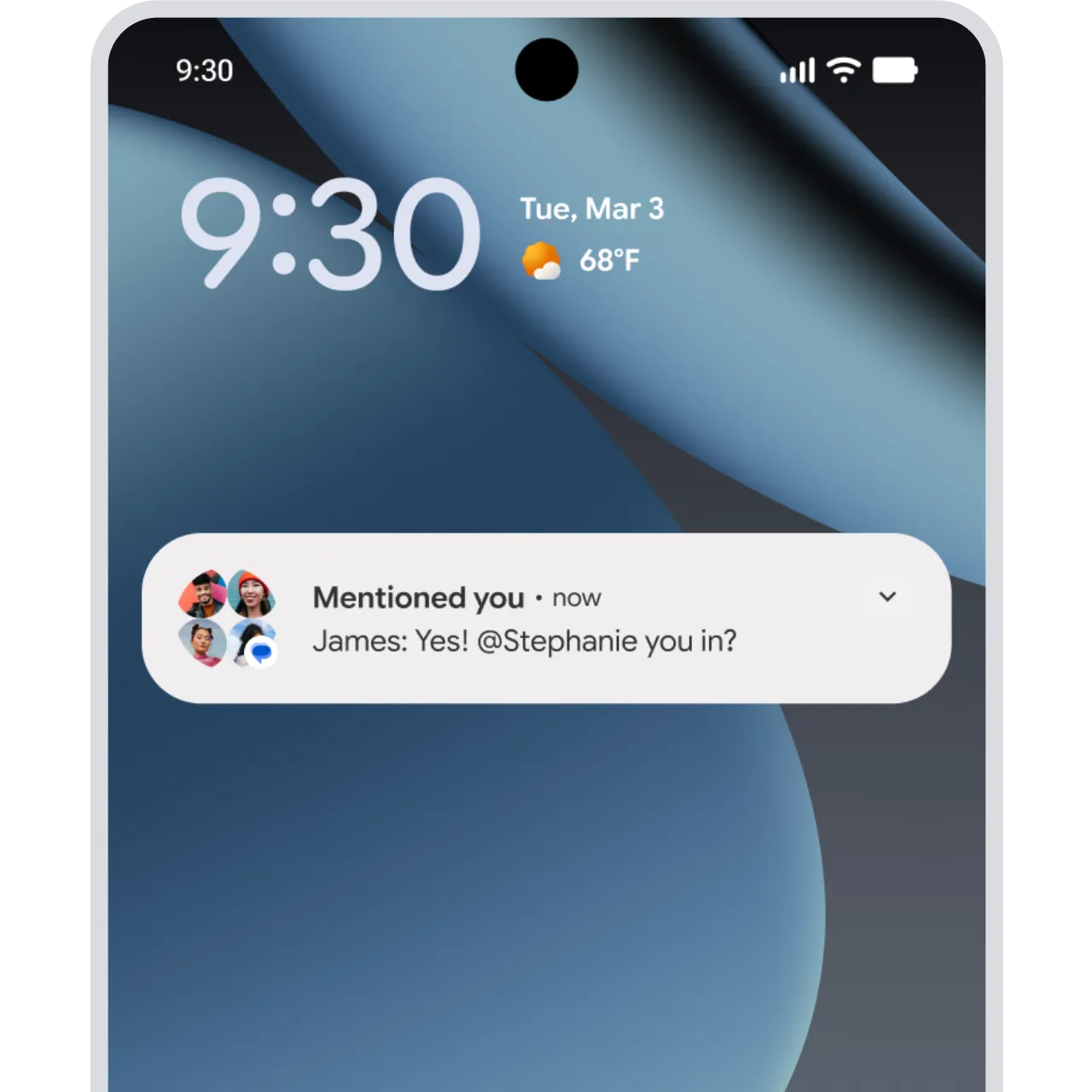
AI-powered notification tools, even more advanced customization, and stronger parental controls.
  • Android 16 AI-powered notification summaries
    Android 16 Notification summaries and organizer

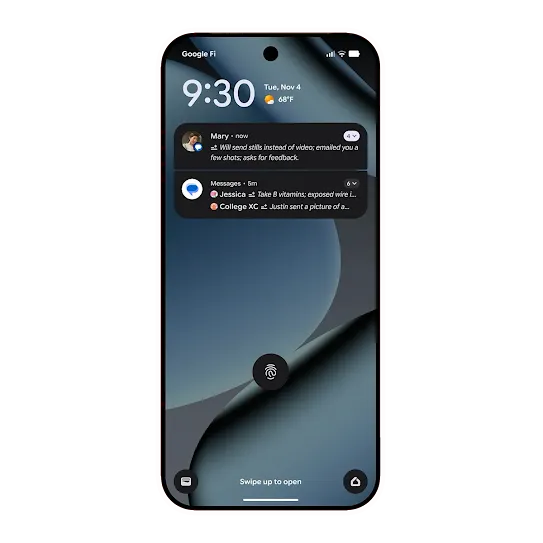
    Find notification details faster.

    Android 16 summarizes longer conversations. Lengthy texts across chat apps are now easily recapped in your notification shade. And lower priority notifications can be silenced and grouped to avoid disruption.
  • Android 16 icon style picker
    Android 16 Powerful customization

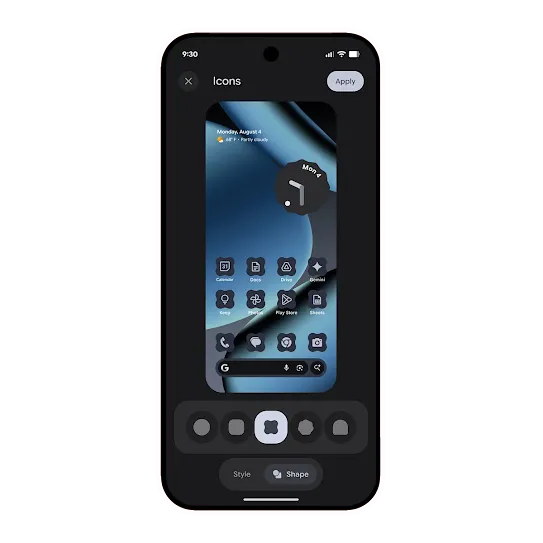
    Customize your icons and more.

    Android 16 gives you the ability to change icon shapes on your homescreen and apply a monochrome theme across all your app icons for a minimalist look. We’re also expanding dark theme across more apps.
  • Connected displays in Android 16 connecting a phone to a computer monitor
    Android 16 Connected displays (in Beta)

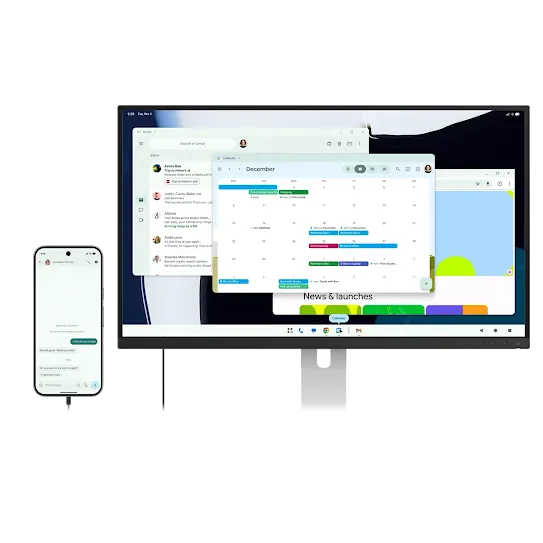
    Size up your small screen

    Share your screen with friends or co-workers or boost your productivity by connecting your phones, foldables, and tablets to external monitors.
  • Parental controls in Android 16 Settings app
    Android 16 Parental controls

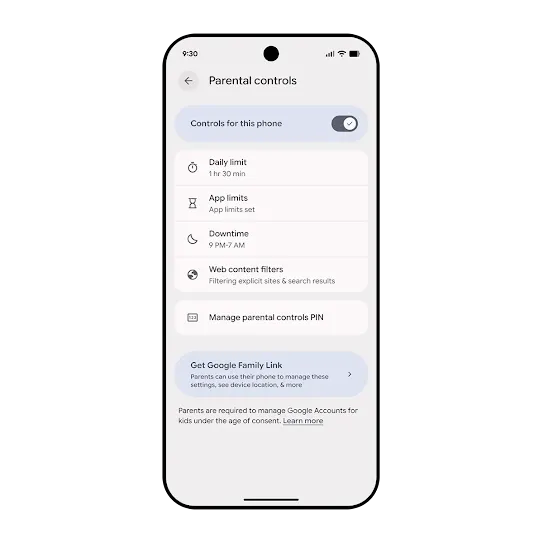
    Built-in supervision options

    Find “Parental Controls” in Android Settings. Easily set daily screen time, app limits, and web filters, with a path to Family Link for more robust tools. A quick PIN setup locks in settings, ensuring they stay the way you set them.15

See the new features in action.

Q4 - Spotlight thumbnail

Link to Youtube Video (visible only when JS is disabled)

Shop the latest
Android phones.

Shop phones
    Play silent looping video Pause silent looping video

    Create your own unique Android bot.

    Enter your Android era. All you need is a selfie or text prompt and let Google AI handle the rest.*

    1 Availability varies. Age 18+. Check responses. Create responsibly . Results for illustrative purposes and may vary.
    2Check responses. 18+. Feature availability may vary by device, region, and account type. UI subject to change. Create responsibly .
    3Internet connection required. Works on compatible apps, surfaces, and Circle to Search compatible devices. Results may vary depending on visual matches.
    4Available on select devices and internet connection required. Works on compatible apps and surfaces. Results may vary depending on visual matches. Check responses for accuracy.
    5Results may vary. Check responses for accuracy. Setup may be required. Compatibility and availability vary.
    6The Gemini for TV experience is optimized for large-screen experiences. Available for select devices, countries, and languages. Setup, Google account, and internet connection required. Android TV OS 14+. Results for illustrative purposes. Check responses. Sequences shortened. Learn more at g.co/tv/gemini.
    7Captions may vary. Check responses for accuracy. Not compatible with video calls. Available on select devices. Available globally when the system language on your device is set to en-US, en-UK, en-AU, or en-CA. Requires Android 15+.
    8RCS must be enabled. Availability of RCS varies by region and carrier.
    9Only available in the Google Maps app.
    10Requires Google Messages with RCS chats turned on, and Google Contacts and Android System Key Verifier apps. Available on Android 10+ devices.
    11Only available between two Android devices when both have Phone by Google set as their primary calling app.
    12Works with compatible emoji. May require download.
    13Requires available storage space in Google Drive.
    14Digital car keys are only available for select vehicles in select markets and on Android 12+ devices. Devices must be within range of the vehicle to operate. Purchase of compatible vehicles and devices required. Sequences shortened and simulated.
    15Users can run Google Family Link on Android devices running versions 5.0 (Lollipop) and higher, and iPhones running iOS 11 and higher - Family Link requires a supervised Google Account for kids under 13 or the applicable age in your country.

    Play silent looping video Pause silent looping video