
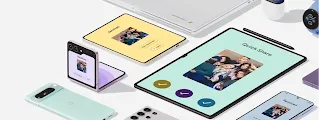

Stay connected to what matters.
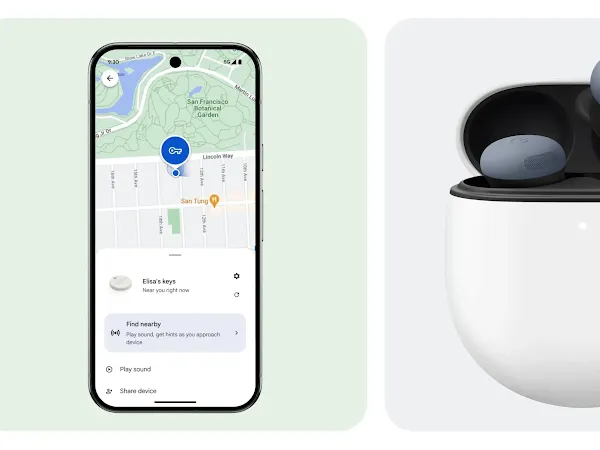
Find Hub turns ‘lost’ into ‘found’ — helping you locate tags, devices, and connect with family and friends quickly and safely.
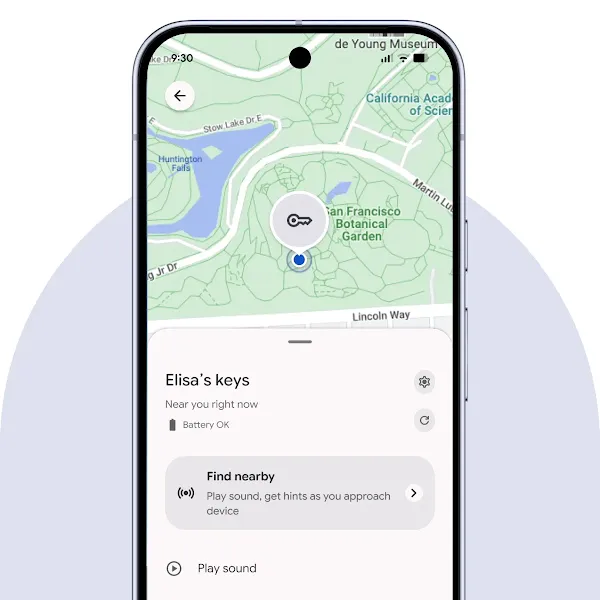
Find. Find. Find.
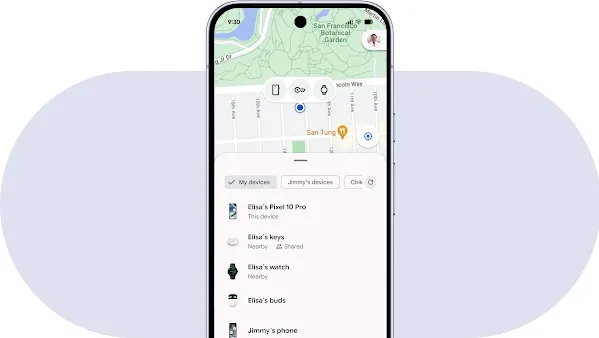
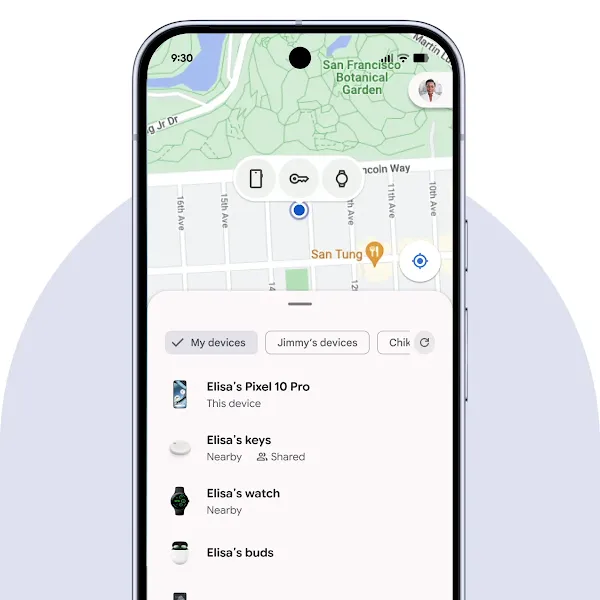
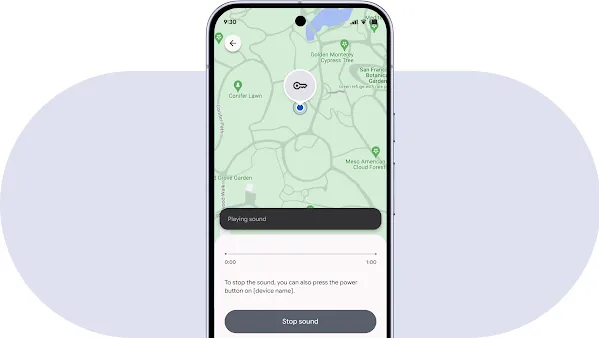
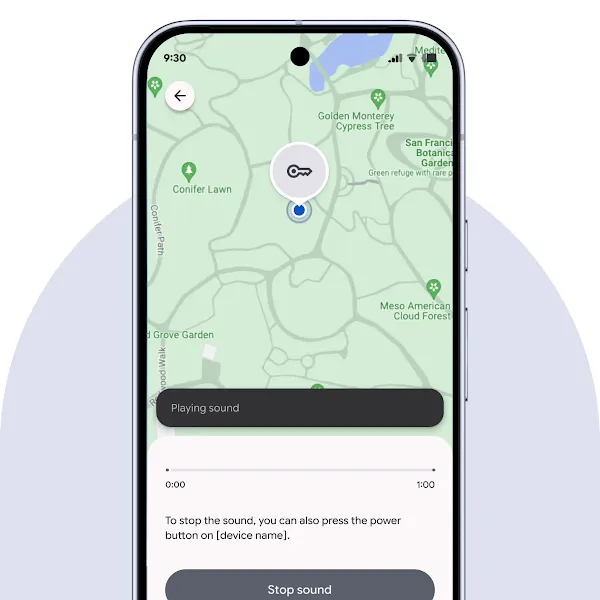
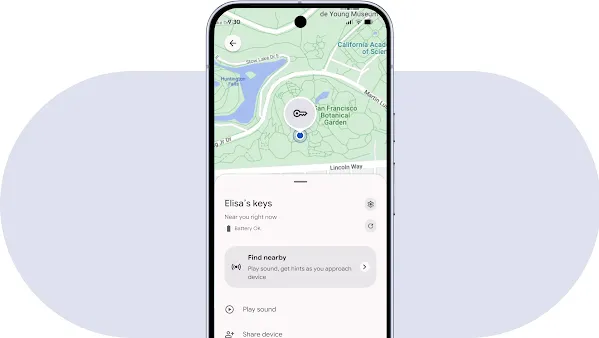
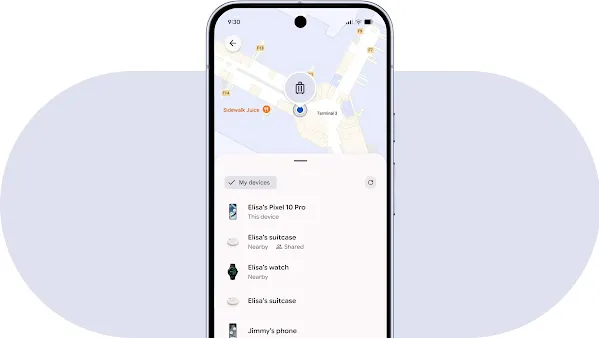
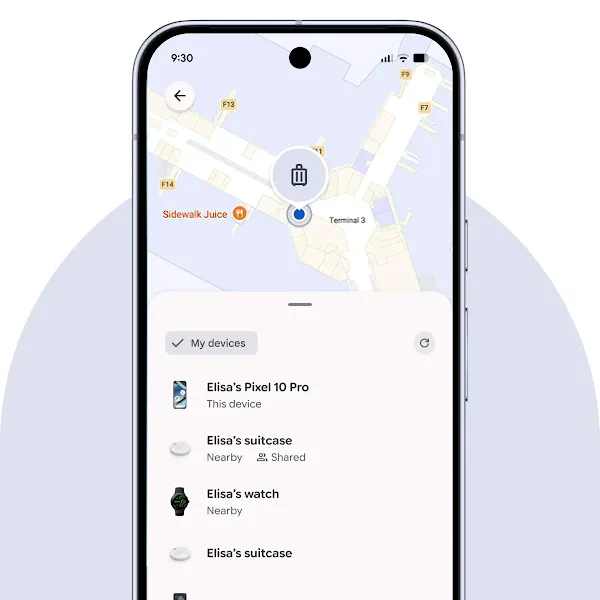
Connect. Connect. Connect.
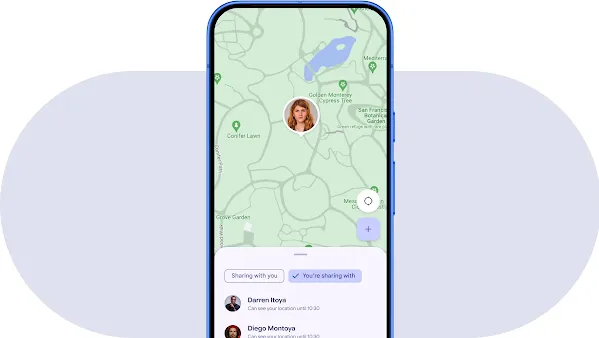
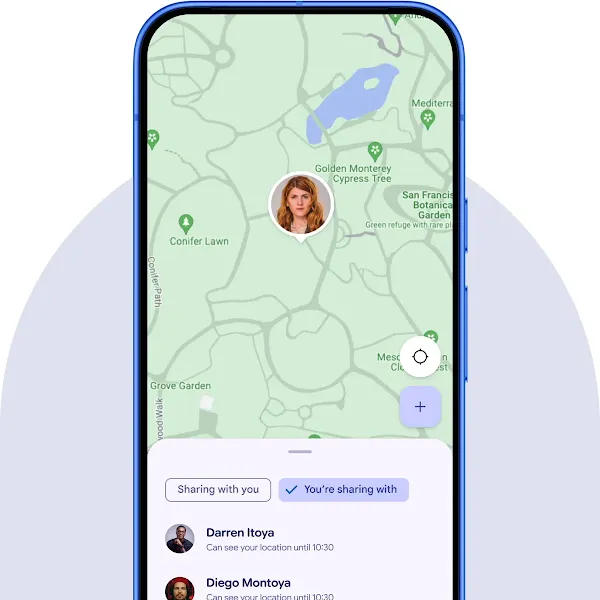

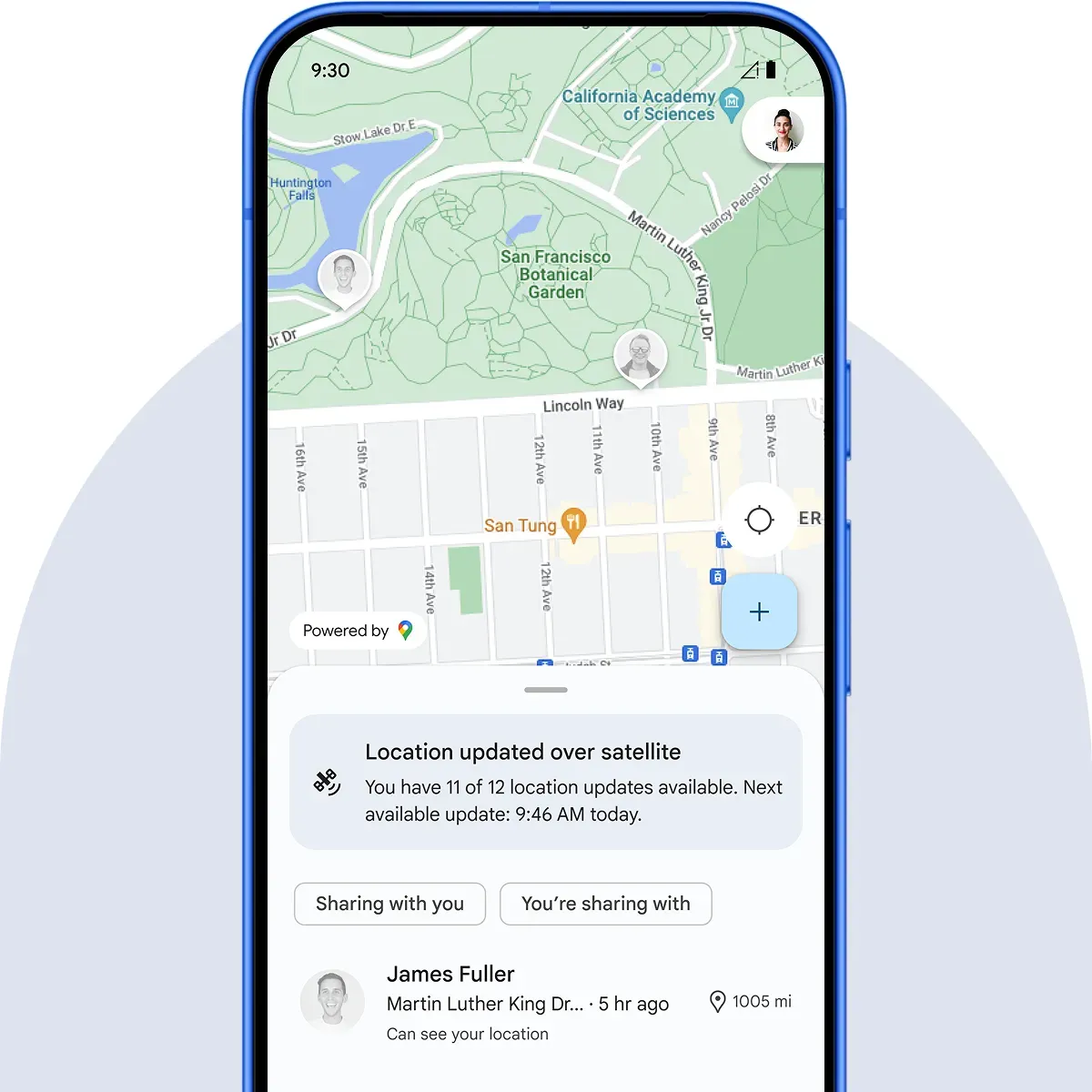
Protect. Protect. Protect.
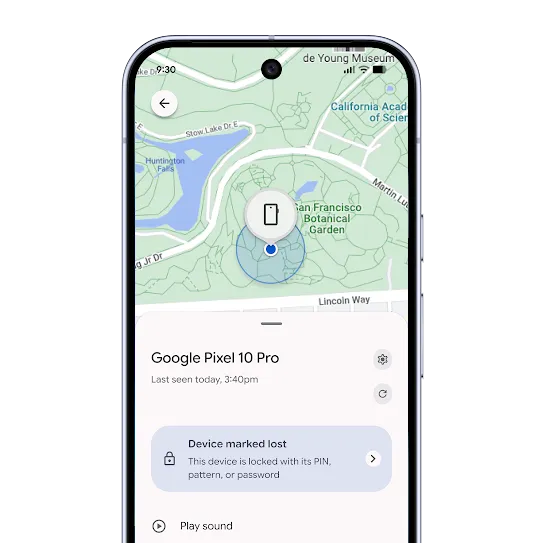
Encrypted for privacy.
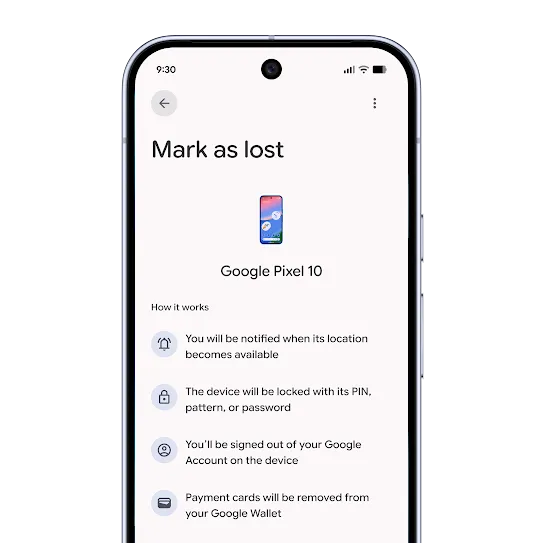
Remotely lock, secure, or erase from anywhere.
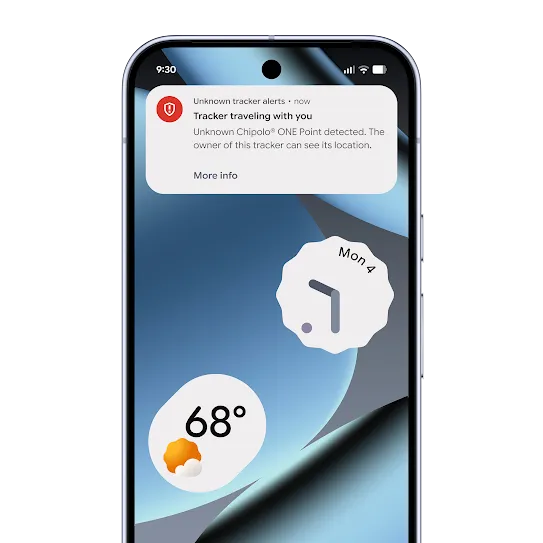
Unknown tracker alerts.
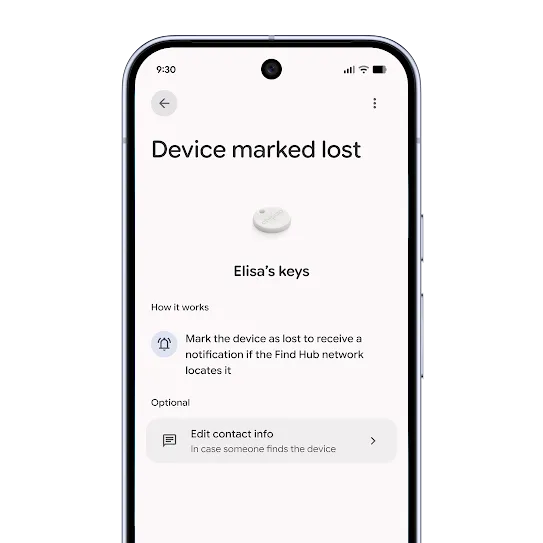
Some extra help from a global network.
Find more than just phones.
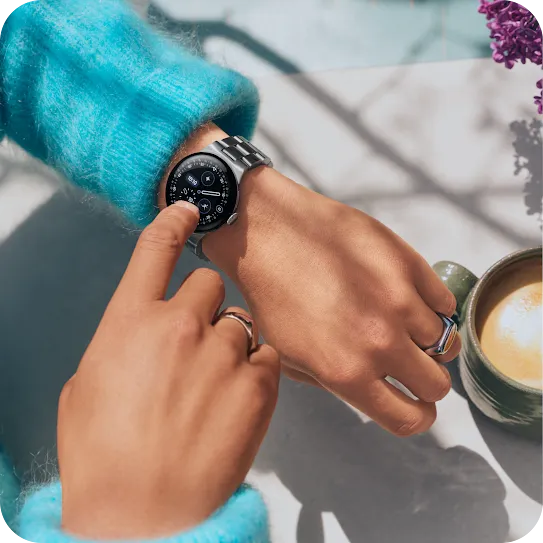
Wearables
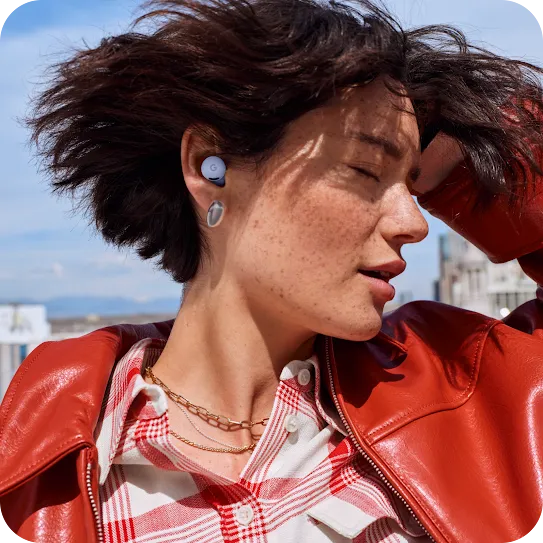
Headphones

Tracking tags
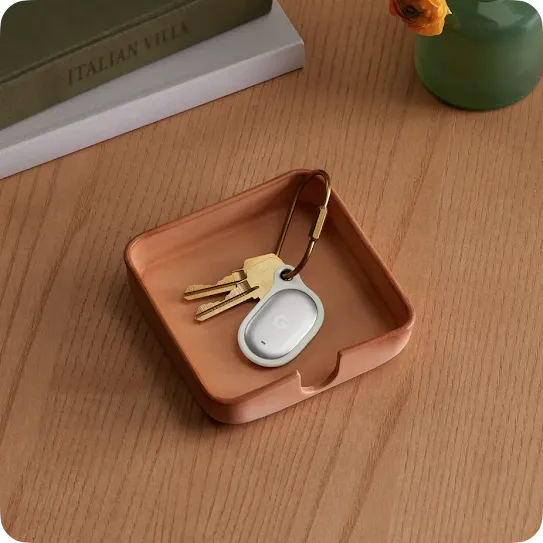
Keep tabs with Google’s first-ever Pixel Tag.
FAQs
Head over to the Help Center to get step-by-step instructions on getting set up with Find Hub.
Android phones with OS 6 and above can use the Find Hub app. You can also access the app in a web browser on laptops and tablets.
The Find Hub network requires Android phones with OS 9 and above.
Android accessories like earbuds, headphones, tracking tags, tablets, watches, smart luggages, and more may be compatible. Look for the “Works with Android” badge on accessories that work with Find Hub. See the full list here.
You can find Android devices with OS 9 and up with the Find Hub network. Head over to android.com/find to locate them on the Web or use the Find Hub app on a friend’s phone or tablet by signing into the app as a guest.
You can use the “secure device” option to lock your device screen with your PIN, pattern or password. If you don’t have a lock, you can set one. To help someone return your device to you, you can add a message or phone number to the lock screen.
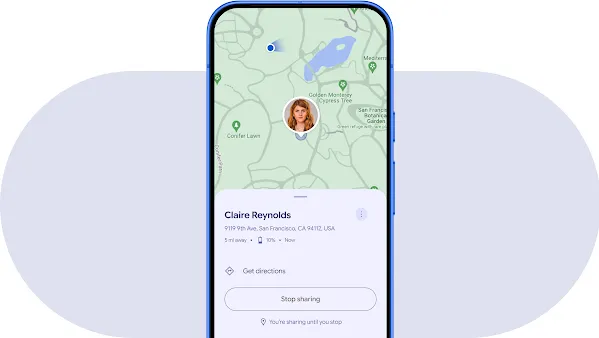
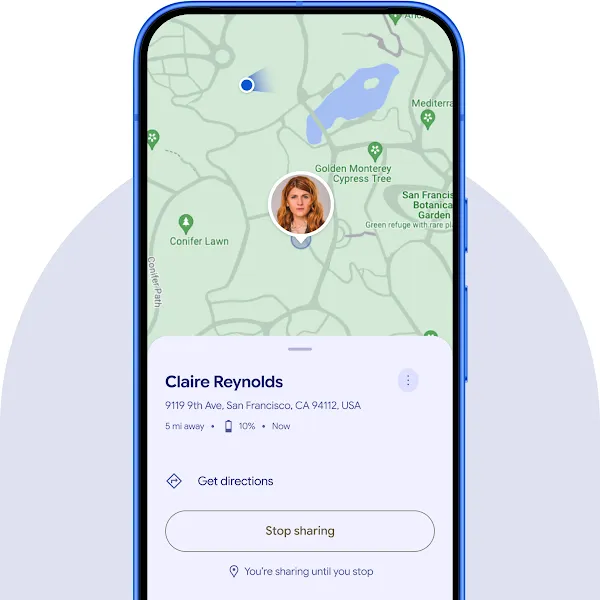
- Tap on the user you’d like to stop sharing with.
- Tap the “Stop sharing” button.
- From the confirmation dialog, you can either:
- Cancel: Your share stays and you go back to the details page.
- Confirm:
- If the user is also sharing with you, you’ll stay on the contact detail page and the button will no longer be blue. You can start a new share if you want.
- If you’re the only one sharing, you’ll be sent back to the list of shares.
Head over to the Help Center for more ways to stop sharing your location with friends or family on Find Hub.
Yes, you can track your lost Pixel Buds using Google's Find Hub. The Find Hub app will show their last known location on a map, and if they are nearby, you can make them ring to help you find them.
Absolutely, you can track your lost Android tablet's location with Google's Find Hub. The Find Hub allows you to see your Samsung, Pixel, or other Android tablet on a map and even lock it remotely for security.
Yes, your phone is the key to finding your lost Android or Samsung watch. Use the Find Hub app to see your watch's last known location or make it ring loudly to help you locate it when it's nearby.
Be the first to see
all the fun from Android.
Sign up to receive tailored emails and texts from Android with news, offers, events, and more.