



What’s new on Android.
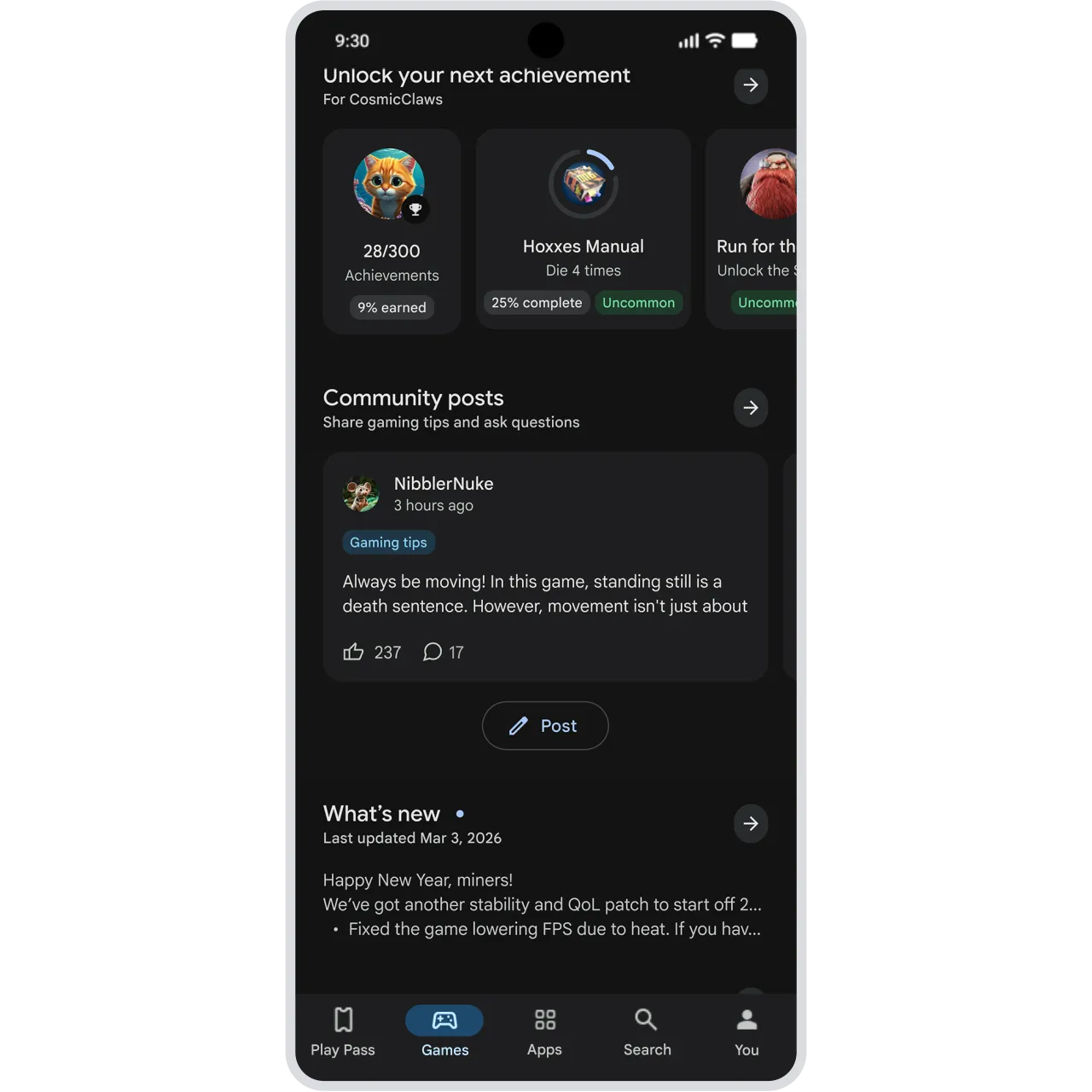
Discover new apps with bite-sized videos in Google Play, create custom soundtracks in Gemini, and share your real-time location without leaving Google Messages. Explore these helpful updates for your devices.


The magic of AI.
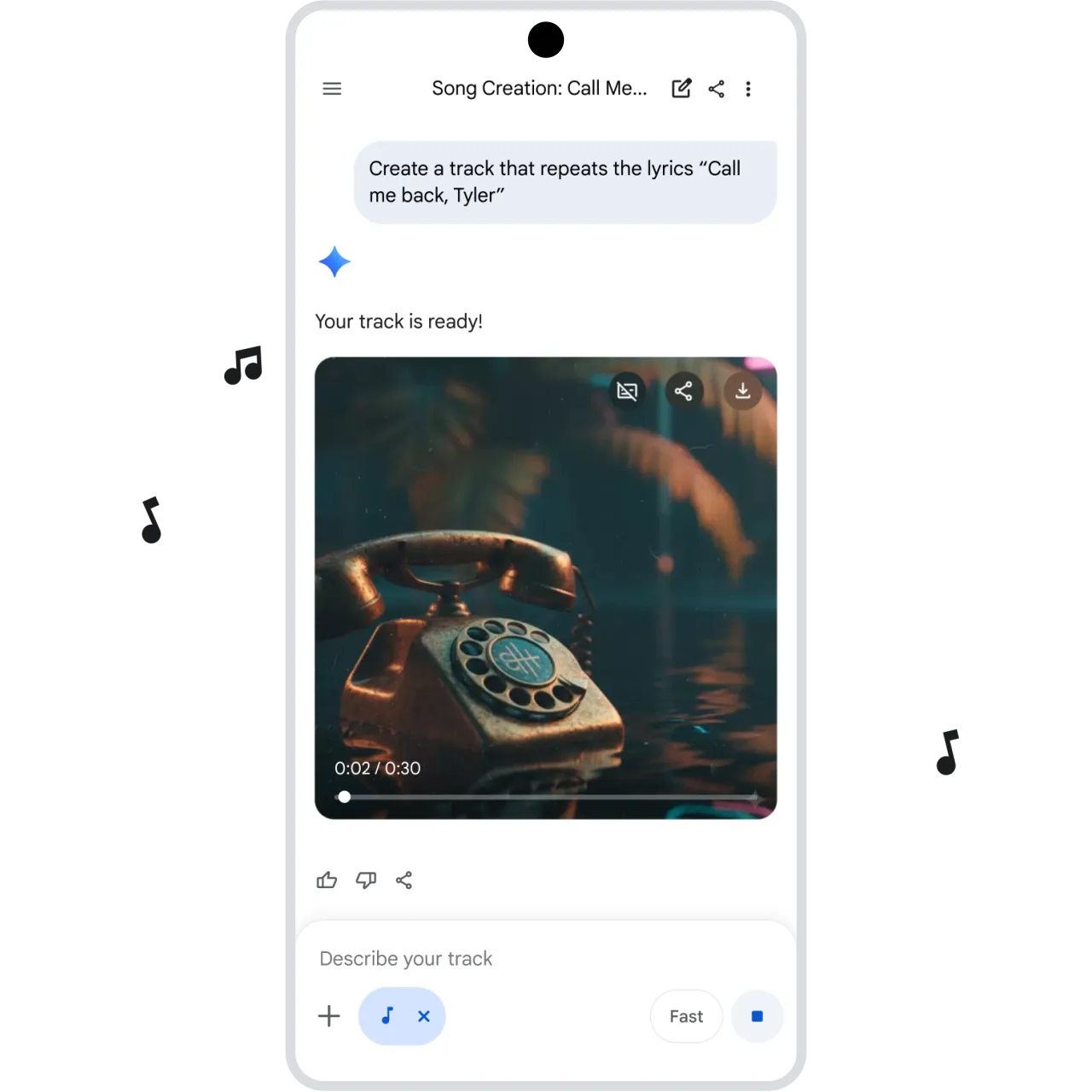
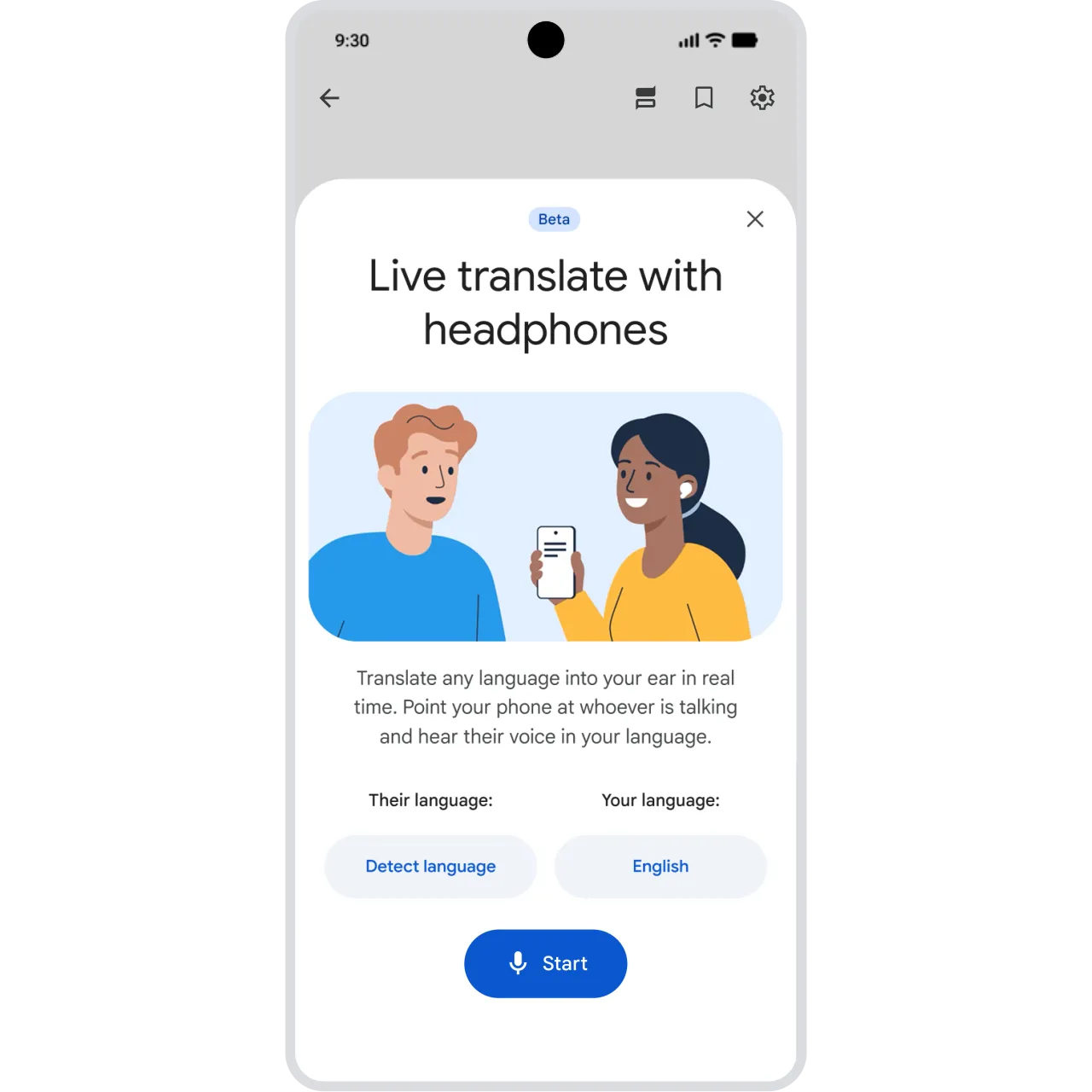
From creating custom soundtracks in Gemini to hearing live translations in your headphones, Google AI is re-imagining what’s possible and bringing magic to more of your devices.
The magic of AI.
Superpower your everyday.
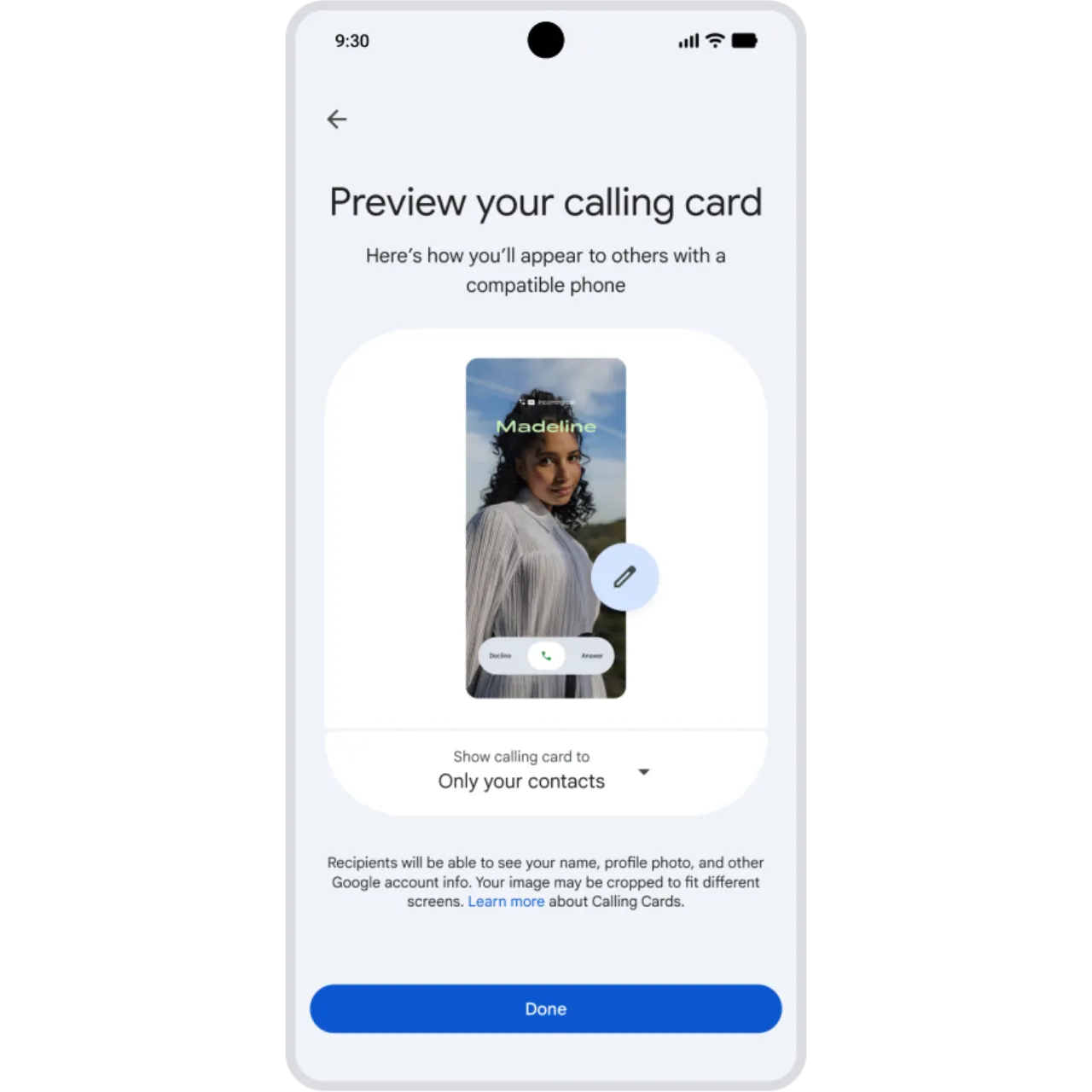
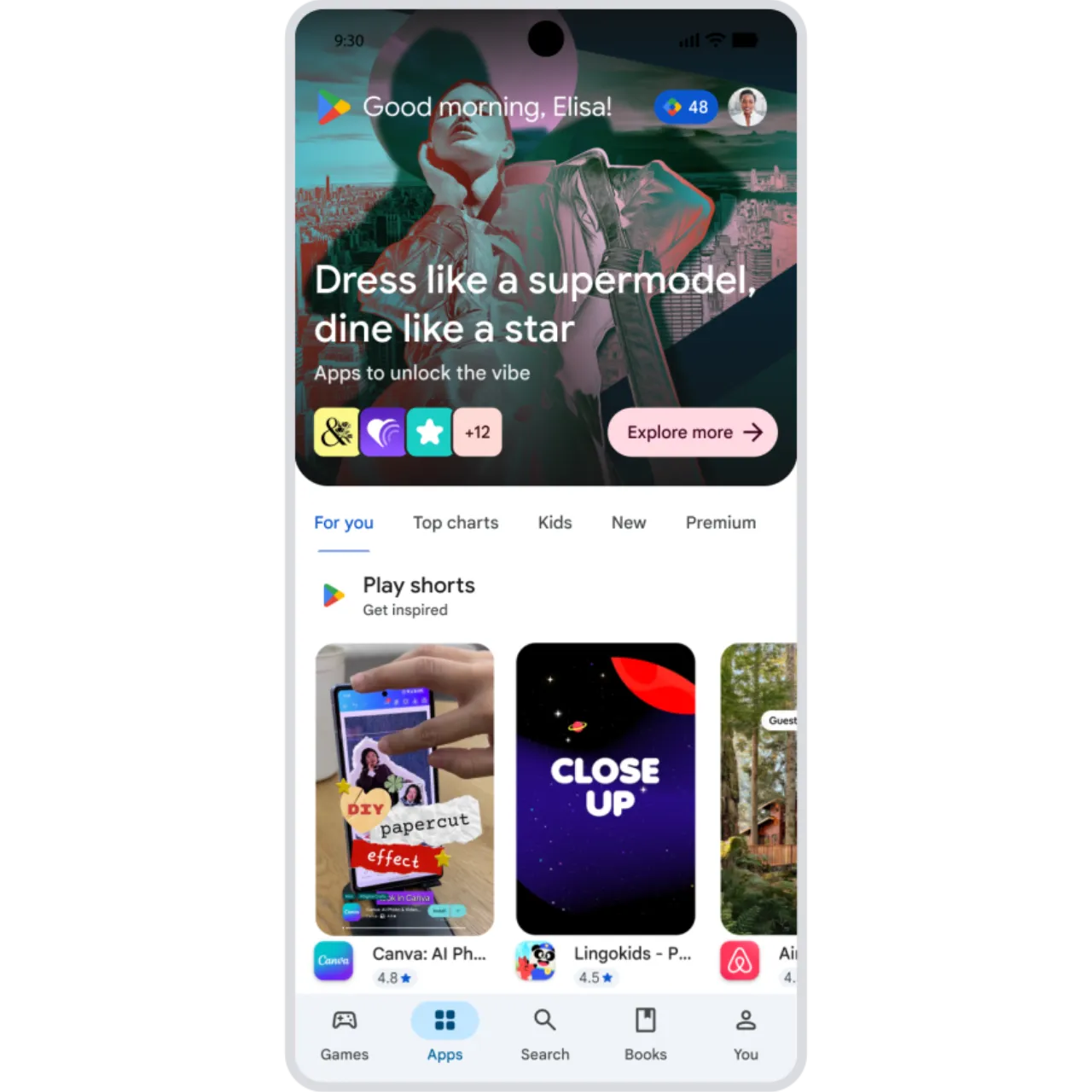
Discover new apps with bite-sized previews, design your own Calling Card for outgoing calls, and more. Explore new features that make everyday moments better.
Superpower your everyday.
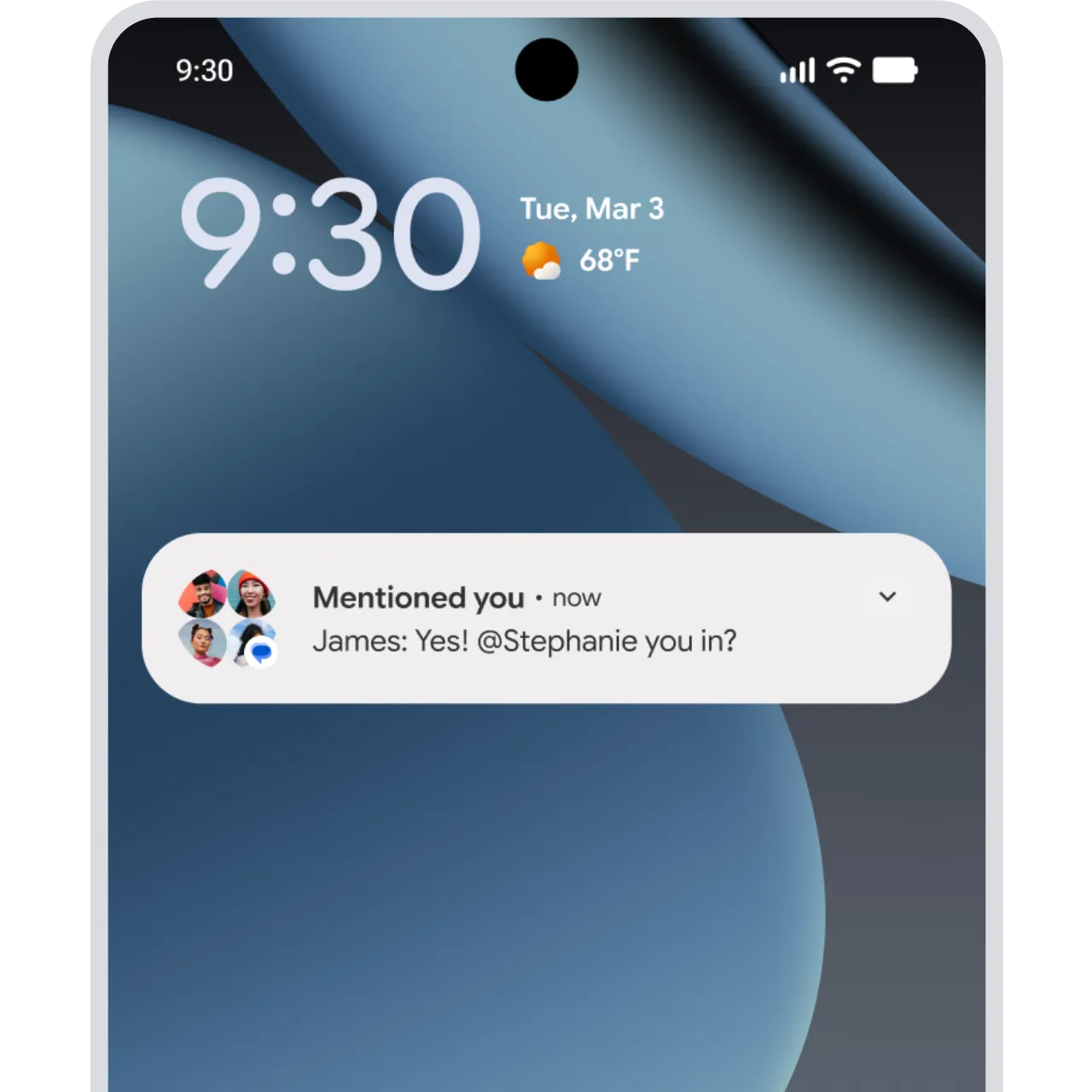
Mention friends to get their attention.
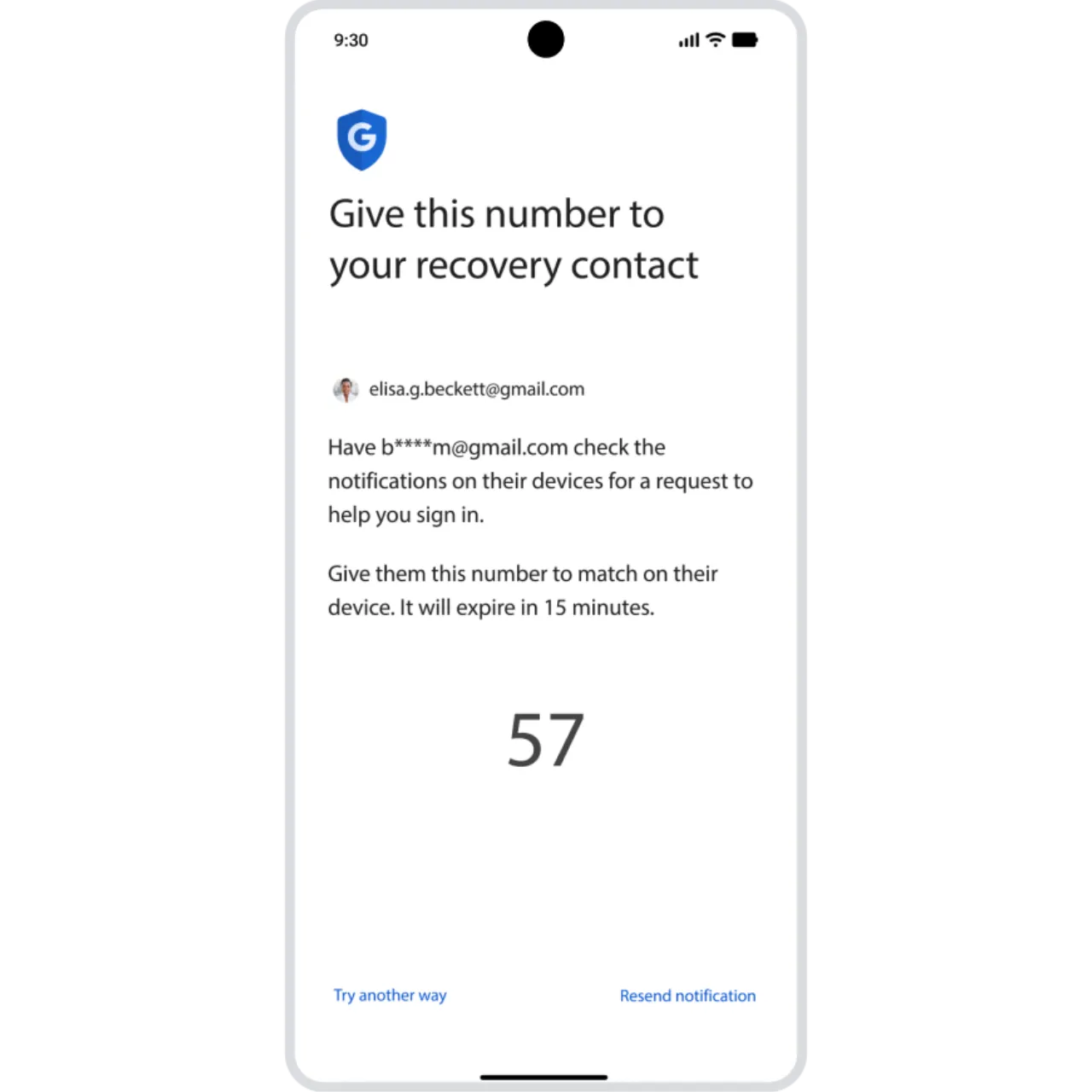

Stay connected.
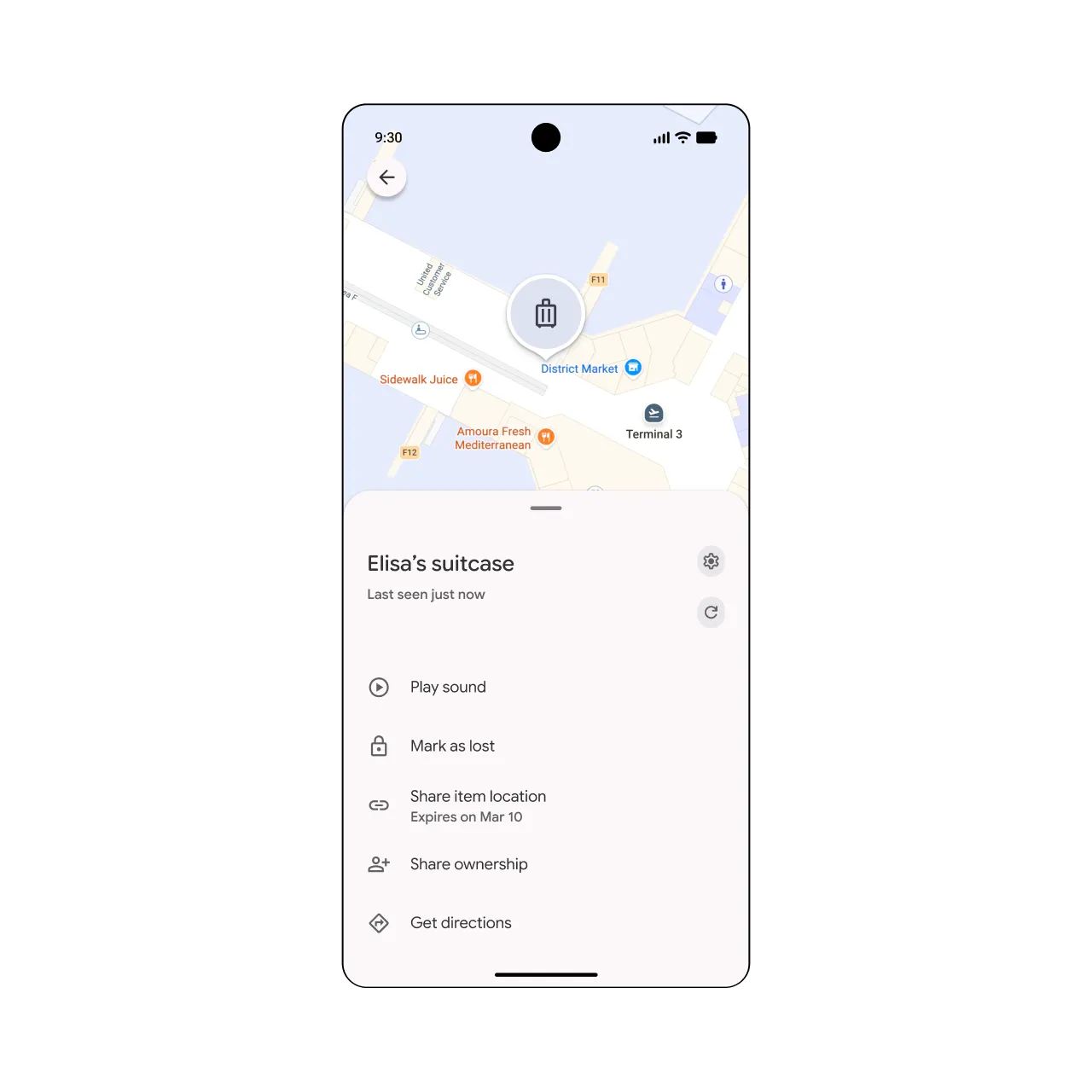
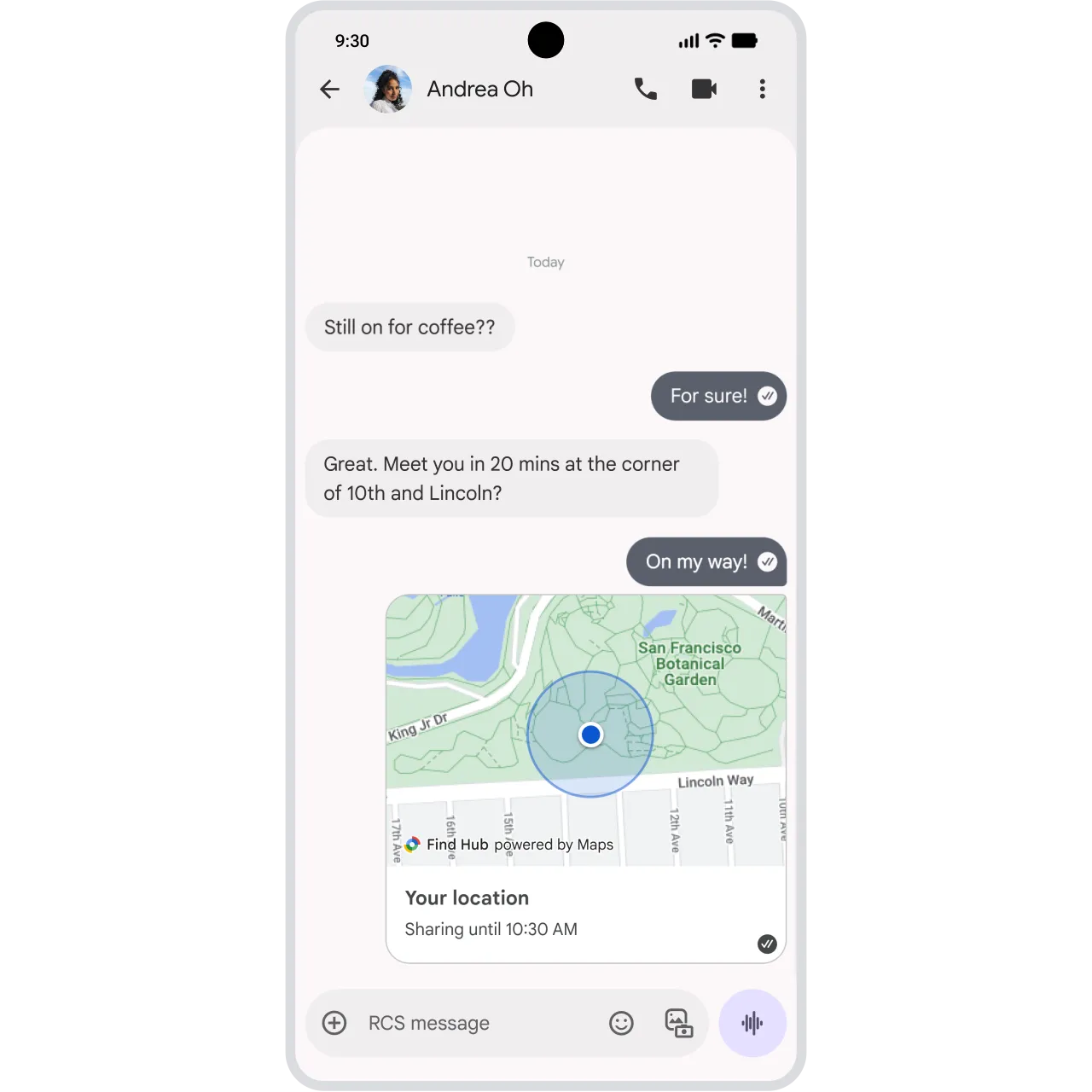
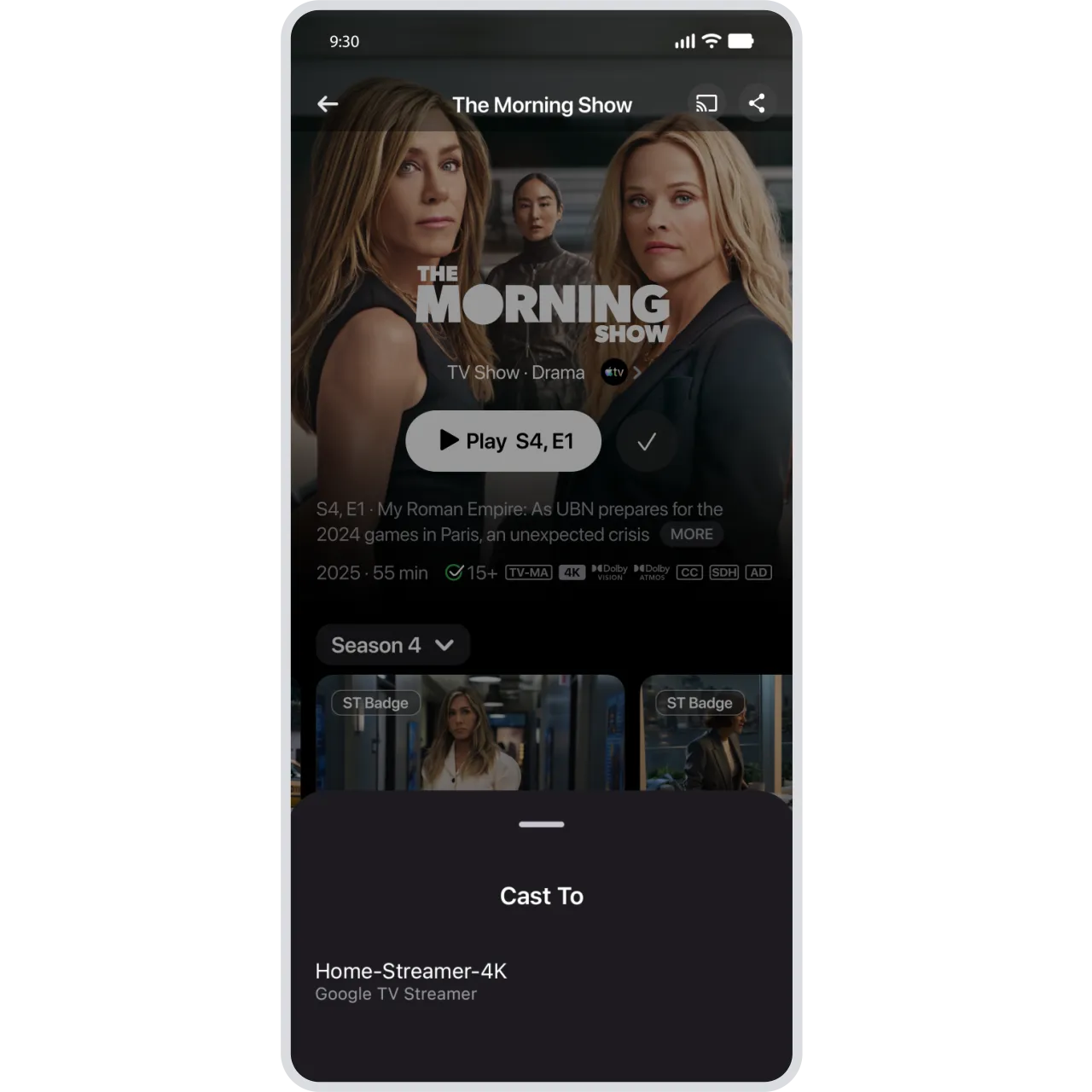
From sharing your location mid-chat to watching Apple TV on your big screen, check out the features making it easier to stay connected.
Stay connected.
-
Android Auto
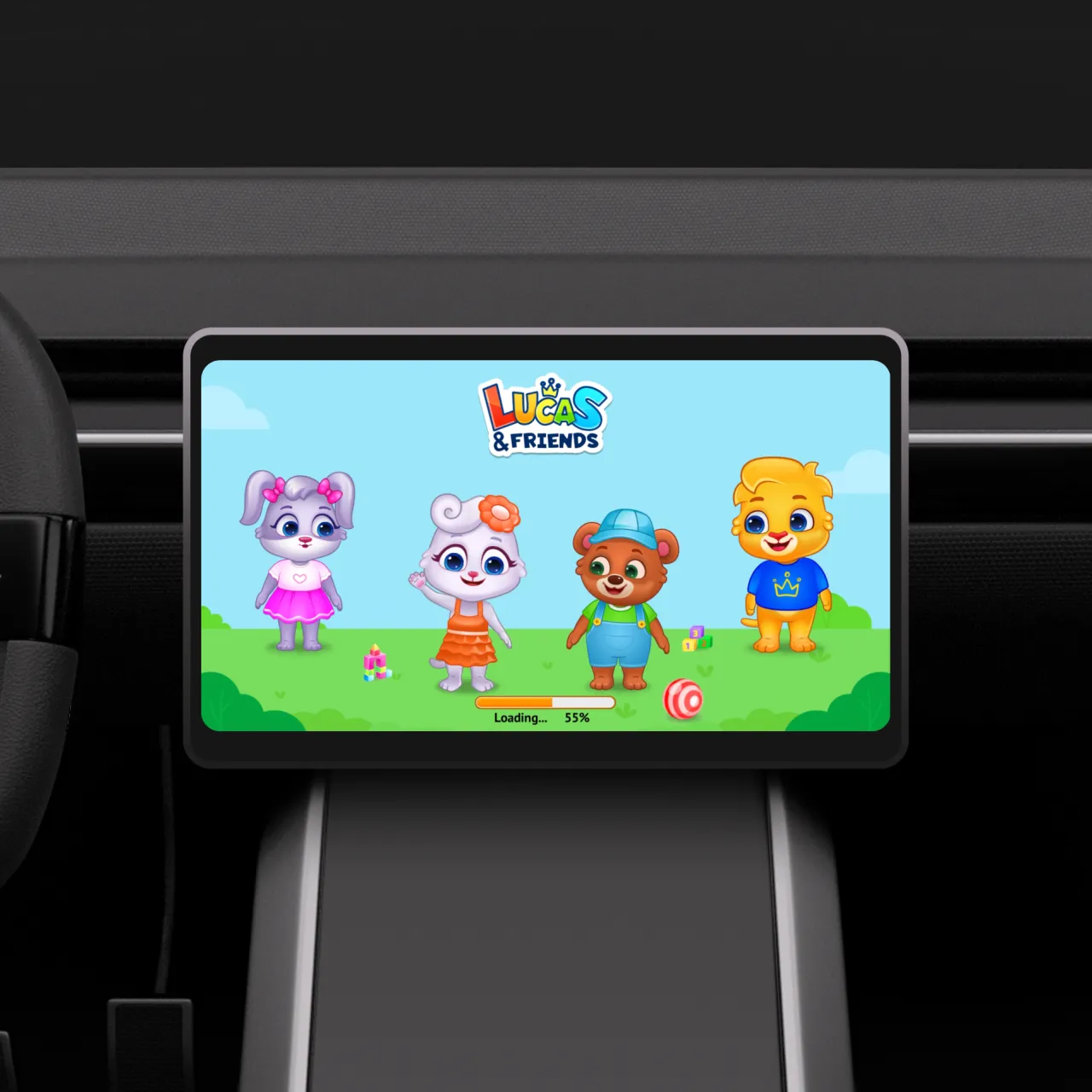
Keep kids entertained while parked.
The new kid-friendly lineup offers a fun and educational play experience right on your dashboard. With games catered for ages 3-12, children can learn and play with games like Disney Coloring World, LetraKid: Writing ABC for Kids, Draw a Stickman: EPIC 3, and more.10
See the new features in action.
Link to Youtube Video (visible only when JS is disabled)
Android 16
AI-powered notification tools, even more advanced customization, and stronger parental controls.
Read more.
Android 16
Read more.
-
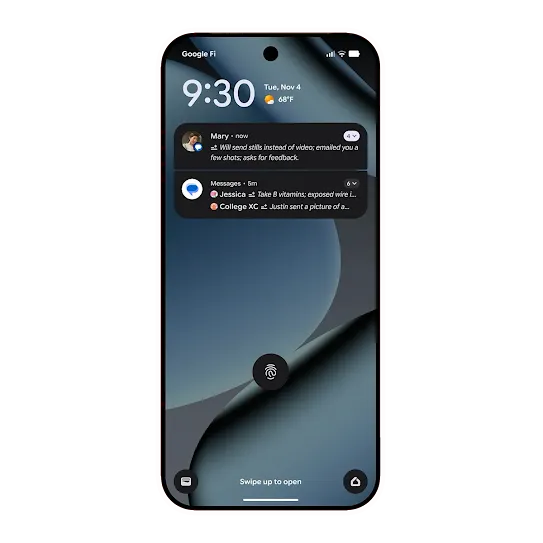 Android 16 Notification summaries and organizer
Find notification details faster.
Android 16 summarizes longer conversations. Lengthy texts across chat apps are now easily recapped in your notification shade. And lower priority notifications can be silenced and grouped to avoid disruption. -
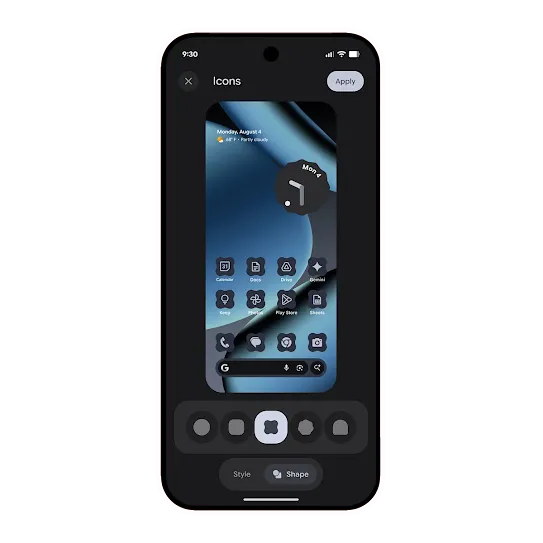 Android 16 Powerful customization
Customize your icons and more.
Android 16 gives you the ability to change icon shapes on your homescreen and apply a monochrome theme across all your app icons for a minimalist look. We’re also expanding dark theme across more apps. -
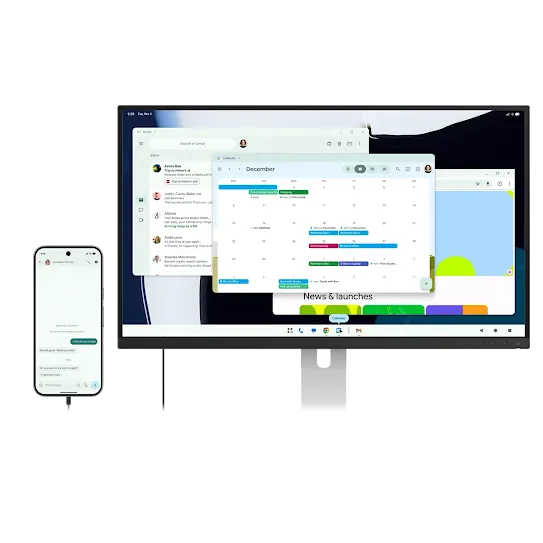 Android 16 Connected displays (in Beta)
Size up your small screen
Share your screen with friends or co-workers or boost your productivity by connecting your phones, foldables, and tablets to external monitors. -
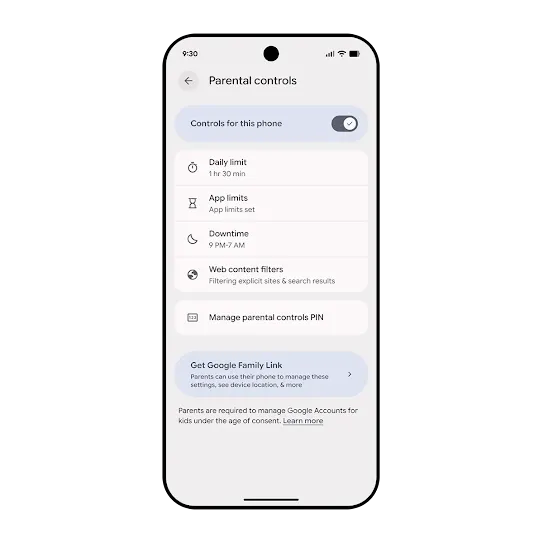 Android 16 Parental controls
Built-in supervision options
Find “Parental Controls” in Android Settings. Easily set daily screen time, app limits, and web filters, with a path to Family Link for more robust tools. A quick PIN setup locks in settings, ensuring they stay the way you set them.15
Shop the latest
Android phones.
Create your own unique Android bot.
Be in the mix with all things Android.
Be in the mix with all things Android.
Sign up to receive tailored communications from Android with news, offers, events, and more.
Sign up to stay in the mix