Amplify what matters with audio tools.
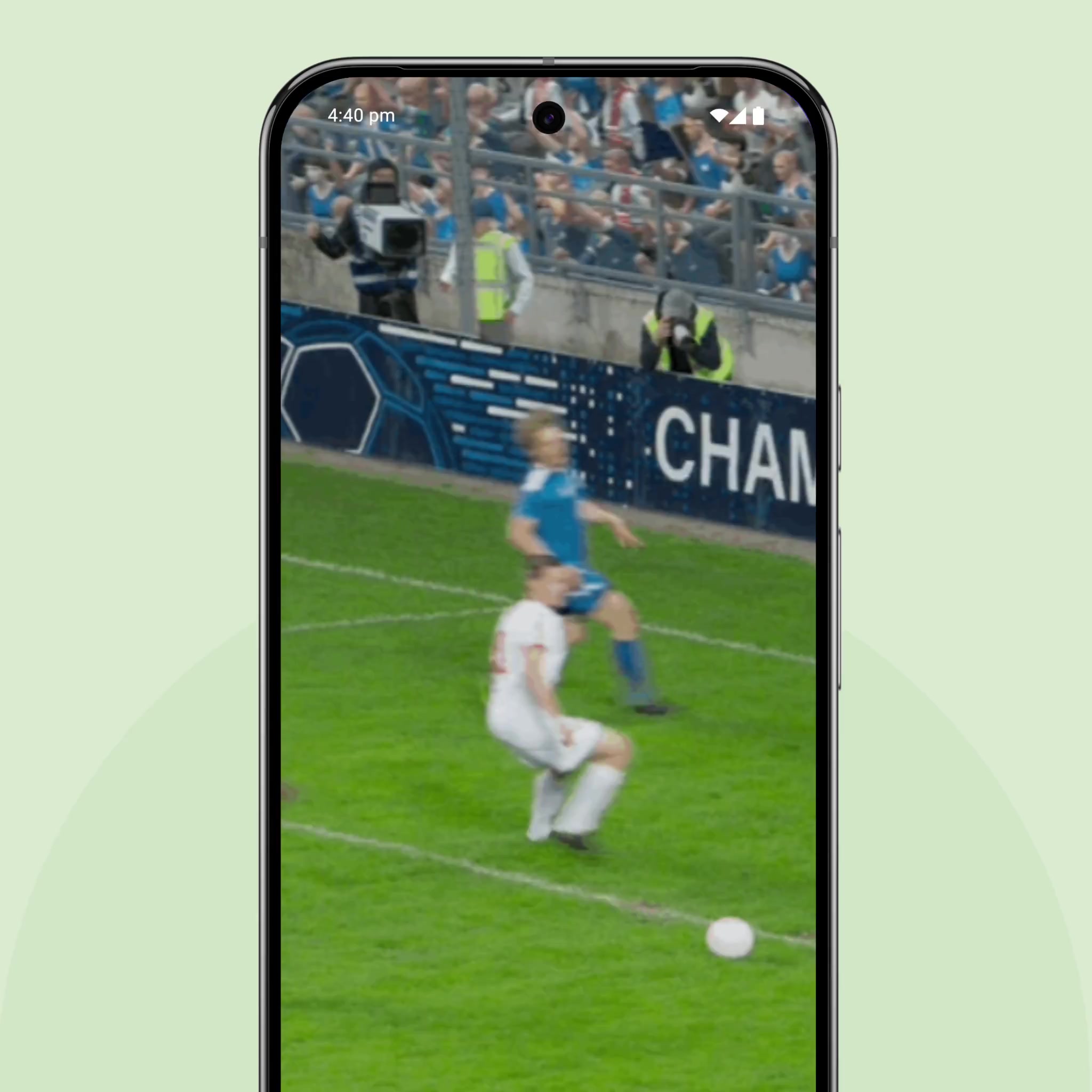
Expressive Captions
Sound off. Feelings on.
AI-powered Expressive Captions now capture the duration and personality of every word. From cringey yiiiiikes and a surprised eeeeeek to laughs and sighs, you’ll catch it all.2
Live Transcribe & notification
Read what's said, the moment it's spoken.
Join any conversation with Live Transcribe's instant speech-to-text captions. Never miss a beat by setting your phone to vibrate when your name's spoken. And for other important sounds like sirens, a doorbell or a dog barking, set your phone or smartwatch to vibrate or flash.1
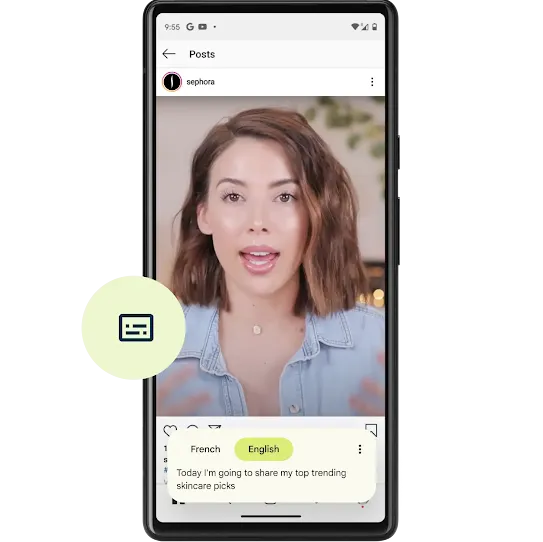
Live Caption
Caption almost anything on your phone.
With a single tap, automatically caption videos, podcasts, and audio messages—even your home movies. Choose the language2 you’re familiar with, and watch spoken words appear on-screen. On Pixel, you can even caption your calls. You can automatically generate real-time captions for media with audio on Chrome.
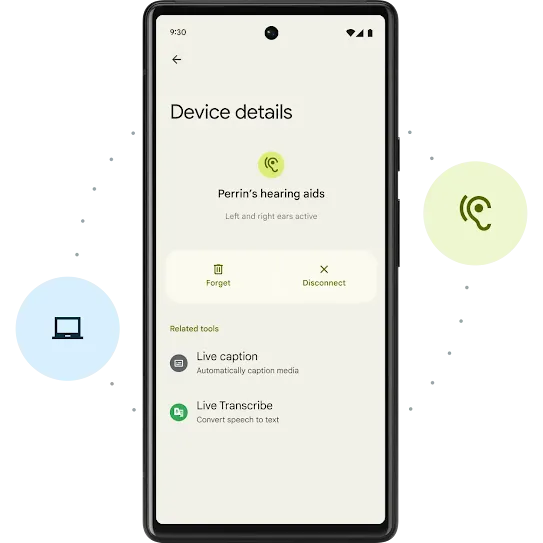
Hearing aids
Stream sounds from your phone to your ears.
Pair your hearing aids with your Android device to enjoy music, entertainment, conversations and more.3
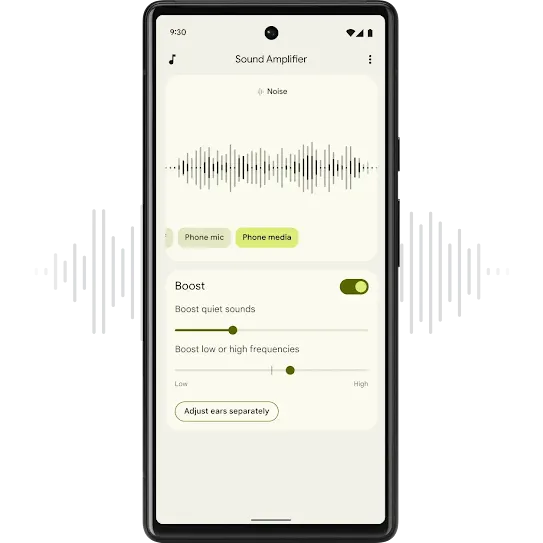
Sound Amplifier
Boost the sounds you want to hear.
Using your phone’s microphone, hone in on certain voices for clearer conversations (“Hi, Dad.”). Cut out distracting background noises. All you need is a pair of headphones.4