





First on Android
Say hello to
Expressive Captions.
Now captions come with all the feelings on everything live, from TV and social to video messages — right on your Android.
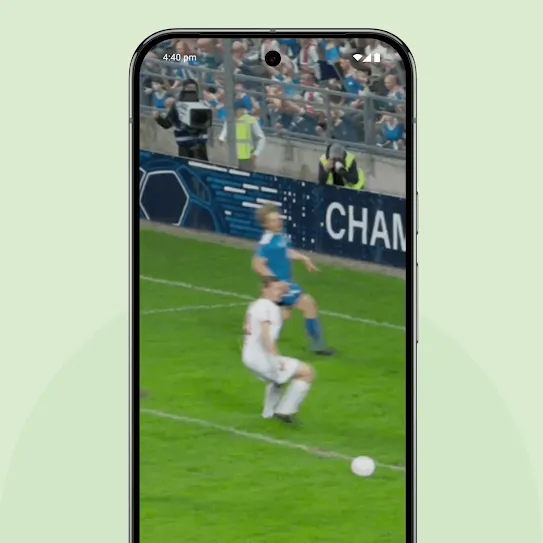
New innovations
Catch the vibes.
Feel every moment with AI-powered captions that capture the personality and duration of what’s being said – from giggles and sighs to a surprised eeeek and words that go on and onnnn.
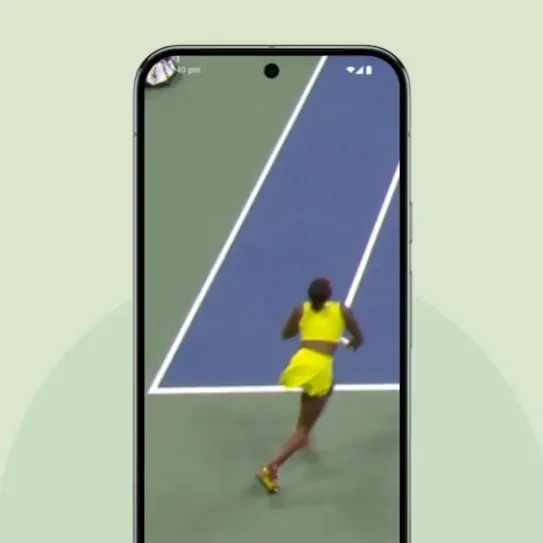
Live sports streaming
Get closer to the action.
Read when the EMOTION IS HIGH on live sports, news, and more with impactful capitalization — all on your phone.
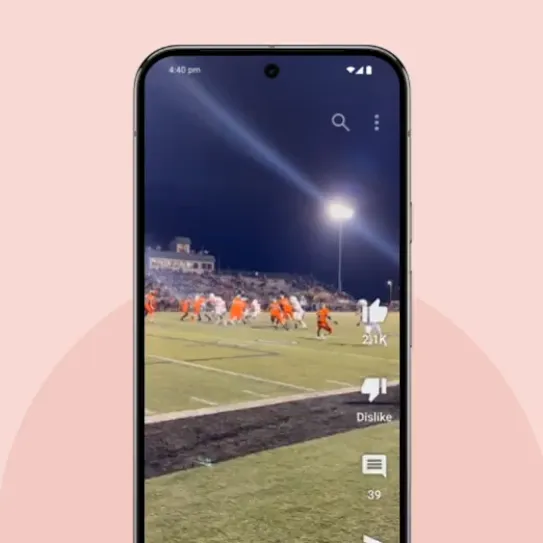
Live video streaming
Live in the moment.
Feel the joy and drama behind the words as you watch a live video, truly losing yourself in the moment with emotion captured in the captions.
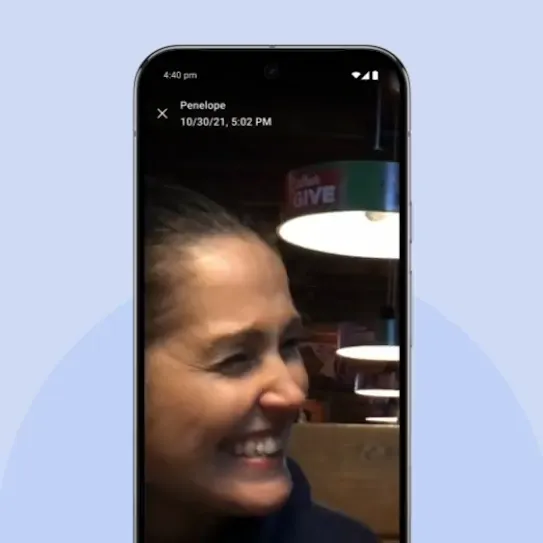
Messages
Connect with the fam.
Video messages from friends and family come to life with environmental sounds. So you can feel it, even when you don’t hear it.
Turn on
Expressive Captions.
Get started on Android across all of your apps and services.**
-
1. Press the volume button.*
Press the up or down volume button on the side of your device.
-
2. Tap the Live Caption icon.
Under the volume controls, tap the Live Caption icon, then Done.
-
3. Tap the Expressive Captions icon.
Under Live Captions on your media, tap the Expressive Captions icon.


For more details including which devices are compatible, visit our Help Center.