




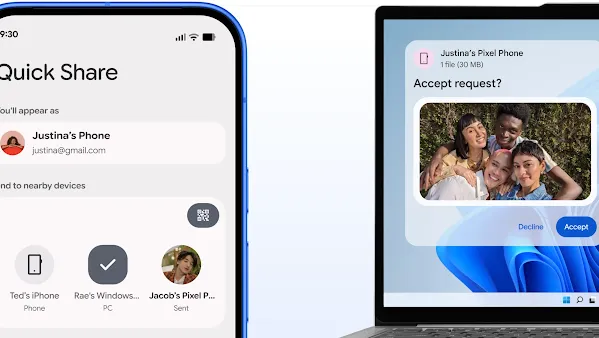
Wireless file sharing with your PC just got easier.
Wireless sharing with your PC, made easy.
How to share and receive files with Windows.
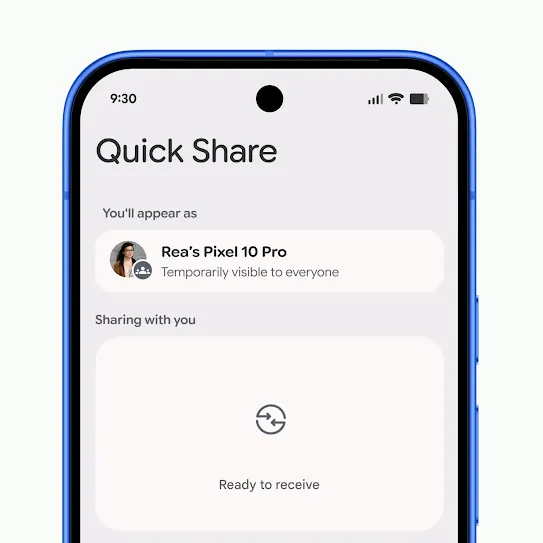
Open Quick Share.
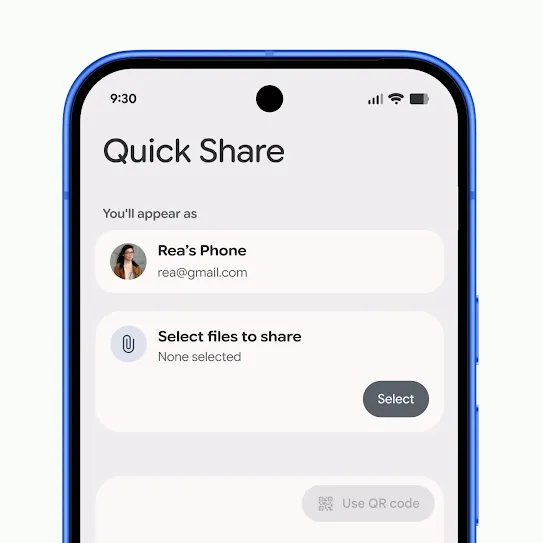
Select photos or files you want to share.
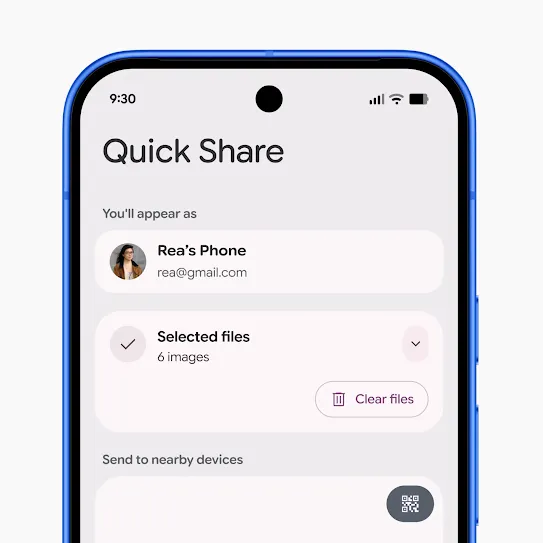
Make sure you have the device visibility set to your preference.
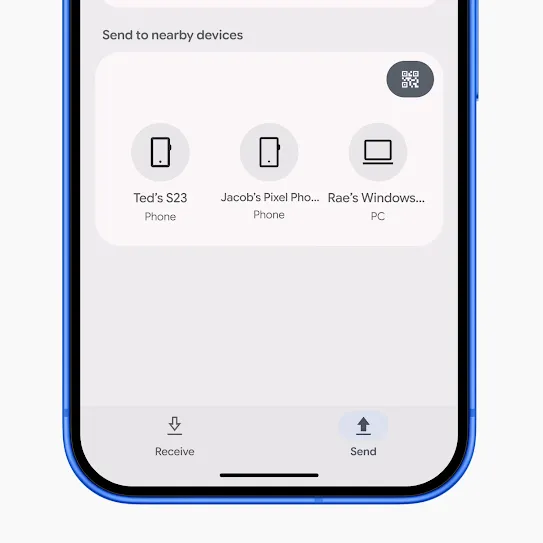
Wait for the transfer to complete.
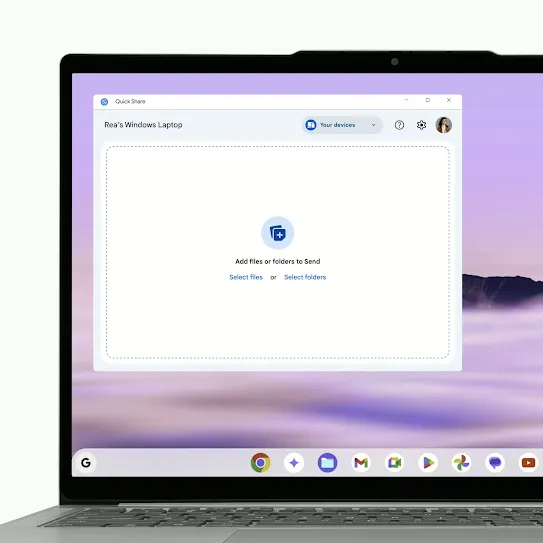
Open the Quick Share app on your PC and select the files or folders you want to share.
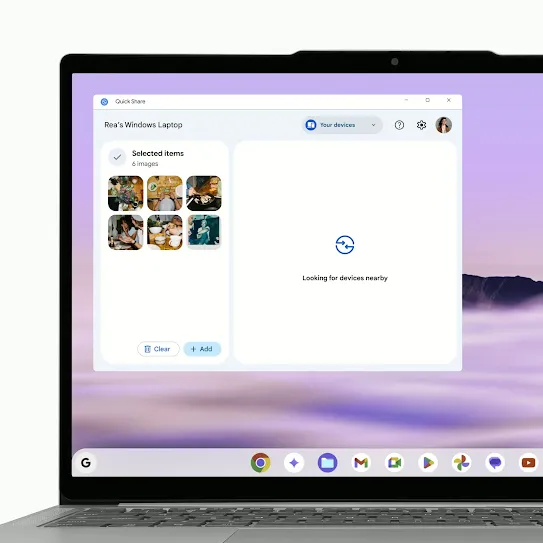
Make sure the Device visibility is set to your preference.
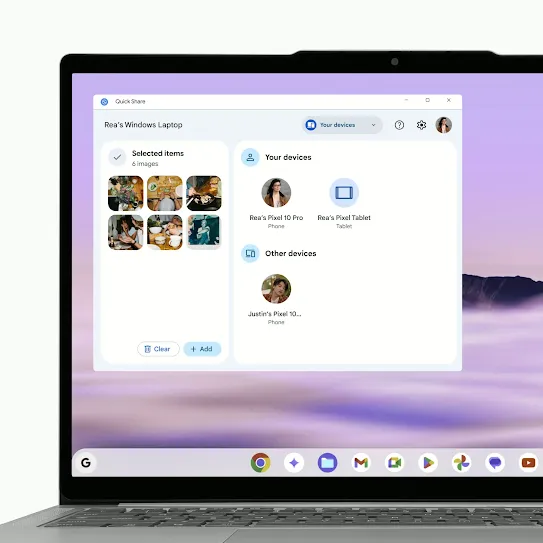
Select the Android device you want to share with.
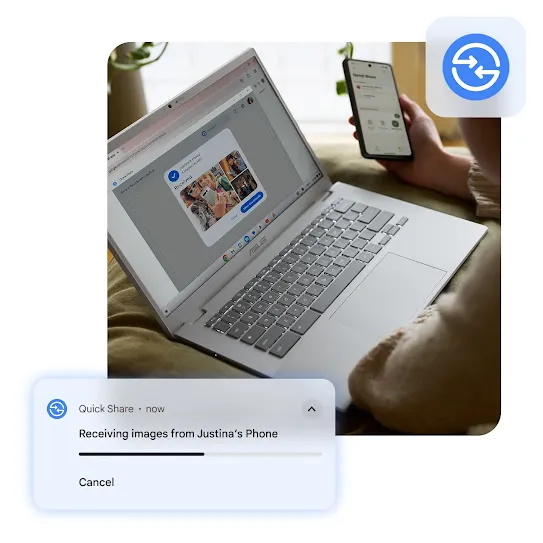
View on a bigger screen.
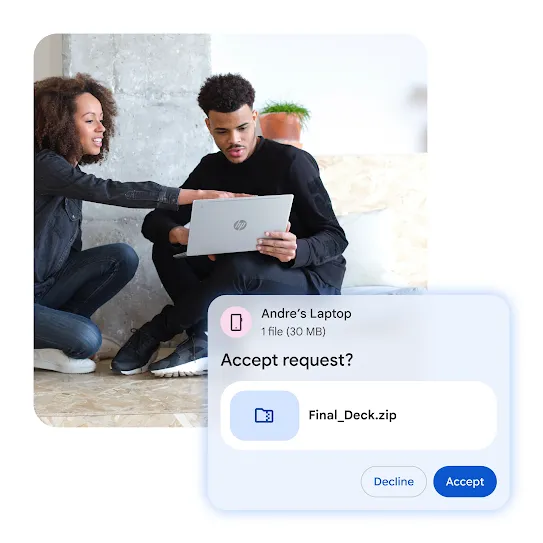
Take your files on the go.

FAQs
Windows computers (i.e. desktops and laptops) running a 64-bit version of Windows 10 and up (or Windows 11 and up for ARM-based devices). Download Quick Share and ensure Wi-Fi and Bluetooth are enabled on your Windows PC.
Quick Share by Google is meant for non-Samsung PCs. If you have a Samsung PC please install Quick Share from Samsung from the Microsoft Store. Quick Share by Google is no longer supported on Samsung PCs. You will be able to continue sharing with your existing contacts and devices through the Samsung app.
Quick Share is already installed on Android 6+ devices, so you do not need an additional app on your device.
For Windows, you will need to download and install the Quick Share app. Once it’s ready, you simply need to make sure it’s visible to your Android device, then start sharing.
Read our guidebook for even more info on how to use Quick Share on Android.
You can check the Android version on your device's Settings app. Learn how to check and update your Android device in our Help Center.
Yes. You can send files to anyone that has Quick Share turned on, with their devices discoverable to you. After you choose their device as the receiver, they simply accept the transfer and the file will be sent over.
You will always be asked to confirm the transfer before receiving a file from other users. You also have full control over who can discover and share with your device. All Quick Share transfers are protected by E2E encryption.
We’re actively working on improving our functionality and experience, and welcome any feedback you might have. Please enter them here.
If Quick Share shows "device not supported" or fails to work, first ensure both devices have Bluetooth, Wi-Fi, and Location enabled and are within close proximity.
For Windows, use a 64-bit version of Windows 10/11 and download the app directly. If using Samsung, ensure it is updated to receive files from non-Samsung devices.