



Your Android privacy on your terms.
Get great out-of-the-box protection with the ability to further personalize your privacy experience.
Privacy dashboard
Check which apps can access sensitive data.
With Android, you choose when to share certain sensitive data with apps you download.
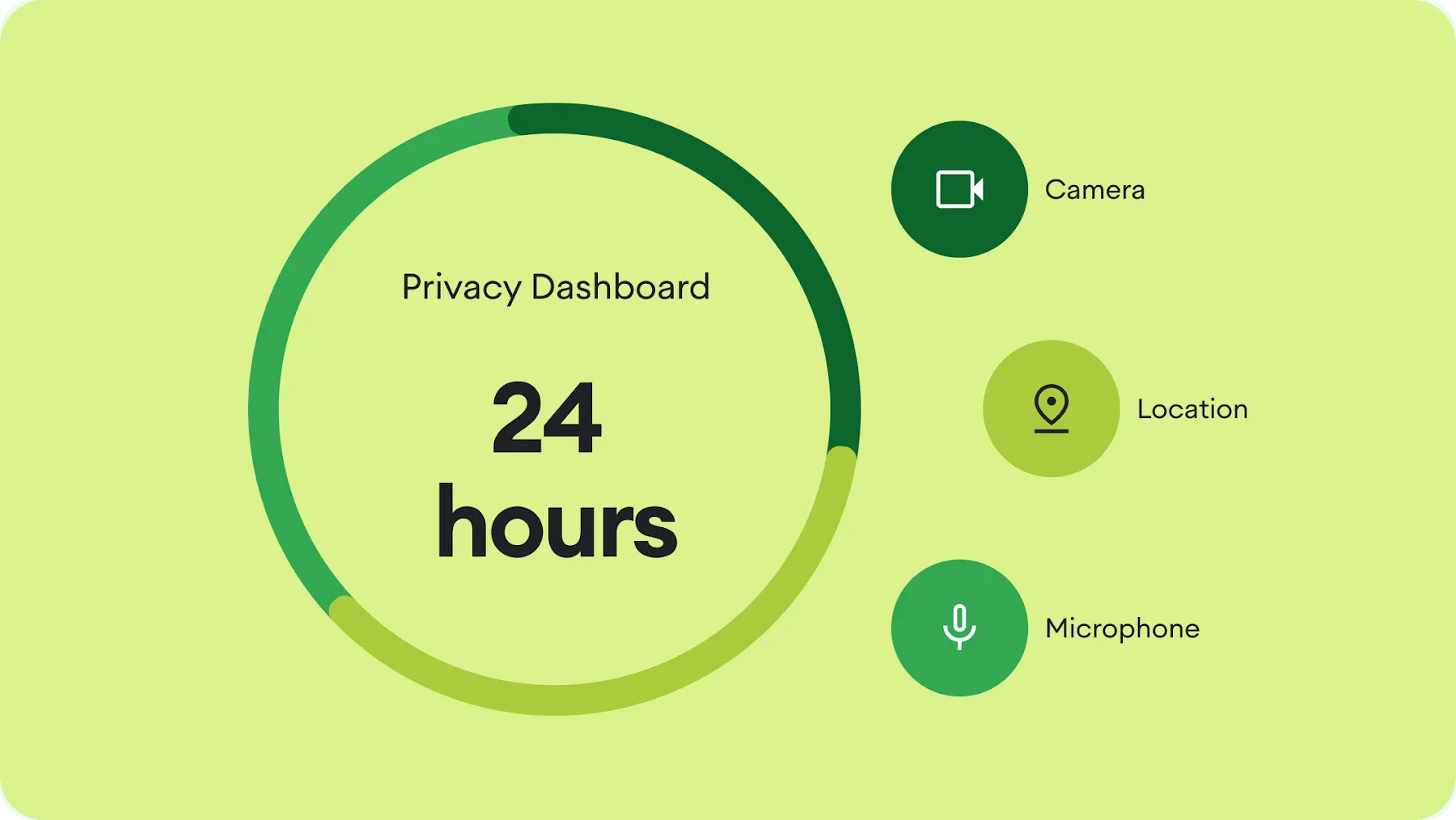
Device permissions
Set your privacy boundaries.
With Android, you choose when to share certain sensitive data with apps you download.
-
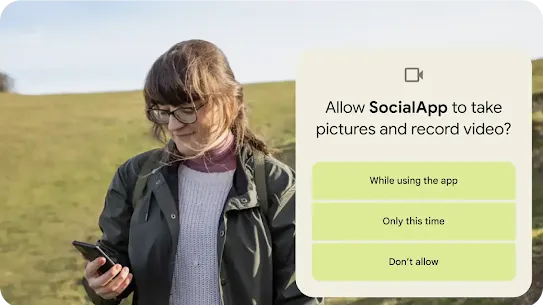 App permissions
Decide when you share data.
Allow microphone, camera or location access all the time, just once or never. -
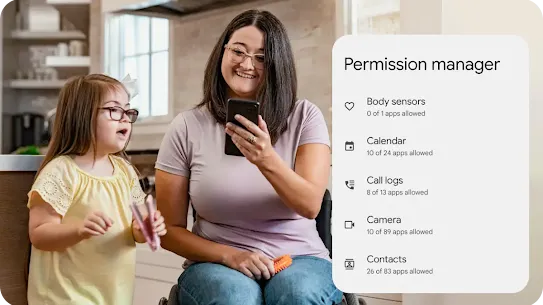 Permission manager
Manage all your permissions in one place.
Access and control all your sensitive app permissions in one central location. -
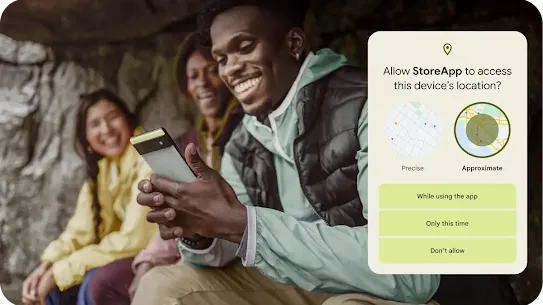 Location
Control how your location is shared.
Choose which apps get your approximate location and which apps get more precise information. -
 Permission manager
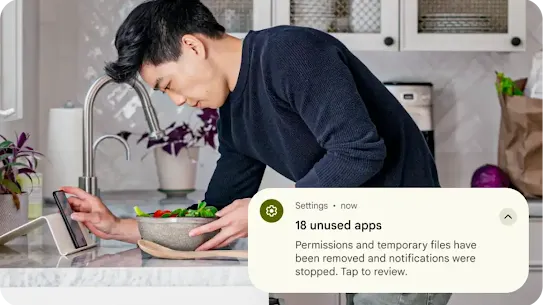
Reset access for unused apps.
If you haven't used an app in a while, Android will automatically reset your permissions.
Data safety section
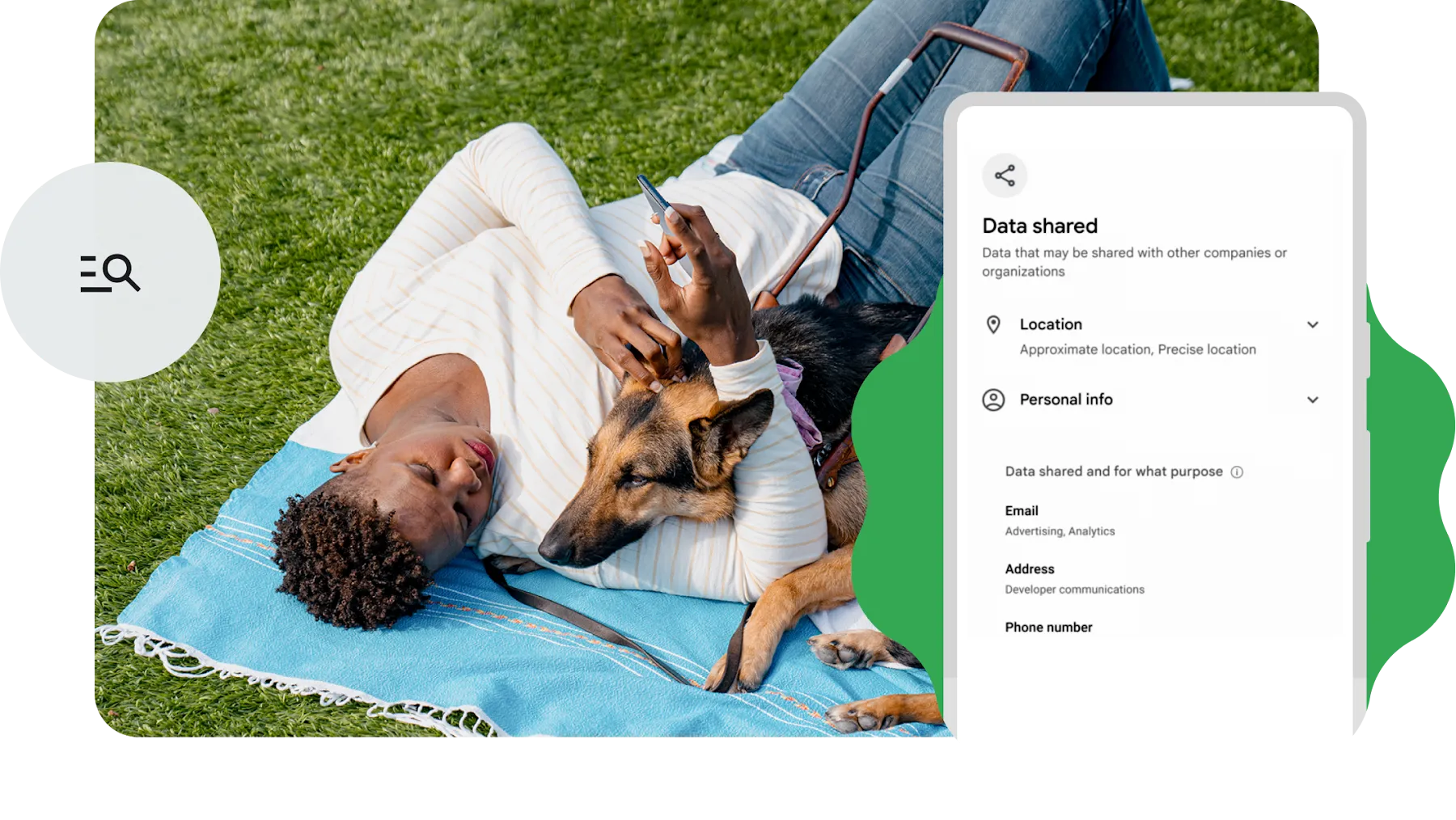
Find out how different apps use your data.
The data safety section in Google Play provides details about what data an app can access and use. That way you can confidently decide which apps to download.
Tracker alerts
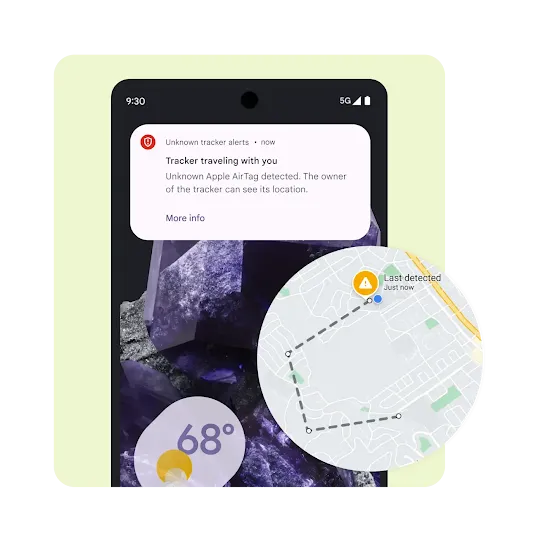
Unknown tracker alerts help protect you from unwanted tracking.
Your phone automatically detects and notifies you of unfamiliar tracking devices that are moving with you. Locate them with ease.1
Camera & mic
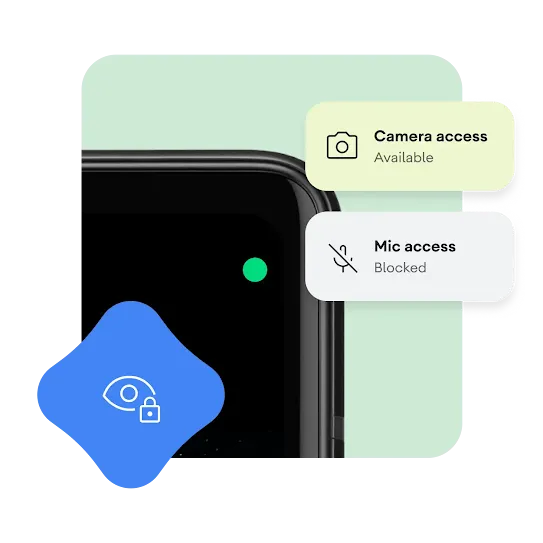
Toggle your phone’s eyes and ears.
Android lets you know when your camera and microphone are in use with green icons in the top right corner. Just toggle to disable camera and mic access system-wide.
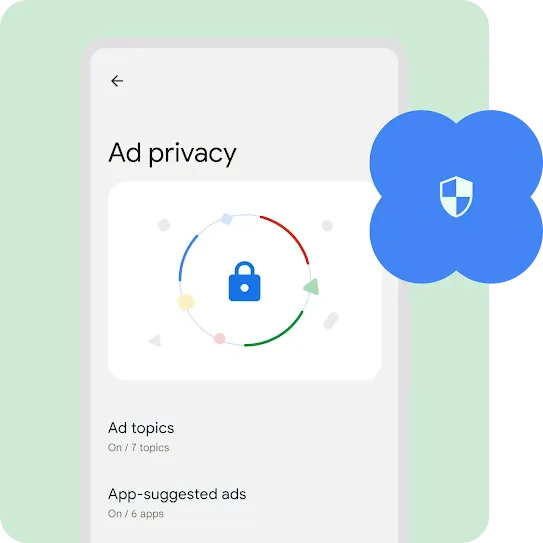
Ad Privacy
Take control of your ad experience.
Android is helping prevent your activity from being tracked across apps by limiting the data apps can share to show ads.
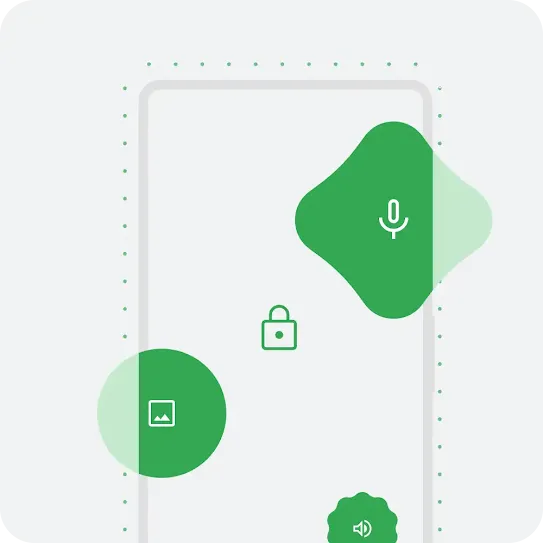
Protected computing
Technology that ensures your data safety and privacy.
Android minimizes and de-identifies your data from intelligent features. And restricts access to technically ensure your privacy and safety.


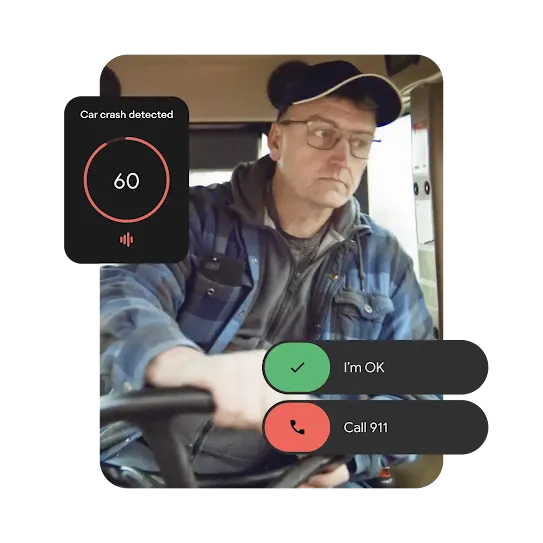
Get help when and where you need it most.
Get help when and where you need it most.
Make it easier for first responders to find you in a moment of crisis. Receive alerts that can help you seek safety faster. And communicate with loved ones when you’re in urgent need of help.