Site Menu

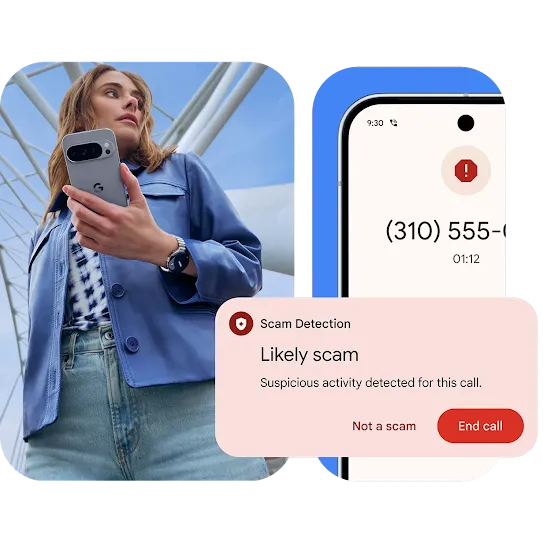
A person under a bridge-like structure is holding while looking to their left. A phone screen shows a call behind a Scam Detection notification pop-up.

Proactive security
meets advanced
protection.

Powerful, proactive Google AI protection that’s built right into your Android device to help keep your data safe.
Scam protection

Stay ahead of scams with AI-powered tools.

Automatically filter out scams and phishing messages and screen spam calls. Confidently browse the web knowing you’ll be warned if you visit an identified dangerous site.
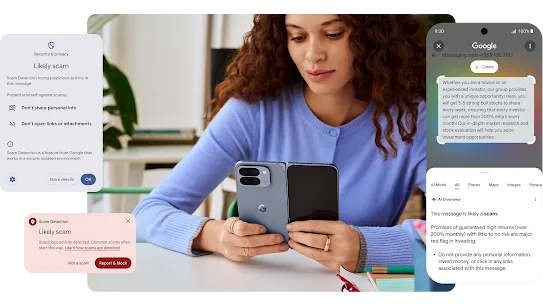
A person sitting at a desk is looking at their Moonstone Pixel 10 Pro Fold. Multiple scam notification pop-ups border the image.
Play silent looping video Pause silent looping video
Theft protection

Advanced intelligent theft protection.

Proactive protections help keep your data safe before, during and after a theft attempt.
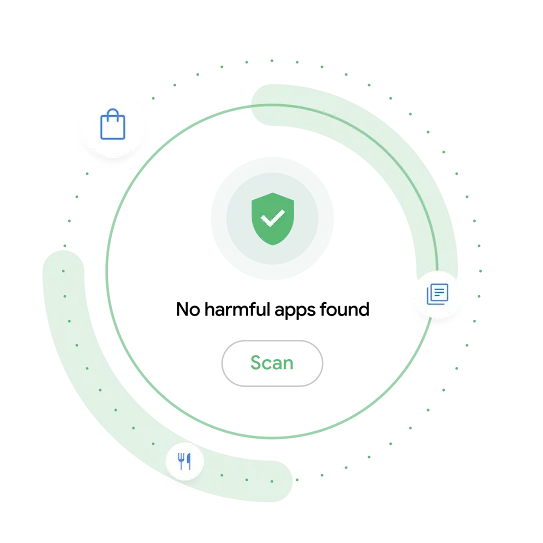
A circular animation with the scan symbol and text in the center. Along with the message “no harmful apps were found.”
Google Play Protect

Ongoing protection against malware and suspicious apps.

Google Play Protect leverages AI to analyze apps before they’re available for download. Daily scans also help disable any malware and harmful apps found on your device.
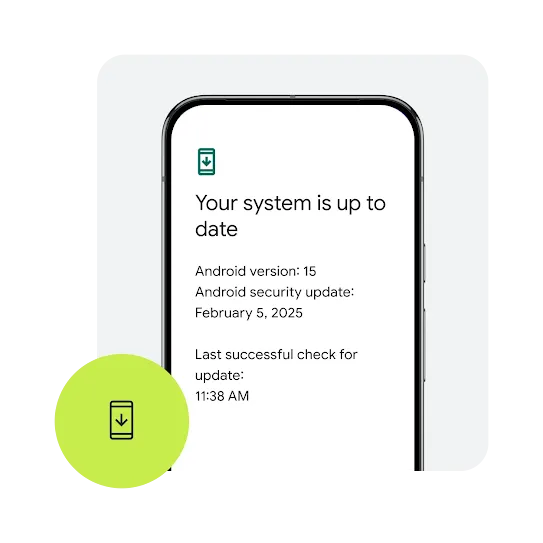
An outline of an Android phone with a notification that the system is up-to-date. Along with other details including current Android version and date and time of the last update.
Security updates

Get security that’s constantly updated.

Ongoing updates provide fixes for possible issues and upgrade your device’s safety features to help battle evolving threats.
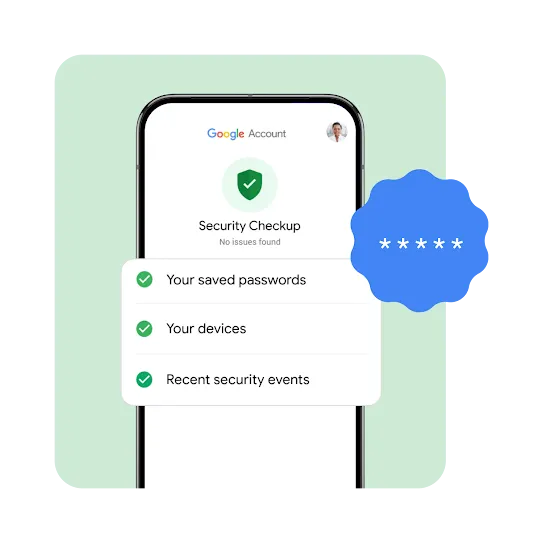
An outline of an Android phone with a Google account security checkup graphic and the message no issues found. Along with an animated checklist that includes your saved passwords, your devices and recent security events.
Google account security

Stay safe online.

Google protects your account by encrypting your data and alerting you about suspicious logins. Passkeys lets you securely sign in to your account without a password. Google Password Manager helps keep your passwords safe and a 2-step verification adds an extra layer of protection.
Secure payments

Industry-leading payment protection.

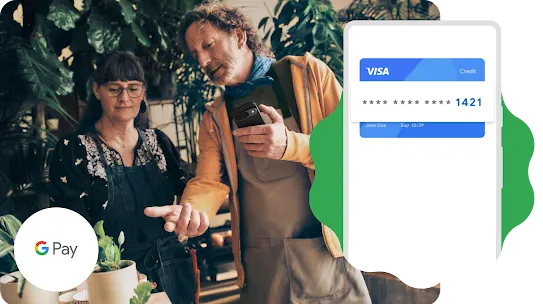
Security and privacy are built into every part of Google Wallet to keep your essentials protected. Google Pay encrypts all payments and never shares your card number.

An image of two people in a plant shop looking at a plant together while one person holds a phone. A graphic overlay of an outline of an Android phone with an encrypted credit card inside it is placed on the image.
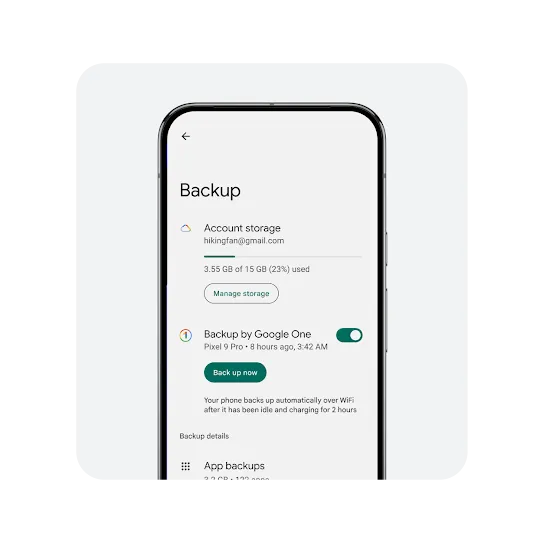
An outline of an Android phone containing backup details.  The information displayed includes the associated gmail account, used and available storage details, manage storage call to action button, Google One backup toggle turned on, Back up now call to action button and text that says your phone backs up automatically over WiFi after it has been idle and charging for 2 hours.
Data protection

Keep your data safe and backed-up.

Your device data's securely encrypted using a PIN, pattern or password. And everything's automatically backed up to the cloud so you can easily restore it to a new device if you lose your old one.1
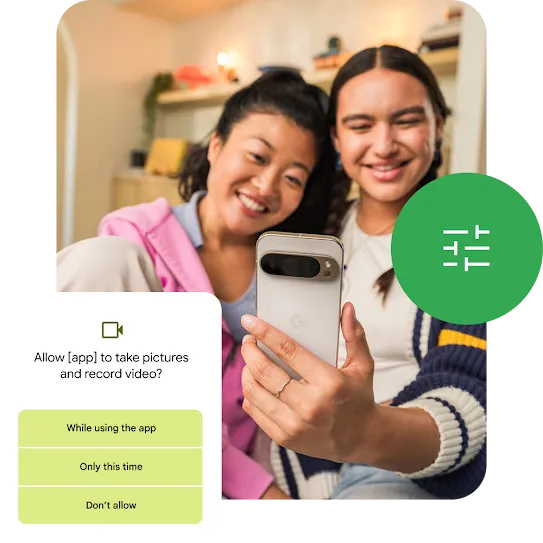
A user is taking a selfie along with their friend using an Android smartphone. And Android is prompting the user to select the level of access they want to give the app to take pictures and record videos.
Set privacy boundaries

Take more control of your privacy.

Seamlessly manage how your data is shared and used. Access all your privacy settings in one place and easily change permissions whenever you feel like it.

Some features and devices may not be available in all countries. Subject to availability.
Some features and availability vary by OEM and/or device manufacturer.
1 Requires set-up. Your Google Account automatically comes with 15 GB of storage at no charge. You can get more with a Google One subscription.

Play silent looping video Pause silent looping video