Site Menu

Stay connected
to what matters.

Play silent looping video Pause silent looping video

Find Hub turns ‘lost’ into ‘found’ — helping you locate devices and connect with family and friends quickly and safely.

Find. Find. Find.

Easily locate your devices on a map. You can find them even if they’re offline¹ or on silent.
Look on a map
Play sound
Pinpoint location
Locate lost luggage

Look on a map

Play silent looping video Pause silent looping video
Pull up the map view to see where your belonging was last located. You can even get directions if it’s not nearby.

Play sound

Play silent looping video Pause silent looping video
You can tap “Play sound” to ring a device, making it easier to find if it fell behind your bed or buried beneath some pillows.

Pinpoint location

Play silent looping video Pause silent looping video
Finding your lost items is as easy as following an arrow. Tap “Find nearby” to see its precise location. This feature uses Ultrawideband (UWB) technology to provide precise distance and directional cues to your lost belongings.²

Locate lost luggage

Play silent looping video Pause silent looping video
Share a link to your locator tag with your airline, so their staff can help locate your luggage and provide timely updates. You decide when to share and when to stop, letting you travel with confidence.

Connect. Connect. Connect.

Seamlessly share your location on Android to coordinate and connect with friends and family.³
Share a location
Manage sharing
Share via satellite

Share a location

Play silent looping video Pause silent looping video
Share your location with friends and family to make coordinating meetups easier. You choose who can see your location and for how long, while also seeing their names, distance, and battery levels.4

Manage sharing

Play silent looping video Pause silent looping video
Set your location sharing for an hour, the rest of the day, or until you stop. Find Hub makes sure your location sharing automatically ends when you want so your privacy always stays in your hands.

Share via satellite

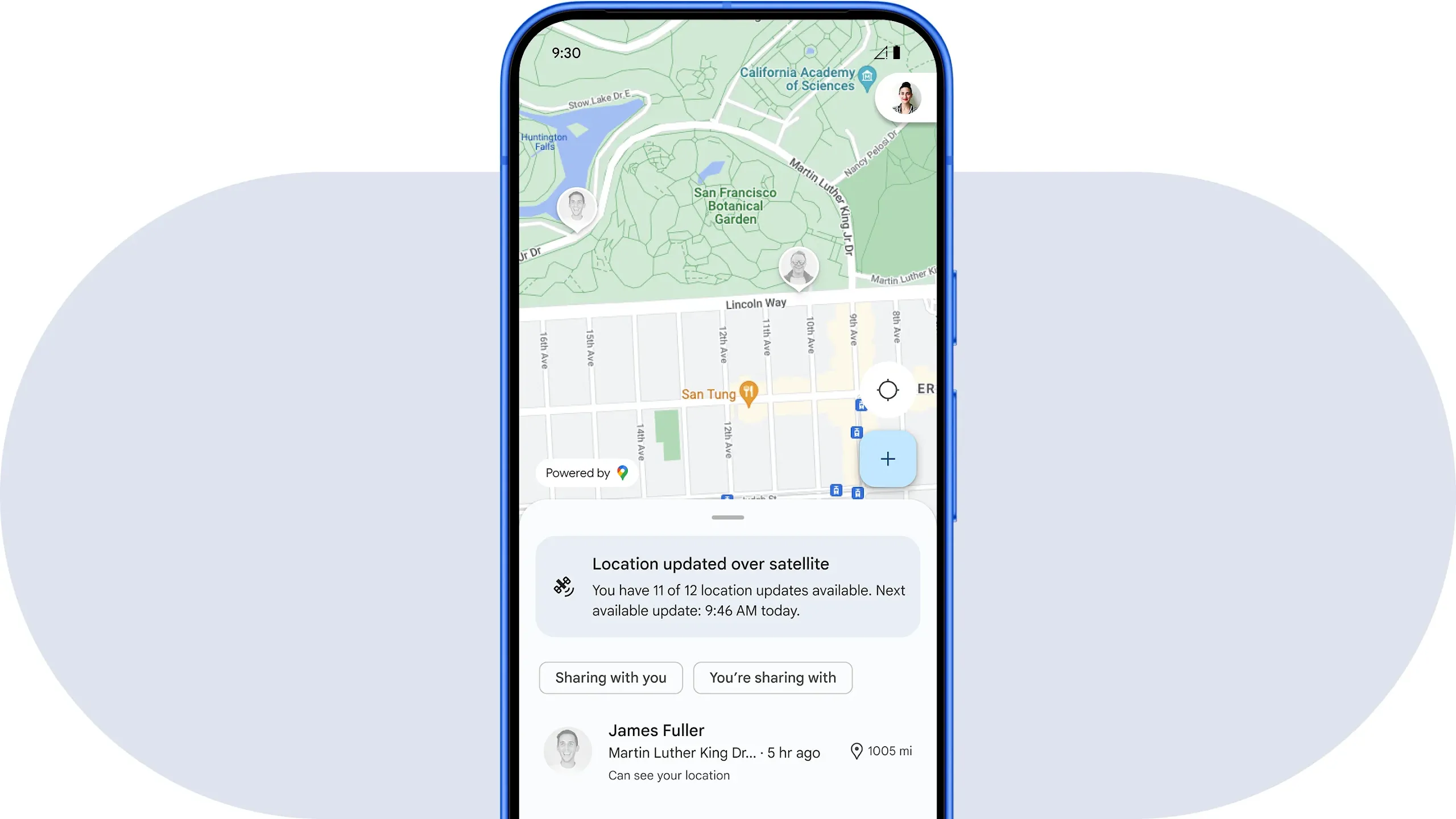
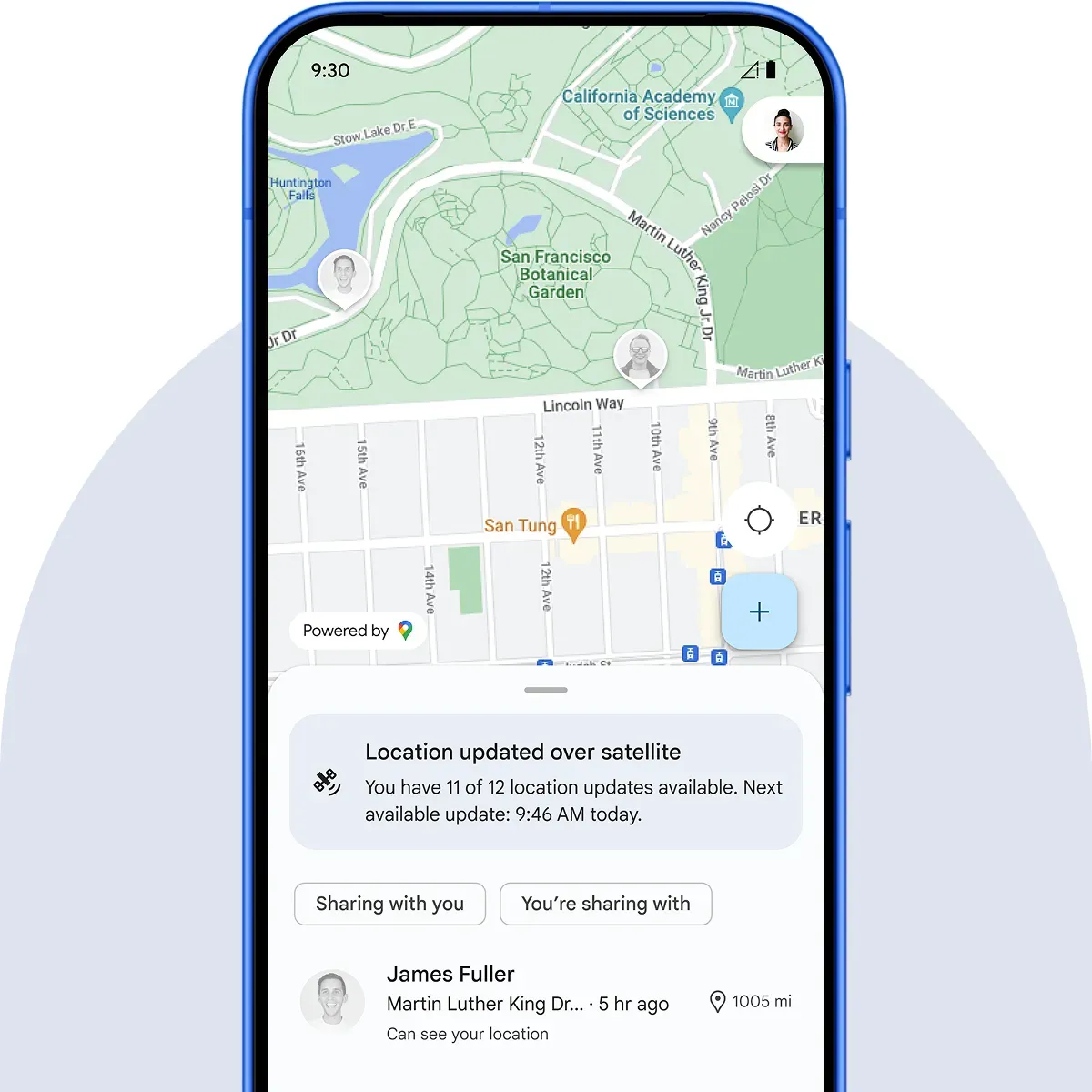
A phone screen shows grayed out icons of people’s location on a map. A notification indicating locations were updated through a satellite is on the bottom of the screen.
No connection? No worries. Share your location, live, with friends and family over satellite using Find Hub on Android.4

Protect. Protect. Protect.

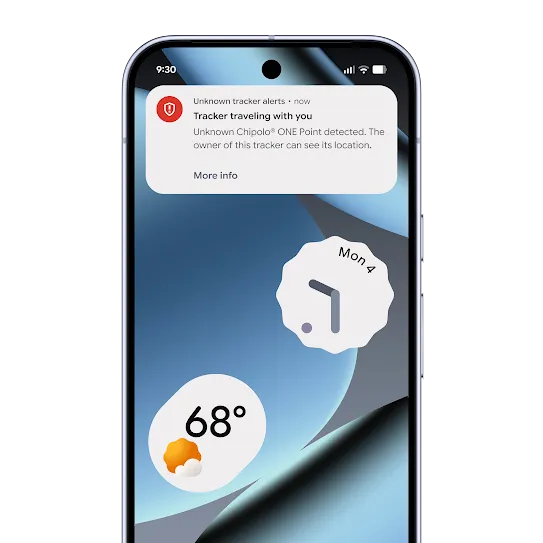
Protect your personal data and privacy with robust security features and proactive safety alerts.

Find more than just phones.

From earbuds to luggage, Find Hub lets you locate all kinds of items in the same app. Look for the “Works with Android” badge to see compatible accessories.
Find Hub badge.

Explore compatible accessories.

Shop partners or look for the “Works with Android” badge 
to see which accessories are compatible.

FAQs

How do I find an Android device using Find Hub?

Head over to the Help Center to get step-by-step instructions on getting set up with Find Hub.

What Android version is required to use Find Hub?

Android phones with OS 6 and above can use the Find Hub app. You can also access the app in a web browser on laptops and tablets.

The Find Hub network requires Android phones with OS 9 and above.

What phones and accessories, like tracking tags, work with Find Hub?

Android accessories like earbuds, headphones, tracking tags, tablets, watches, smart luggages, and more may be compatible. Look for the “Works with Android” badge on accessories that work with Find Hub. See the full list here.

How do I share my device locations with friends and family?

You can add friends and family to shared items like a tablet or house keys with a tag attached. For more info on sharing device locations, head to the Help Center.

Can I use Find Hub to find my phone (e.g. Pixel, Samsung and/or other Android phones?)

You can find Android devices with OS 9 and up with the Find Hub network. Head over to android.com/find to locate them on the Web or use the Find Hub app on a friend’s phone or tablet by signing into the app as a guest.

How do I mark my phone as lost?

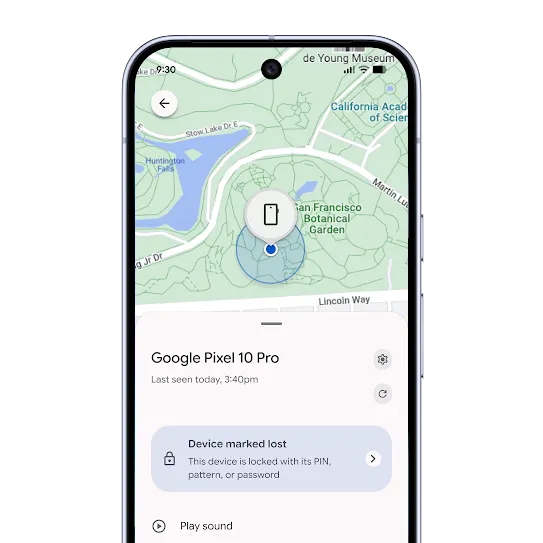
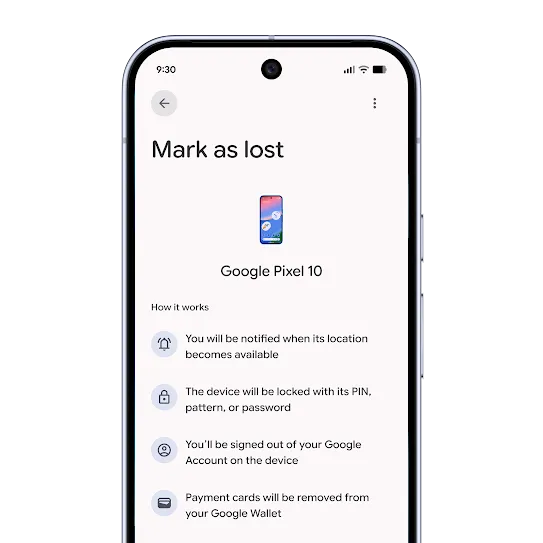
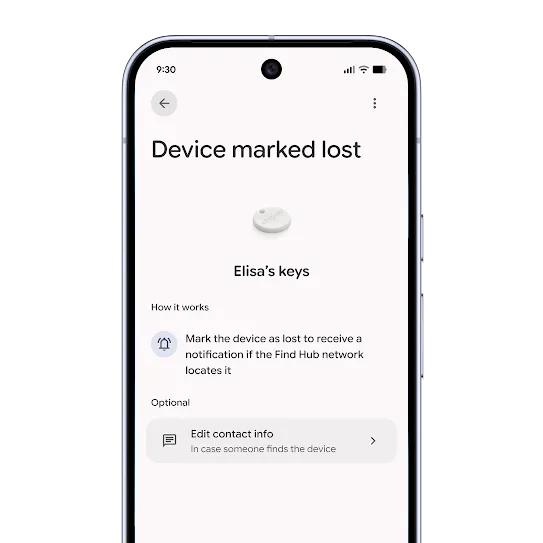
You can use the “secure device” option to lock your device screen with your PIN, pattern or password. If you don’t have a lock, you can set one. To help someone return your device to you, you can add a message or phone number to the lock screen.

How do I share my location with my friends or family?

  1. Open up the Find Hub app.
  2. Navigate to the "People" tab on the bottom right.
  3. Click the "+" icon.
  4. Select the duration of time you wish to share your location.
  5. Select the contacts you want to share your location with.
  6. Tap "Share".

Head over to the Help Center for more ways to share your location with friends or family on Find Hub.

How do I stop sharing my location with someone?

  1. Tap on the user you’d like to stop sharing with.
  2. Tap the “Stop sharing” button.
  3. From the confirmation dialog, you can either:
    • Cancel: Your share stays and you go back to the details page.
    • Confirm:
      1. If the user is also sharing with you, you’ll stay on the contact detail page and the button will no longer be blue. You can start a new share if you want.
      2. If you’re the only one sharing, you’ll be sent back to the list of shares.

Head over to the Help Center for more ways to stop sharing your location with friends or family on Find Hub.

Can I track lost Pixel Buds?

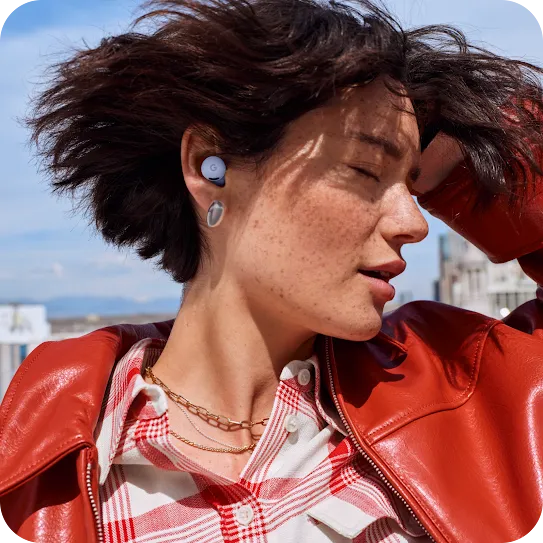
Yes, you can track your lost Pixel Buds using Google's Find Hub. The Find Hub app will show their last known location on a map, and if they are nearby, you can make them ring to help you find them.

Can I track my Android tablet’s location?

Absolutely, you can track your lost Android tablet's location with Google's Find Hub. The Find Hub allows you to see your Samsung, Pixel, or other Android tablet on a map and even lock it remotely for security.

Can I find my Wear OS watch using my phone?

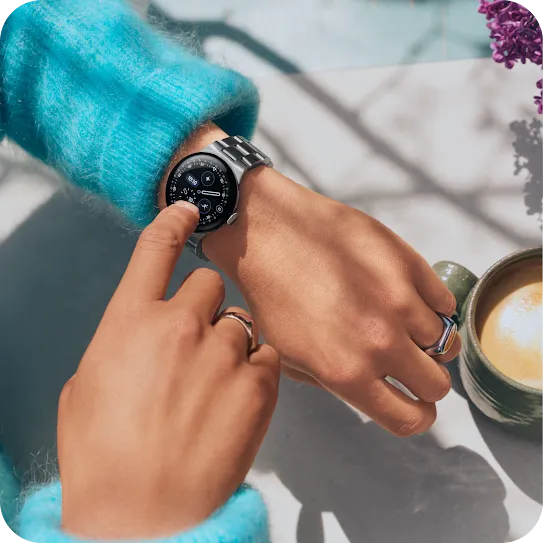
Yes, your phone is the key to finding your lost Android or Samsung watch. Use the Find Hub app to see your watch's last known location or make it ring loudly to help you locate it when it's nearby.

1Find Hub network requires location services and Bluetooth to be turned on. Requires cell service or internet connection. Works on Android 9+ on select devices and in certain countries for age-eligible users.
2Requires UWB compatible phone and tag.
3Availability varies by airline participation, airport, and region. Internet and Google Account required. Sharing location must be initiated by the user and can be turned off at any time. Shared links expire when the tag is reunited with the user or after 7 days.
4Availability of feature may vary by market and carrier.
5Location services and Google Location Sharing must be turned on. Requires internet connection. Available on Android 9+ and in certain countries for age-eligible users.

Device location data is only encrypted for offline finding by the crowdsourced Find Hub network. Find Hub also provides you with convenient access to Google Location Sharing, a Google Maps-powered feature that lets you share your location with your friends and family.
Learn how to manage your Location Sharing settings.

Play silent looping video Pause silent looping video