



Seamless sharing for billions
Share hi-res photos, videos, files, Wi-Fi credentials and more with supported Android, ChromeOS and Windows PC devices nearby in a few taps1. It’s fast, more secure and easy to use.2
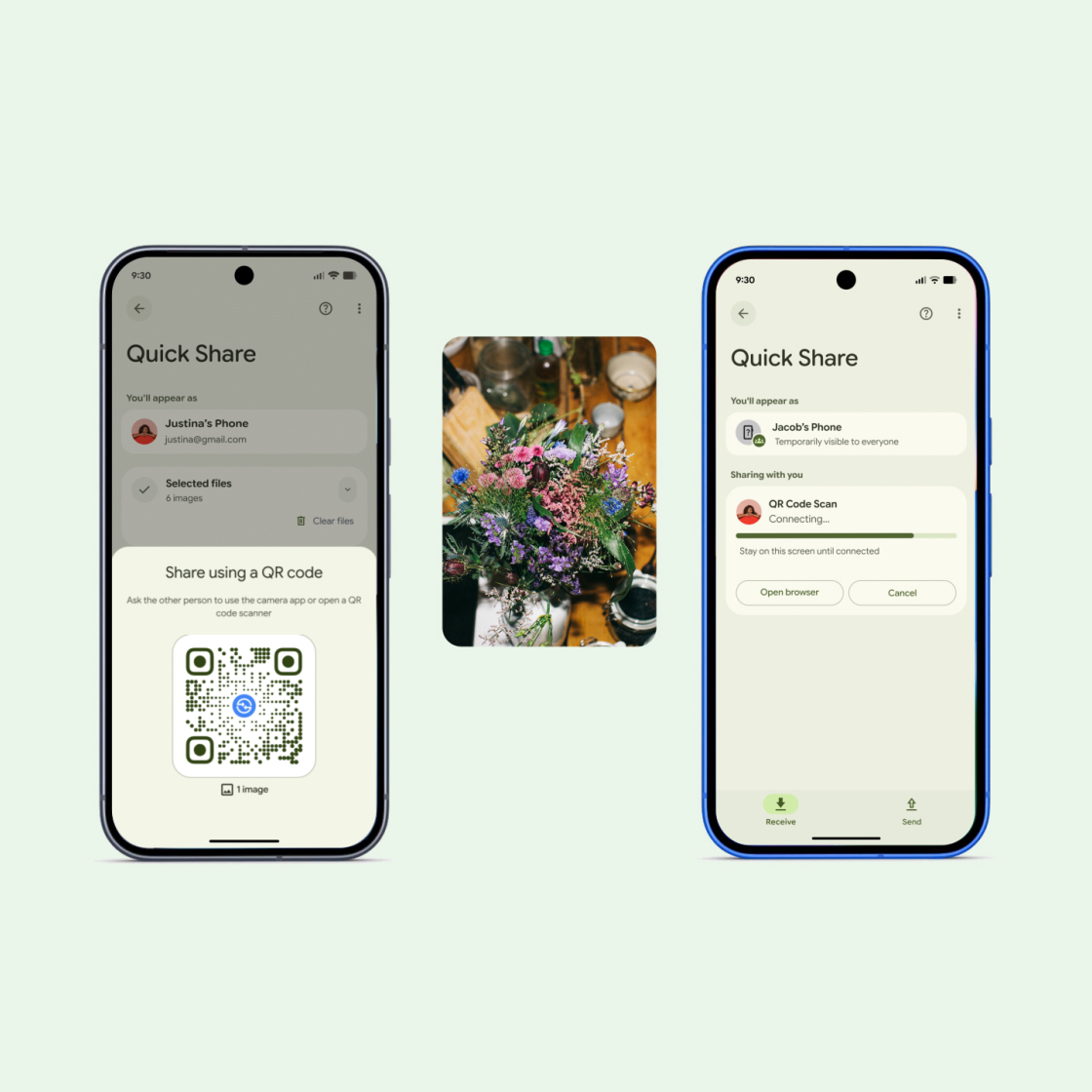
Scan a QR code, and share files in a snap.
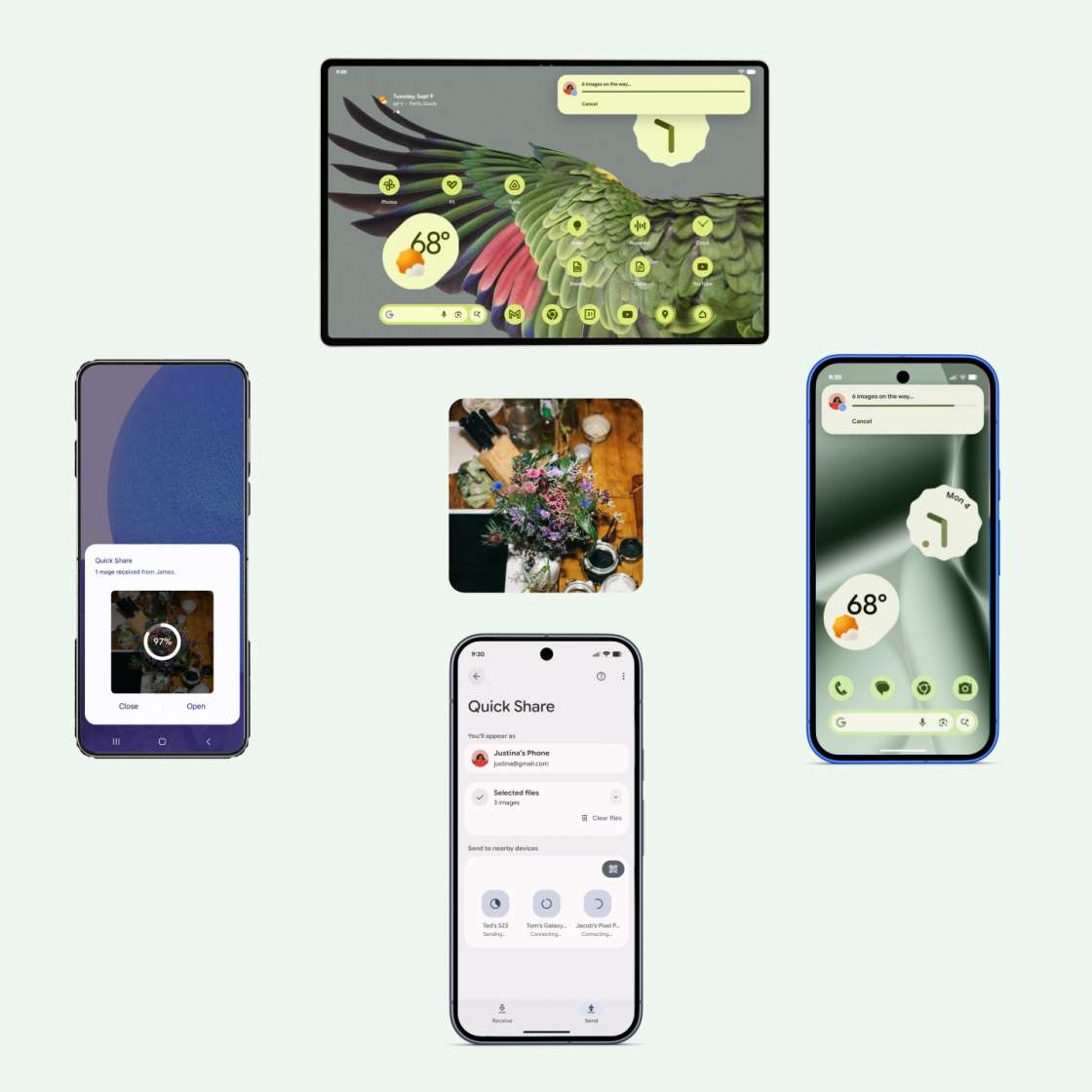
When your whole crew wants that pic. Like, now.
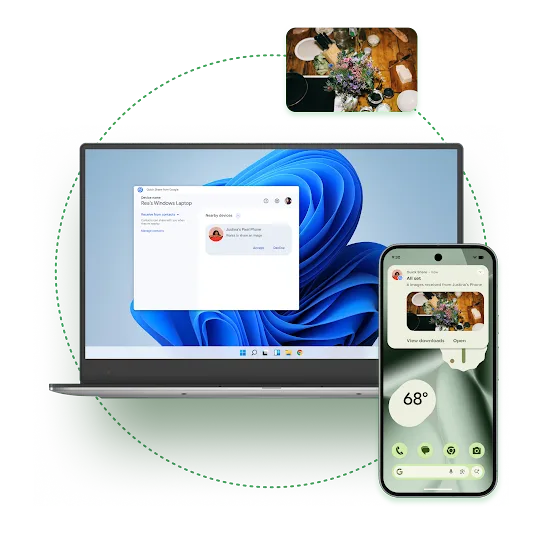
Switch devices without slowing your flow.
Work smarter, not harder.
To get started, download and install Quick Share onto your Windows device.
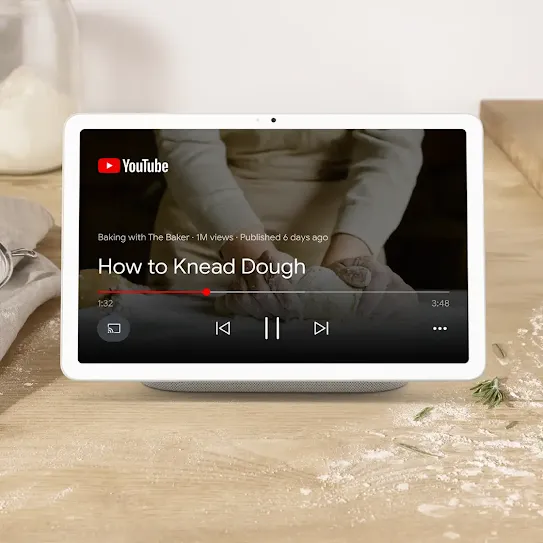
Toss that recipe to a bigger screen.
Get started with Quick Share.
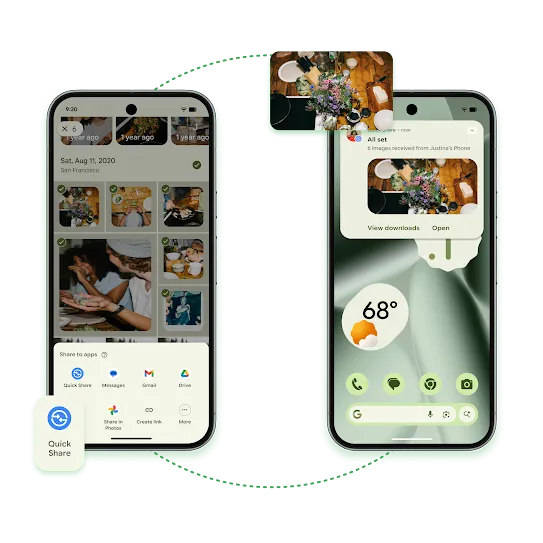
How to use Quick Share on Android.
- Open content in any app
- Tap “Share,” then “Quick Share”
- Select the device(s) to share with
- Await acceptance from the recipient
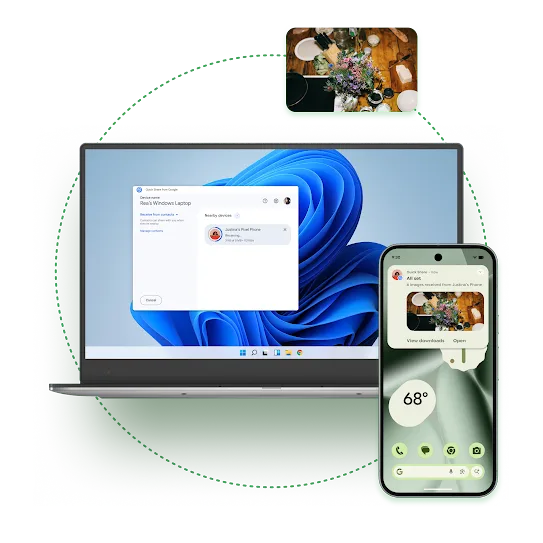
How to use Quick Share on Windows.
- Download and install the Quick Share app on your Windows PC
- Sign in and enable “Quick Share” in your settings
- Choose a file and select “Quick Share”
- Select the device(s) to share with
- Await acceptance from the recipient
How to use Quick Share on Chromebooks.
- Enable “Quick Share” in your settings
- Right-click on a file, then tap “Share”
- Select the device to share with
Await acceptance from the recipient
See it in action.

Get the answers you need.
AirDrop is Apple’s file-sharing feature for Apple devices. With the latest update on compatible Android devices, Quick Share can work with AirDrop to enable file sharing between supported Android and all iPhone devices.
No. Quick Share connections are temporary and end once the transfer is complete. Devices are not permanently linked or synched.
In Quick Share settings, you can choose who can see your device - such as Contacts only or Everyone nearby - and you can change this at any time.
On Android, files are saved to your Downloads, Gallery, or Files app, depending on the file type. The files you receive with Quick Share are saved in your device’s Files app under Downloads > Quick Share.
On an iPhone, when using AirDrop, files are saved to AirDrop’s usual locations based on the file type. (For example, photos are saved to the Photos app.)
Need more help?
Need more help?