



Fast Pair
Ready. Set. Pair.
When everything is paired, it just works better together.
Headphones to phone
Tech that keeps up with your pace.
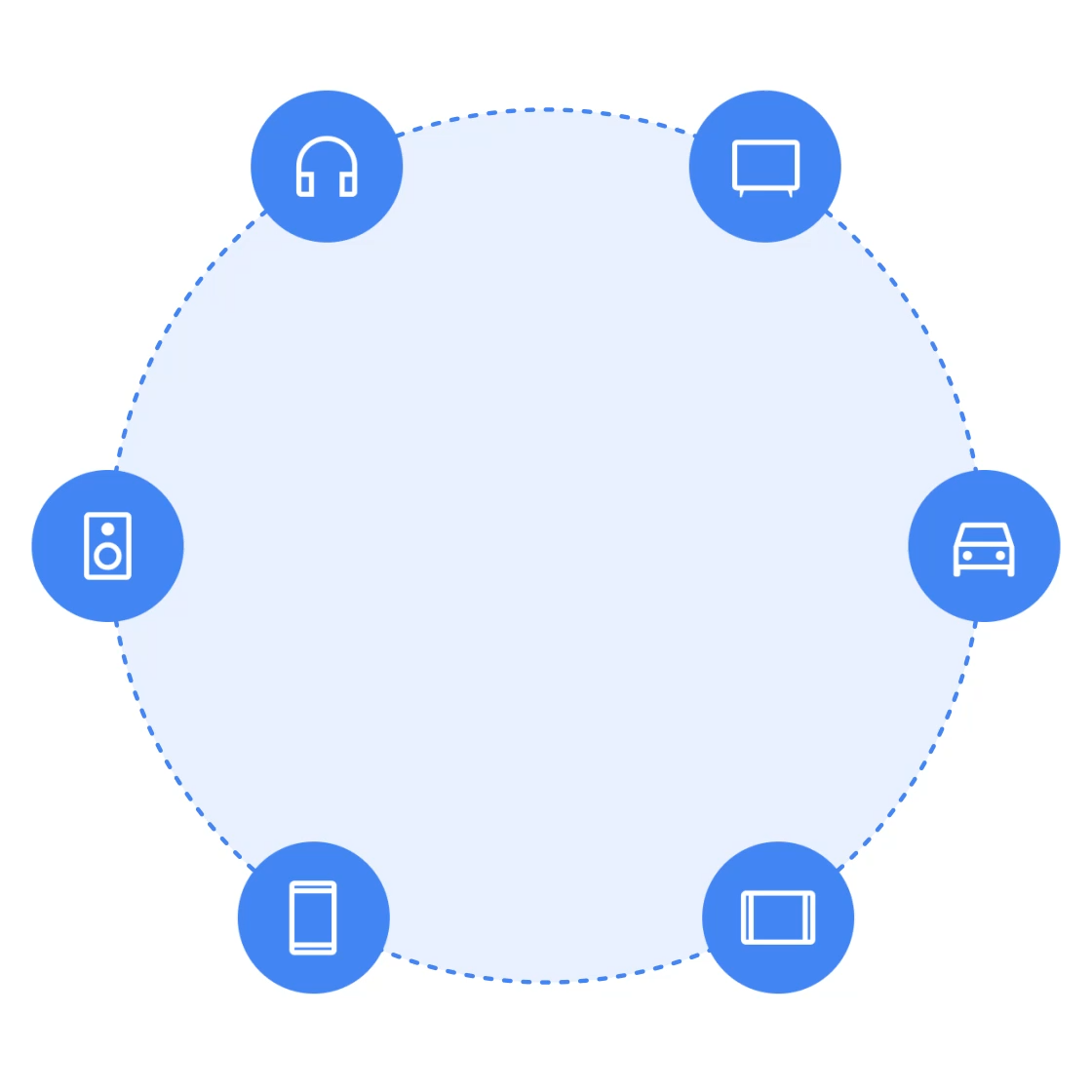
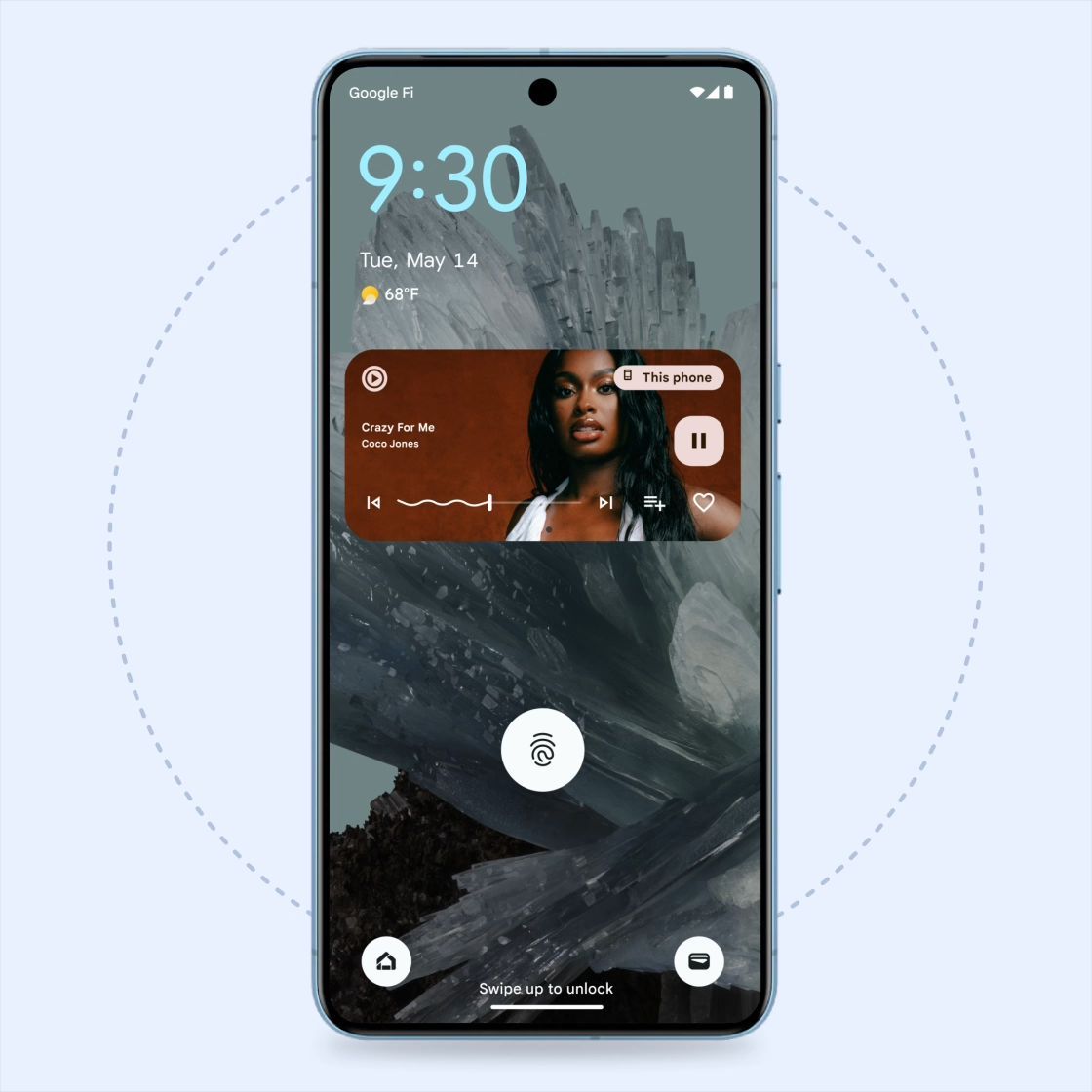
Hitting the gym? Jumping on a call with a friend? Connect your Bluetooth headphones or speakers with your phone faster than ever. Choose from over 400 headphones with Fast Pair.1
Plus, with Fast Pair you can:
• Find your buds with Find My Device
• Get notifications on battery level
• Seamlessly switch between calls, movies and more, across devices
Plus, with Fast Pair you can:
• Find your buds with Find My Device
• Get notifications on battery level
• Seamlessly switch between calls, movies and more, across devices

Speaker to phone
Get the party started.
Instantly pair your speakers and get ready to party in no time. Choose from a wide selection of 60+ brands including Sony, JBL, Bose and many more.
Audio sharing
Take your listening party anywhere.
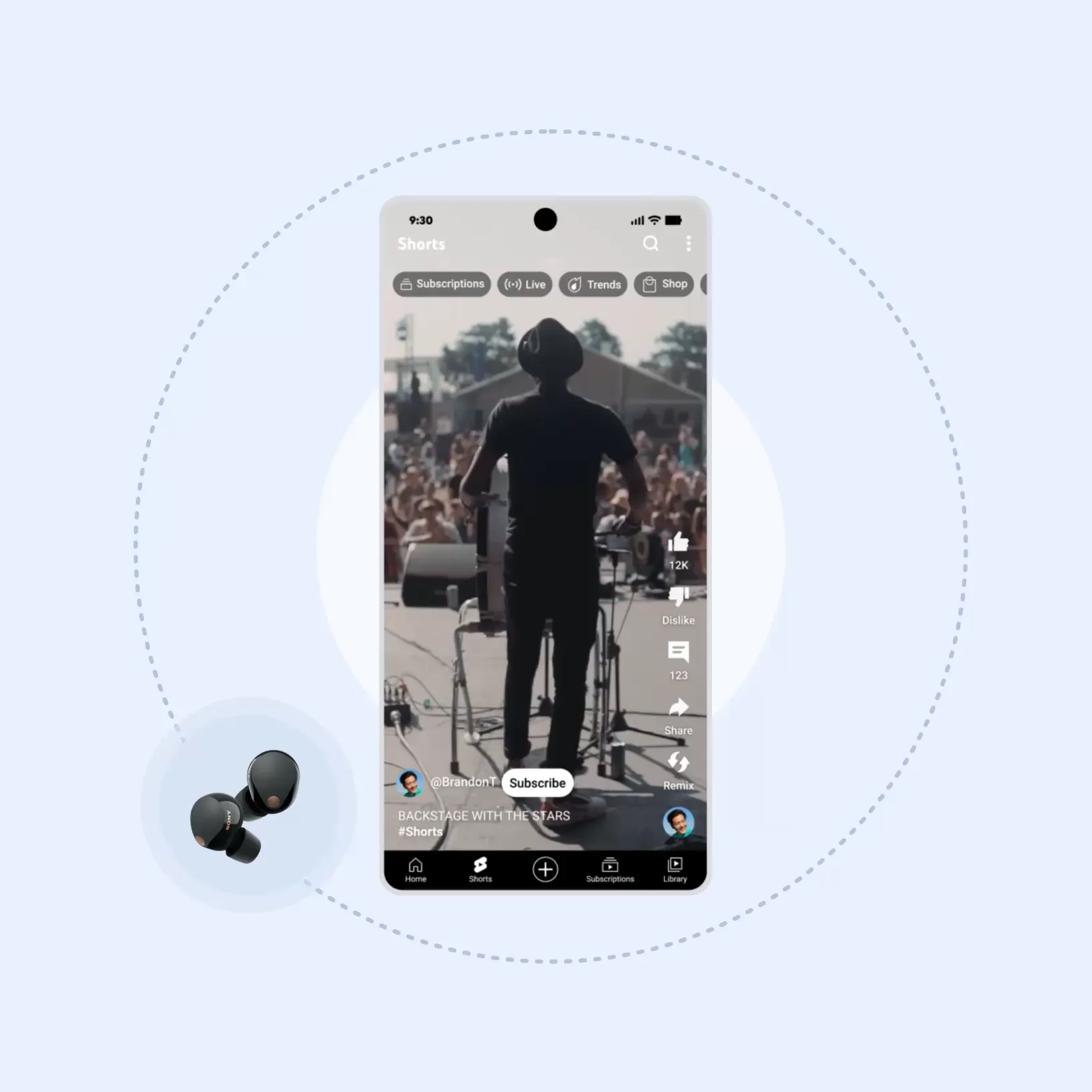
Share your audio stream with friends. All you have to do is pair two LE Audio Bluetooth headphones to your phone. Tune out the noise from a bustling coffee shop or busy airport and just enjoy listening to a favorite artist’s new album or catch up on a podcast together.
Audio switching
Audio that moves with you.
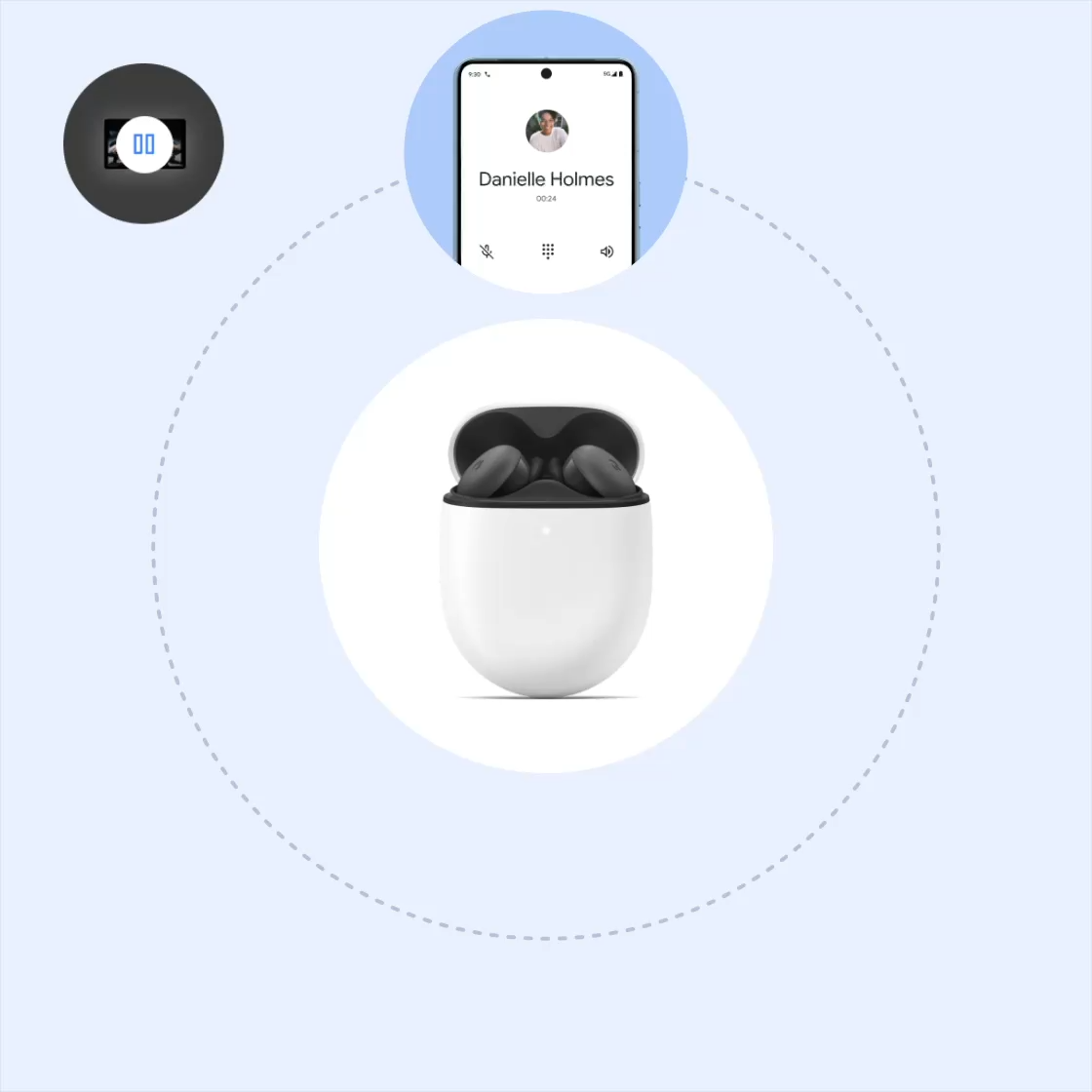
Music playing while you cook, then a phone call comes in? Audio switch has you covered. Your headphones seamlessly switch between devices, transitioning smoothly to your call. When you're done, jump right back into your playlist.2
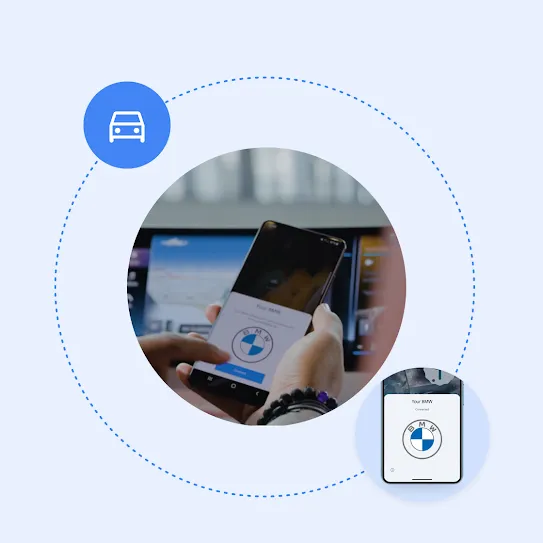
Fast Pair with Android Auto
Get connected. Get going.
With Bluetooth enabled, all you need to do is tap once on your phone screen, and your phone will automatically connect with your car. This allows you to quickly get going with Android Auto where you can navigate, call, chat, listen to media, and more.3
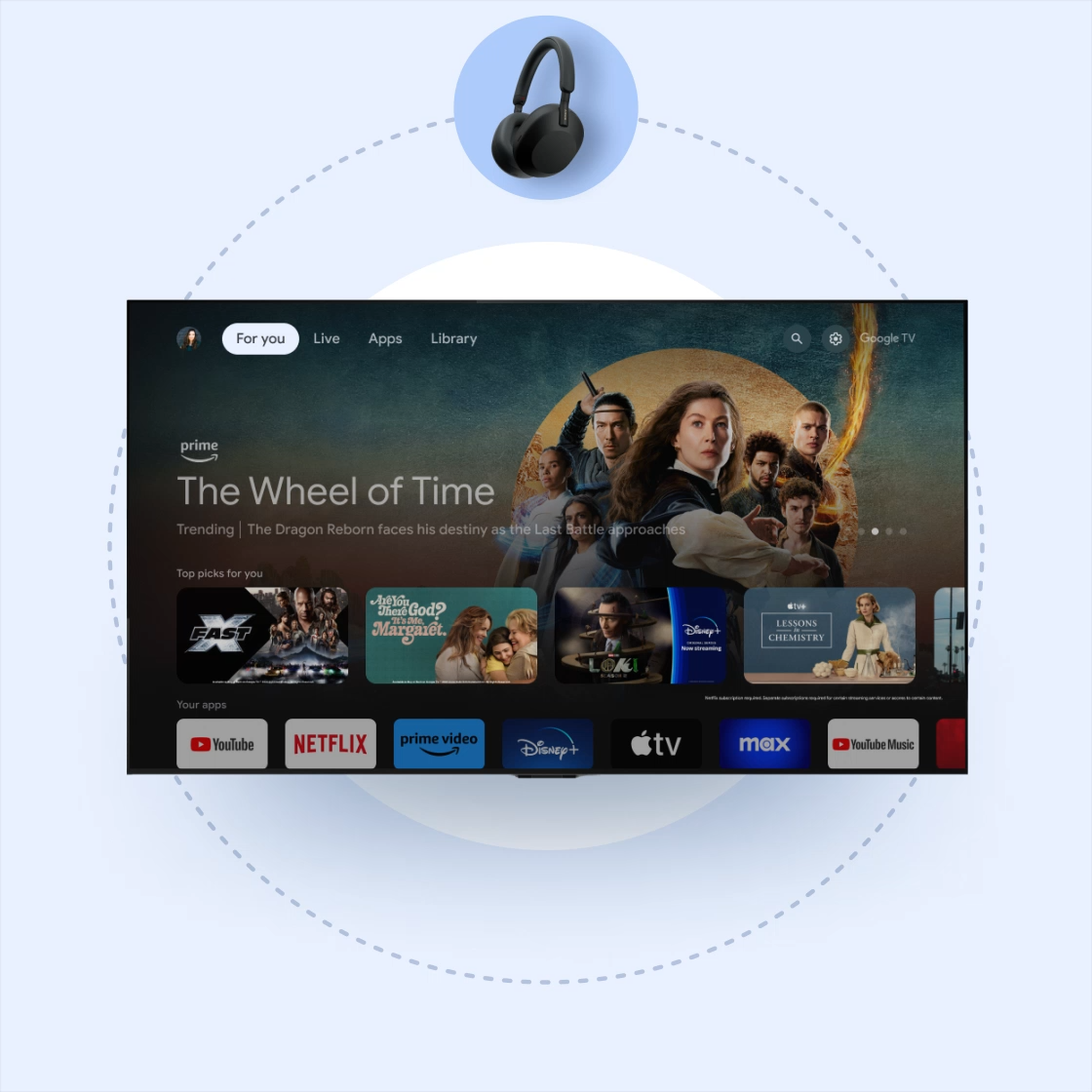
Fast Pair for Google TV
Keep the sound all to yourself.
Connect your Google TV to your headphones and enjoy your favorite movies or shows – even if your roomie is napping nearby. You can also connect your Google TV to speakers for everyone to enjoy.4
See it in action.

Need more help?

Need more help?