
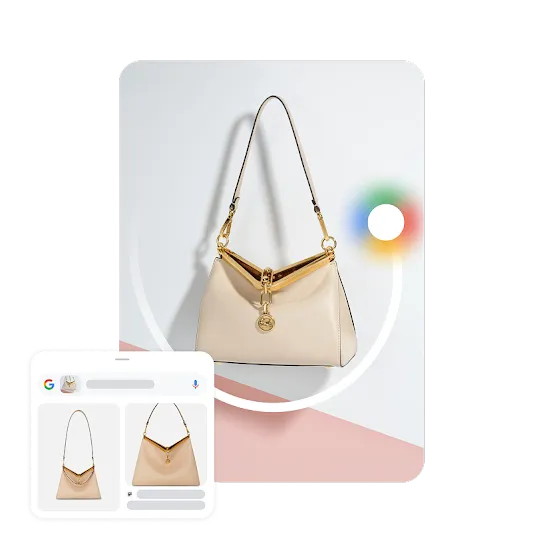
Shop it.
Skip the gatekeepers.
Just search it and shop.
Translate it.
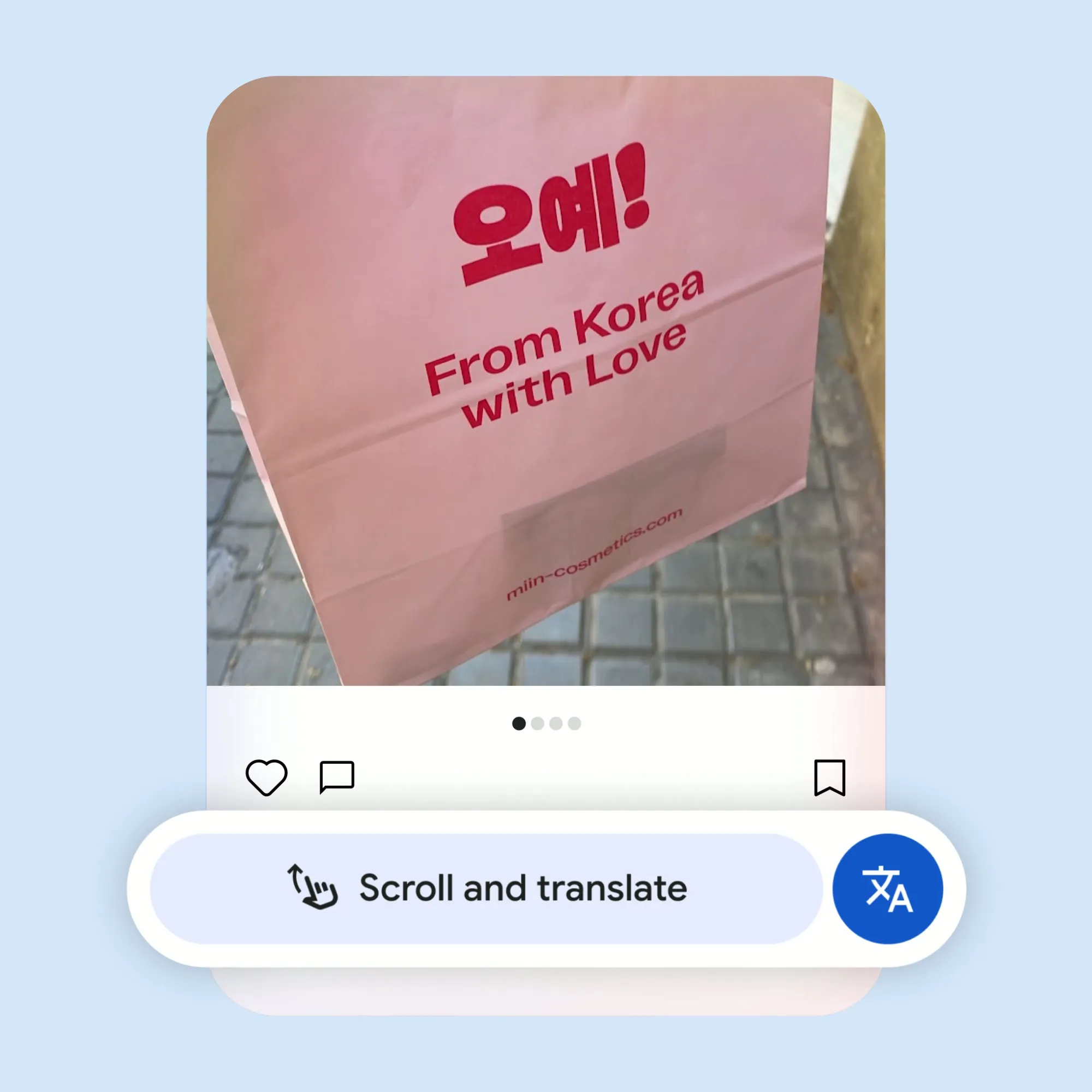
Your new interpreter is here. Search it to translate what’s on your screen.
Find it.
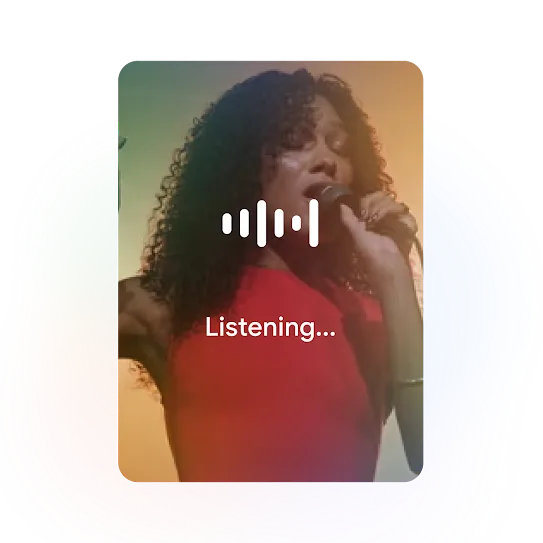
Name that tune, quick. Search songs playing on your device and around you.1
Learn it.
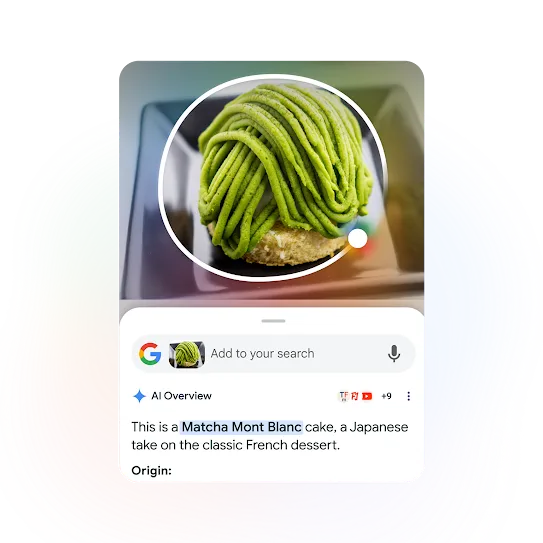
Get information faster and easier with an AI Overview.2
Get the answers you need.
- On 3-button navigation mode, touch and hold the Home button.
- On gesture navigation mode, touch and hold the navigation bar.
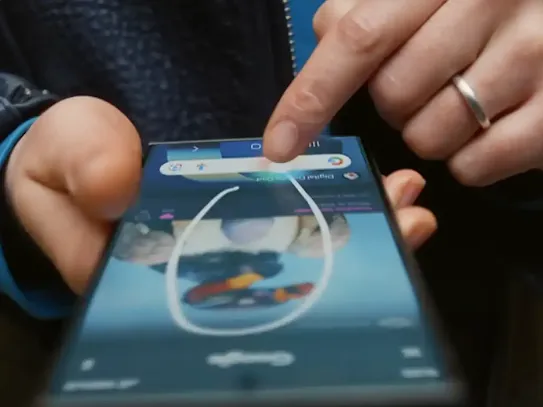
You can search anything on your screen with a gesture, such as circle, tap, scribble, or highlight.
You do not need Chrome to be your default browser for Circle to Search to work.
Yes, iPhone users can access a feature similar to Google's "Circle to Search" through the Google app and the Google Chrome app on their iPhones. This feature, called "Search Screen with Google Lens," allows you to search for objects or text on your screen by circling or highlighting them.
You do not need to download Circle to Search on an Android device.
On Circle to Search, the translation function allows you to instantly translate on-screen text to your preferred language by tapping the Translate button, which is located next to the search bar. This feature auto-detects the language and translates it to your default system language.

Shop the latest
Android phones.
Keep exploring
Google AI on Android.
-
Make everyday tasks easier.
Whether it’s decoration advice or help doubling a recipe, AI assistance is more versatile than ever.
Learn more -
More features, more possibilities.
Create, connect, and express yourself like never before with our AI-powered features.
Learn more