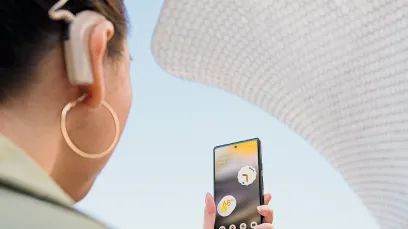
Mobility tools to use on your phone.
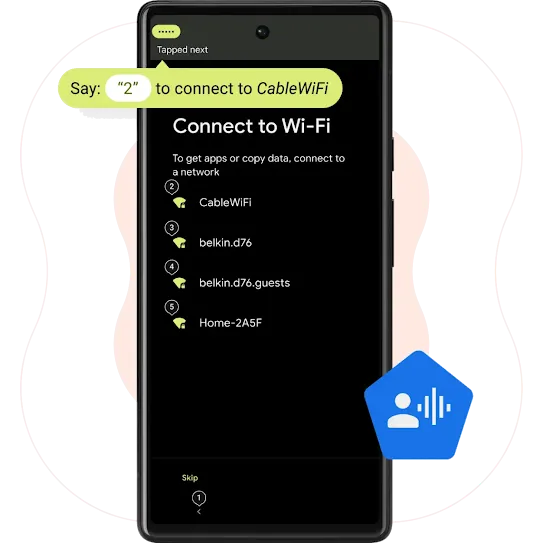
Voice Access
Control your phone with your voice.
Move fluidly around your phone, totally hands-free. Open apps, navigate between screens, type messages, and even edit text. All just by talking out loud.1
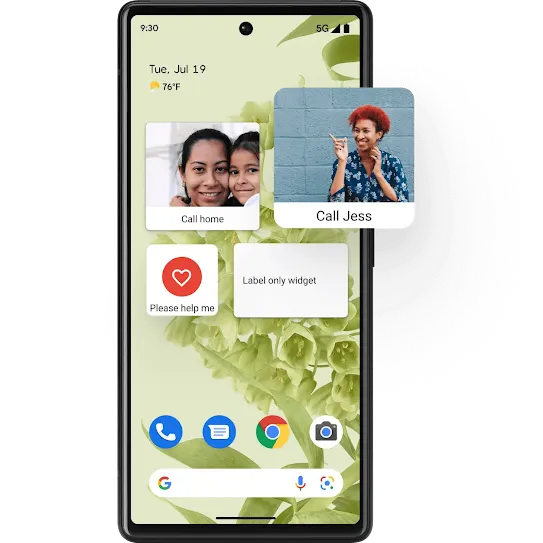
Action Blocks
Do things at the touch of a button.
For easy access to common tasks—from calling a loved one to watching your favorite show—set up Action Blocks on your phone’s home screen. Then, when you want to phone home, simply tap the button that says, “Call home.”
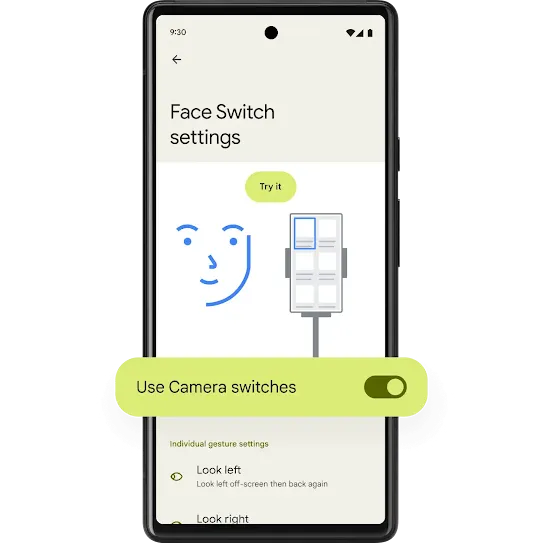
Camera Switches
Use facial gestures to navigate your phone.
Turn your phone’s front-facing camera into an adaptive tool. Use simple facial gestures—such as looking right, looking left or opening your mouth—to navigate apps and select content.
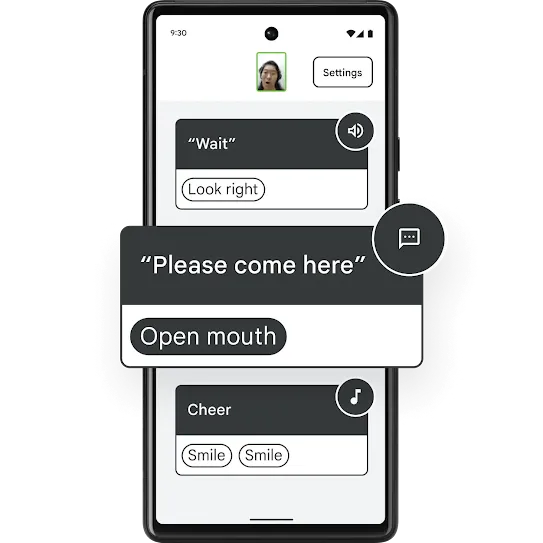
Project Activate
Text, call, speak, and more using facial gestures.
Text a loved one, get a caregiver’s attention or laugh along with friends. Activate a range of preset and customizable communication tasks with facial gestures like smiling or looking up.
Look to Speak
Use your eyes to talk to others.
Look left or right to select a word or phrase, and your phone will speak the phrase aloud. Set up a custom phrasebook for all the common things you like to say.