





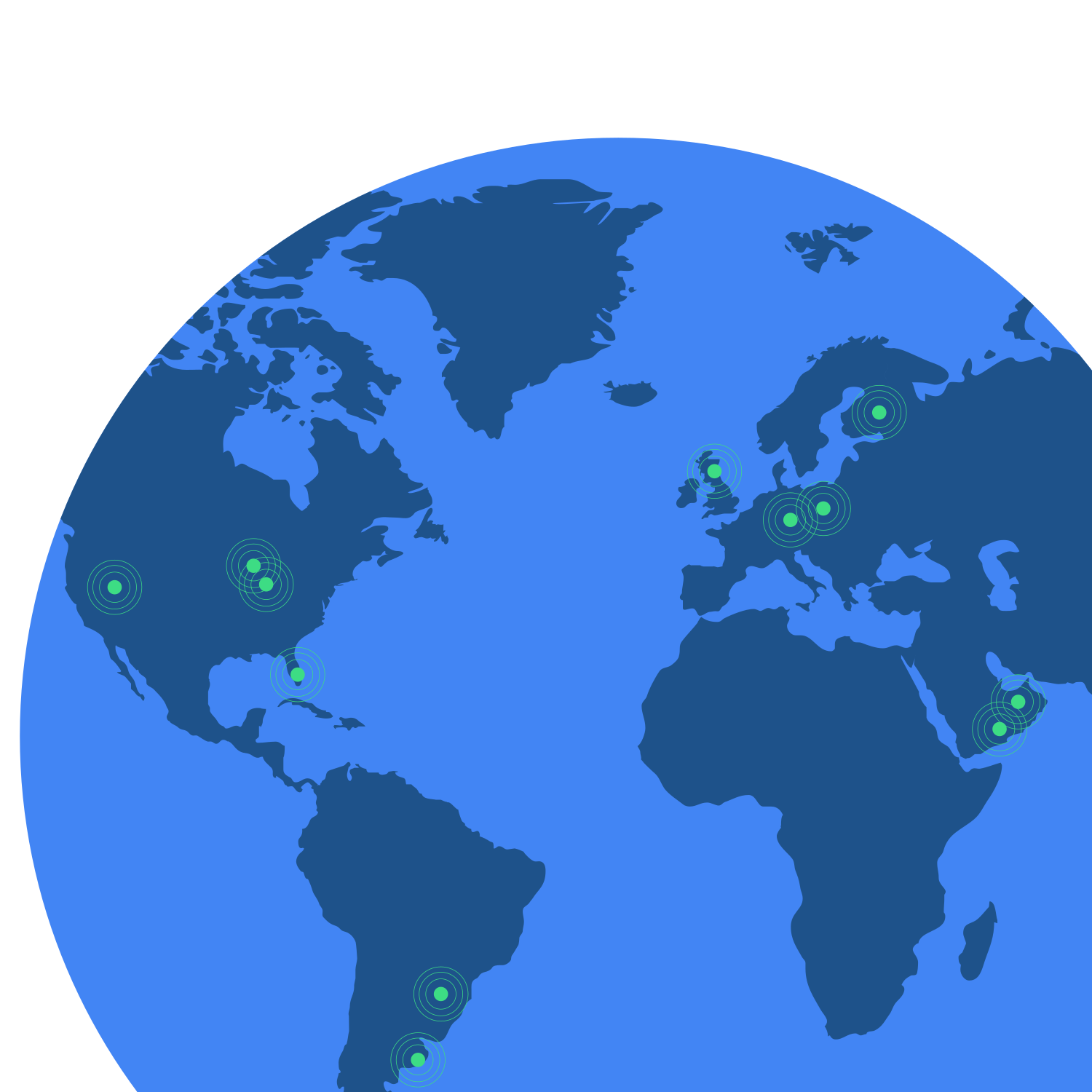
With multiple location signals for greater accuracy.
Yet cell-based location radii are often kilometers wide. And GPS performance tends to be poor indoors, underground or in city centers with tall buildings.
With ELS, the device automatically sends location information when a user contacts a configured emergency number. This happens via a location request made to the Android Fused Location Provider. FLP allows us to derive a more accurate location as quickly as possible, using a variety of location signals. And the best part: it works both indoors and outdoors.
Enhance your emergency response with ELS.
ELS location information is sent only when the user contacts your region’s emergency number. Location is computed locally, and sent directly from the Android device to a partner endpoint. Google does not view the location sent to the endpoint.


The partner manages the endpoint.

The user initiates an emergency call.


ELS uses FLP to determine the user’s location.


Location information is sent to the partner.
ELS can be up to 3000x more accurate than cell tower triangulation.1
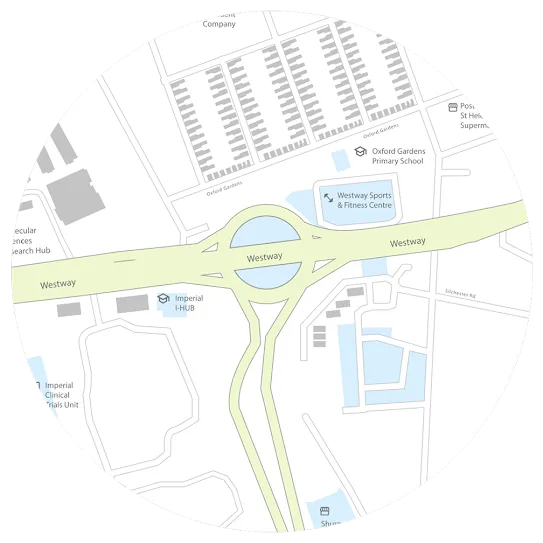
Without ELS

With ELS
Partner with us to get ELS in your country.
Frequently asked questions.
Our goal is to launch ELS in as many countries as possible. Today, ELS is fully deployed in the United States, United Kingdom, most of Europe, Australia, New Zealand, United Arab Emirates and Saudi Arabia. More details available from the EENA web site.
If ELS is not currently available in your state or country, you should reach out to your local ECC or government representative to request that it be made available.
On average, ELS is able to get a first location 3-4 seconds after the call has started. You can read more about Android location positioning at https://developer.android.com/reference/android/location/Location.html.
If your phone has device location and/or Google Location Services turned off at the time you contact emergency services, ELS will turn location and Google Location Service on solely for the purpose of computing emergency location for an emergency response provider to use. Your phone’s location settings are restored back to the original settings once the emergency call/text is over.
If your phone supports the latest Android operating systems (Android 10 or later), ELS will use the Emergency Location Bypass which allows a user’s device location to be retrieved in the event of an emergency call, even if the user has set the device location setting to “Off.”
The ELS team believes that user privacy is of the utmost importance, and has taken the following steps to protect privacy:
ELS only sends an emergency location if a user calls or texts an emergency number from their device. This requires the user to take an explicit action on their device.
Location is determined on-device and sent directly to emergency services, through an endpoint (maintained by the ELS partner) Google does not get any emergency locations and no one can externally prompt your phone to call emergency services.
If location settings are off on the phone, ELS has privileged access to turn location on for the purposes of making an emergency call/text.
ELS is turned on by default, but users can turn it off or back on at any time. More details available in the "Manage your Android device's location settings" section of the Android Help Center.
It depends on which ELS protocol has been deployed in that country. In general, ELS using the HTTPS protocol will work if the user makes an emergency call when the device is connected to Wi-Fi, but otherwise, ELS will not work. ELS using the Data SMS protocol will not work as a phone without a SIM card cannot send any SMSes.
ELS will activate and send a location If the mobile network operator supports VOIP or Wi-Fi calling, and the caller uses the default Android system dialer. However, ELS does not work when using 3rd party applications (Skype, Whatsapp, etc) to dial emergency numbers. ELS only works with the default phone dialer on the user’s Android device.
AML is a protocol that was developed to enable a smartphone to automatically activate its location service to establish its position and send this information to the ECCs via an SMS. ELS is Google’s implementation of AML. ELS location data can be reported using Data SMS or HTTPS.
The typical process to deploy ELS can range from 6-24 weeks, depending on how the due diligence process unfolds. At a high level, the ELS deployment process includes the following steps:
(1) Partner evaluation process, including legal, technical and business due diligence
(2) NDA and, if appropriate, a vendor security audit
(3) Testing and a pre-launch pilot
(4) Contractual agreement
(5) Finalize launch date and agree on PR plans, if appropriate
Google partners with government agencies responsible for public safety, mobile network operators and/or public safety infrastructure vendors to launch ELS in a country. Please contact us if you are interested in becoming an ELS Partner.
Yes, it does. Please contact us for more details.