


Pay, ride, and keep essentials close with Google Wallet
Google Wallet: everything you need in one place.
Set up your smart digital wallet in minutes.
Checkout made easy, in-store and online.
Smart notifications: get the right info, at the right moment.
Security that’s built in, not bolted on.
Your secure digital wallet brings convenience and ease of use to your day to day.
Frequently asked questions.
Google Wallet: everything you need in one place.
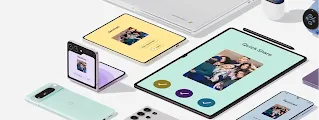
Like travelling light? Whether you’re grabbing your morning coffee, boarding a flight, or scanning your gym membership, your Android phone keeps everything you need right at your fingertips. Instead of juggling multiple cards and passes, Google Wallet brings everything together, enabling you to use your device for an easy mobile payment experience or a quick tap-to-ride transaction wherever you see the contactless or Google Pay symbols. It’s not just a digital tool – it’s your passport to move through the world with confidence and speed.
Set up your smart digital wallet in minutes.
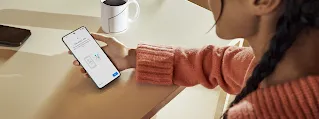
Setting up your wallet is a quick and simple process. You can digitize your physical cards and passes with minimal effort.
Step one: Find or download Google Wallet.
You can easily locate Google Wallet on your Android devices. The app comes pre-installed on Google Pixel and many Android devices and is available for free to download on Google Play.
Try Google WalletStep two: Add your first card.
Adding your first credit or debit card is simple. Tap "Add to Wallet" and follow the prompts. You can quickly add a card by scanning it with your camera or, for supported banks, simply tapping your physical card against the back of your phone.
Step three: Verify your information.
Security is a top priority for Android. To verify card ownership, your bank might send an SMS code, email a link, or redirect you to their app. Once the blue checkmark appears, you're all set.
Step four: Set Google Wallet as your default for a fast checkout experience.
To make transactions even faster, you can make Google Wallet your default choice for contactless payments. Navigate to the NFC settings on your device and select the app as your default option. This setup allows you to pay instantly when you unlock your device, creating a truly easy mobile payment solution.
Checkout made easy, in-store and online.
Google Wallet makes physical and digital transactions simple and fast.
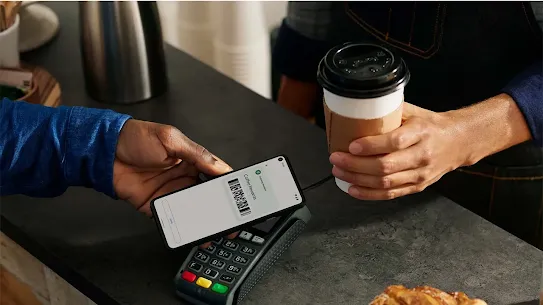
Tap to pay in stores.
When you’re shopping in-person, look for the contactless symbol or the Google Pay logo. Checkout is as simple as unlocking your phone or watch, holding it near the card reader, and waiting for the blue checkmark on your screen.
Quick and easy online checkouts.
Google Wallet reduces the friction of shopping online, as your preferred cards are saved in Wallet. These saved cards work seamlessly across the Google ecosystem, including YouTube, Google One and Google Play, which makes maintaining subscriptions and buying apps without re-entering payment details easy.
Travel lighter and easier.
You can add boarding passes, flight tickets, and transit cards to Google Wallet. Tap or scan to ride subways or buses in major cities. In supported regions, you can also store digital IDs to breeze through airport security gates. You can quickly create one using your passport, or add an eligible driver’s license or state ID from a participating state. Learn which states and IDs are currently supported.
Never miss a reward.
You can also add loyalty rewards cards, so you don't have to carry a stack of plastic cards and dig through your bag at the register. Google Wallet can keep your loyalty cards handy and save your receipts for easy access later.
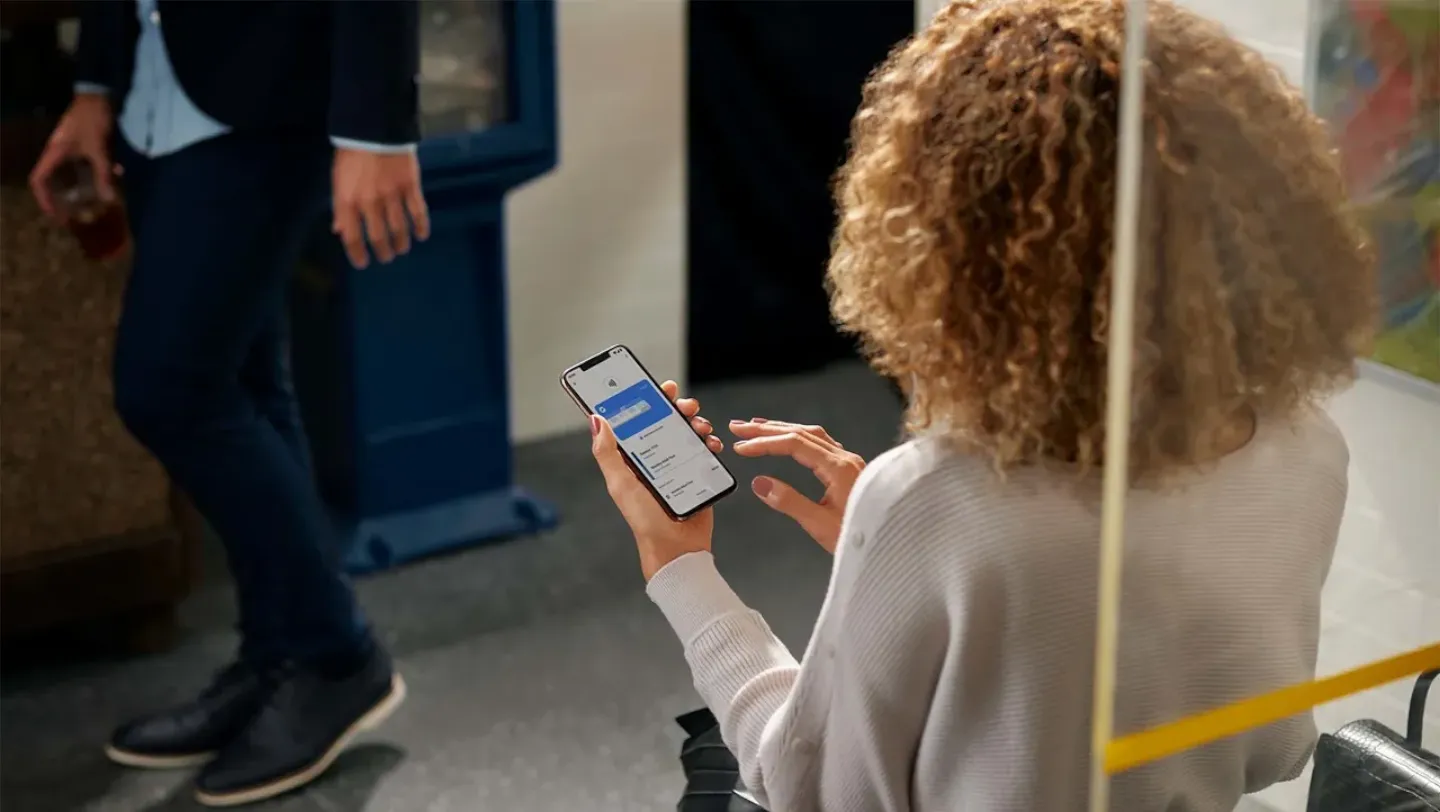
Smart notifications: get the right info, at the right moment.
Your wallet works behind the scenes to deliver relevant information when you need it most.
Location-based alerts and real-time flight updates.
To see your boarding pass at the airport or loyalty cards at participating stores automatically, enable 'Allow all the time' and 'Use precise location' in the Google Wallet app permissions on your Android phone.
Never miss a gate change or boarding call with automatic travel alerts sent straight to your phone. Plus, with Android 16 Live Updates, you can follow your flight's progress in real time directly on your lock screen.
Automatic syncing with Gmail.
You can enable Smart features in Gmail and Auto save passes & receipts in your Google Wallet settings. Once you do that, confirmation emails for flights, tickets, and loyalty rewards will automatically sync directly into your wallet without manual effort. You remain in full control and can customize the real-time notifications in your Wallet app settings at any time.
Security that’s built in, not bolted on.
We protect your financial data using industry-leading security features that safeguard your transactions. When you tap to pay in-store, your real card number is never shared with merchants, keeping your data private.
Device-level protection and remote locking.
Every payment is protected with a PIN, password or biometrics like facial recognition or a fingerprint. If your device goes missing, you can use ‘Google Find Hub’ to lock or securely wipe your information from any web browser.
Your secure digital wallet brings convenience and ease of use to your day to day.
Google Wallet offers a secure, fast and simple way to manage your cards, passes, and IDs – all in one place on the device you already carry everywhere. By digitizing your physical wallet, you can go about your day with ease and confidence. In addition to being able to make purchases in-store or online, you can get real-time information on your scheduled flights. Download Google Wallet today on the Google Play Store to experience the ultimate convenience.
Frequently asked questions.
Here are answers to some common questions about using your smart digital wallet.
Have I got Google Wallet?
You can check your phone by searching for the app in your app drawer. It’s preloaded on Pixel and many Android devices. If you don’t see it, you can download it easily from the Google Play Store.
How do I use a digital wallet on my phone?
A smart digital wallet securely stores your cards, transit passes and loyalty cards on your device. To use it, open the app, add your credit cards, and make an easy mobile payment by unlocking your phone and holding it near a contactless terminal.
Which is safer: a credit card or a digital wallet?
Digital Wallet. Unlike physical cards - which can be tapped by anyone if lost or stolen - Google Wallet requires on-device authentication like fingerprint or facial recognition to authorize payments. Plus, Google Wallet uses tokenization so your real card number is never stored on the merchant’s systems or exposed during contactless checkout.
Why isn’t my contactless payment working?
If you experience issues, check these common settings:
- Make sure NFC is toggled on. You can find this in your "Quick Settings" (swipe down from the top of your screen) or by searching "NFC" in your Settings.
- Ensure your phone runs on official and unmodified software. Contactless payments are disabled on devices that run on altered or customised software for security reasons.
How do I pause my contactless payments?
If you’re not planning to use mobile payments for a while, you can easily turn off the feature by toggling NFC to "Off" in your Settings. You can turn it back on whenever you're ready to pay again.