Android security
Powerful enterprise protection starts here.
Secure your business with multi-layer protection, device trust security, AI-powered defenses, and robust privacy — keeping your teams safe, wherever they work.
Enable secure access on mobile
Introducing Device Trust from Android Enterprise
Device Trust from Android Enterprise helps protect devices, data, and privacy, empowering employees to work from anywhere.²
Learn more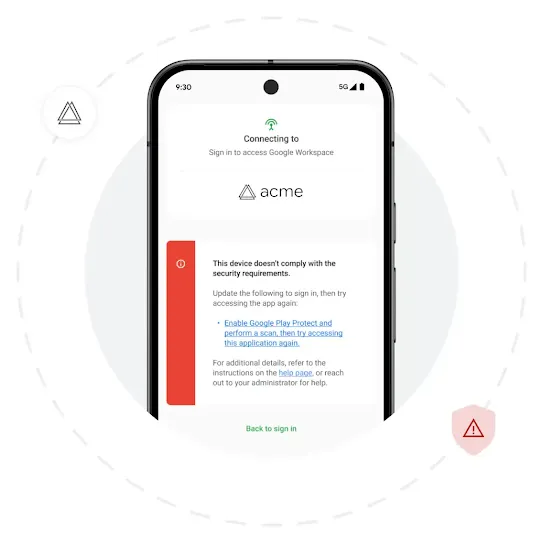
Authentication
Security for the modern workplace
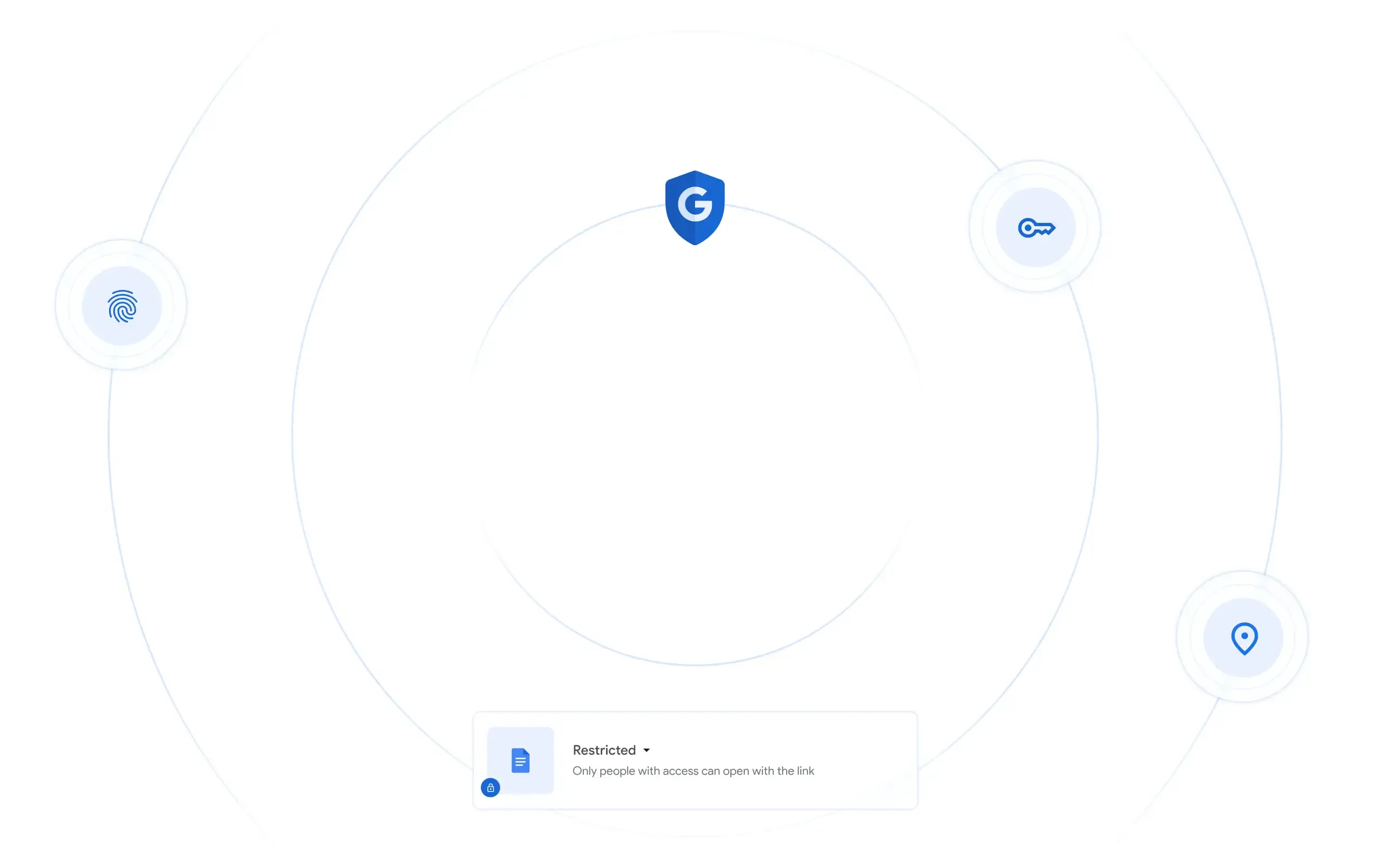
Authenticate the trust status of Android work devices with a bundle of over 20+ device trust signals from Android Enterprise, including device security patch level, OS version & pending OTA, network status, screen lock,
and more.
Tailor security
Flexible solutions for diverse use cases
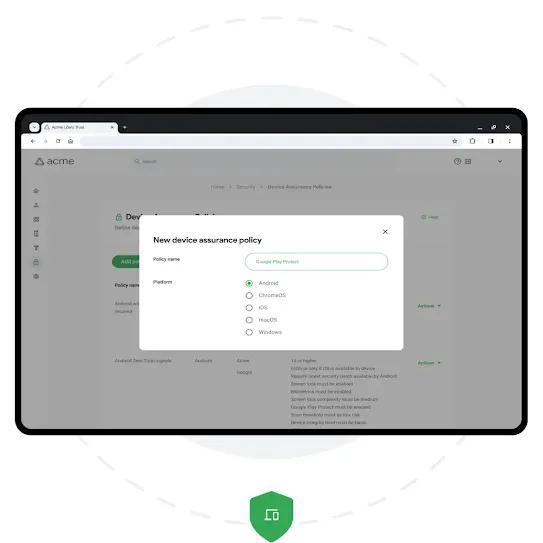
Integrate mobile into your current security systems, respond quickly to threats, and choose device trust solutions from a diverse ecosystem of security partners.
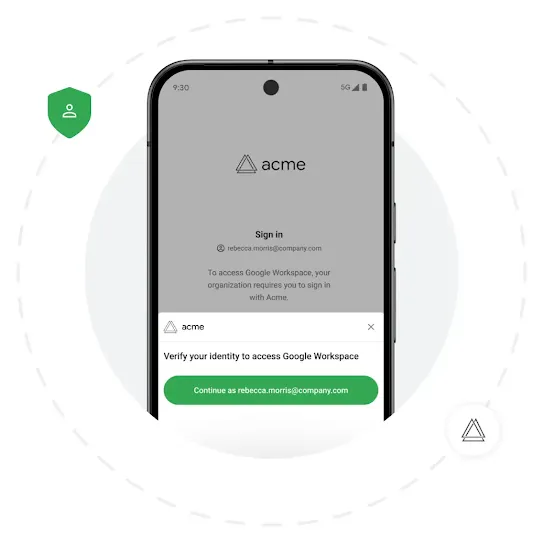
Improved productivity
The employee experience, uninterrupted.
Improve the employee experience with seamless and ongoing signal validation, no need to enroll the device, and built-in privacy protection.
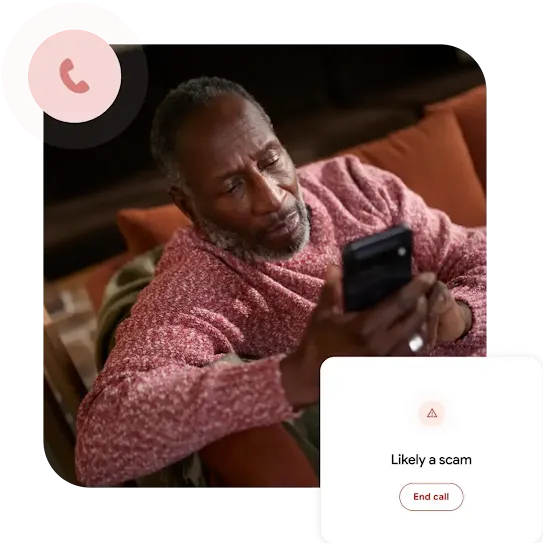
Help stop scams before they start.
Fend off malware on mobile with Google’s AI powered, real-time protection for apps, calls, browsing, and messaging.
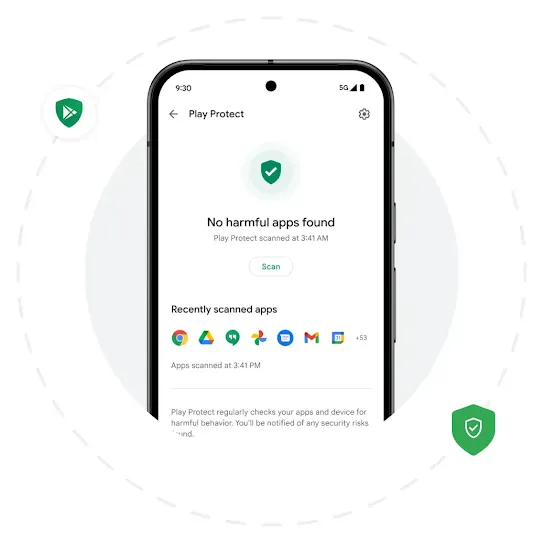
Google Play Protect
Defend against malware with machine learning.
Leverage machine learning via Google Play Protect to help combat malware, phishing, and ransomware. And with live threat detection, Google Play Protect continues to monitor apps even after download to catch malicious apps that try to cloak their intentions.
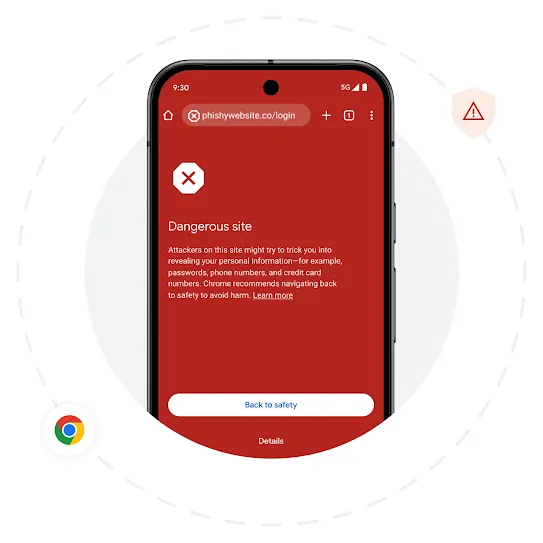
Google Safe Browsing
Protect employees online with Google Safe Browsing.
Enable employees to search with confidence knowing that Google Safe Browsing for Chrome on Android scans each website in real time to thwart dangerous malware and phishing sites—all while protecting user privacy.
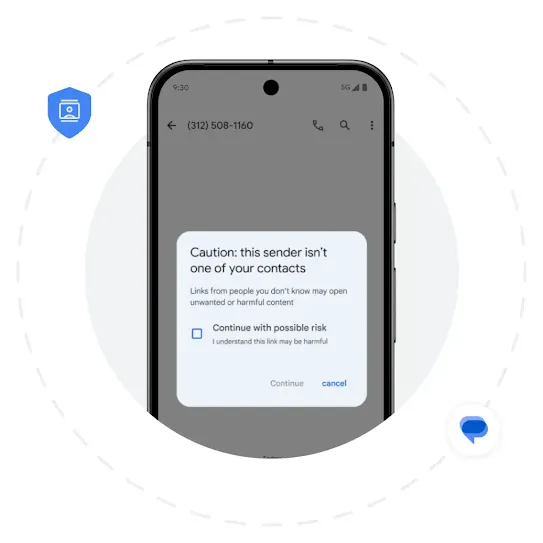
Spam protection
Block harmful links in Google Messages.
Automatically block links in messages from known scammers and warn employees before clicking suspicious links with enhancements to Google Messages.
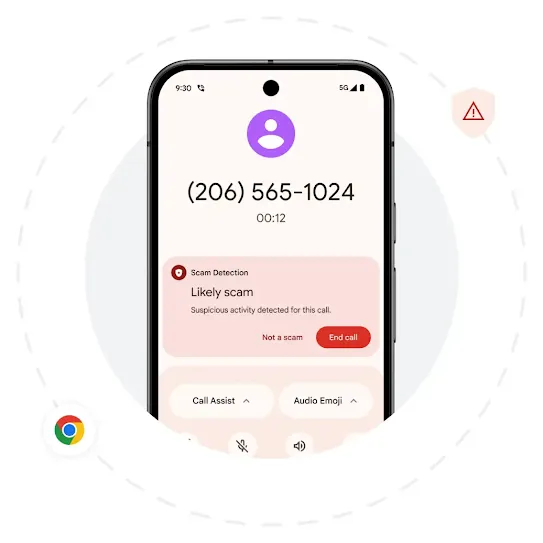
Scam Detection
Get alerted to phishing messages and calls.
Scam Detection in calls and Google Messages will alert you when a caller or text message is phishing for information, flagging scams on your phone in real time using AI.¹
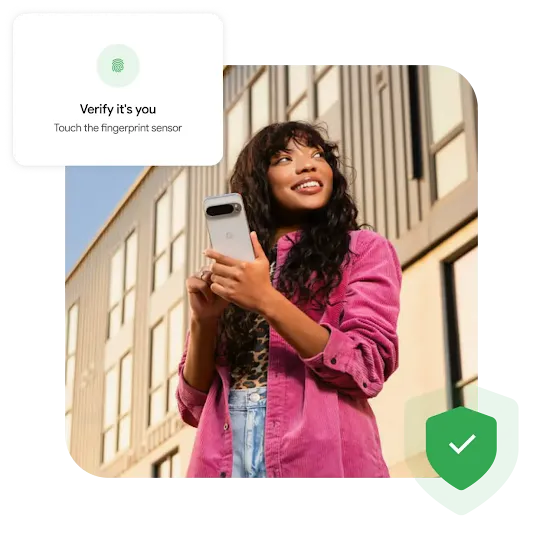
Deploy multi-layered protection.
Protect devices with built-in hardware, software, network, and OS-level security and support.
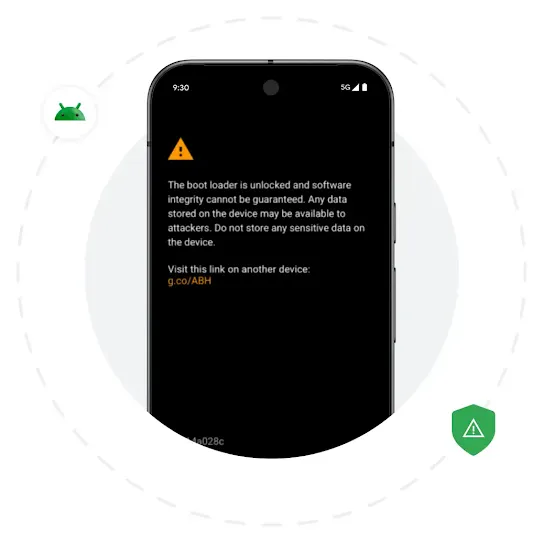
Secure hardware
Rely on built-in hardware security.
Help secure devices with a multi-layered approach spanning verified boot, device encryption, and a trusted execution environment (TEE) for protection that has been tested and certified at scale.
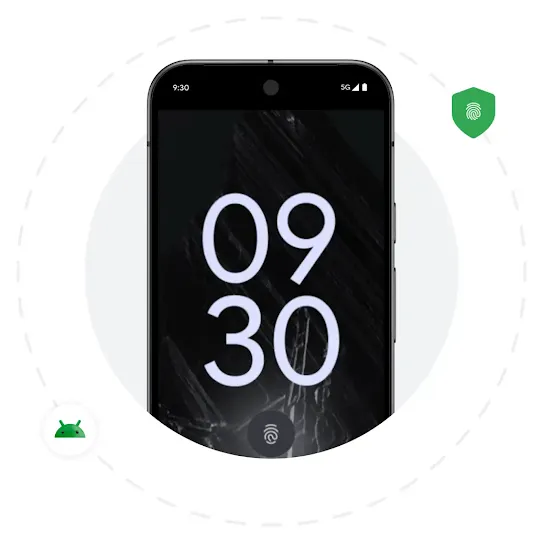
Android Open Source Project
Protect your business with a hardened OS
Benefit from the Android Open Source Project’s transparency, constant hardening, and enhanced security features, including app sandboxing, app signing, authentication, biometrics, encryption, and mandatory access control (MAC) over all processes.
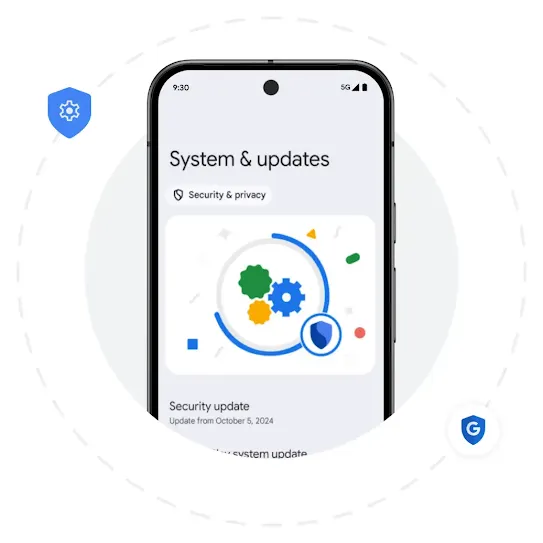
Updates
Receive timely security patches and OS updates.
Receive regular and modular security updates to help keep work devices secure and up to date—and decide when those updates get pushed to employees. Select devices offer seven years of OS and security updates.
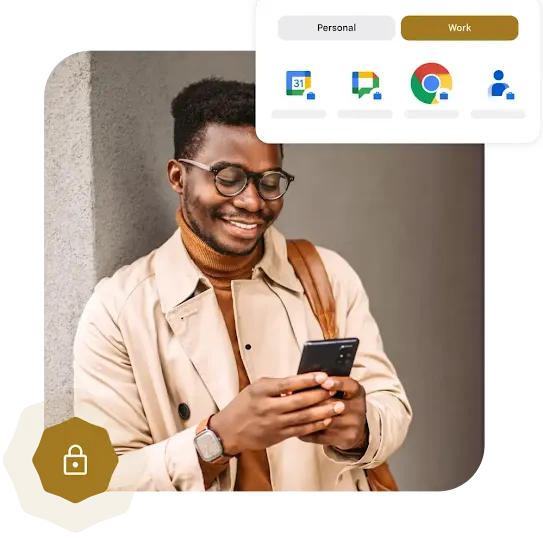
Lock down your business data.
Keep data safe with on-device trust signals, work data separation, and app allow lists.
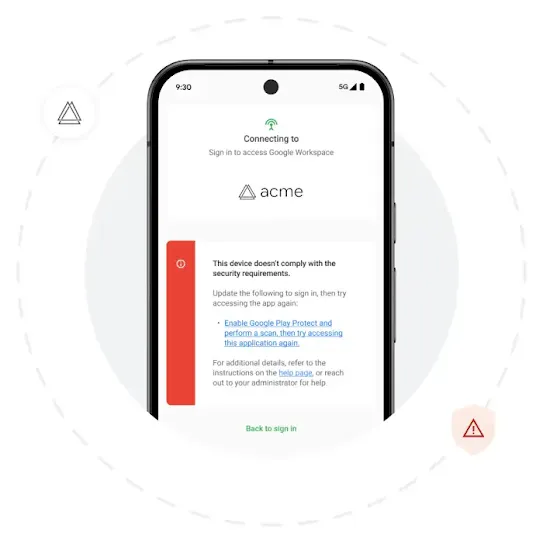
Device trust
Take a Zero Trust approach to mobile.
Verify device status and control access to corporate resources with more than 20+ device trust signals. Device Trust from Android Enterprise works across managed and unmanaged Android devices through third-party security integrations.²
Authentication
Security for the modern workplace
Authenticate the trust status of Android work devices with a bundle of over 20+ device trust signals from Android Enterprise, including device security patch level, OS version & pending OTA, network status, screen lock,
and more.
Tailor security
Flexible solutions for diverse use cases
Integrate mobile into your current security systems, respond quickly to threats, and choose device trust solutions from a diverse ecosystem of security partners.
Improved productivity
The employee experience, uninterrupted.
Improve the employee experience with seamless and ongoing signal validation, no need to enroll the device, and built-in privacy protection.
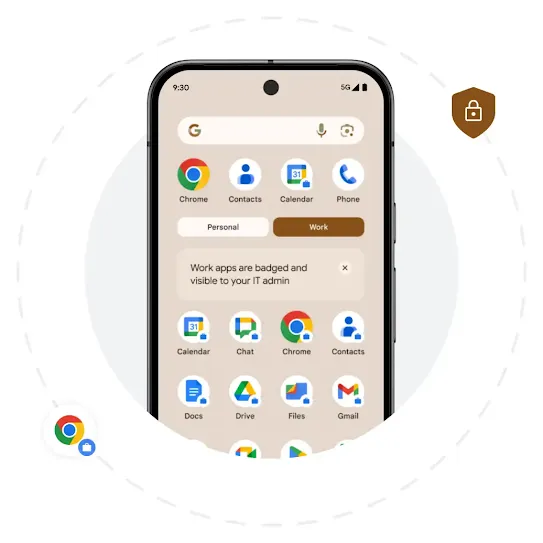
Android Work Profile
Prevent data breaches.
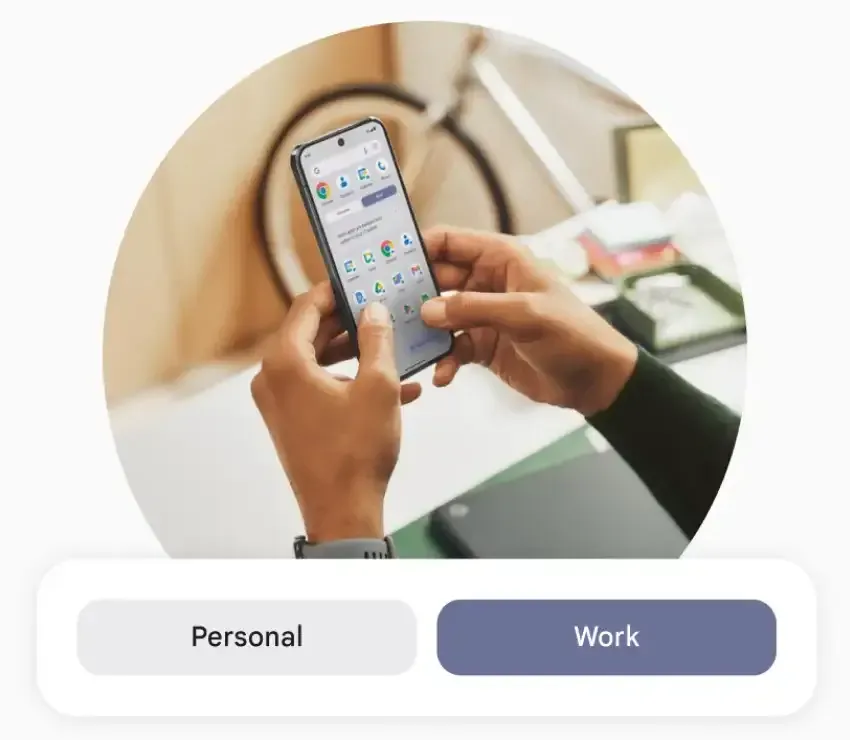
Android Work Profile creates separate work and personal profiles on a single Android device to help protect company data. If a device is lost or an employee leaves the company with their own device, the data in the Work Profile can be remotely wiped.³
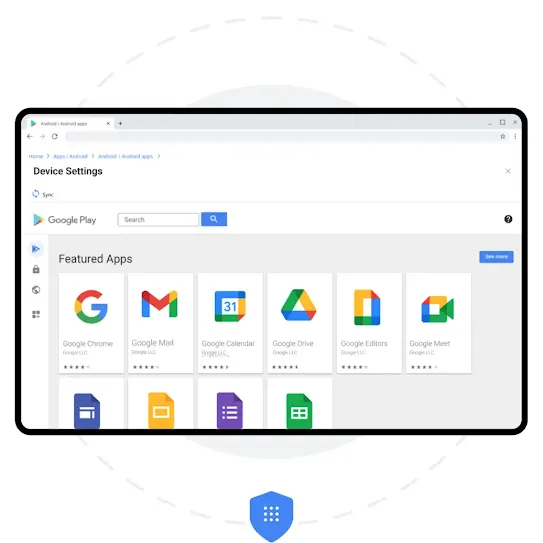
Managed Google Play
Choose what apps employees can access.
With Managed Google Play, define app allow and blocklists on fully managed and COPE devices, and within an Android Work Profile on BYOD to prevent sideloading and downloading unapproved apps that can jeopardize organizational security.
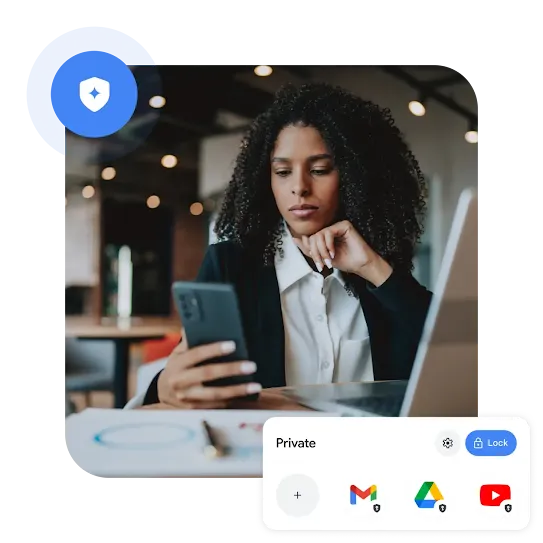
Define privacy on your terms.
Shield company and employee privacy with a personal profile, private space, AI data protections, and screenshare privacy safeguards.
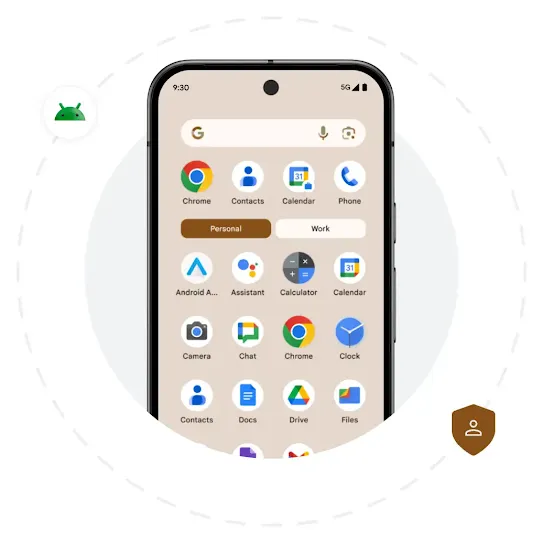
Personal profile
Protect employee privacy with a personal profile.
Provide employees with peace of mind knowing that their app use within the personal profile remains private. And if the employee owns the device, the Work Profile can be deleted at any time without impacting the device or its personal data.³
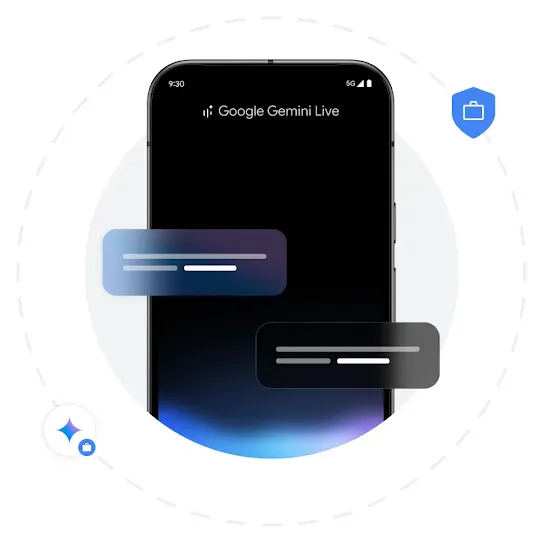
Secure AI Framework
Ensure data privacy for AI tools
Choose whether AI features like Gemini App and Assistant are active on employee devices via Android Enterprise. Google is committed to the Secure AI Framework (SAIF) to address AI/ML model risk management, security, and privacy.
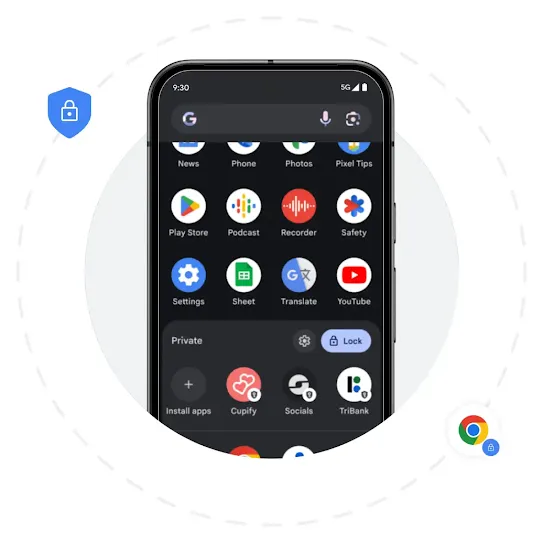
Privacy
Offer employees a private space.
Empower employees with a private space — a separate folder that requires a password or biometrics to unlock — within their personal profile. Android Enterprise extends privacy protections and policies governing the personal profile to the private space.⁴
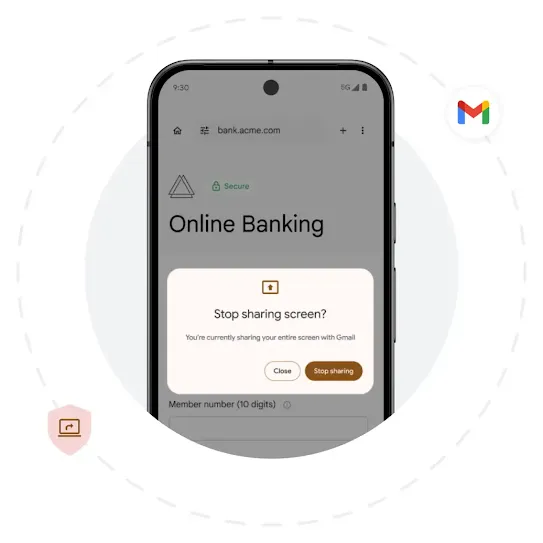
Screen security
Protect credentials during screen share.
Prevent unintended data leaks during a screen share. Android shows a black screen while entering login credentials, lets the user know when they are sharing a screen, and automatically stops screen sharing when the screen locks.
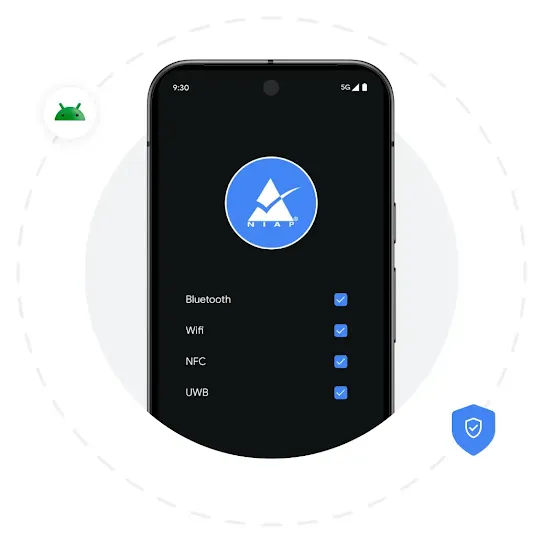
Meet standards
Stay compliant with NIAP requirements.
Meet the latest National Information Assurance Partnership (NIAP) requirements, including improved audit logging; Wi-Fi, Bluetooth, and certain password activities logging; and additional policy logs and admin controls for managed ultra-wide band (UWB).
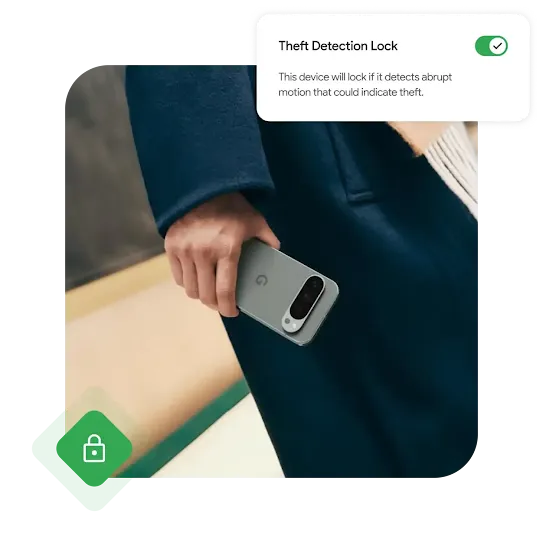
Fight back against theft.
Lock down missing devices, defend against theft, and remotely wipe data if a device can’t be recovered.
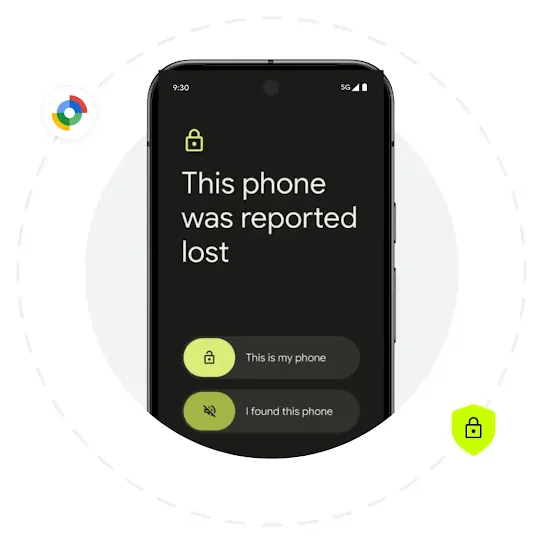
Lost Mode
Track down lost or stolen devices.
Disable access to lost or stolen company-owned devices and report the device’s location by entering a device into Lost Mode.⁵
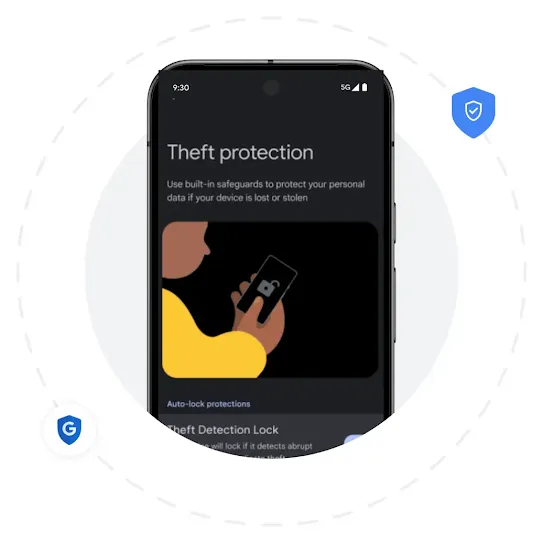
Android Theft Protection
Secure stolen devices with theft protection.
Protect sensitive business data from theft with Android theft protection, a suite of security features that includes Theft Detection Lock, Offline Device Lock, and Remote Lock.⁶
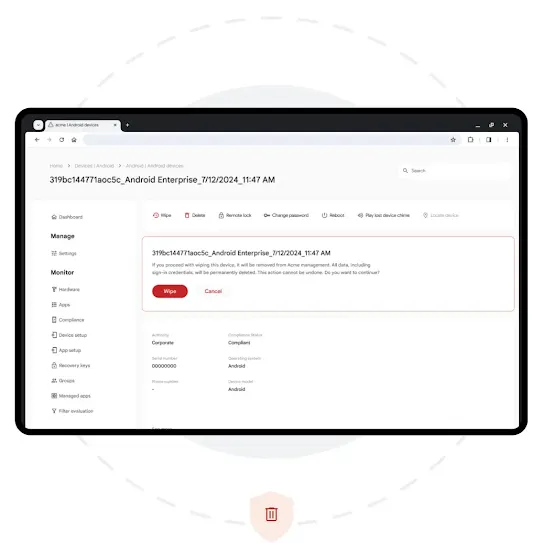
Remote security
Wipe corporate data from a device.
Remotely wipe corporate data from a device if a device can’t be recovered or an employee using their personal device for work moves on from the organization.⁷
More about Android Enterprise.
Discover the Android Enterprise advantage through our comprehensive list of resources and latest customer stories.
-
Stay ahead of threats with help from our security panel.
-
Dive into Android’s latest security updates.
-
Companies big and small choose Android Enterprise.


Transform how you do business.
See how Android’s secure, easy-to-manage platform can help improve your company’s productivity and drive growth.