Site Menu

Play silent looping video Pause silent looping video
Android security

Powerful enterprise protection starts here.

Secure your business with multi-layer protection, device trust security, AI-powered defenses, and robust privacy — keeping your teams safe, wherever they work.

Enable secure access on mobile

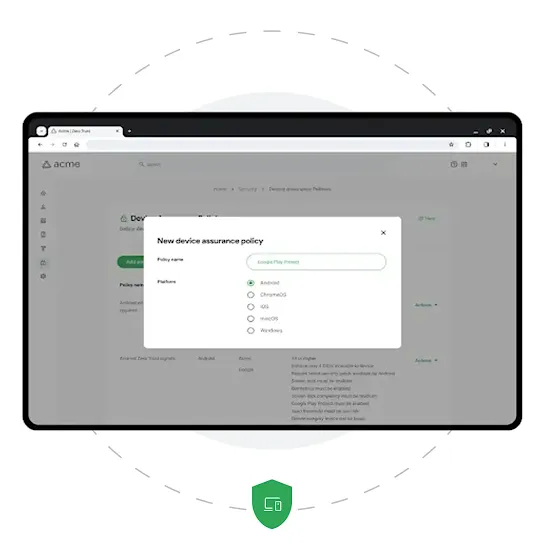
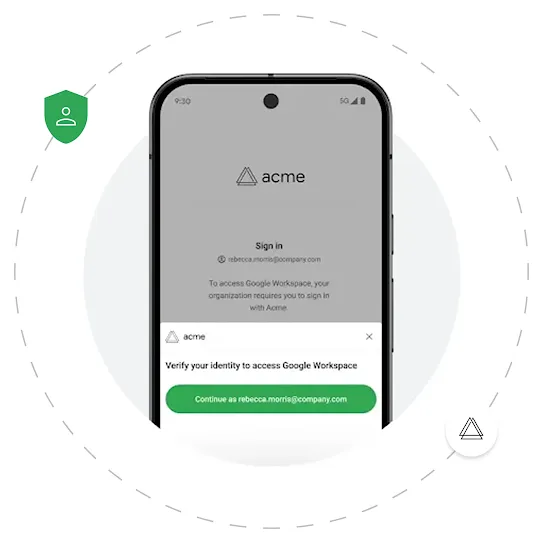
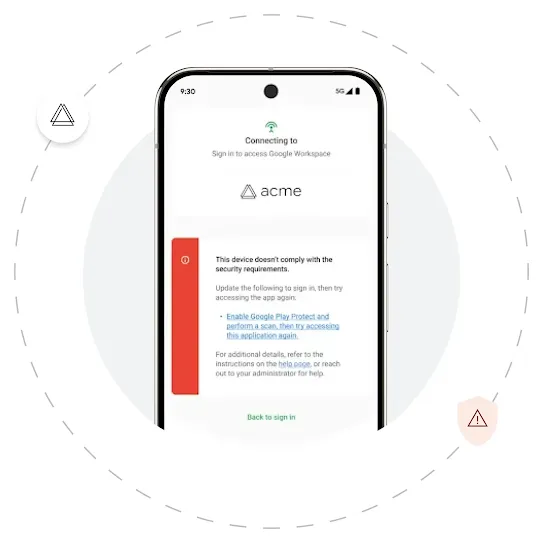
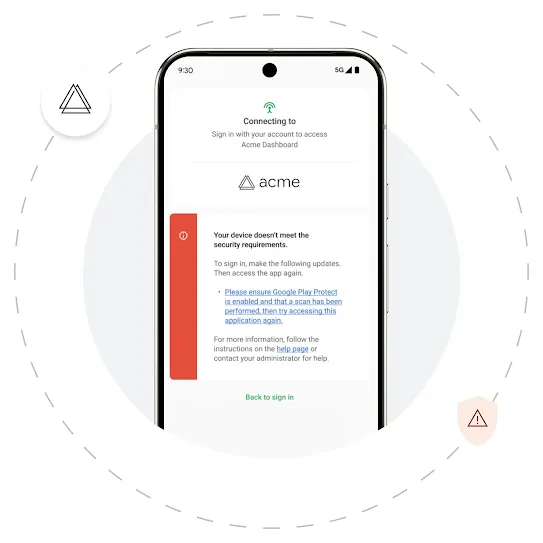
Introducing Device Trust from Android Enterprise

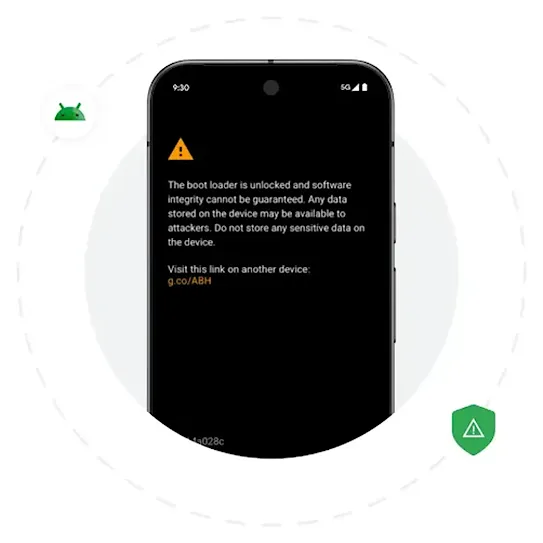
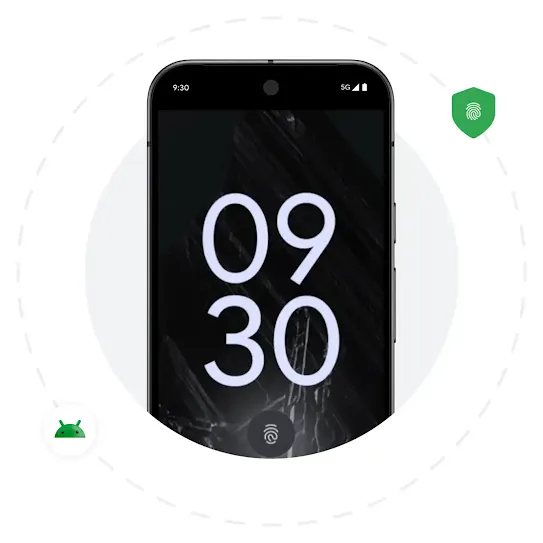
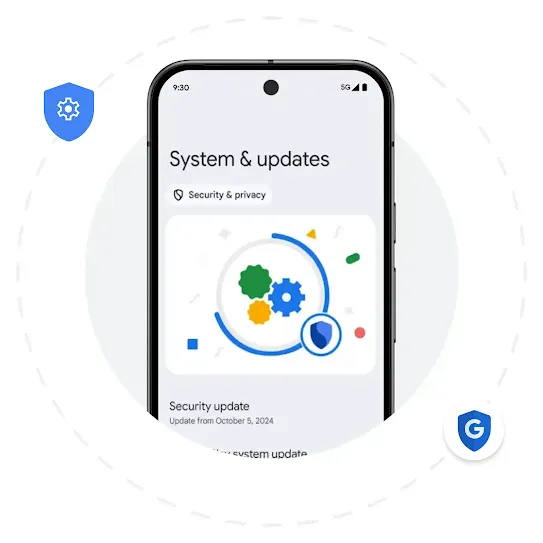
Device Trust from Android Enterprise helps protect devices, data, and privacy, empowering employees to work from anywhere.¹

Learn more
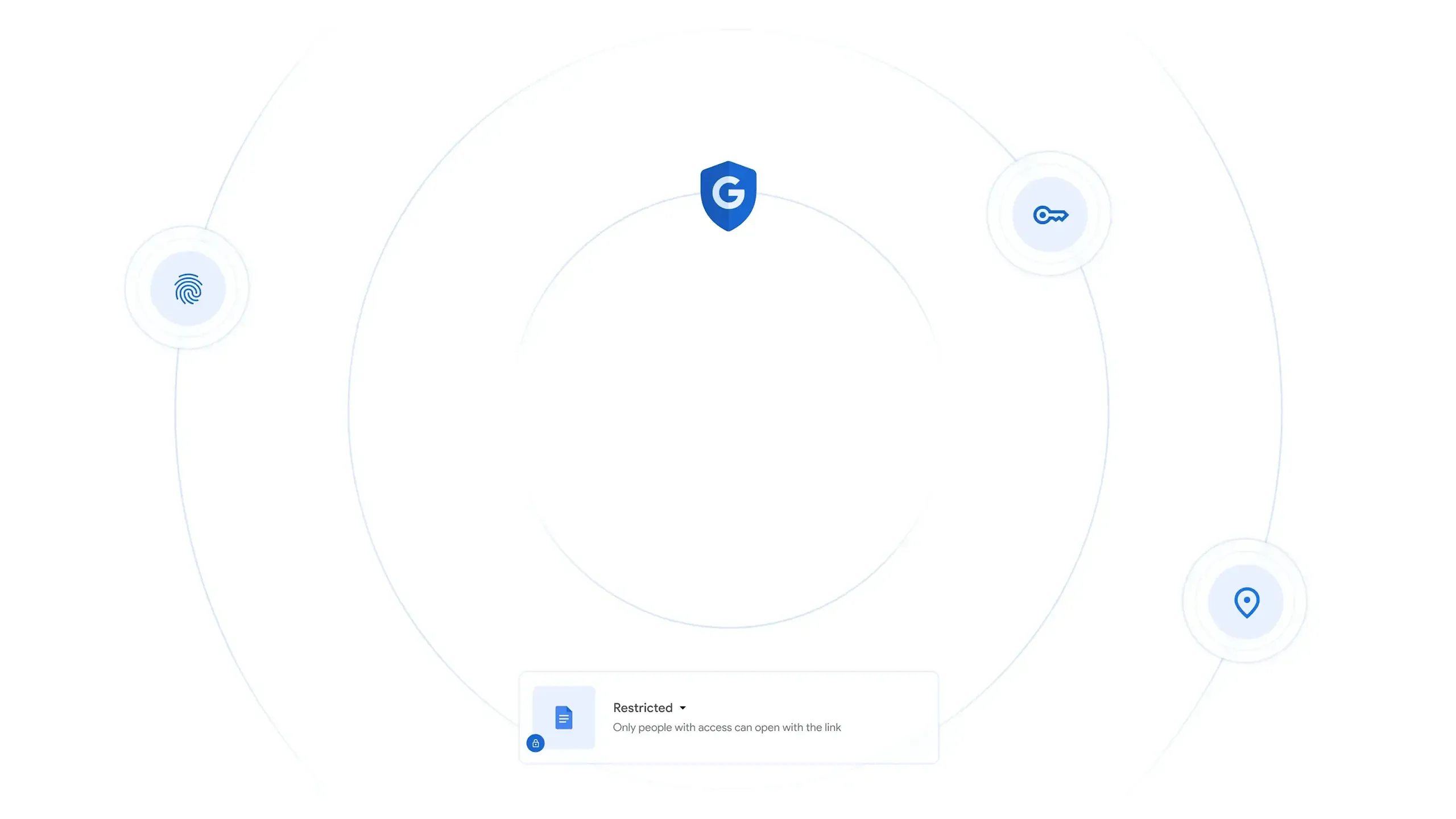
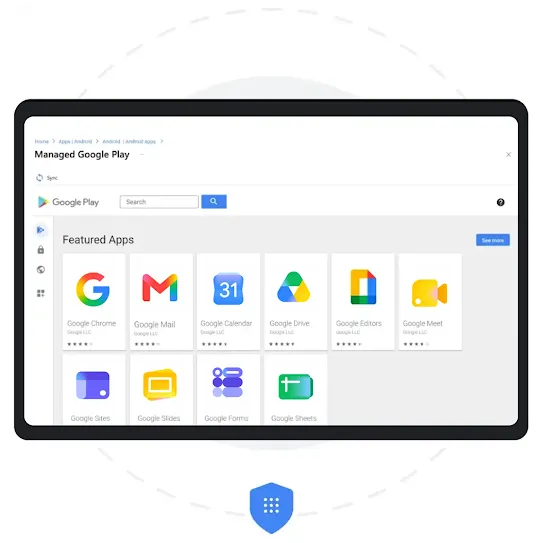
Different blue icons inside light grey circles are scattered around dashed circles. A rectangle shows an example of a Google Docs security interface at the bottom.
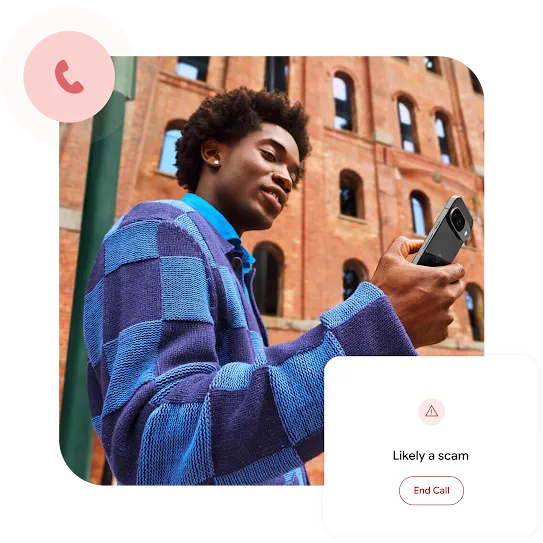
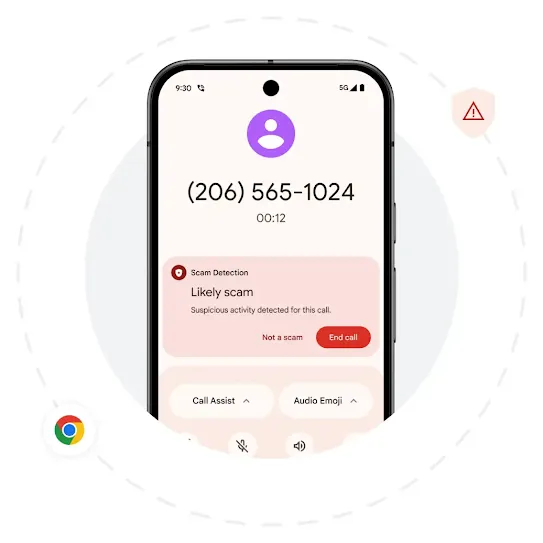
A person looking at their smartphone, with graphic overlays showing a phone call icon and a warning pop-up that reads "Likely a scam" with an "End Call" button.

Help stop scams before they start.

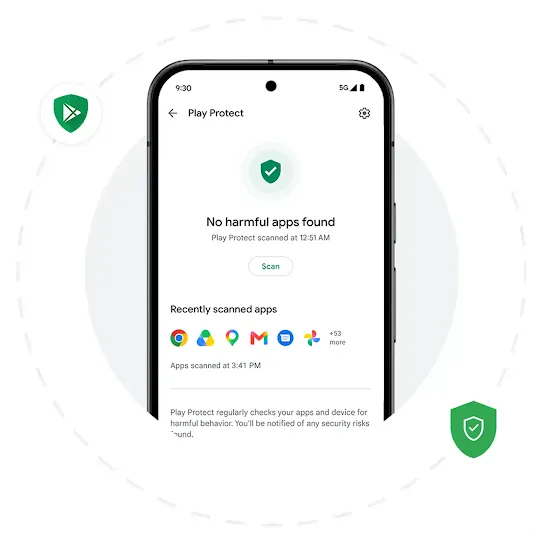
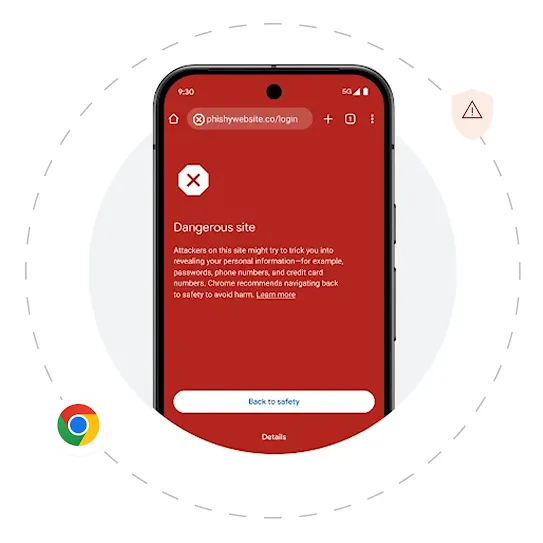
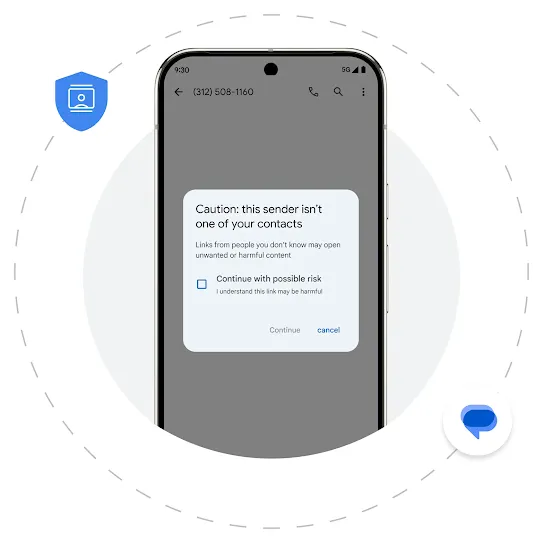
Fend off malware on mobile with Google’s AI powered, real-time protection for apps, calls, browsing, and messaging.
Learn more
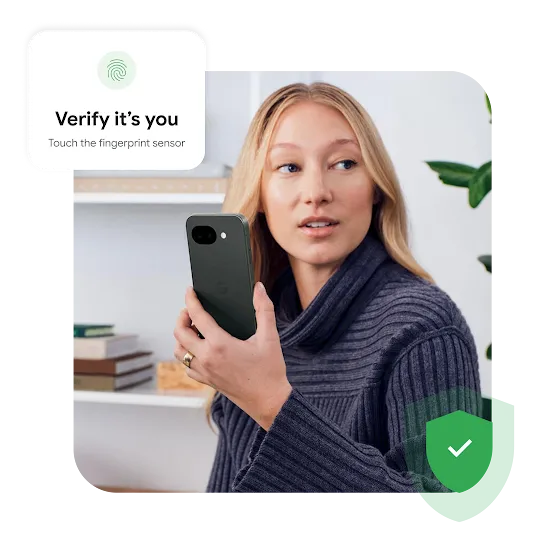
A woman holding a smartphone, accompanied by graphic overlays showing a fingerprint verification prompt and a green security shield.

Deploy multi-layered protection.

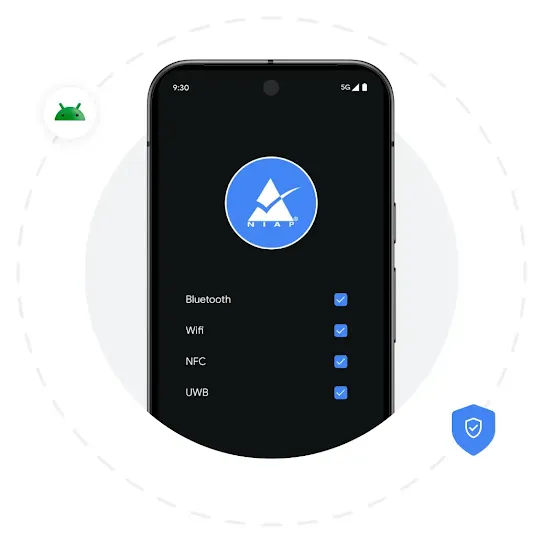
Protect devices with built-in hardware, software, network, and OS-level security and support.
Learn more
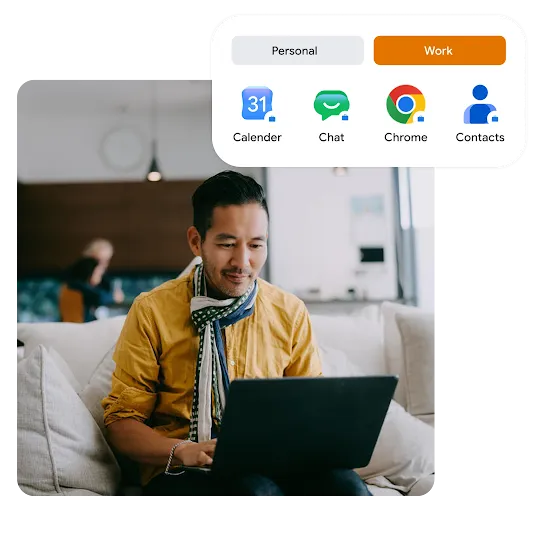
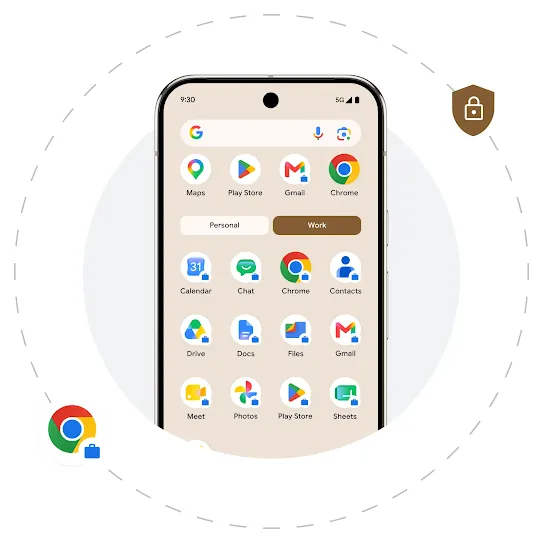
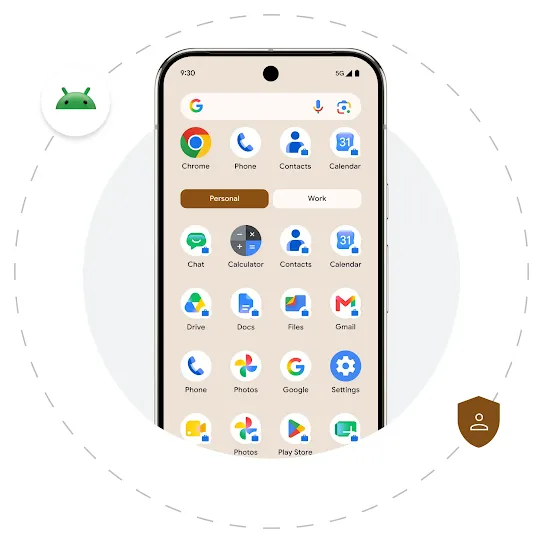
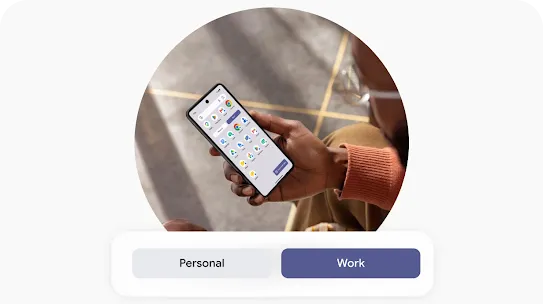
A man working on a laptop on a couch, with a graphic overlay showing a mobile interface switched to a "Work" profile featuring apps with briefcase badges.

Lock down your business data.

Keep data safe with on-device trust signals, work data separation, and app allow lists.
Learn more
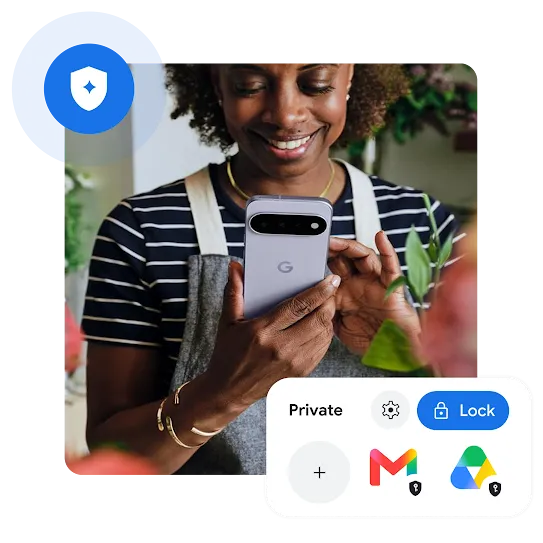
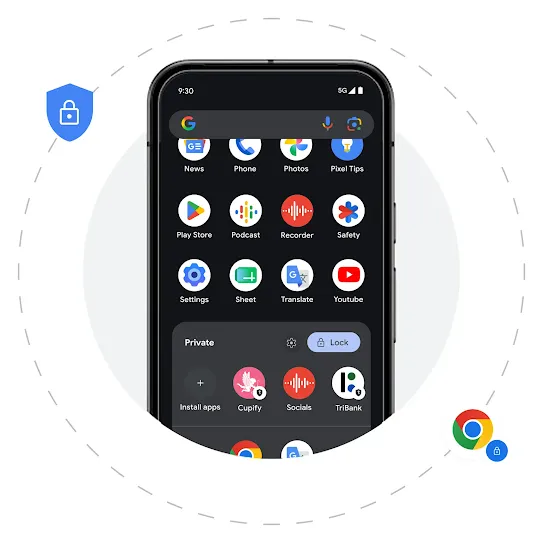
A smiling woman holding a smartphone, with graphic overlays showing a blue security shield and a "Private" interface locking apps like Gmail and Google Drive.

Define privacy on your terms.

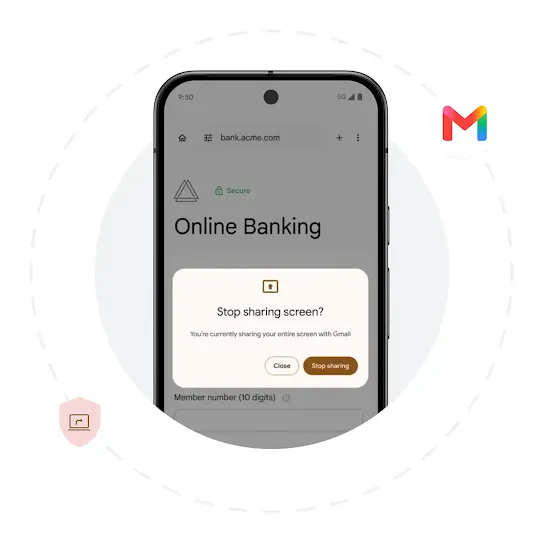
Shield company and employee privacy with a personal profile, private space, AI data protections, and screenshare privacy safeguards.
Learn more
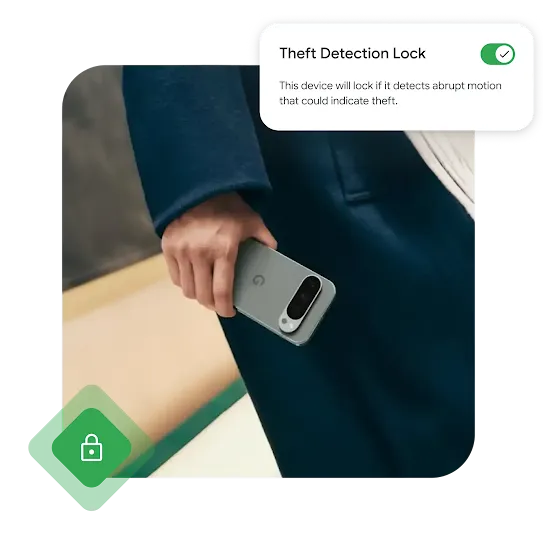
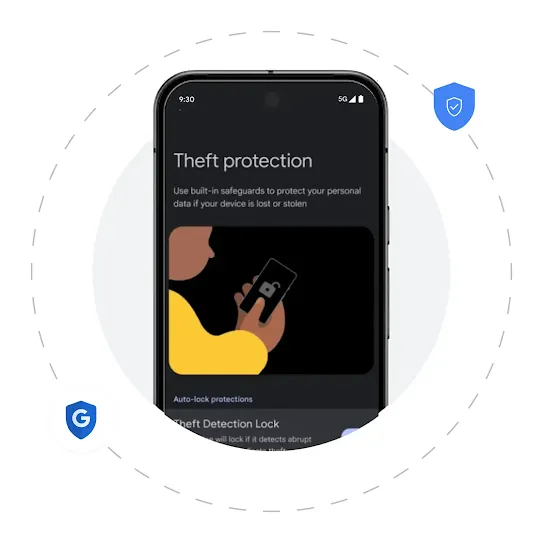
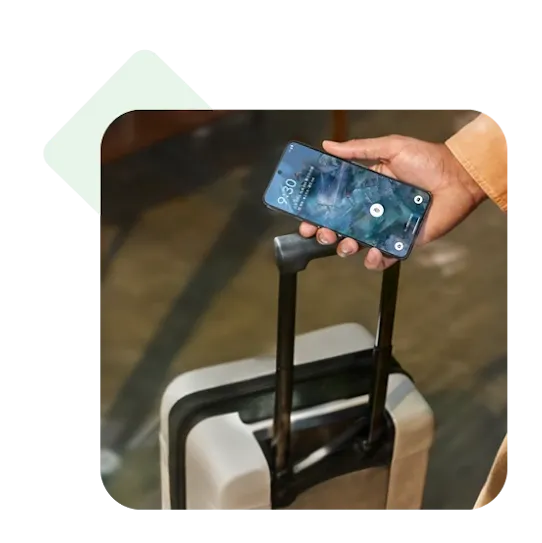
A hand holding a grey Google pixel phone. An example of the Theft Detection Lock interface is on the upper right corner.

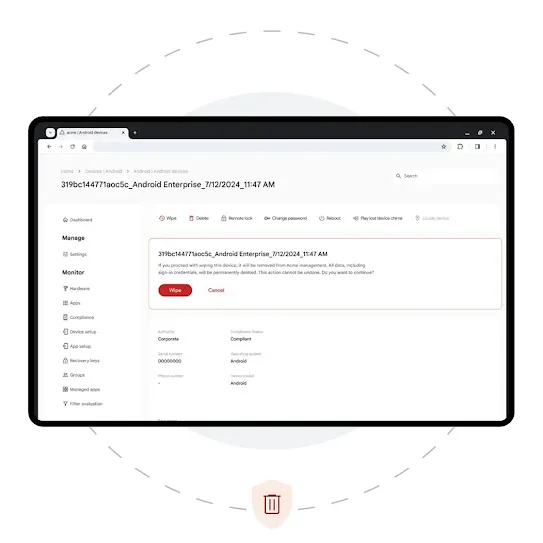
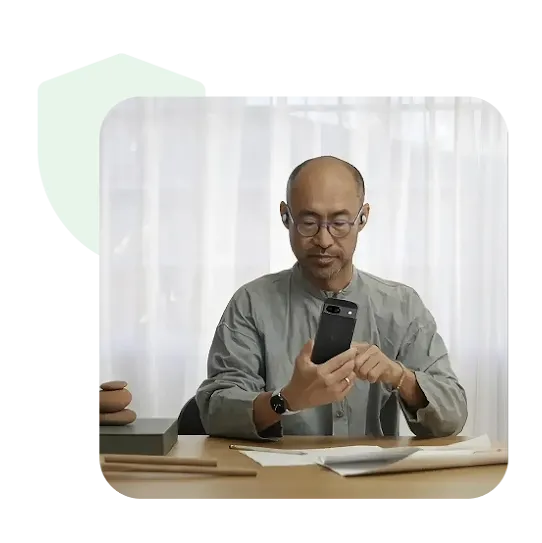
Fight back against theft.

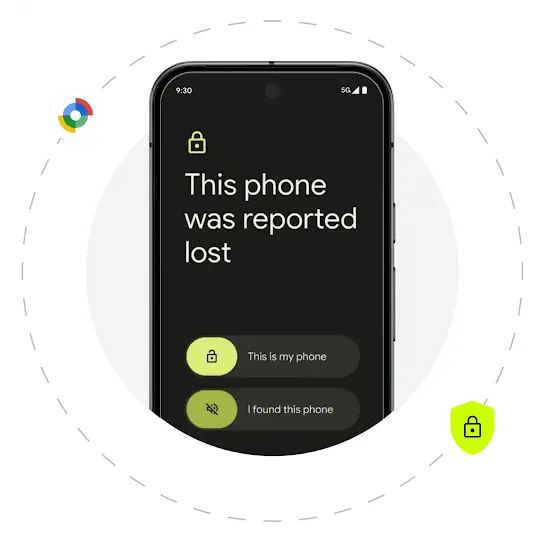
Lock down missing devices, defend against theft, and remotely wipe data if a device can’t be recovered.
Learn more

More about

Android Enterprise.

Discover the Android Enterprise advantage through our comprehensive list of resources and latest customer stories.

Transform how you do business.

See how Android’s secure, easy-to-manage platform can help improve your company’s productivity and drive growth.
1Some features and devices may not be available in all countries. Subject to availability.
2Scam Detection in calls requires a US SIM card and is only available in the United States on Pixel 9 devices, and for US-based members of the Phone by Google app beta program using Pixel 6 or newer devices. For Scam Detection in Google Messages, availability of features may vary by market and device.
3Device Trust from Android Enterprise solutions are built and offered by third-party providers integrating into the Android Management API. Exact features may vary depending on third-party integrations.
4Android Work Profile is available on personal devices with Android 5 or later or on company-owned devices with Android 8 or later. Work Profile apps can't access SMS/MMS data from the personal profile on Android 11+. If your device has a Work Profile, your organization can view and manage your work apps and data. Your personal apps, data, and usage details aren't visible or accessible to your organization. If your device is company-owned, your organization may be able to manage certain settings on your device (e.g. time and date, language, Wi-Fi configurations) and enforce app defaults such as messaging and browser.
5Private Space on COPE devices are subject to the same security requirements as the personal profile. Admins will be able to block the user from having a Private Space and remove an existing Private Space in COPE.
6Lost Mode is available for Work Profile on company-owned devices on Android 13 or later and fully managed devices on Android 11 or later. It’s also exclusive to EMMs that use the Android Management API. To check if this feature has been made available in their console, please contact your EMM.
7Theft Detection Lock, Offline Device Lock, and Remote Lock requires Android 10+ and an internet connection. Android Go
devices are not supported. Support may vary based on your device model. The user must be using the phone while it is unlocked.
8For remote wipe, mobile devices must be managed (basic or advanced mobile management. For Android devices that meet all the following conditions, you can only wipe the device (not the account): Currently under basic mobile management but previously under advanced mobile management; In Device Owner mode (company-owned devices and personal devices set up as “work only”); Managed with Android Device Policy. Endpoints must be managed with Drive for desktop.

Play silent looping video Pause silent looping video