Making AI helpful for everyone at work.
Discover how Google AI on Android can transform how you work as an employee, a business or a developer.
Supercharge productivity, unlock creativity.


Add a brilliant mobile assistant to your team.
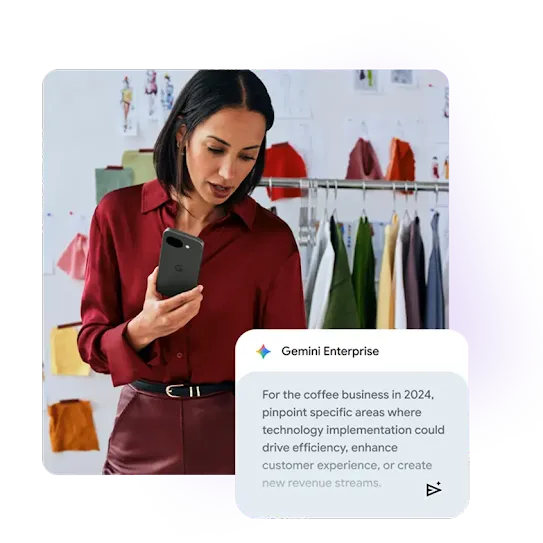
Brainstorm, plan, write, analyze, and create new things at work with our AI assistant on your Android phone
Welcome to Gemini
Tap the prompt to get started.
Give me a list of the best places to host a summer work retreat.
Sure! Popular places to host a work retreat in the summer include:
- Aspen, Colorado
- Lake Tahoe, California
- Miami, Florida
- Chicago, Illinois
- Napa Valley, California
Gemini can help plan. Tap the prompt to see how.
Brainstorm a list of group bonding activities in Lake Tahoe.
Here are some team bonding activities you can consider for your summer work retreat to Lake Tahoe:
- Outdoor adventures
- Waterfront fun
- Creative challenges
- Games and prizes
- Scavenger Hunts
Gemini can help you prep. Tap the prompt to get things done.
Draft an email announcing the Tahoe trip to my coworkers.
Sure! Here’s the email:
Hey Team,
Sunshine, mountains, and crystal-clear water... That's right, we're heading to Lake Tahoe for a summer retreat!
More details to come soon, but get ready for some fun in the sun (and maybe a little team bonding).
Best, [Your Name]

Enhanced security, transparency, and control over company devices.
Power-up your workday with an assist from Google AI.

Make moments of discovery seamless.
Circle to Search
Circle to Search lets you search anything on your phone with a simple gesture – without switching apps.
You spot the perfect desk lamp while watching a YouTube video.
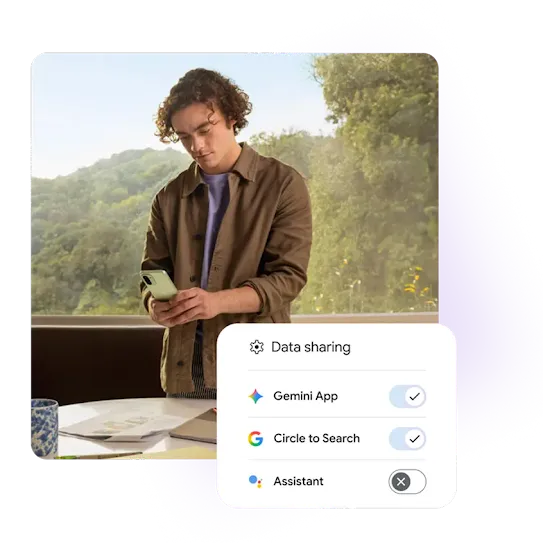
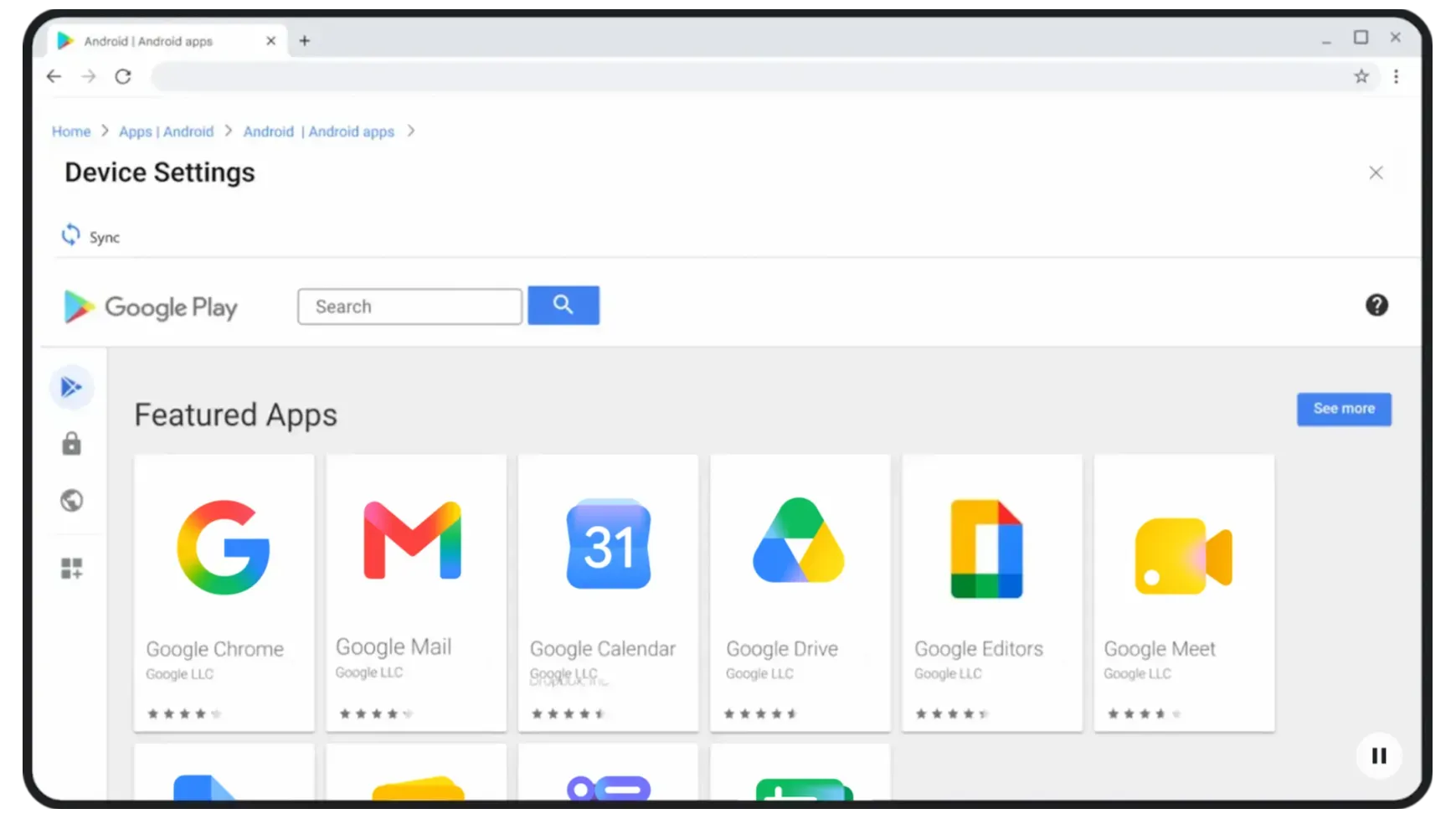
Enhanced security, transparency, and control over company devices.
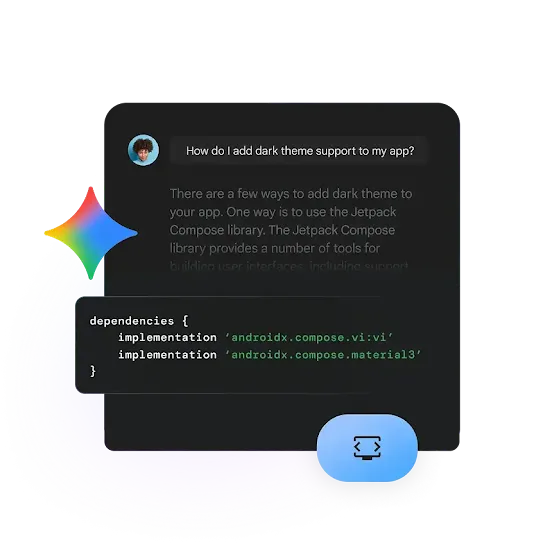
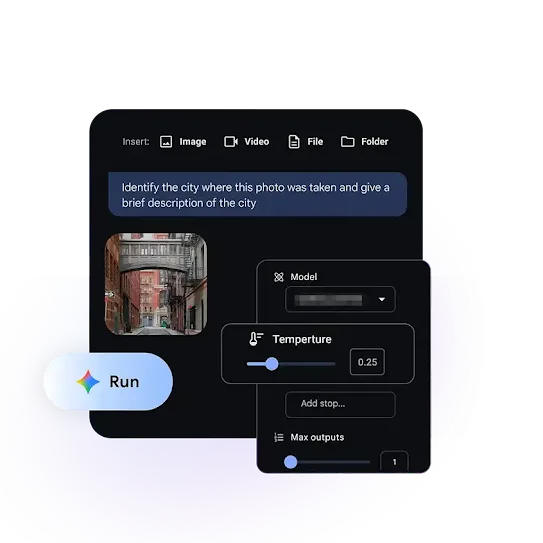
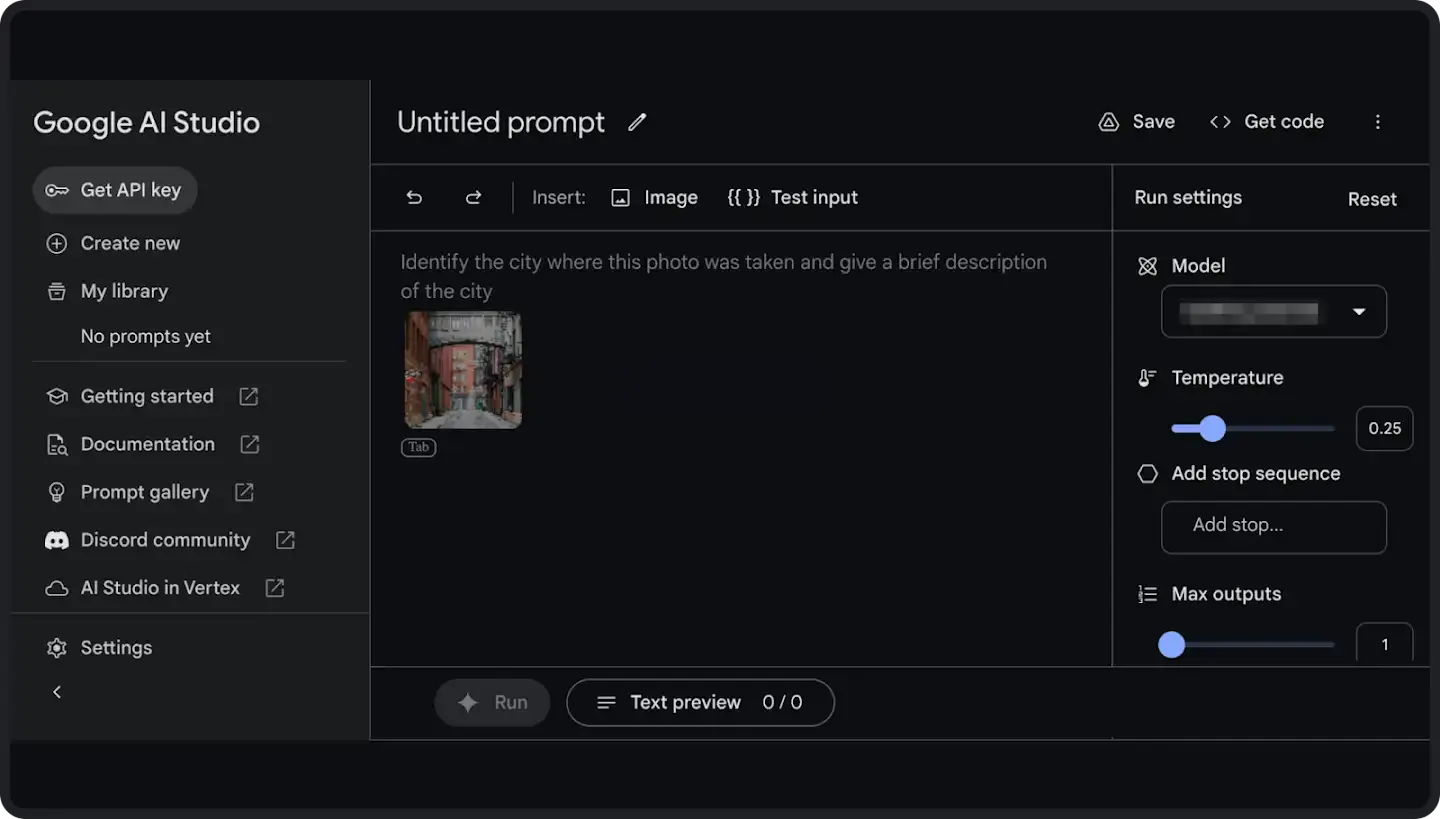
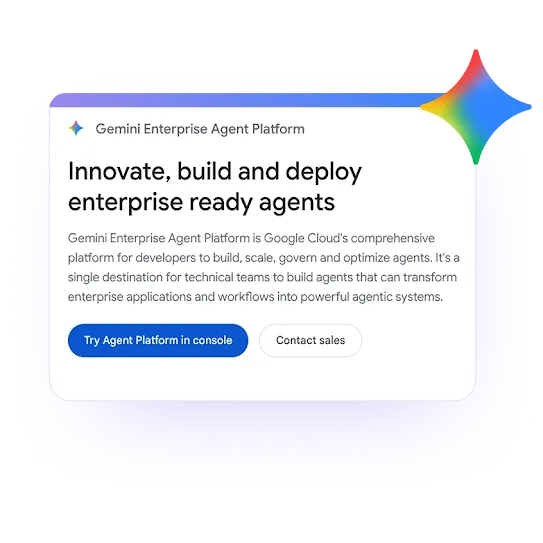
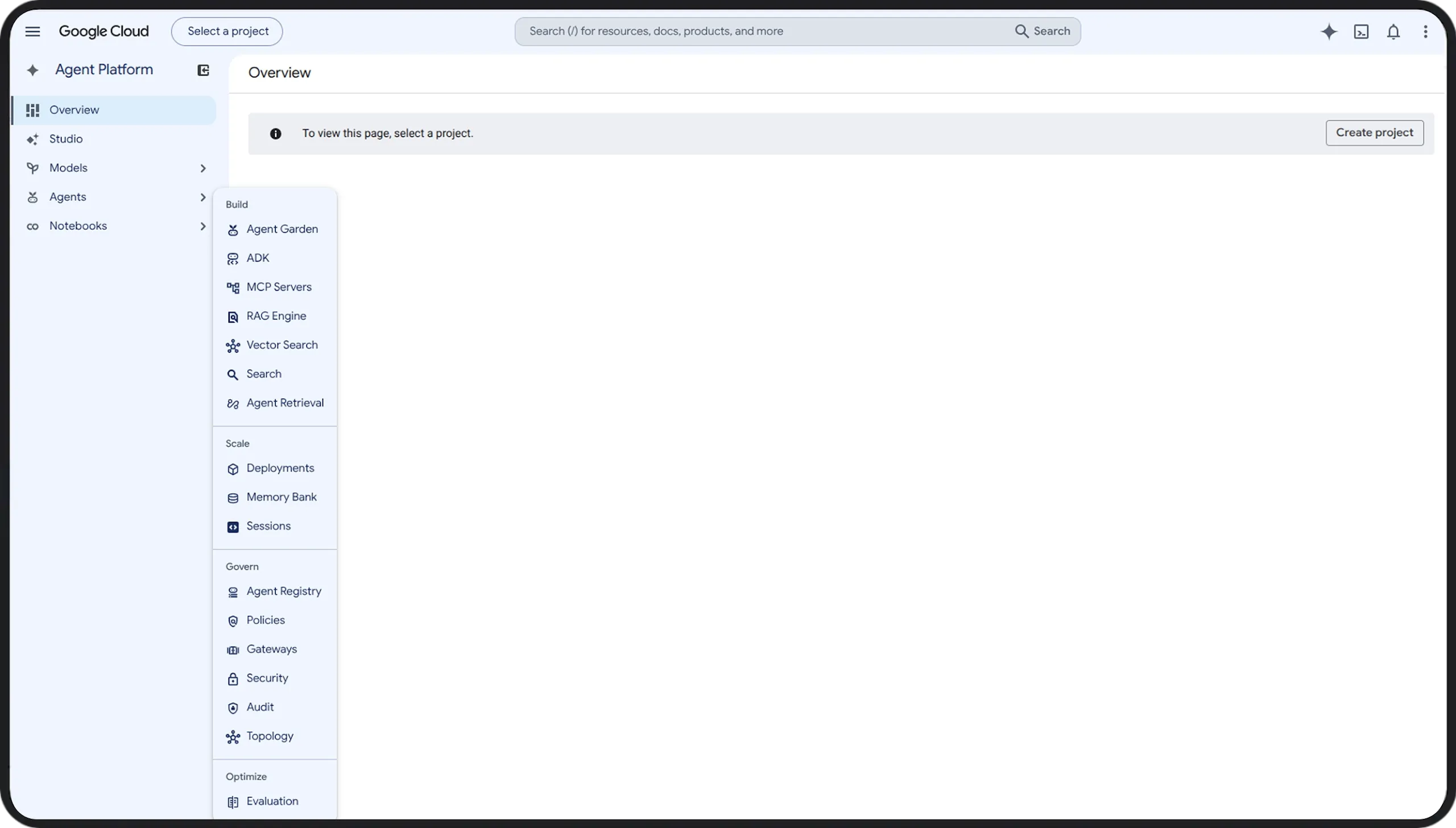
Build smarter tools to solve bigger challenges.
Resources
Learn more about AI for Enterprise.
-
Android Talks AI
Learn how you can supercharge your work with Google AI on Android while improving control and security with our new video ‘Android Talks AI.’ Tune in to see how to make the most of AI on the go with some of the most groundbreaking business features.
-
3 new ways to use Google AI on Android at work
See how the latest AI features can be used on the go in real-life work scenarios in our Keyword blog post.