
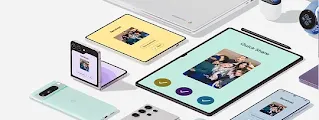


Share files from your Android. It’s quick and easy.
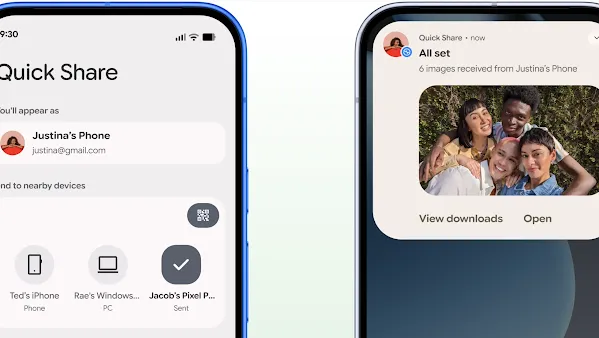
Open Quick Share.
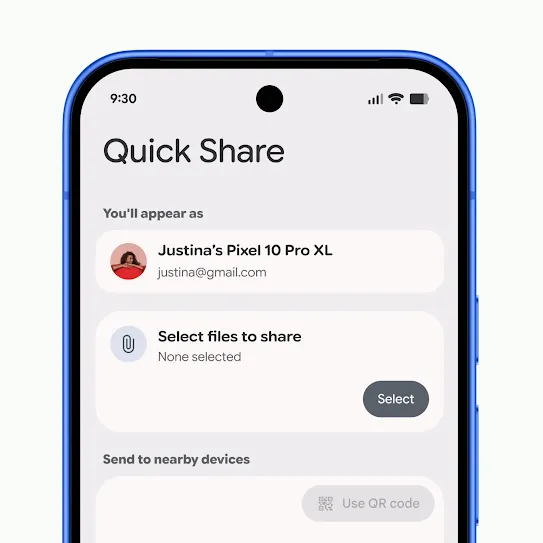
Select the photos or files that you want to share.
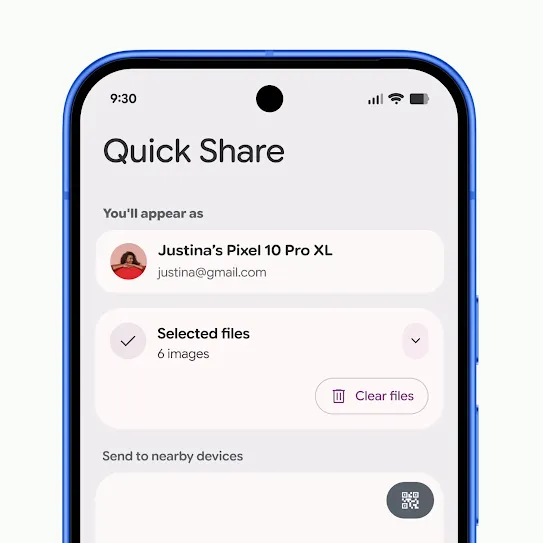
Select the Android device to share with.
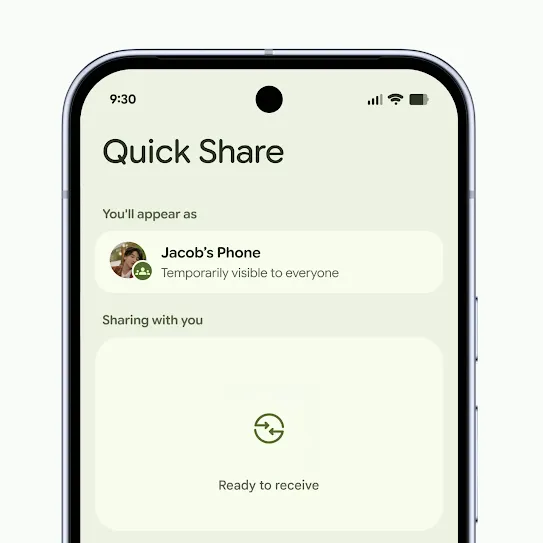
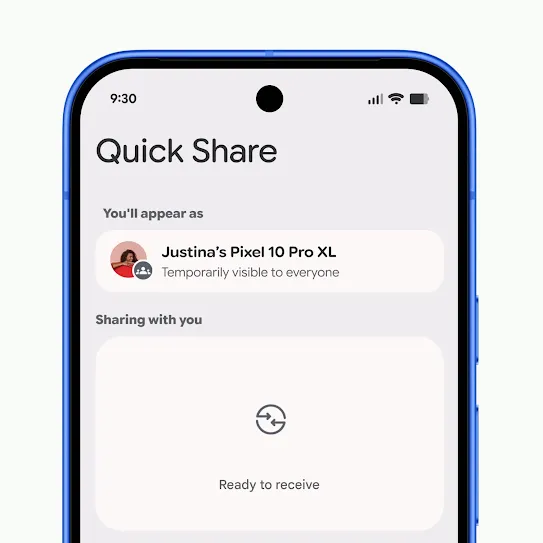
Make sure that Quick Share is in Receive mode.
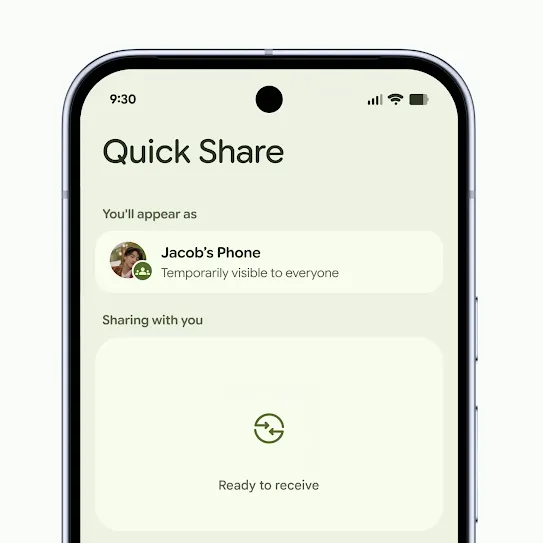
Tap ‘Accept’ when the pop-up notification appears.
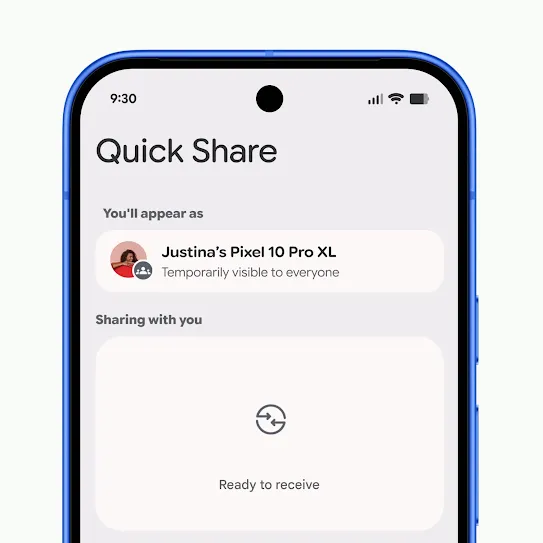
Open Quick Share.
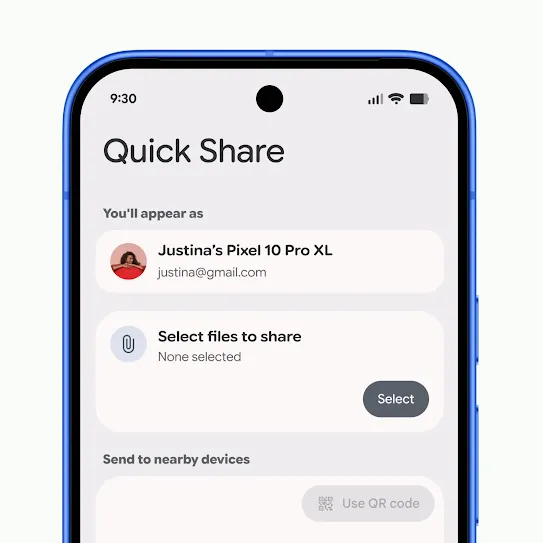
Select the photos or files that you want to share.
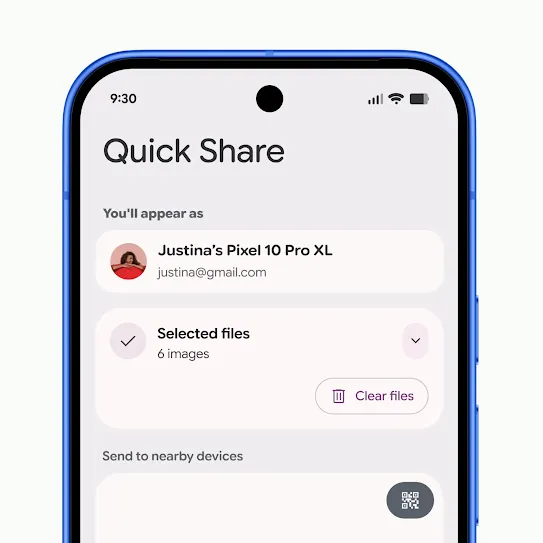
Tap ‘Use QR code’.
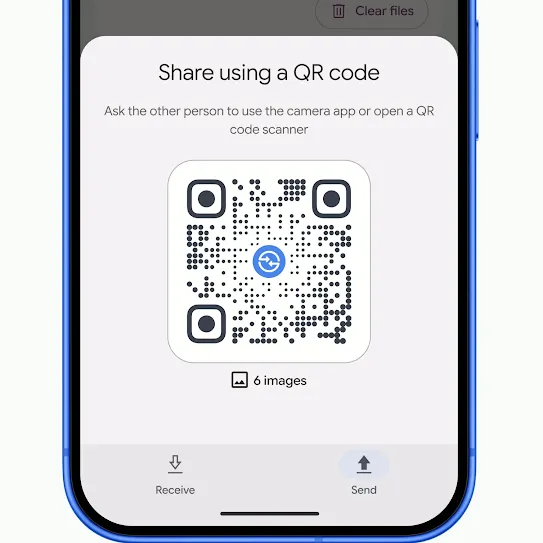
Have the recipient scan the code with their camera app.
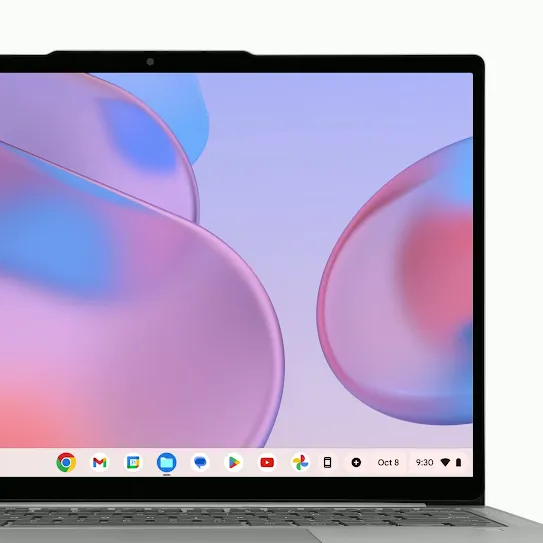
Turn on Quick Share on your Chromebook.
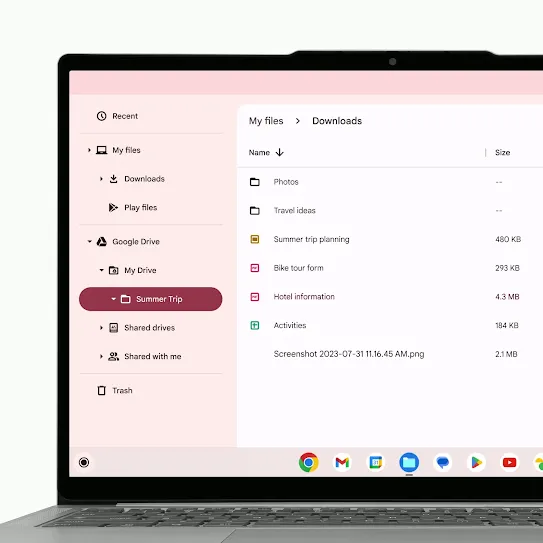
Select the files or photos that you want to share.
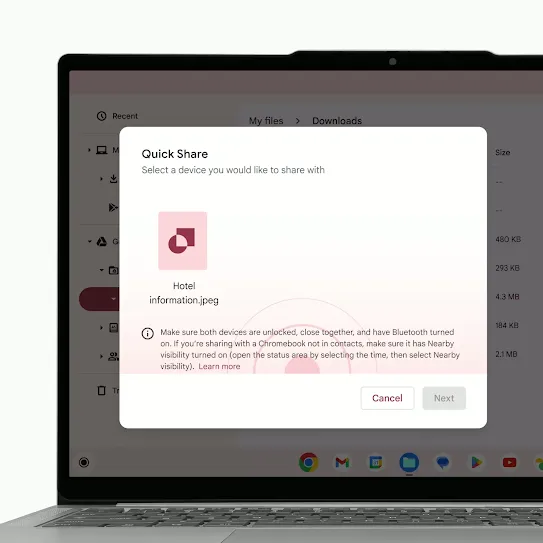
Make sure that your device visibility is set to your preference.
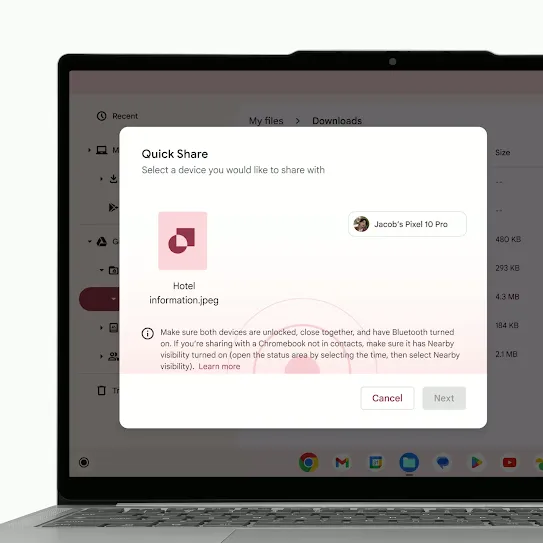
Wait for the recipient to accept.
See the latest.
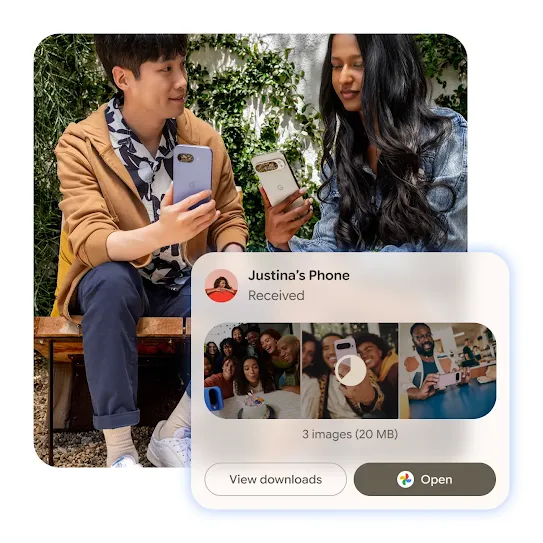
Redesigned for simple sharing.

FAQ
AirDrop® is Apple’s file-sharing feature for Apple devices. With the latest update on compatible Android devices, Quick Share can work with AirDrop® to enable file sharing between supported Android and all iPhone devices.
No. Quick Share connections are temporary and end once the transfer is complete. Devices are not permanently linked or synced.
In Quick Share settings, you can choose who can see your device – such as Contacts only or Everyone nearby – and you can change this at any time.
On Android, files are saved to your Downloads, Gallery or Files app, depending on the file type. The files that you receive with Quick Share are saved in your device’s Files app under Downloads > Quick Share.
On an iPhone, when using AirDrop®, files are saved to AirDrop®’s usual locations based on the file type. (For example, photos are saved to the Photos app.)
If Quick Share shows 'device not supported' or fails to work, first ensure that both devices have Bluetooth, Wi-Fi and location enabled and are within close proximity. For Windows, use a 64-bit version of Windows 10/11 and download the app directly. If you're using Samsung, ensure that it is updated to receive files from non-Samsung devices.