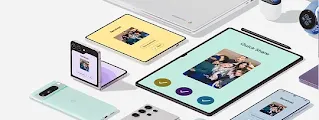

Share files from Android to iPhone. And back again.
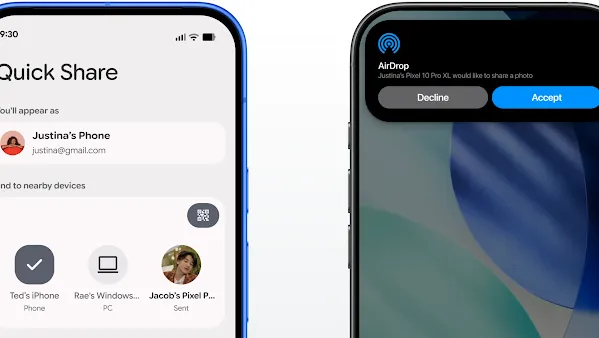
Use a QR code
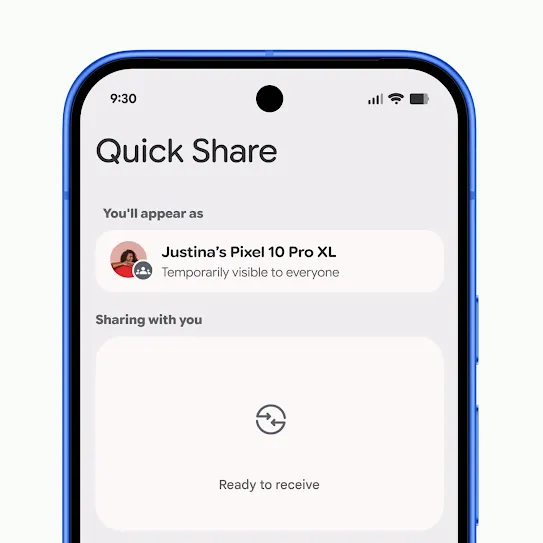
Step 1
Open Quick Share.
Important: Make sure that the iPhone® that you’re transferring files or photos to is nearby.
Samsung users need to ensure that Share with Apple devices is on in their Quick Share settings.
Samsung users need to ensure that Share with Apple devices is on in their Quick Share settings.
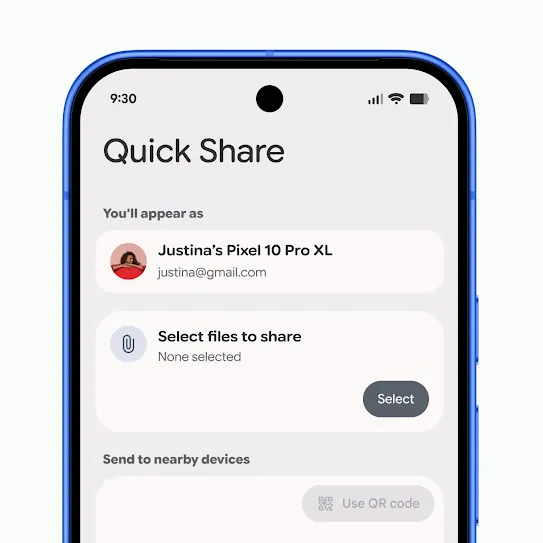
Step 2
Select photos or files that you want to share.
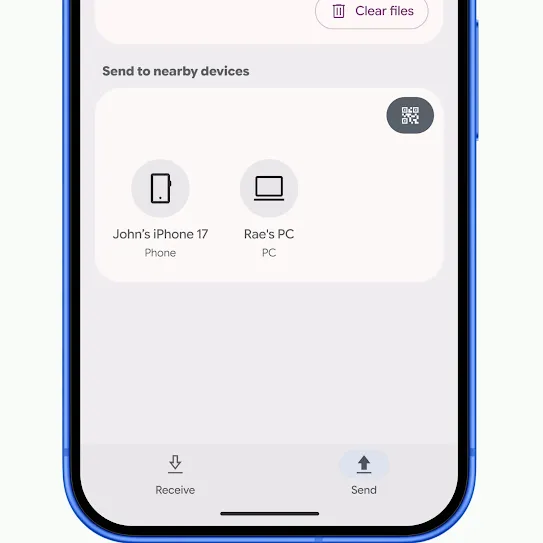
Step 3
Make sure that the iPhone® user’s AirDrop® visibility is set to Everyone for 10 minutes.
If the AirDrop® visibility needs to be changed on an iPhone, go to the Control Centre and long press the AirDrop® icon.
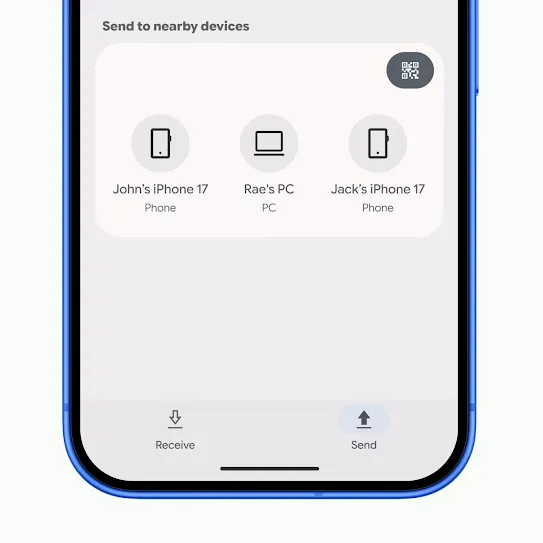
Step 4
Select the recipient's iPhone®.
Wait for them to accept. Once they do, the transfer will begin.
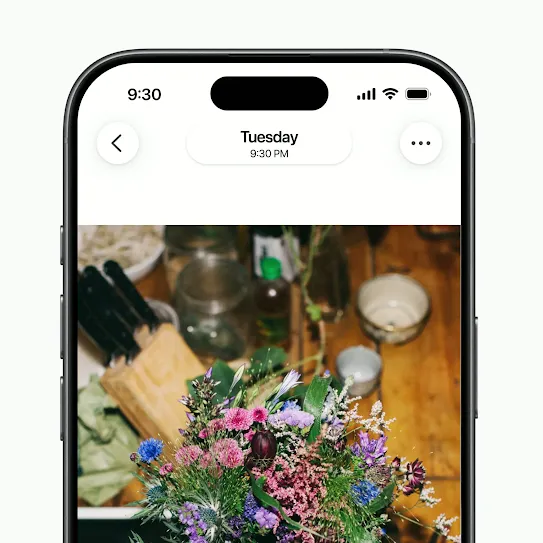
Step 1
Select photos or files that you want to share.
Important: Make sure that the Android device that you're transferring files or photos to is nearby.
Tap the Share icon and select AirDrop®.
Tap the Share icon and select AirDrop®.
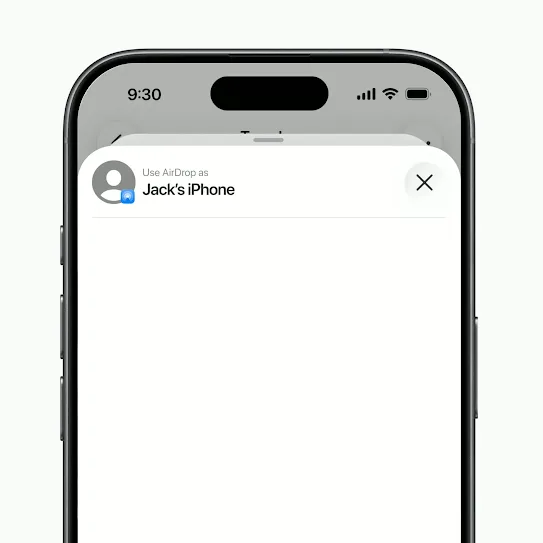
Step 2
Make sure that the Android user has their Quick Share Receive mode turned on.
Samsung users need to ensure that Share with Apple devices is on in their Quick Share settings.
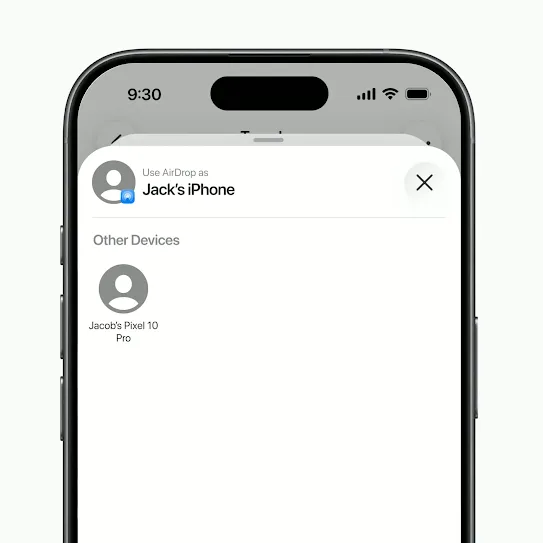
Step 3
Select the recipient’s Android device.
Wait for them to accept. Once they do, the transfer will begin.
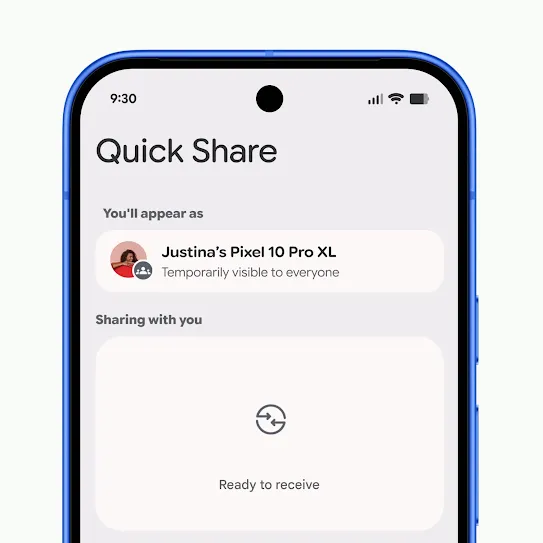
Step 1
Open Quick Share.
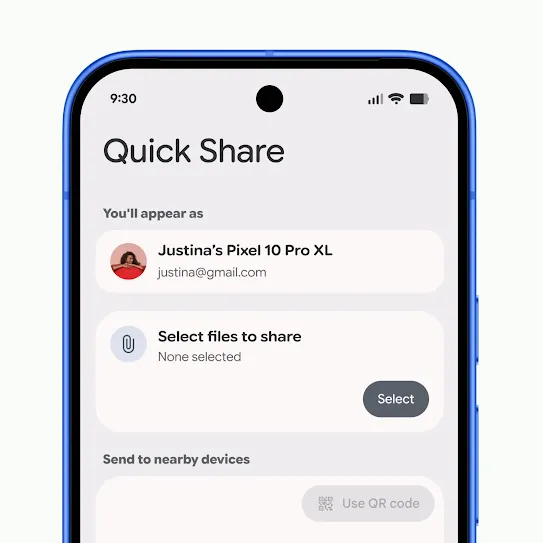
Step 2
Select the photos or files that you want to share.
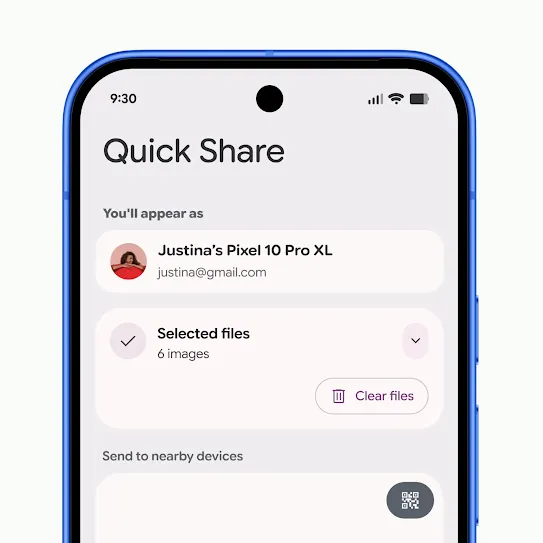
Step 3
Tap ‘Use QR code’.
A QR code will appear on your screen.
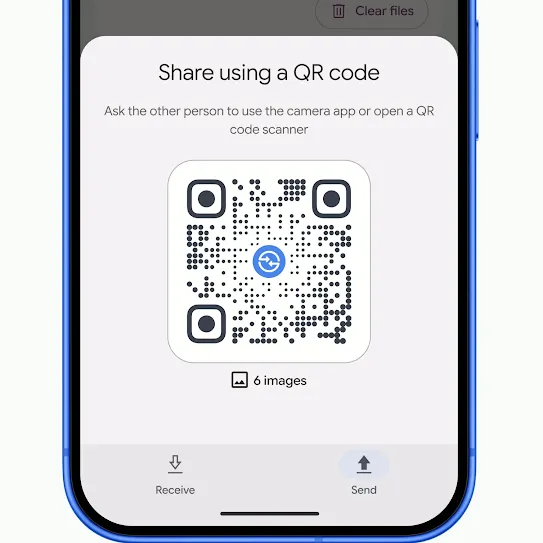
Step 4
Have the recipient scan the QR code with their camera app.
A Quick Share web page will open in the recipient’s default browser, and the file transfer begins automatically.
Once completed, the recipient can download and save the file.
Once completed, the recipient can download and save the file.
See the latest.
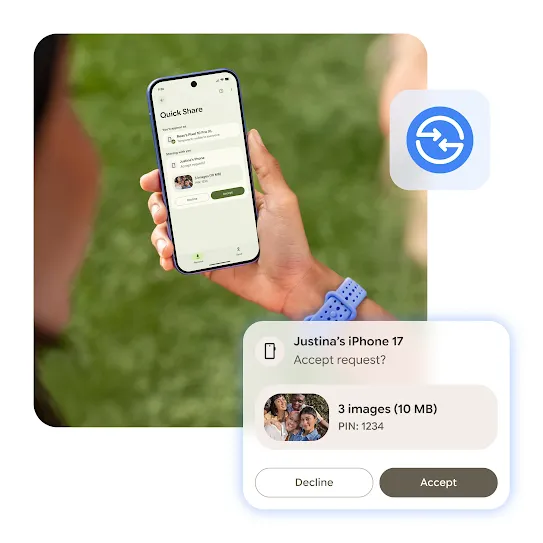
New AirDrop® supported
iPhone® friends now included.
Apple and Android friends unite. Quick Share now supports AirDrop® so that everyone can share in the fun, no matter which operating system they use.1

FAQ
AirDrop® is Apple’s file-sharing feature for Apple devices. With the latest update on compatible Android devices, Quick Share can work with AirDrop® to enable file sharing between supported Android and all iPhone devices.