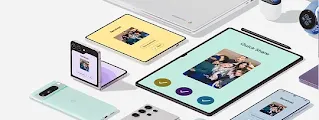
Wireless file sharing with your PC just got easier.
Wireless sharing with your PC, made easy.
To get started, install Quick Share for Windows to your PC. By downloading Quick Share for Windows, you agree to the Google Terms of Service. The Google Privacy Policy describes how Google handles information from Quick Share for Windows.
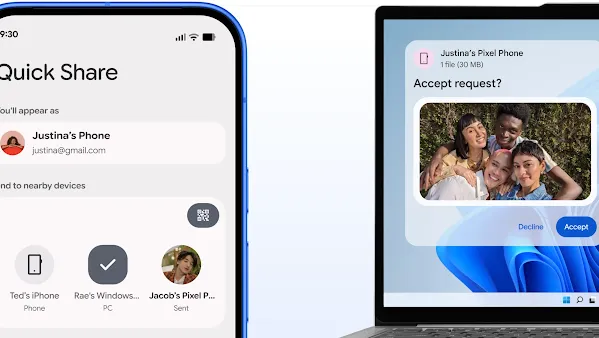
Android to Windows
Windows to Android
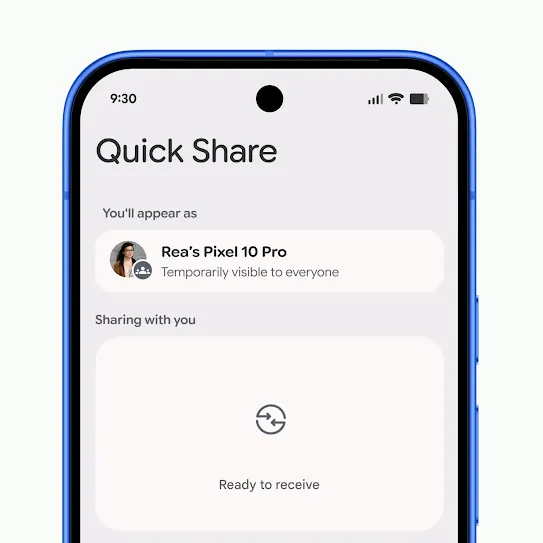
Step 1
Open Quick Share.
Important: Make sure the Windows device you’re transferring files to is nearby.
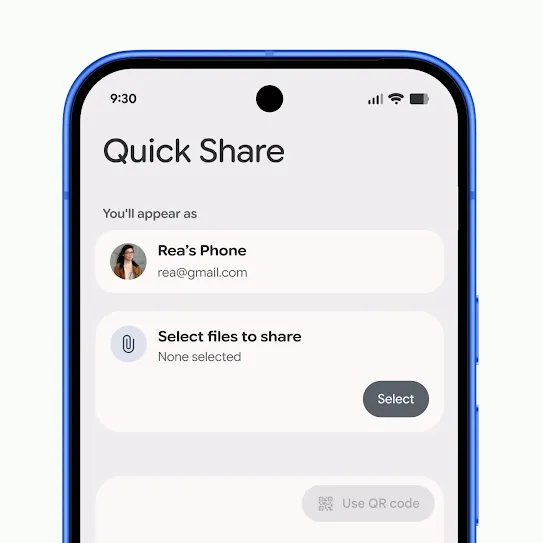
Step 2
Select photos or files you want to share.
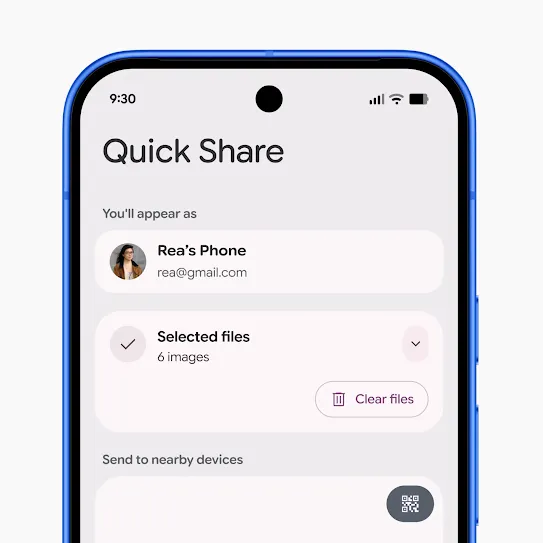
Step 3
Make sure you have the device visibility set to your preference.
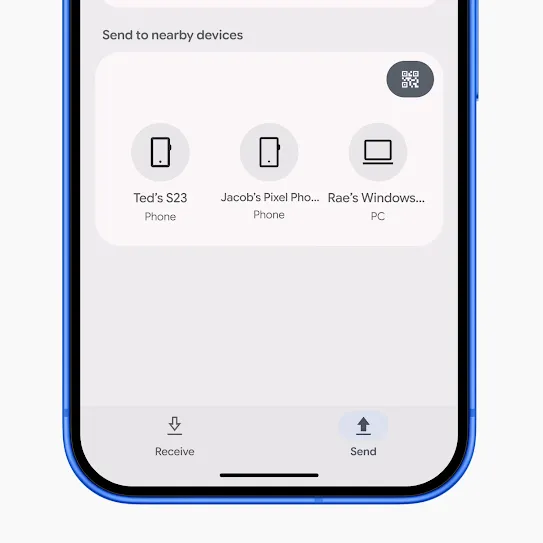
Step 4
Wait for the transfer to complete.
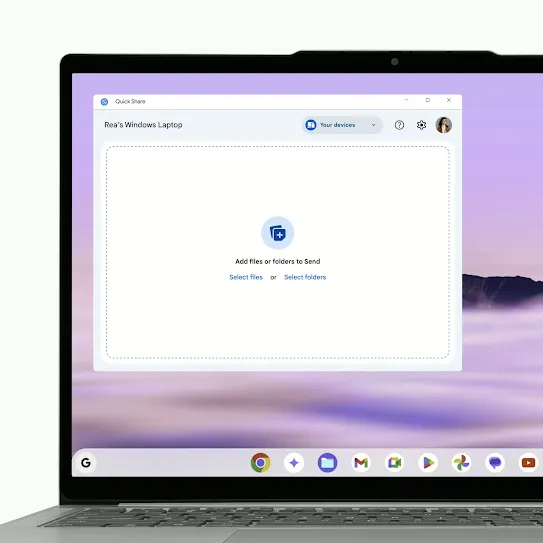
Step 1
Open the Quick Share app on your PC and select the files or folders you want to share.
You can drag and drop files and folders directly into the app window or click Select files/folders.
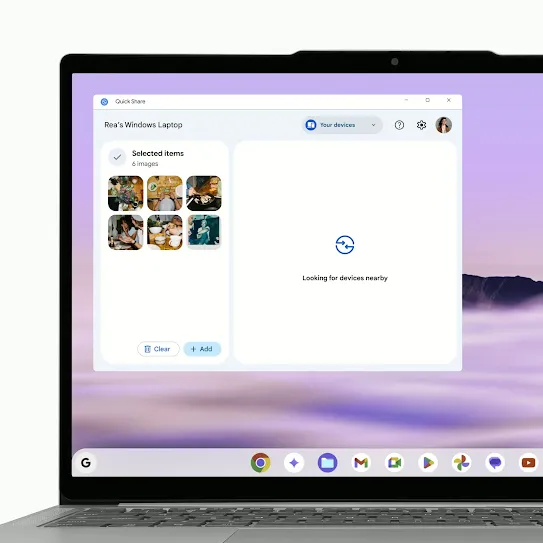
Step 2
Make sure the Device visibility is set to your preference.
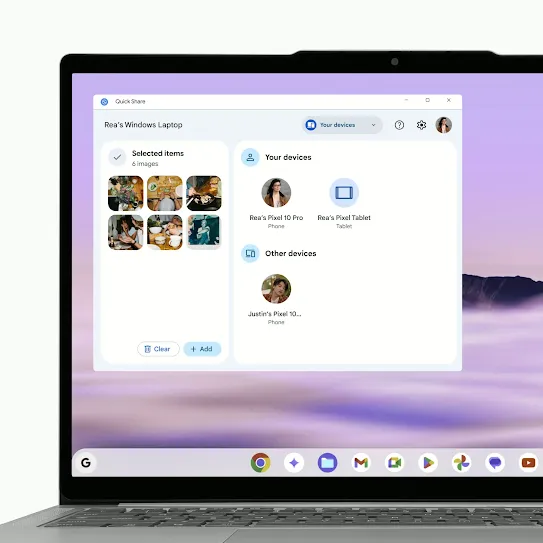
Step 3
Select the Android device you want to share with.
Wait for the recipient to accept. Once they do, the transfer will begin.
See the latest.
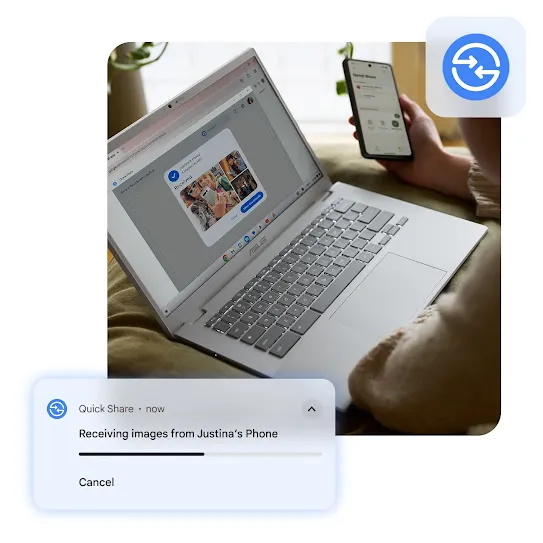
Share from Android to PC
View on a bigger screen.
Transfer files from your Android straight to your PC. You can edit your photos on a larger screen and even organize entire folders with just a few taps.
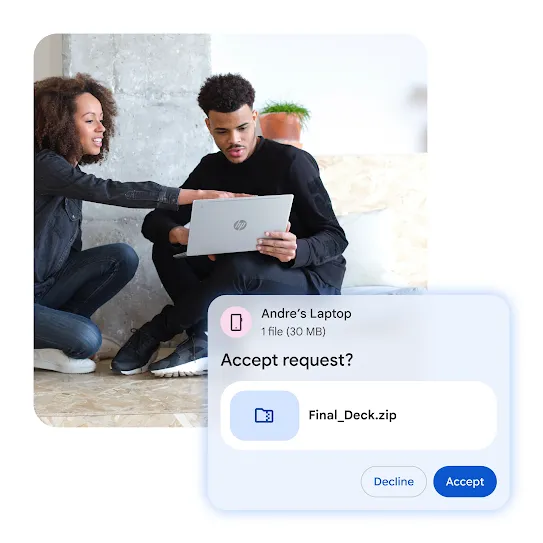
Share from PC to Android
Take your files on the go.
Make emailing yourself a thing of the past. Securely send photos, screenshots, videos, and documents from your PC to your Android device.

FAQs
You can check the Android version on your device's Settings app. Learn how to check and update your Android device in our Help Center.
Learn more about the Quick Share app for Windows PCs in our Help Center.
If Quick Share shows "device not supported" or fails to work, first ensure both devices have Bluetooth, Wi-Fi, and Location enabled and are within close proximity.
For Windows, use a 64-bit version of Windows 10/11 and download the app directly. If using Samsung, ensure it is updated to receive files from non-Samsung devices.