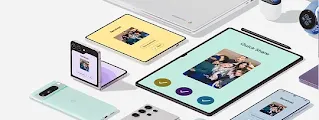

Your Android keeps getting better.
Explore all the latest and greatest Android features that help you stay connected, creative, productive and safe.


-
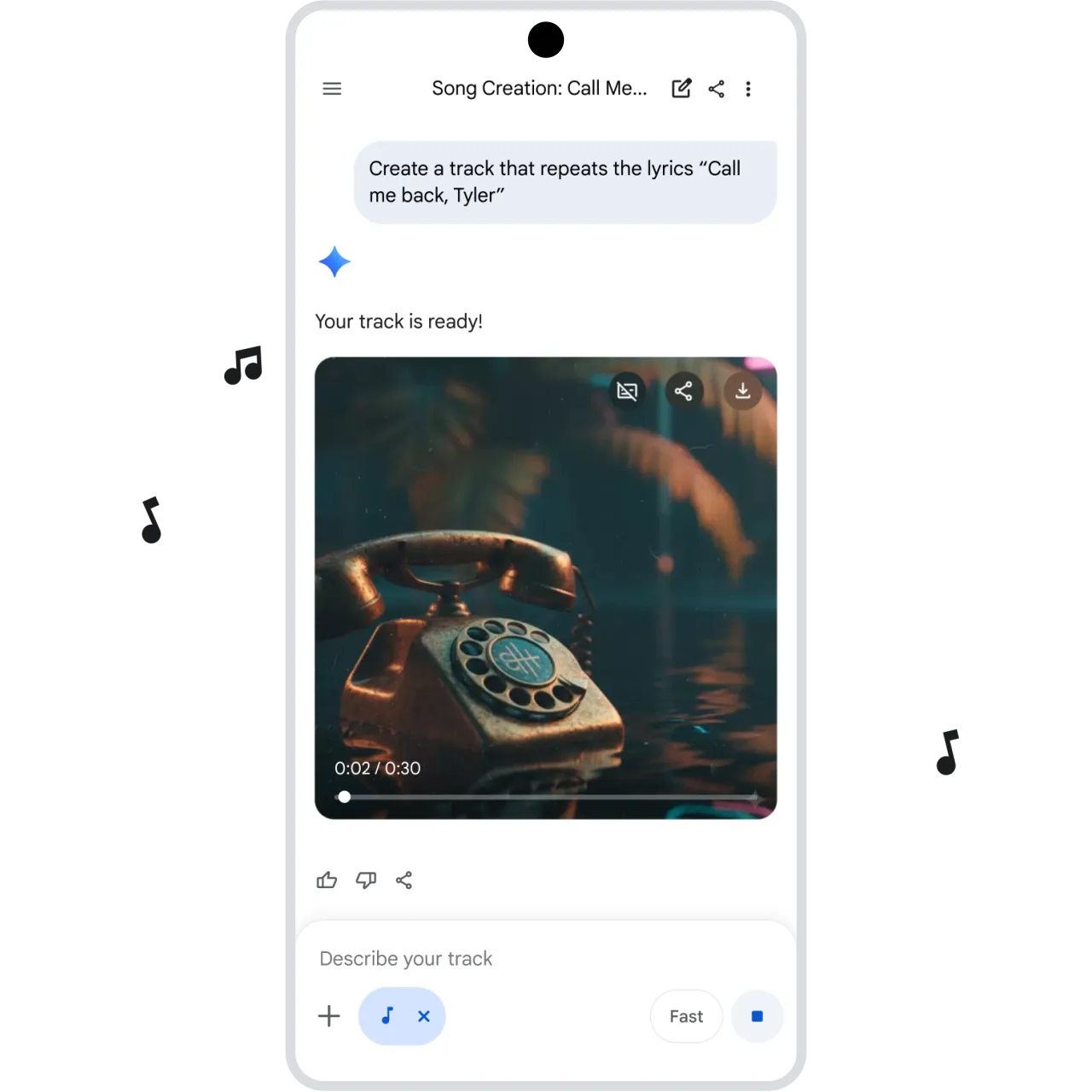
Gemini Music generation
Create a custom soundtrack.
Whether you want to create a quick jingle or instrumental study beats, just describe your vibe, add a photo if you’d like, or start with a template, and Gemini will turn your idea into a unique, high-quality track – no music skills needed. ⓘ Limits apply. Compatibility varies. 18+. Create responsibly. -
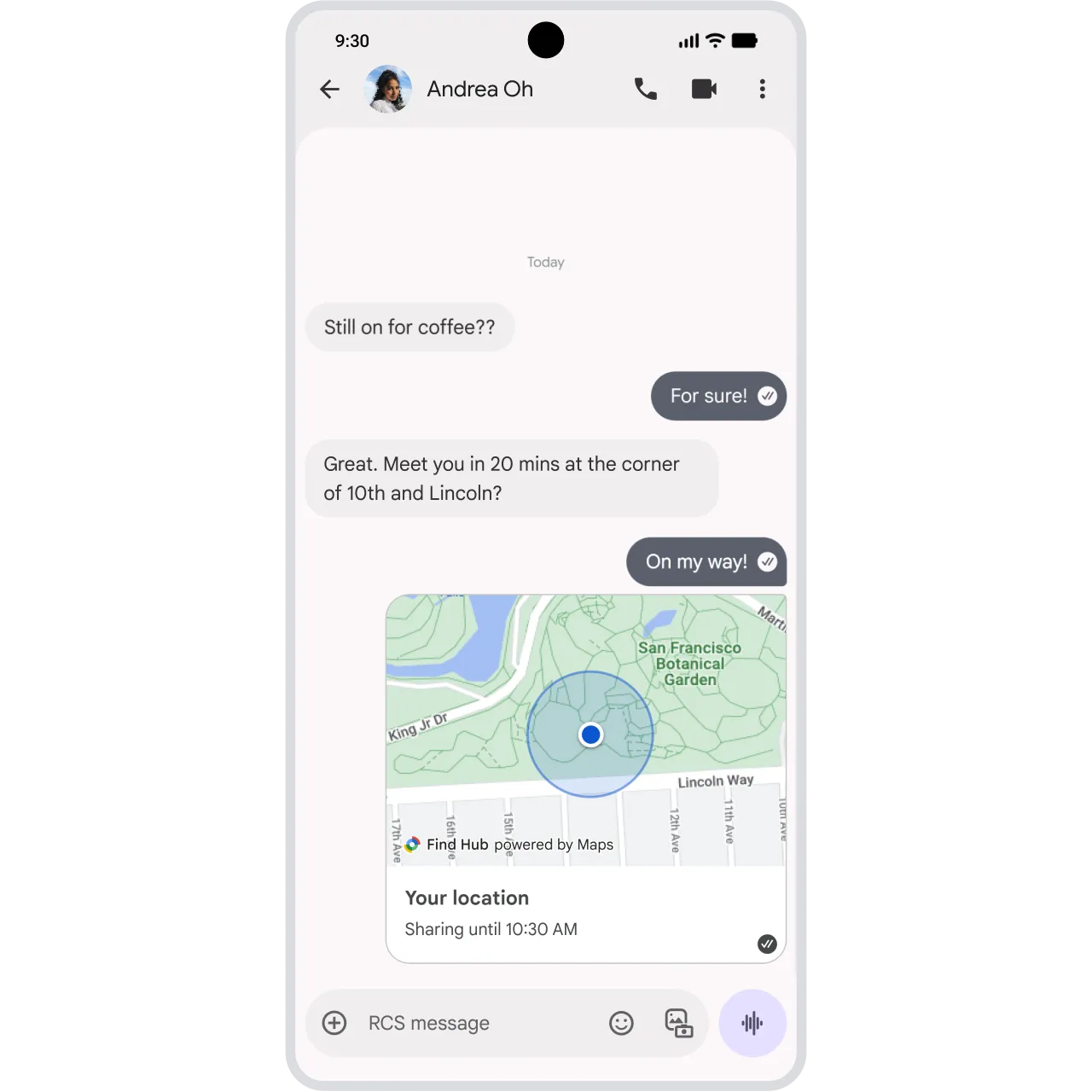
Google Messages Real-time location sharing
Find friends without leaving the chat.
Share real-time locations directly in Google Messages to see each other on a live map view. You can share your location for as long as you need, helping to take the guesswork out of meeting up. ⓘ Requires Android 14+. RCS must be enabled. Availability of RCS varies by region and carrier. Available in select languages. -
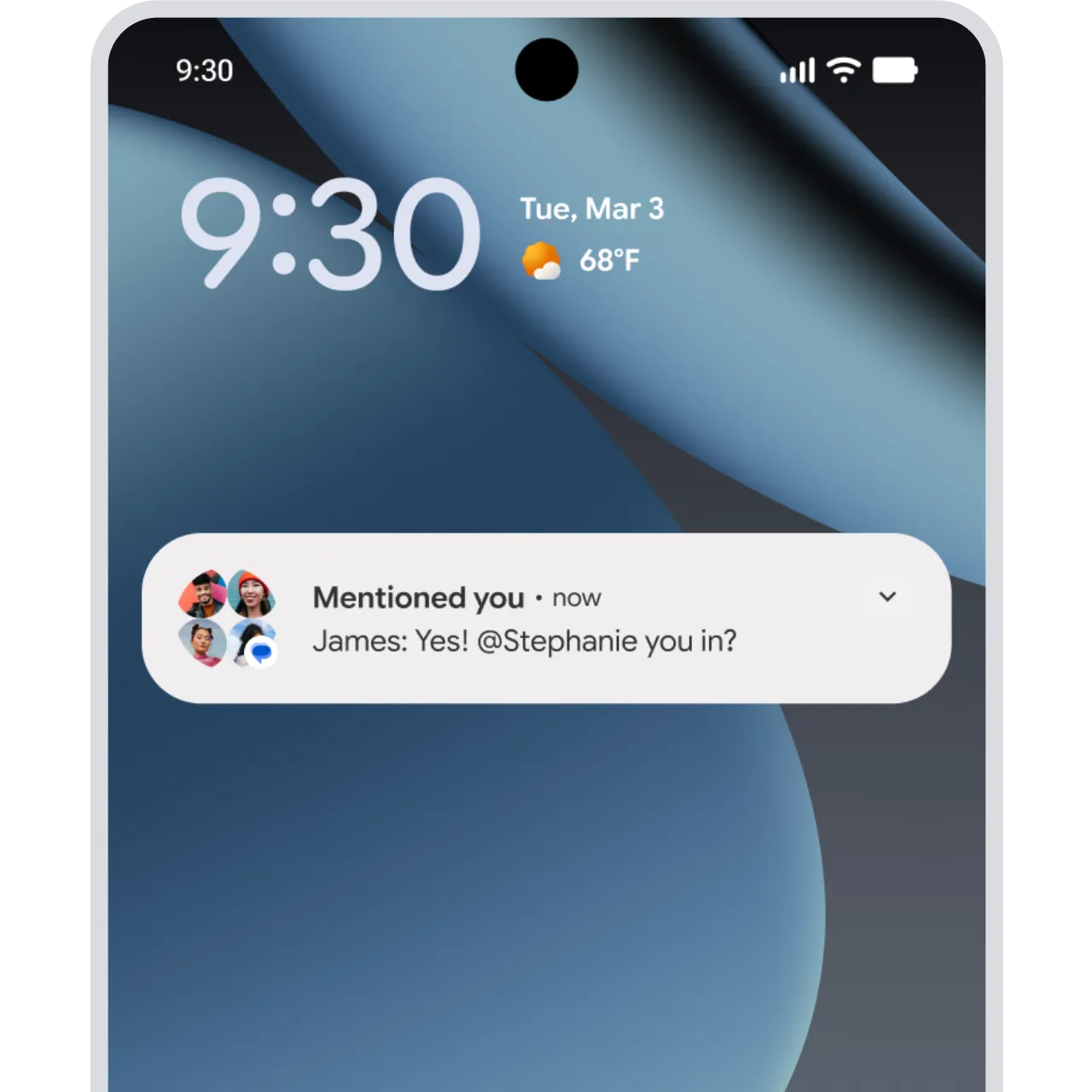
Google Messages Mentions
Mention friends to get their attention.
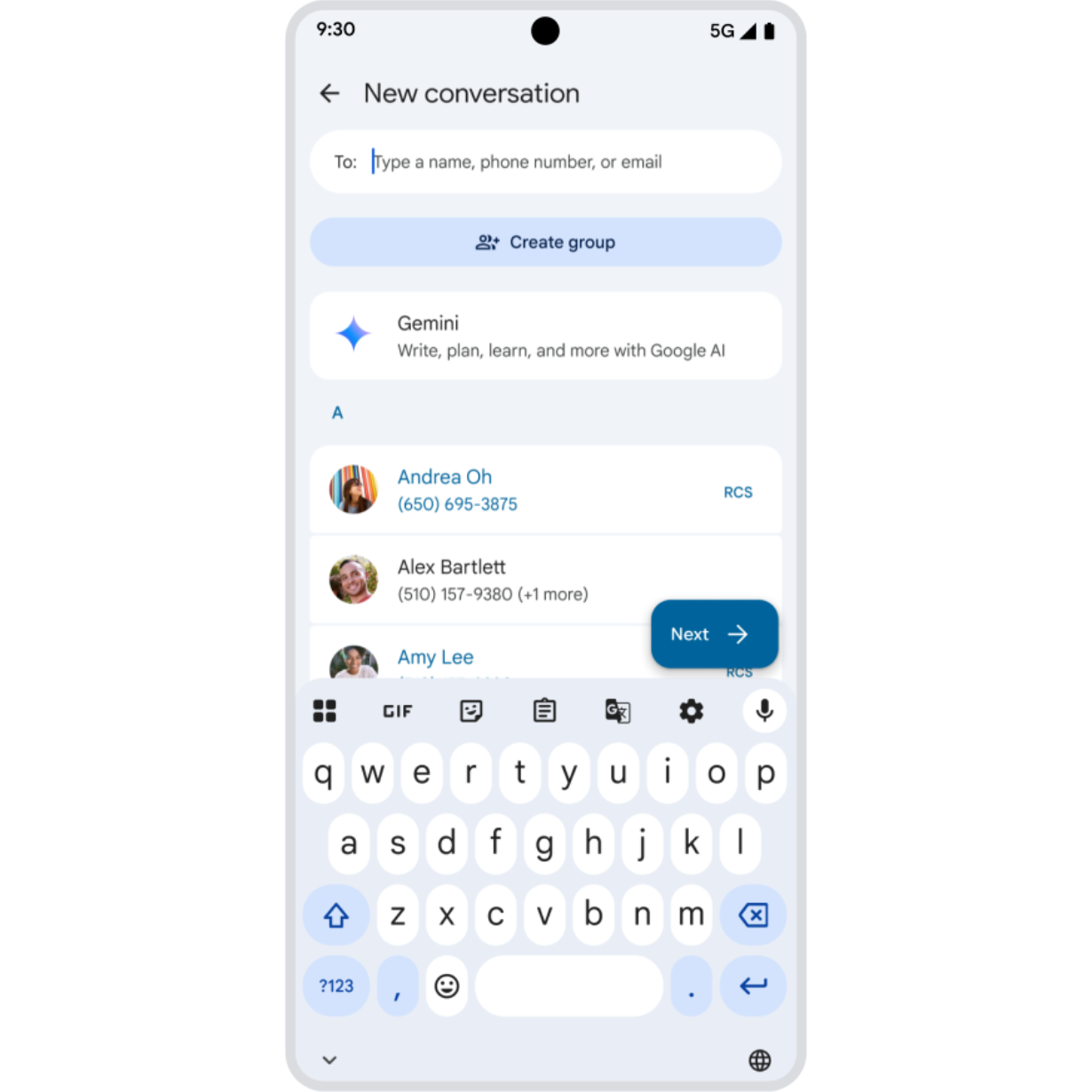
Coming soon, you can grab your friends’ attention in the group chat. Mention them so they get a notification – even in muted chats. Start typing a name to see suggestions on who to tag. And when you're mentioned, you'll get a notification back. ⓘ Availability of RCS varies by region and carrier. RCS must be enabled for all group chat members. -
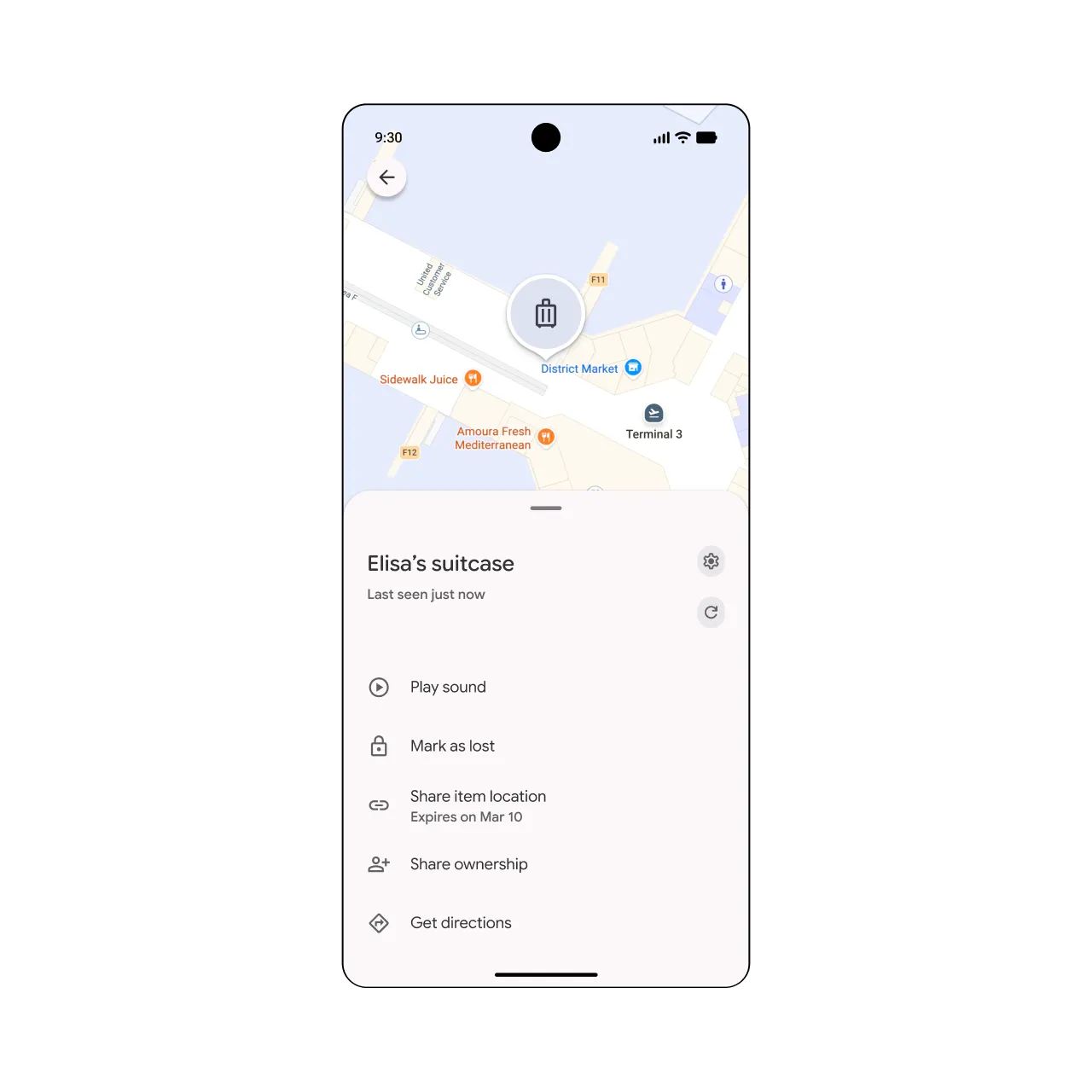
Find Hub Share item location
Find a lost bag by sharing its location.
Recover lost luggage with help from Find Hub. If your bag goes missing, securely share the tracker tag’s location with your airline so they can help recover it for you. ⓘ Availability varies by airline participation, airport, and region. Internet and Google Account required. Sharing location must be initiated by the user and can be turned off at any time. Shared links expire when the tag is reunited with the user or after 7 days. -
Phone by Google Calling Card
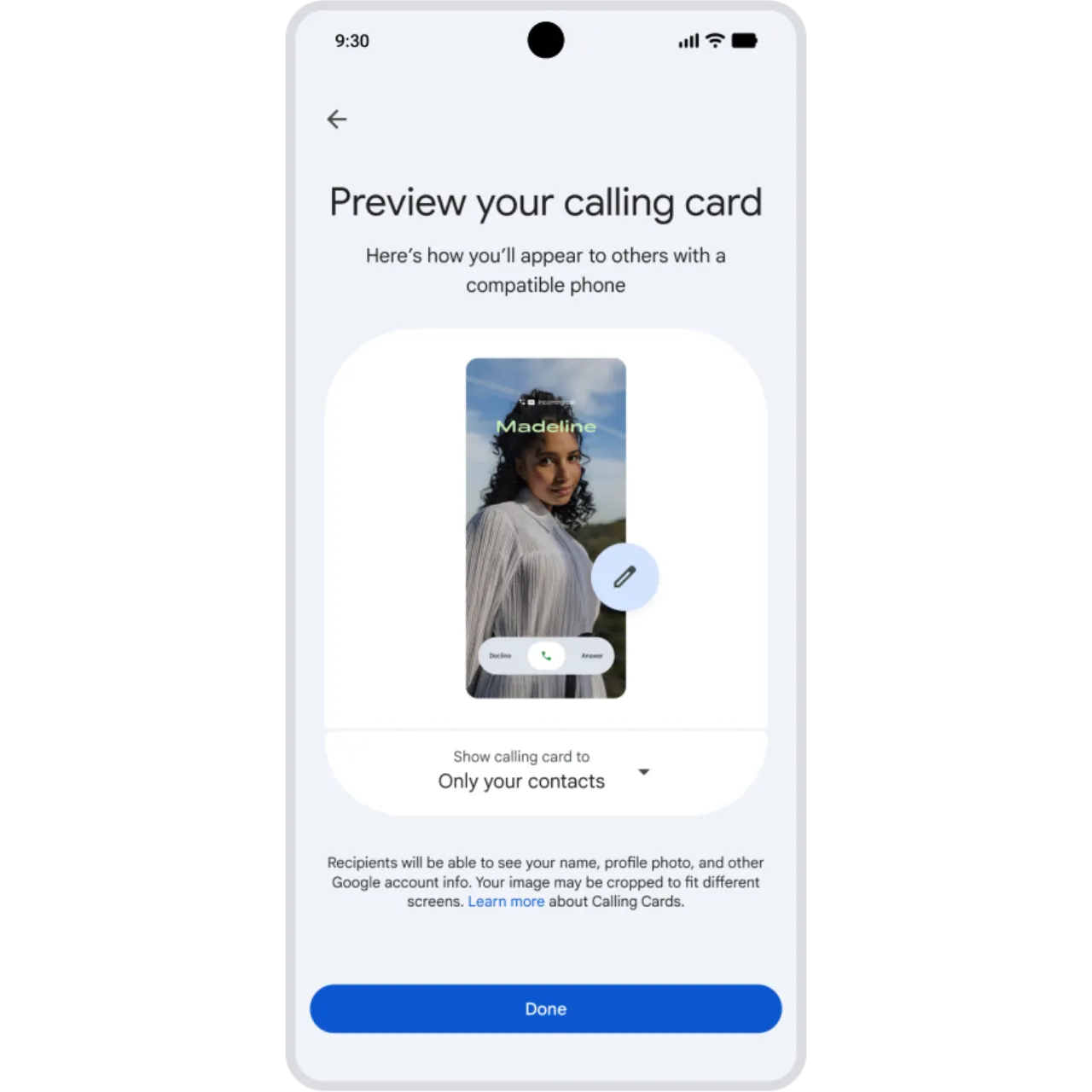
Customize your outgoing Calling Card.
Your call, your style. With a custom Calling Card, you design how you appear on the other end, choosing your favorite photo, color, and font. Available now on Android phones and coming soon to Wear OS. ⓘ Requires Android 11+. Only available between two Android devices when both have Phone by Google set as their primary calling app. -
Gboard Emoji Kitchen stickers
Express yourself with new sticker combos.
Brighten someone’s day with new Emoji Kitchen stickers 🧀 + 🌹. Browse the latest in Gboard and remix your own combinations to find the right mix to match your mood. ⓘ Works with compatible emoji. May require download. -
Google Play Community posts
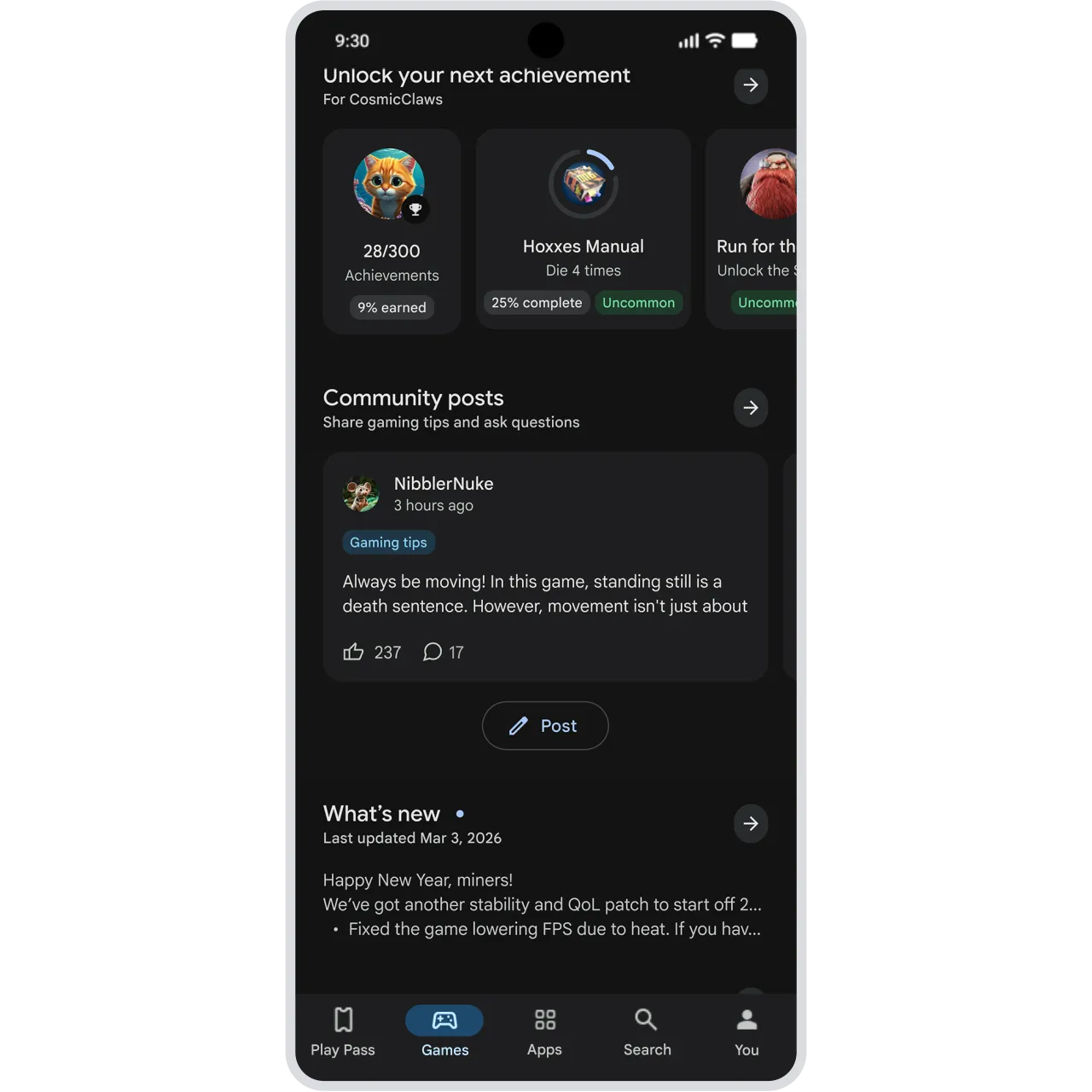
Share and get tips from players.
Find and share gaming tips in a community of players – right in Google Play. Whether you’re trying to beat a tricky level or hunt for Easter eggs, go to a game’s detail page to get the answers. ⓘ Requires Android 12+. Available in select languages. -
Google Cast Cast for Apple TV
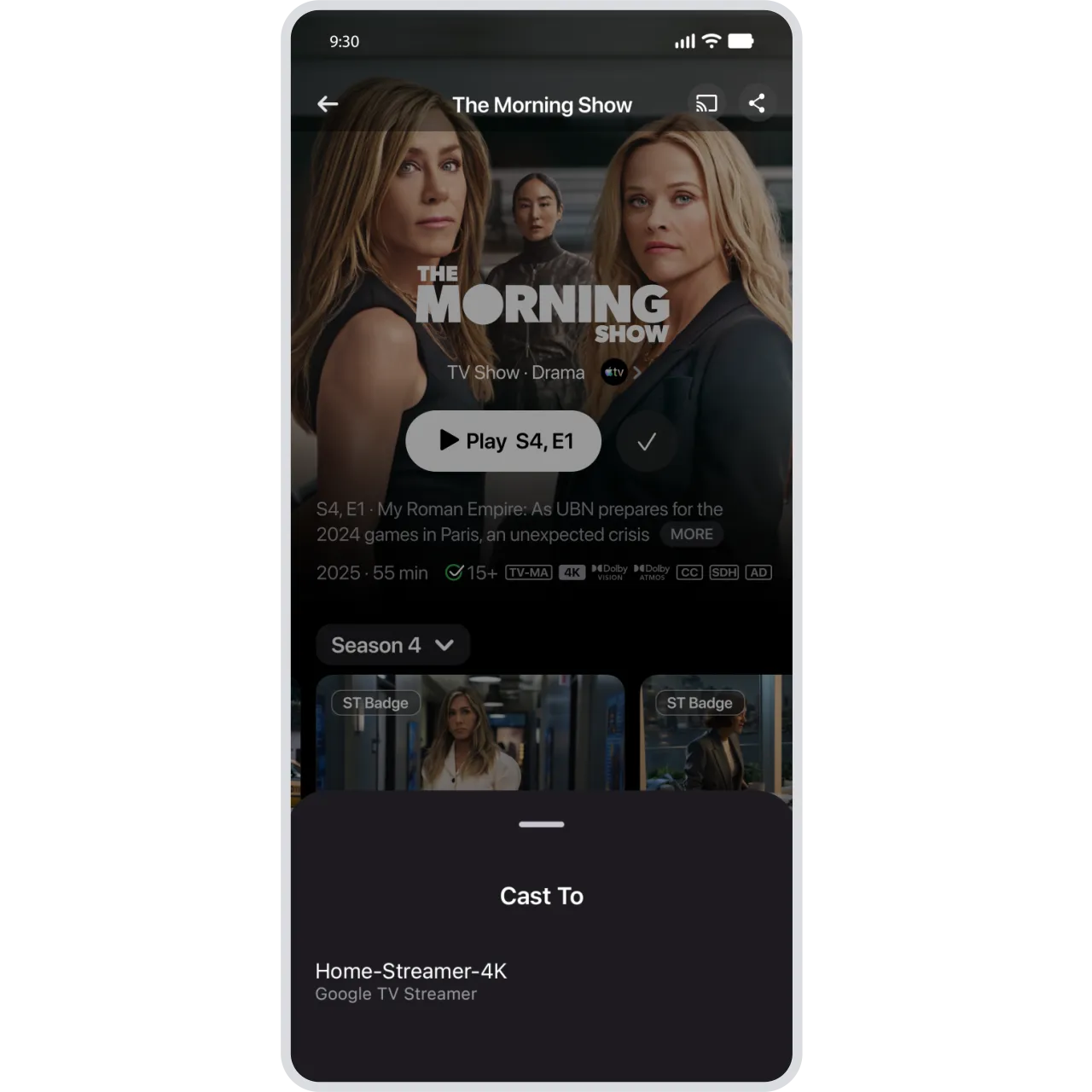
Cast Apple TV from your Android device to a TV.
Watch your favorite Apple TV shows and movies on your big screen. Just tap the Cast icon in the Apple TV app to send content from your Android phone to a compatible TV or device. ⓘ Requires Android 10+. Google Cast requires a compatible Cast-enabled TV or device and an internet connection. Subscription required to access certain content. App and content availability varies. -
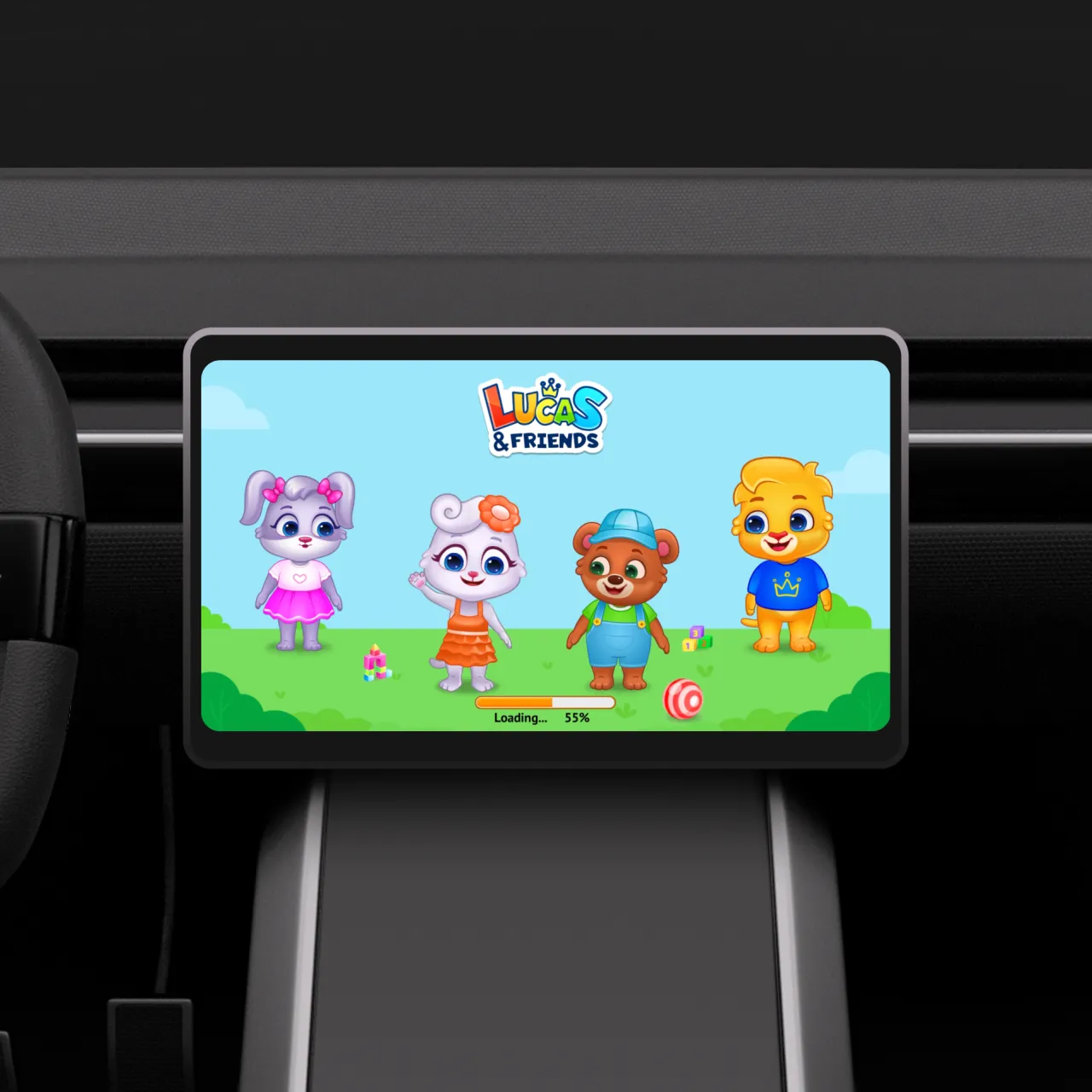
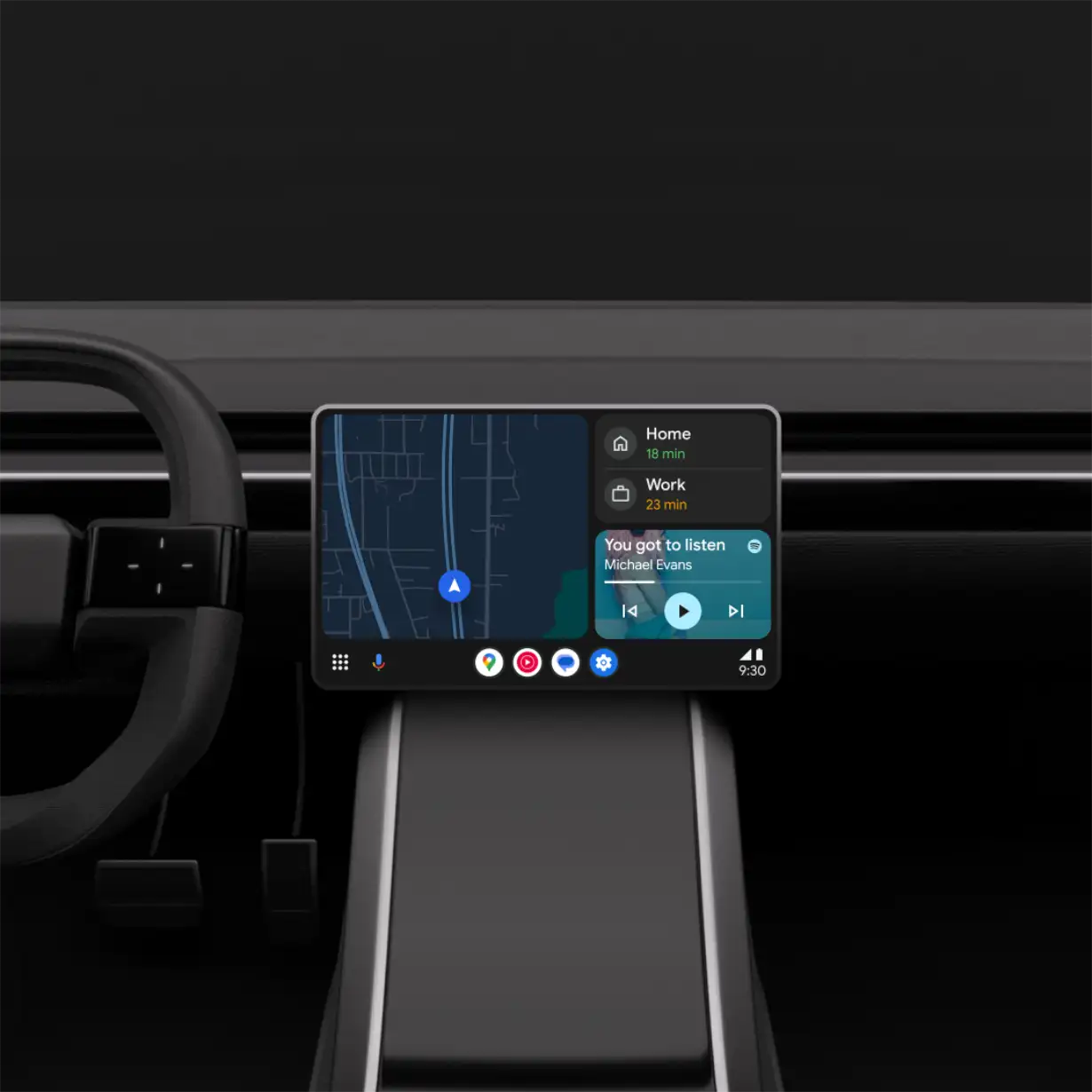
Android Auto Expert approved games
Keep children entertained while parked.
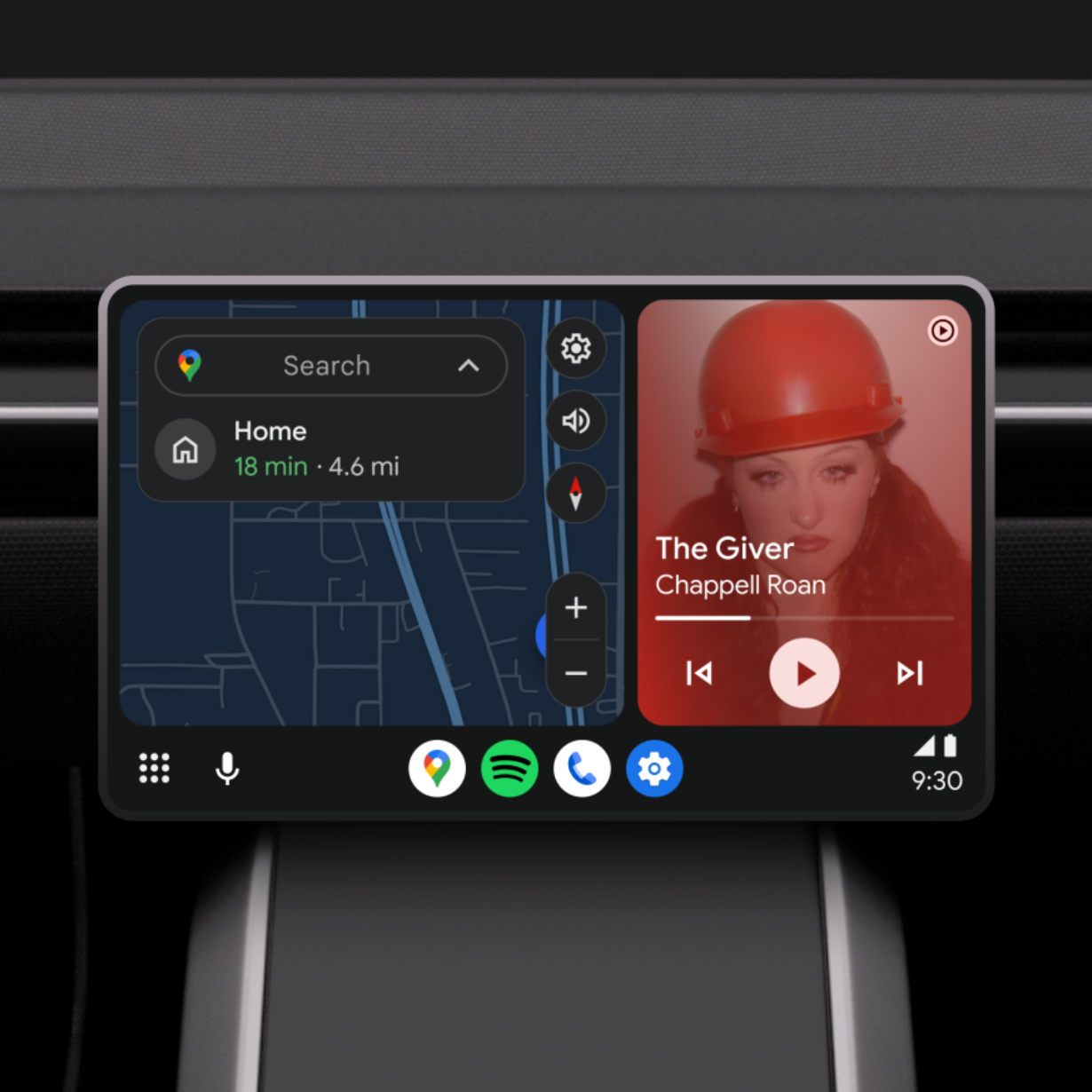
The new child-friendly lineup offers a fun and educational play experience right on your dashboard. With games catering for ages 3–12, children can learn and play with games like Disney Colouring World, LetraKid: Writing ABC for Kids, Draw a Stickman: EPIC 3 and more. ⓘ Requires Android 15+. Features may differ depending on subscription, and results may vary. Some connected apps require setup. Compatibility and availability varies. Sequences may be shortened and simulated. -
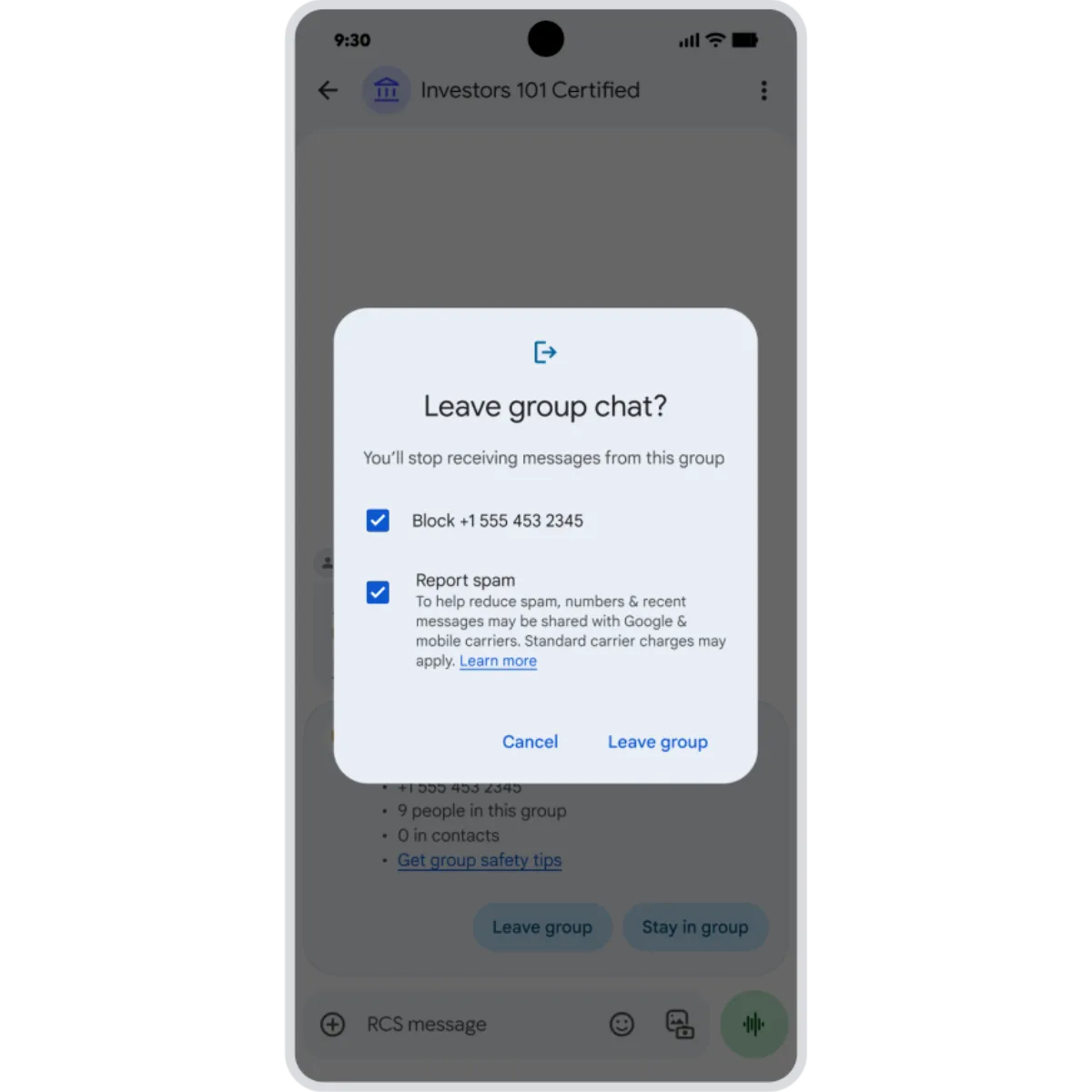
Google Messages Leave and report group chats
Easily spot and leave spam group chats.
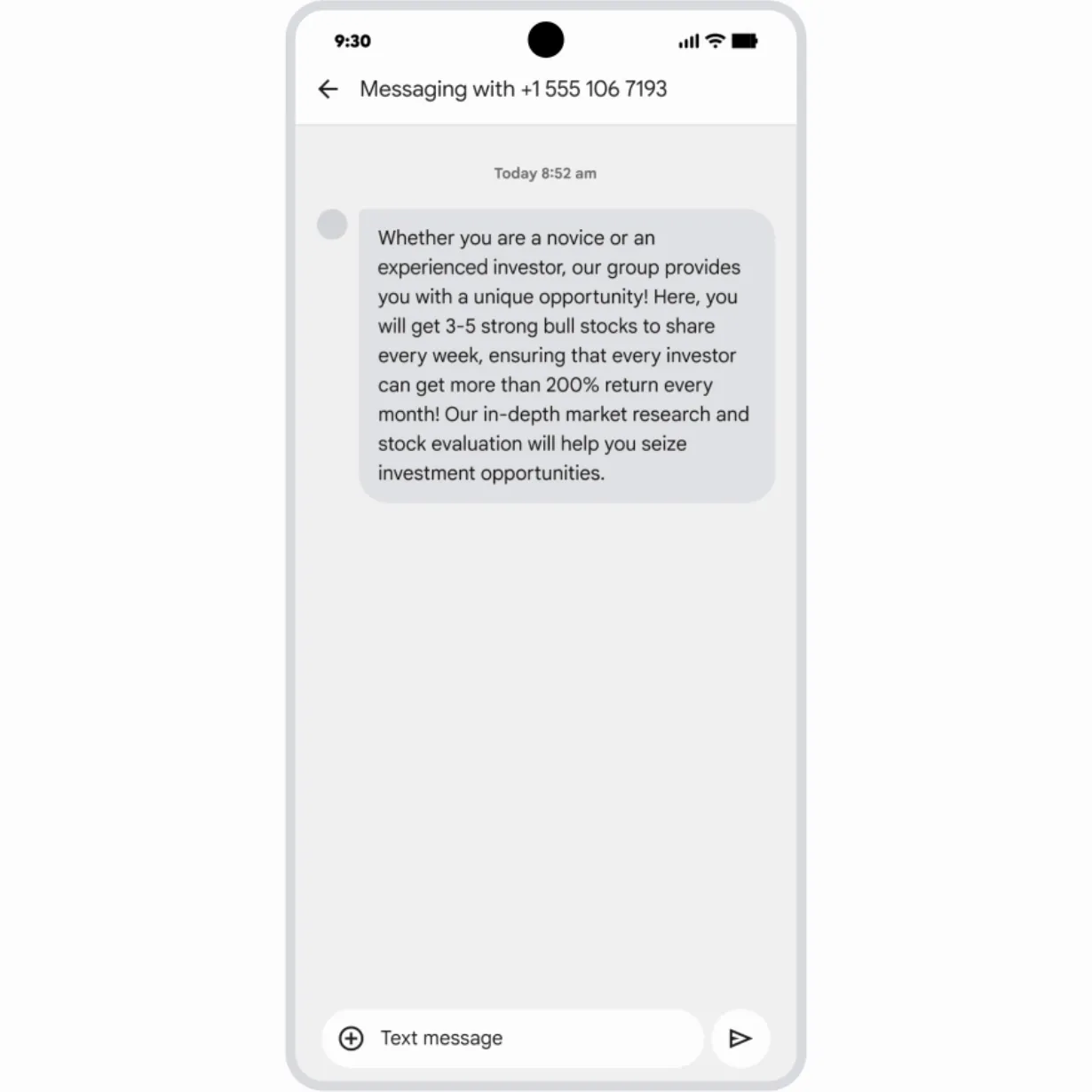
Receive alerts on potential spam chats as soon as you’re added. If an unknown number invites you to a group in Google Messages, you’ll see one-tap actions to leave the group, block the number and report it as spam. ⓘ RCS must be enabled. Availability of RCS varies by region and carrier. -
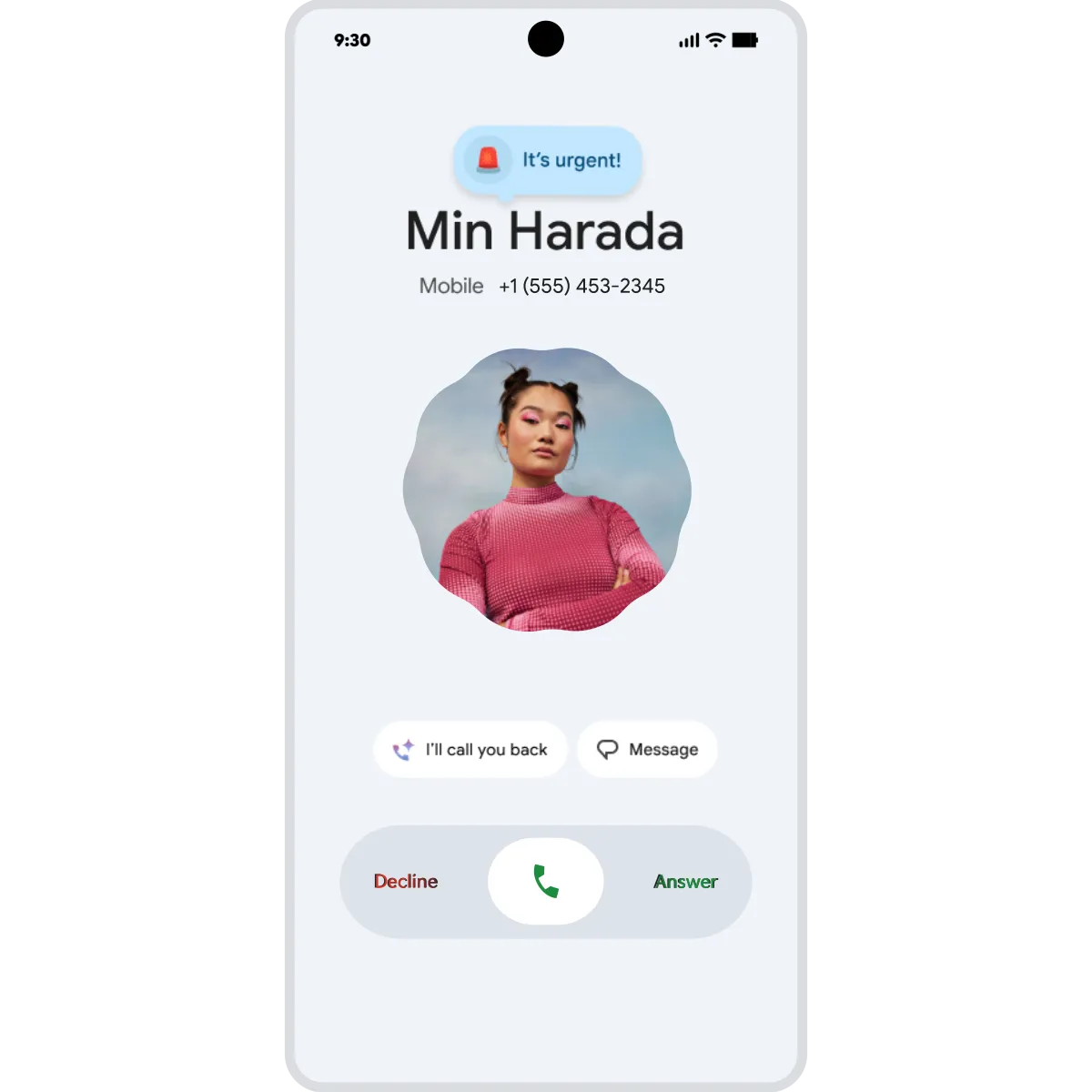
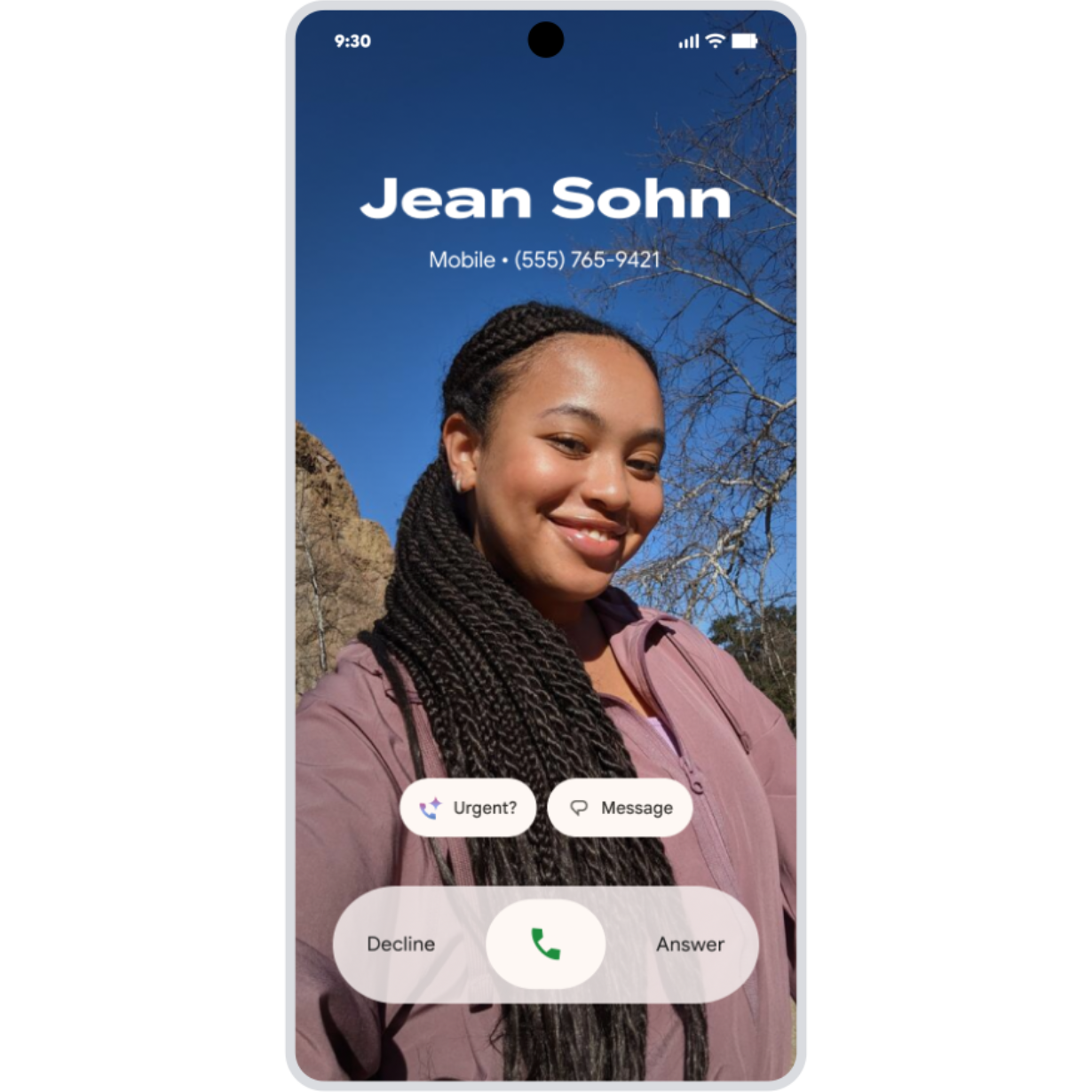
Phone by Google Call reason (in beta)
Make your important calls stand out.
Locked out? Concert tickets about to go on sale? Coming soon, call reason (in beta) lets you flag a call to a friend as ‘urgent’, so they know it’s time sensitive and can prioritise answering or getting back to you. ⓘ Only available between two Android devices when both have Phone by Google set as their primary calling app. -
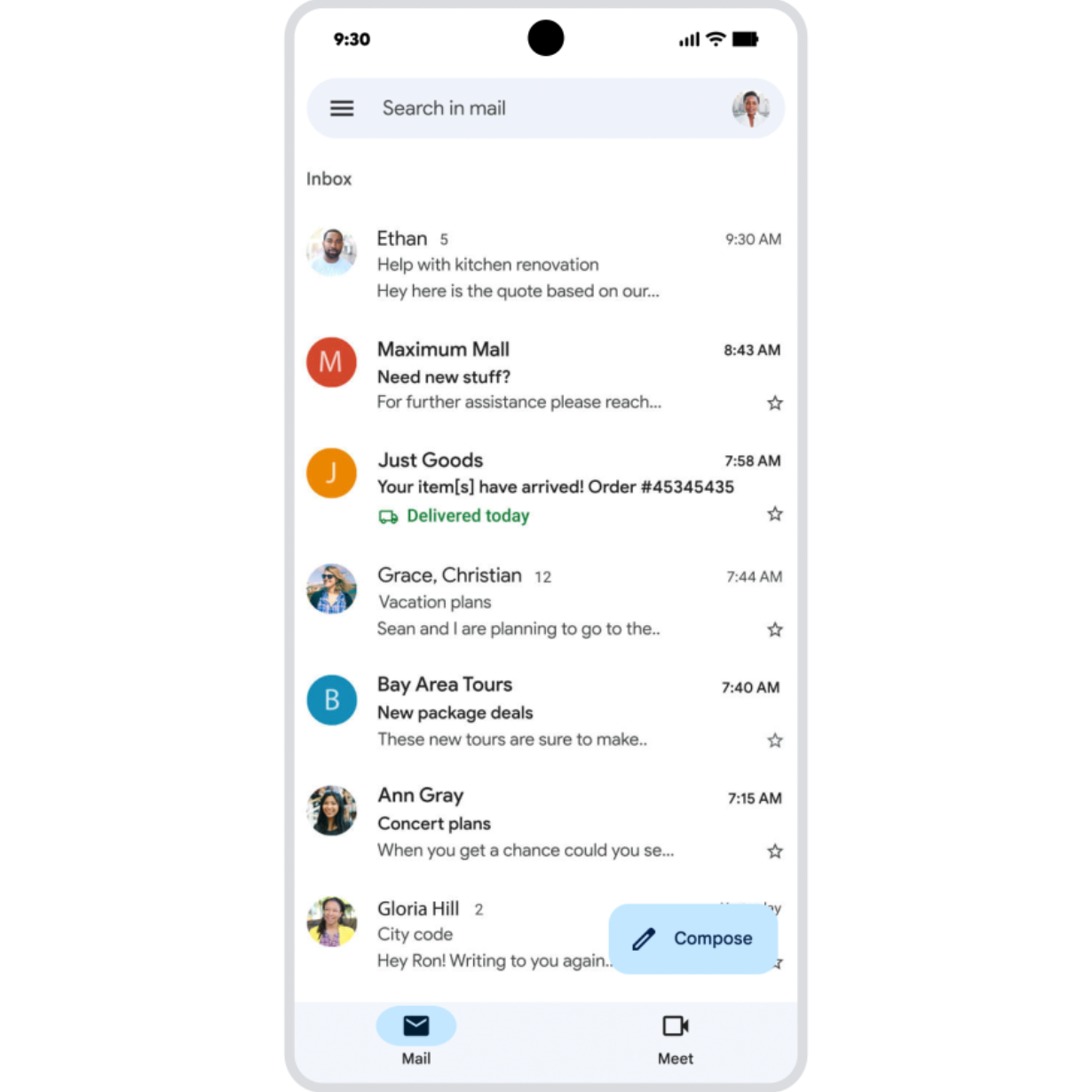
Gmail App Send larger files
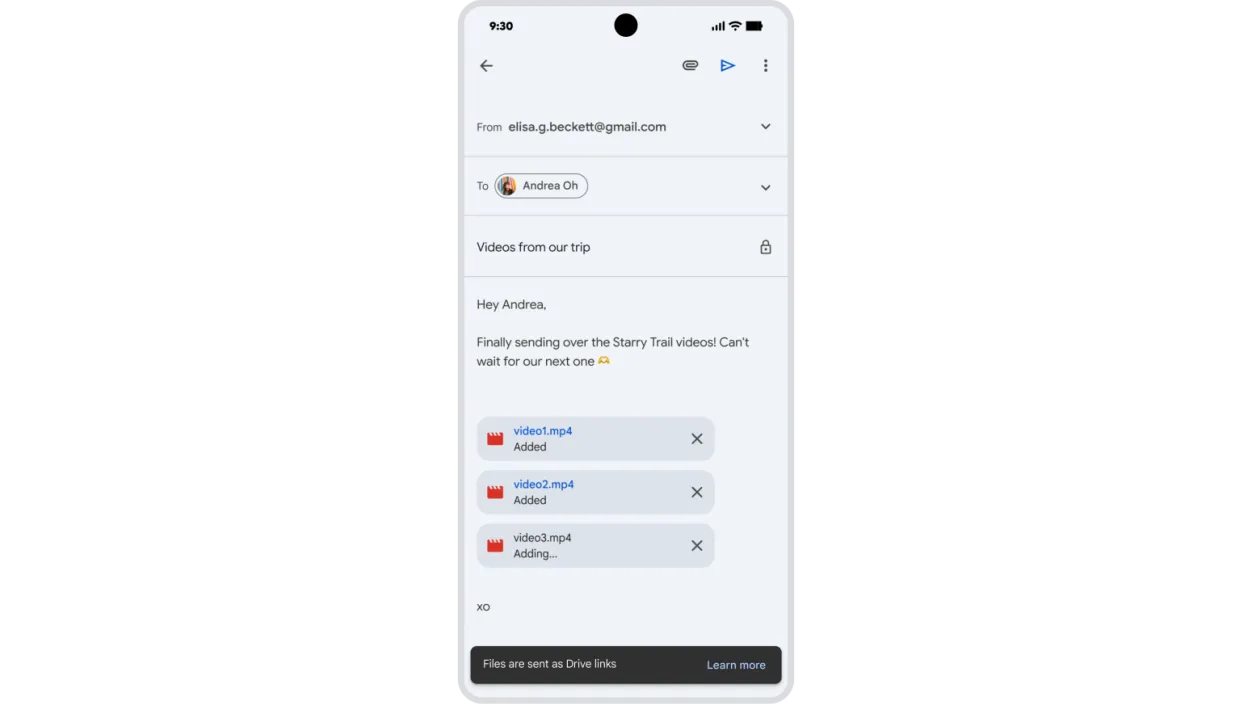
Send larger attachments from your phone.
Send your biggest files right from the Gmail mobile app. Simply attach large videos, photos and more, and Gmail will automatically create shareable Google Drive links for anything over 25MB in size and add them to your email. ⓘ Requires available storage space in Google Drive. -
Google Maps Explore tab
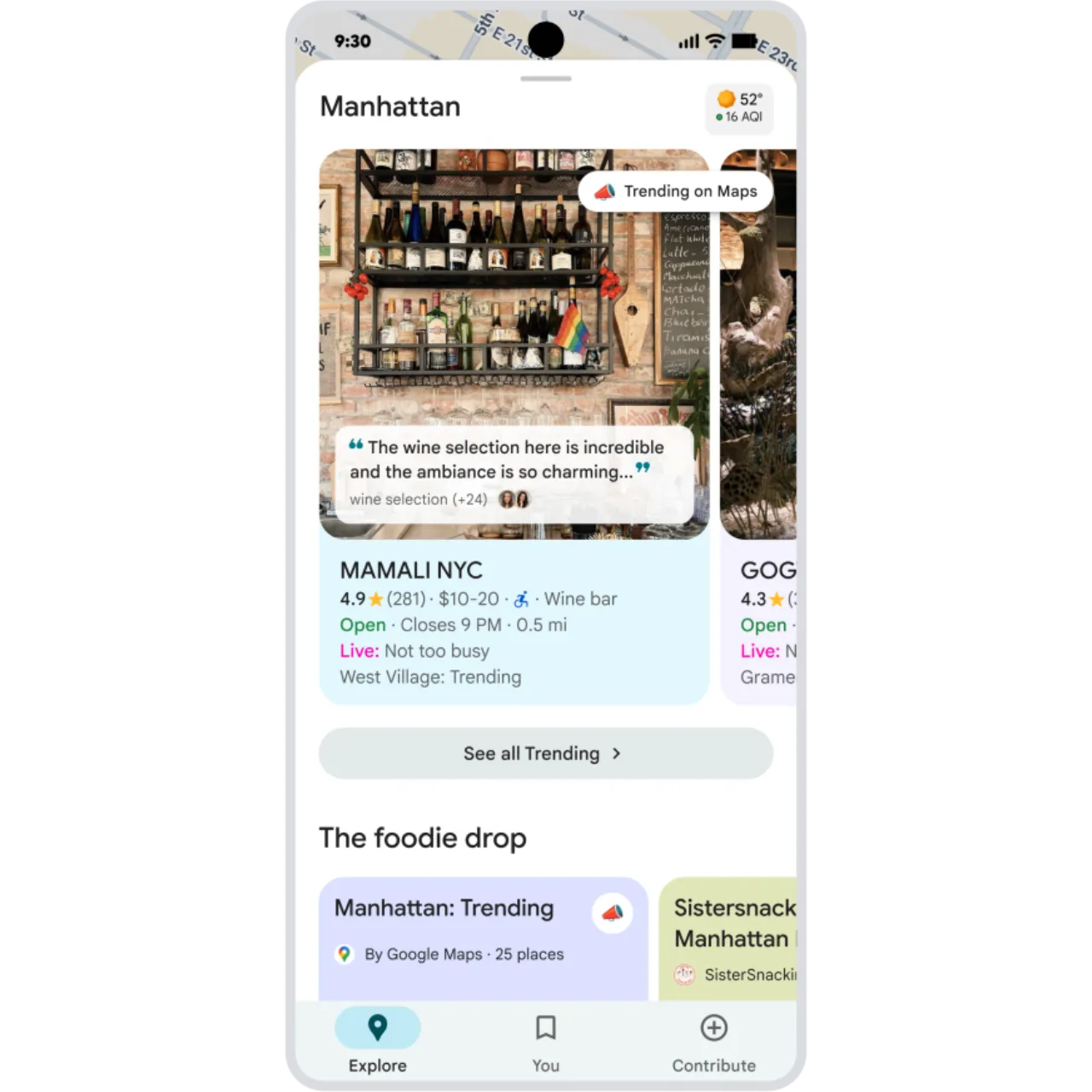
Easily find top sights and eats nearby.
Exploring a new city? Filling an afternoon? Find trending restaurants, top sights, and the best of what’s nearby in the Google Maps Explore tab – all based on reviews and trusted sources. ⓘ Only available in the Google Maps app. -
Circle to Search See continuous translations
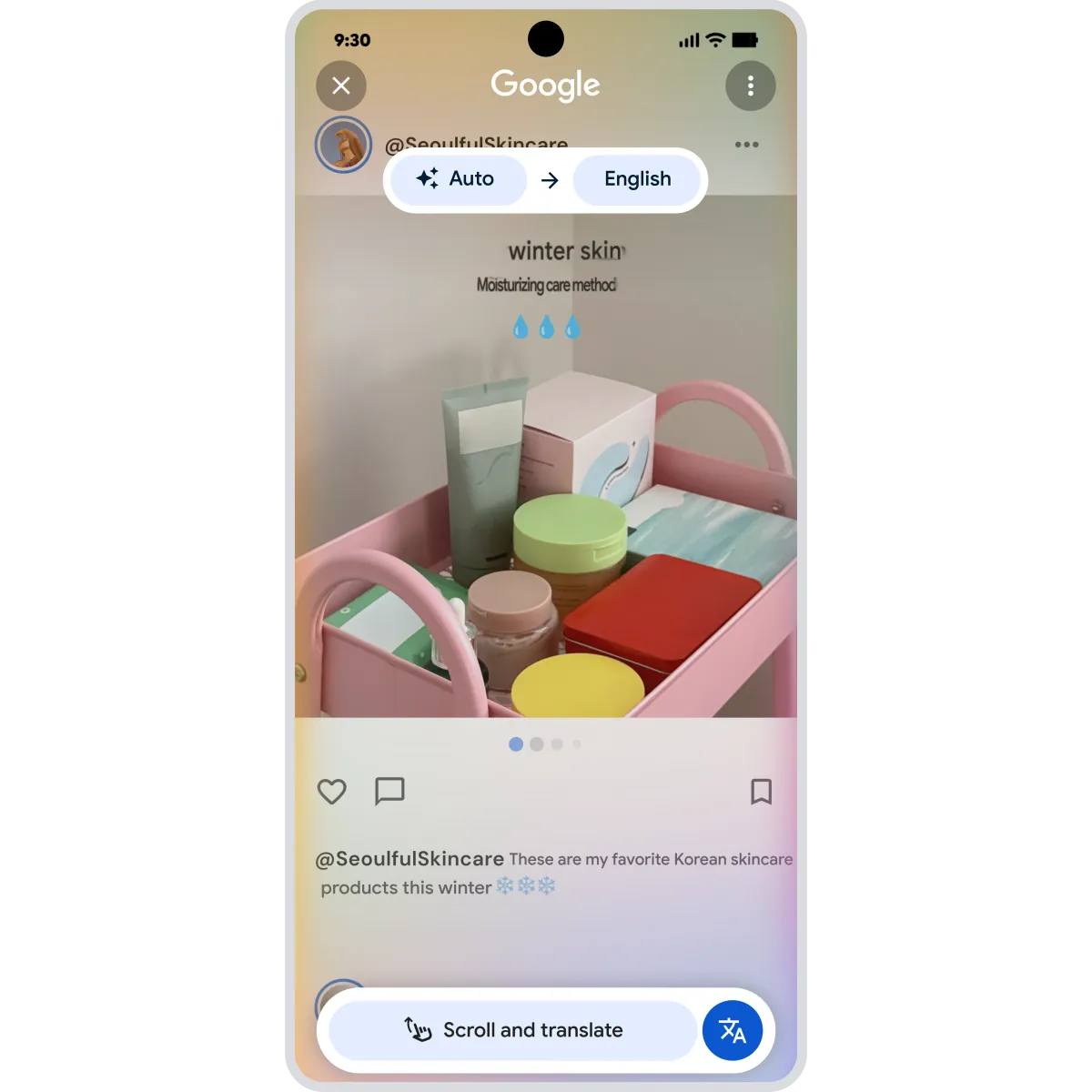
Translate the whole page as you scroll.
See continuous translations, wherever you scroll. Whether you’re reading menus, news articles, or social media posts and comments, get automatic translations in your preferred language, without switching apps. ⓘ Available on select devices and internet connection required. Works on compatible apps and surfaces. Results may vary depending on visual matches. Check responses for accuracy. -
Gemini Nano Banana Pro
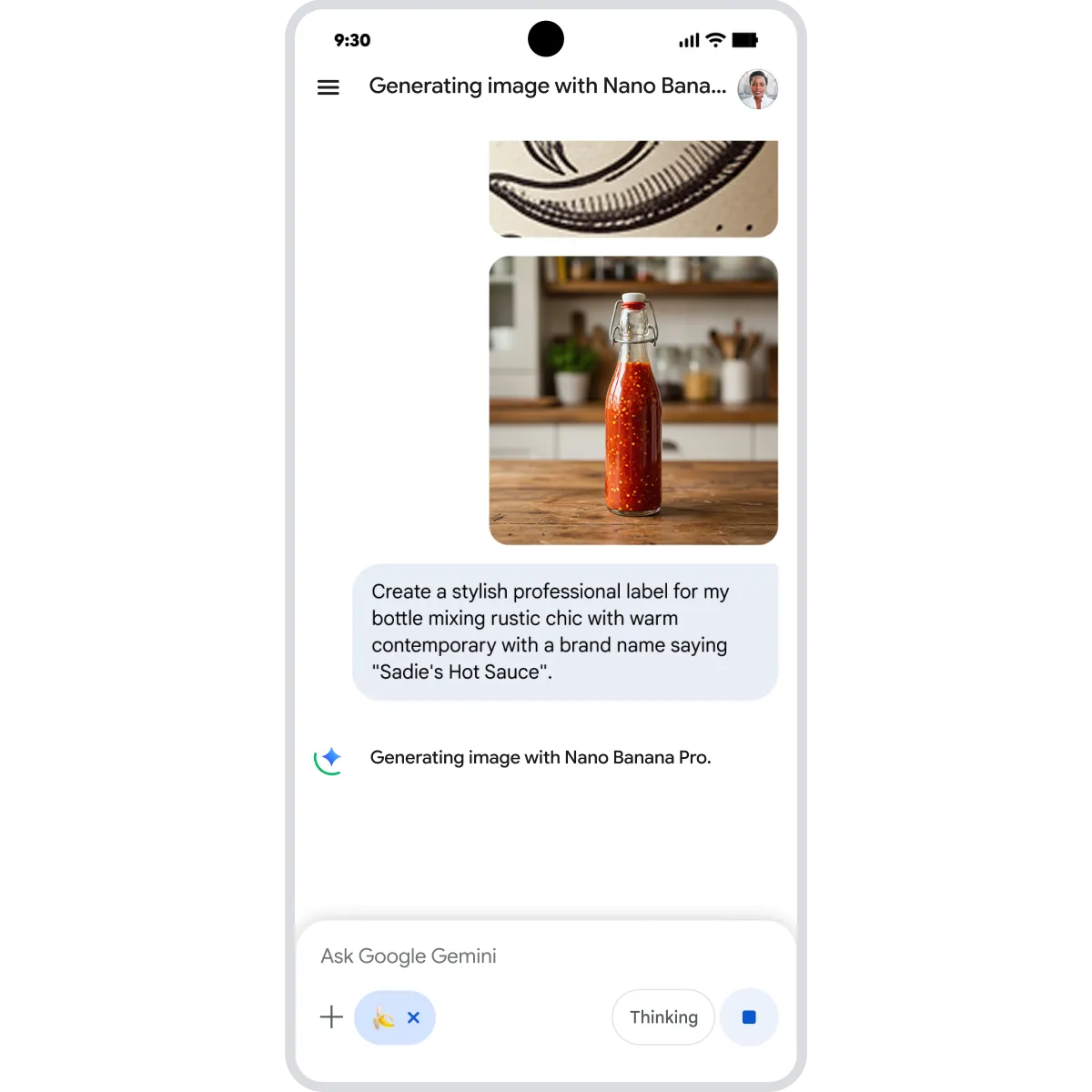
Create images for fun and function.
Combine and blend multiple images, resize your creations in a range of sizes, and add clear text – perfect for invitations, infographics, comic panels, and more. ⓘ Check responses. 18+. Feature availability may vary by device, region, and account type. UI subject to change. Create responsibly. -
Circle to Search Avoid scams
Quickly check for scams in any app.
Get peace of mind for any text – across any app. Check if any chat or DM is a scam the moment you see it, simply circle the text and get an AI Overview response letting you know if there are any red flags. ⓘ Internet connection required. Works on compatible apps, surfaces, and Circle to Search compatible devices. Results may vary depending on visual matches. -
Circle to Search Get gaming help
Get instant help when stuck in a game.
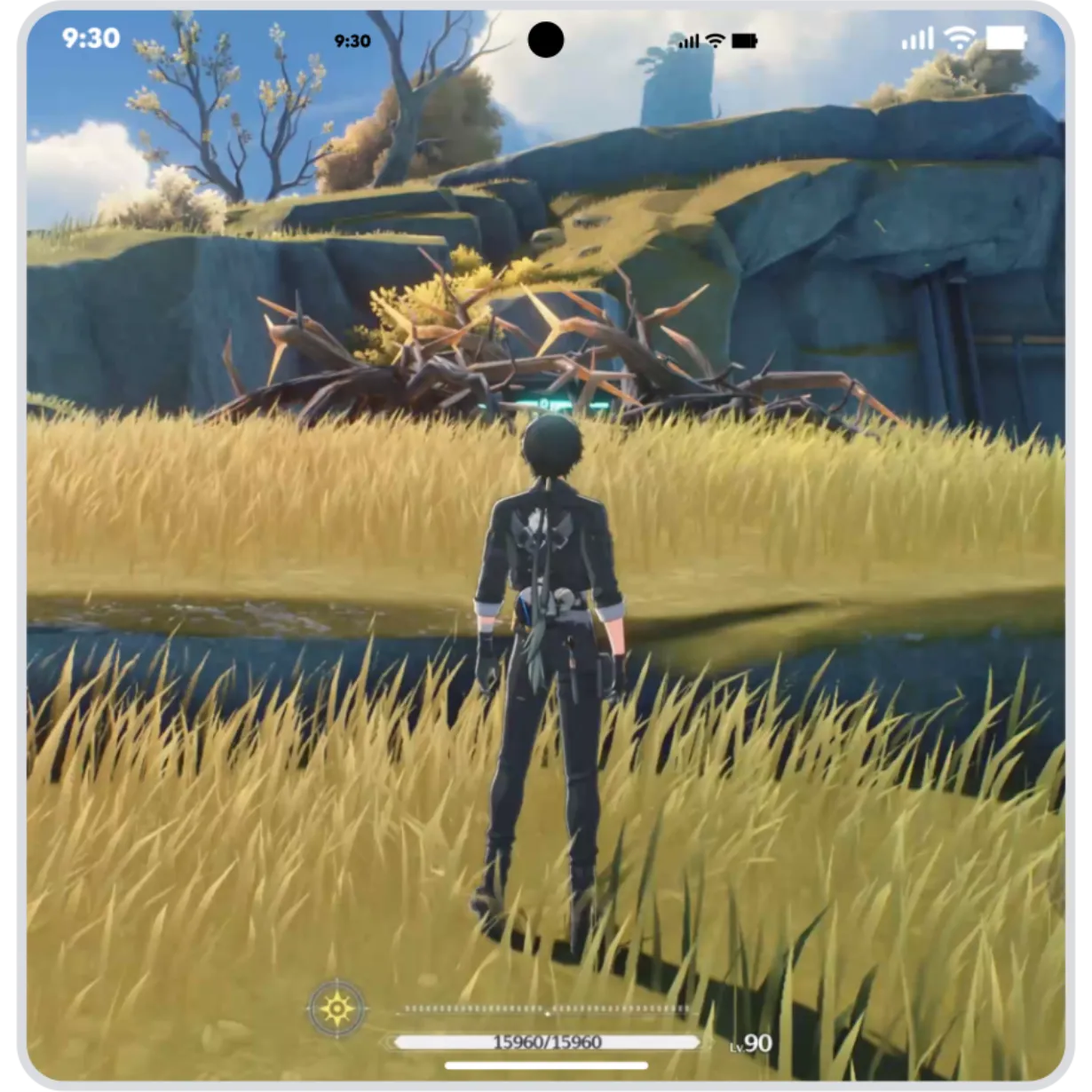
Find fast answers to gaming questions – without switching apps. Just circle or tap anything on your screen to pull up an AI Overview with tips to help you advance. ⓘ Results may vary. Check responses for accuracy. Setup may be required. Compatibility and availability vary. -
Google Messages Key Verifier
Keep conversations safe from fraud.
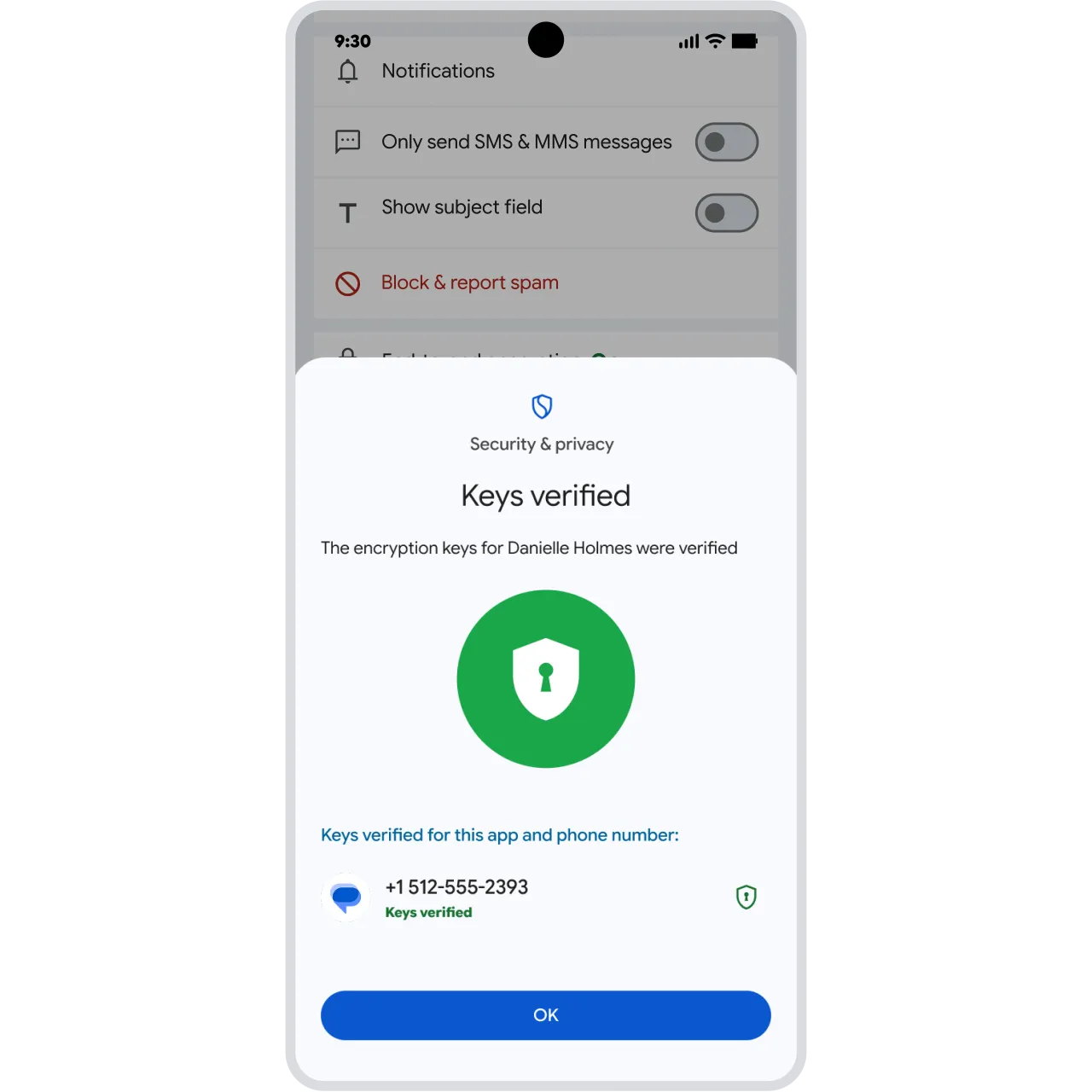
Help protect yourself from fraud. With Key Verifier, you can confirm the identity of whoever you're talking to in Google Messages using public encryption keys – so you know who’s on the other end of your messages. ⓘ Requires Google Messages with RCS chats turned on, and Google Contacts and Android System Key Verifier apps. Available on Android 10+ devices. -
Gboard Messages Emoji Kitchen stickers
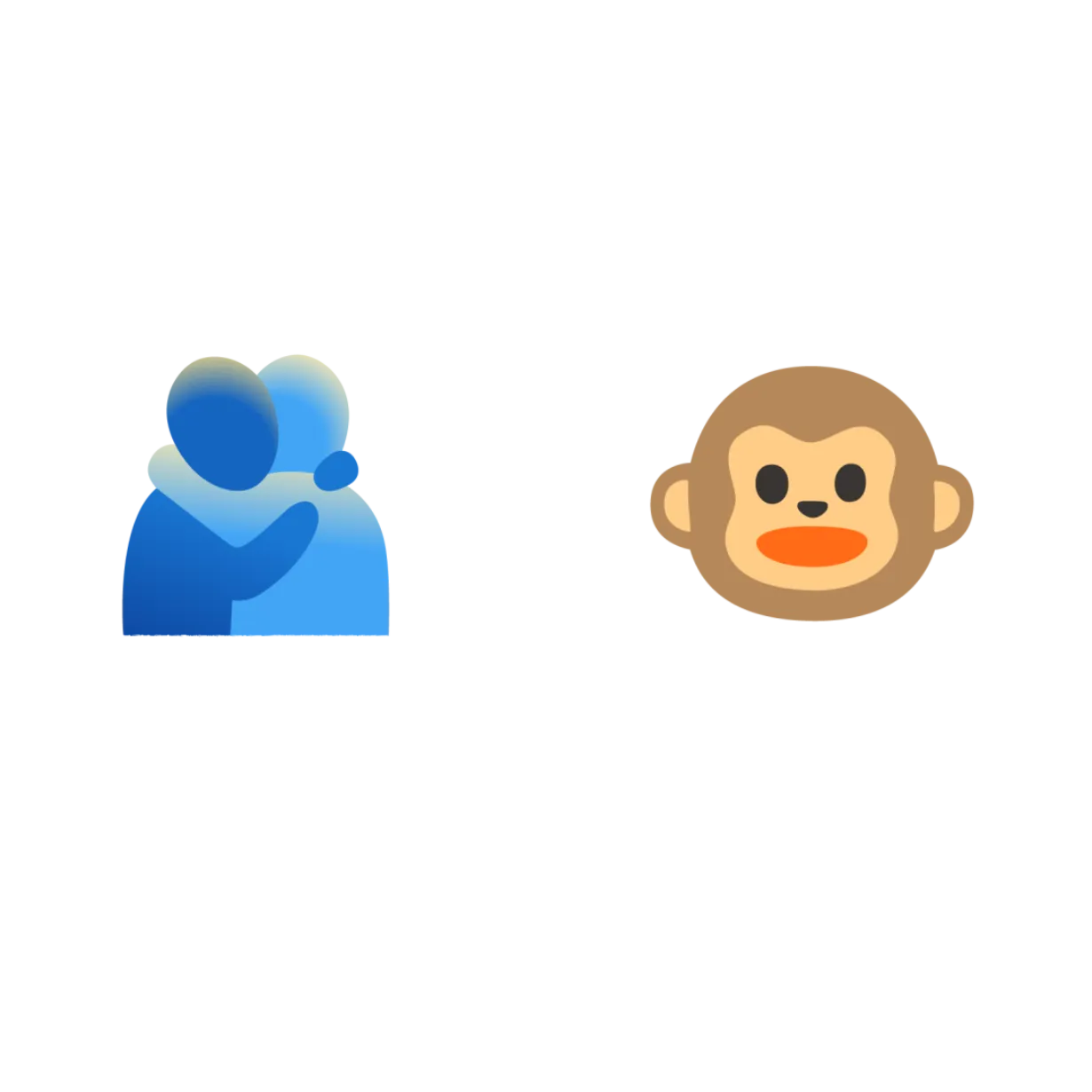
Embrace new sticker combinations 🐵+🫂.
Send bigger hugs with new Emoji Kitchen sticker combos. Whether you’re signing off for the year ⛄️ + ✒️ or sending holiday well-wishes 🫂 + ⛄️, mix and match your favorites and share them with friends. ⓘ Works with compatible emoji. May require download. -
Fast Pair Audio Sharing
Share audio with a friend or broadcast to a group.
Easily pair two sets of headphones to your phone. Let a friend tune in with you as you listen to music, watch films or enjoy a podcast. Or, create a private broadcast that can transform a simple get-together into a silent disco. ⓘ Available on compatible LE Audio Bluetooth headphones and select Samsung, Xiaomi and Pixel devices. -
Gboard AI writing tools
Polish your messages with AI writing tools.
Make a great impression with new AI writing tools in Gboard. Correct grammar, fix typos and switch your writing style to be more casual, formal, expressive, concise and more. ⓘ Writing tools require Gemini Nano v2 or higher. -
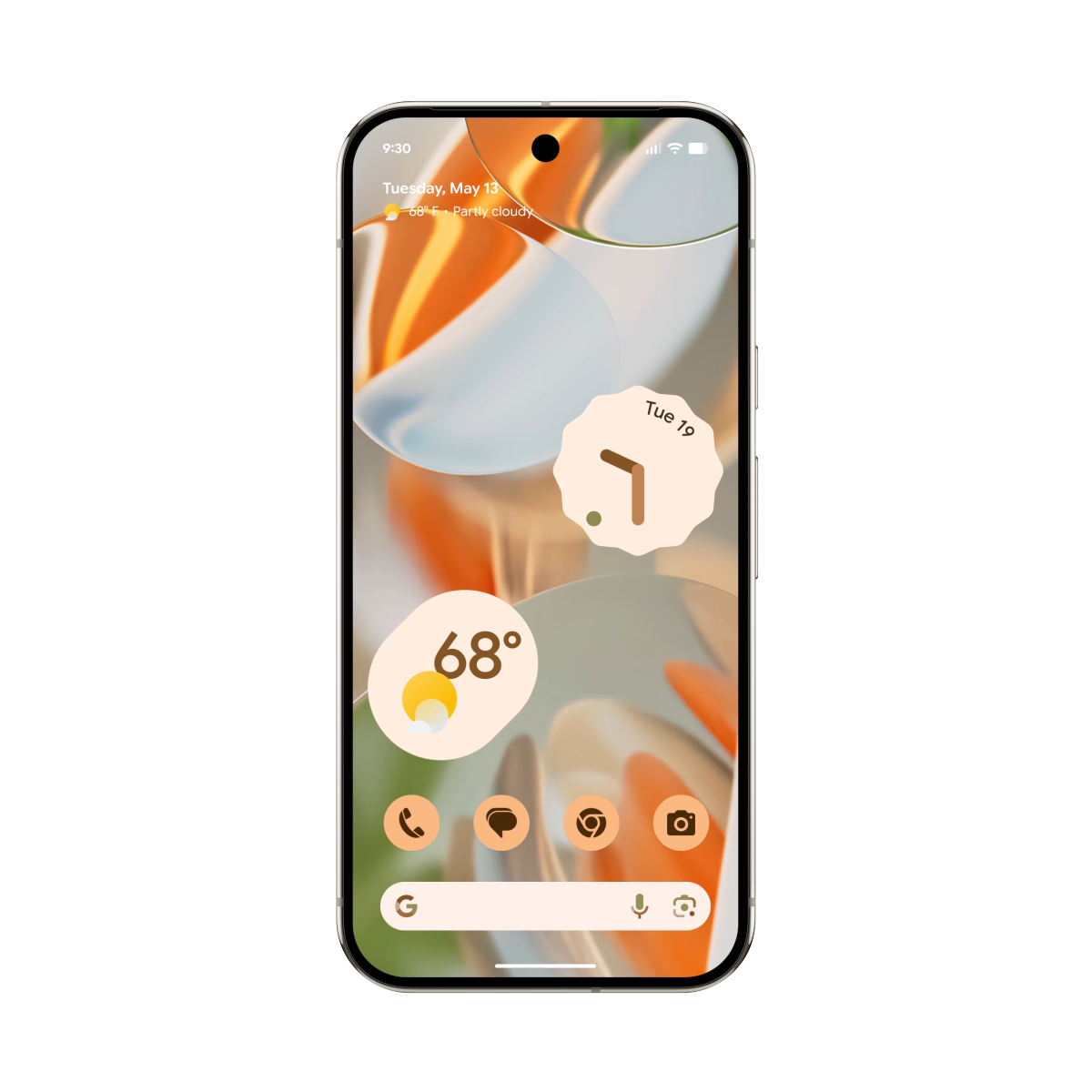
Material 3 ExpressiveMaterial 3 Expressive
Customise the look and feel of your apps.
Personalise Google apps with your favourite icons, colour palettes and more. Plus, new layouts are designed to make getting things done feel effortless and more intuitive. ⓘ Feature availability across Google apps may vary. -
Android Auto Spotify Jam
Spotify Jam hits the road.
Create a playlist for everyone, by everyone. With Spotify Jam on Android Auto, anyone can scan a QR code on the car’s display and start adding their favourite songs. ⓘ Requires the Spotify app downloaded to your device. Requires Android Auto-compatible mobile device and vehicle. Sequences shortened and simulated. -
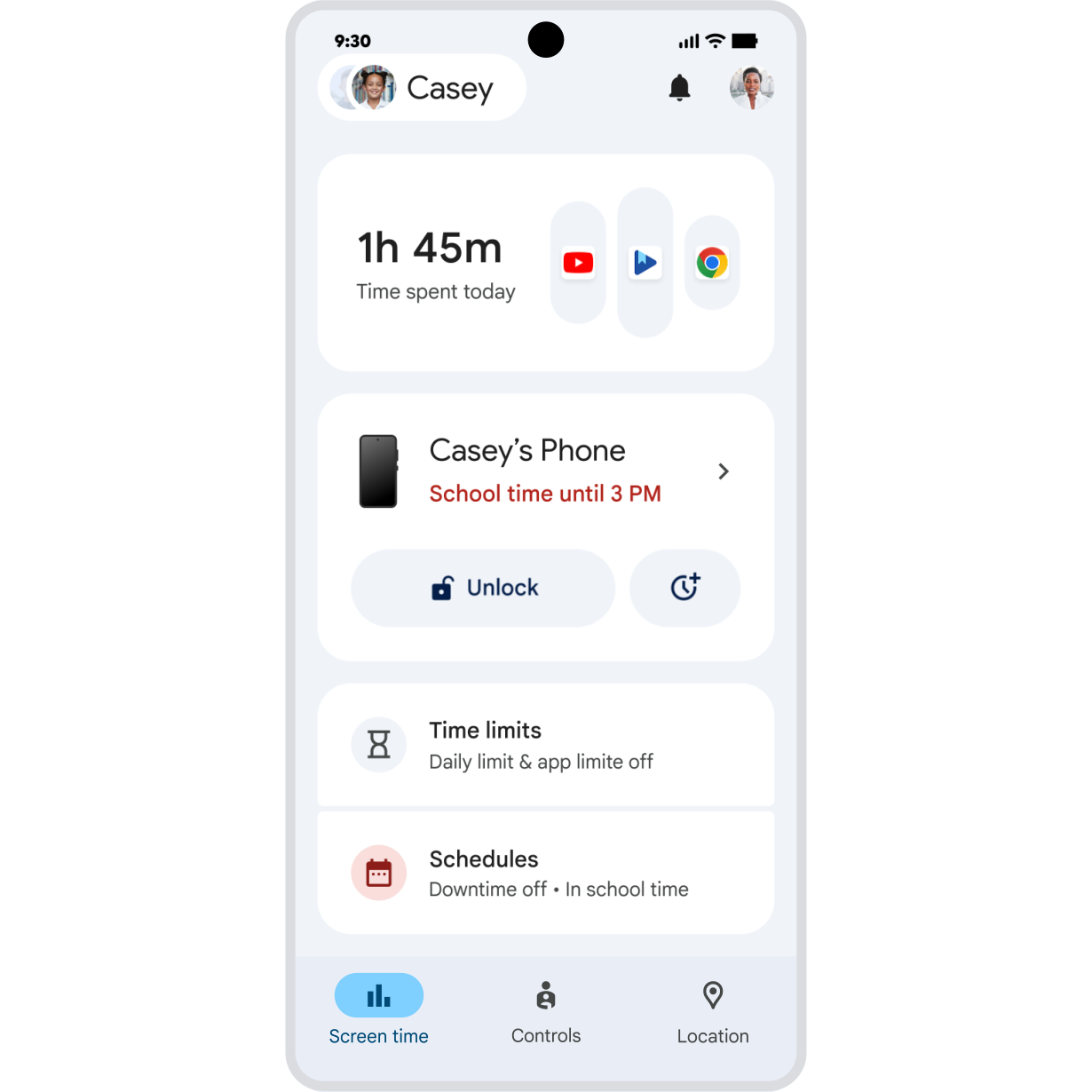
Family Link Parent-managed contacts
Easily manage who children text and call.
Help children build more independence. Parents can now easily manage the contacts their children can call or text in Family Link – and if they want to add a friend, they can approve new contacts remotely. ⓘ Parent-managed contact limits apply to Google Messages and dialler apps on Android. Communications in third-party apps cannot be restricted. Emergency services always remain accessible. Available on Android 14+ and Galaxy Watch for children. -
Gemini Live Gemini Live with highlights
Help you can see.
Need to fix a gadget, or select the perfect book? Soon you’ll be able to show Gemini what you see and it will highlight exactly what to focus on, providing the easy-to-follow visual guidance you need to understand your surroundings. ⓘ Sequences shortened and simulated. Check responses. Compatibility and availability varies. 18+. -
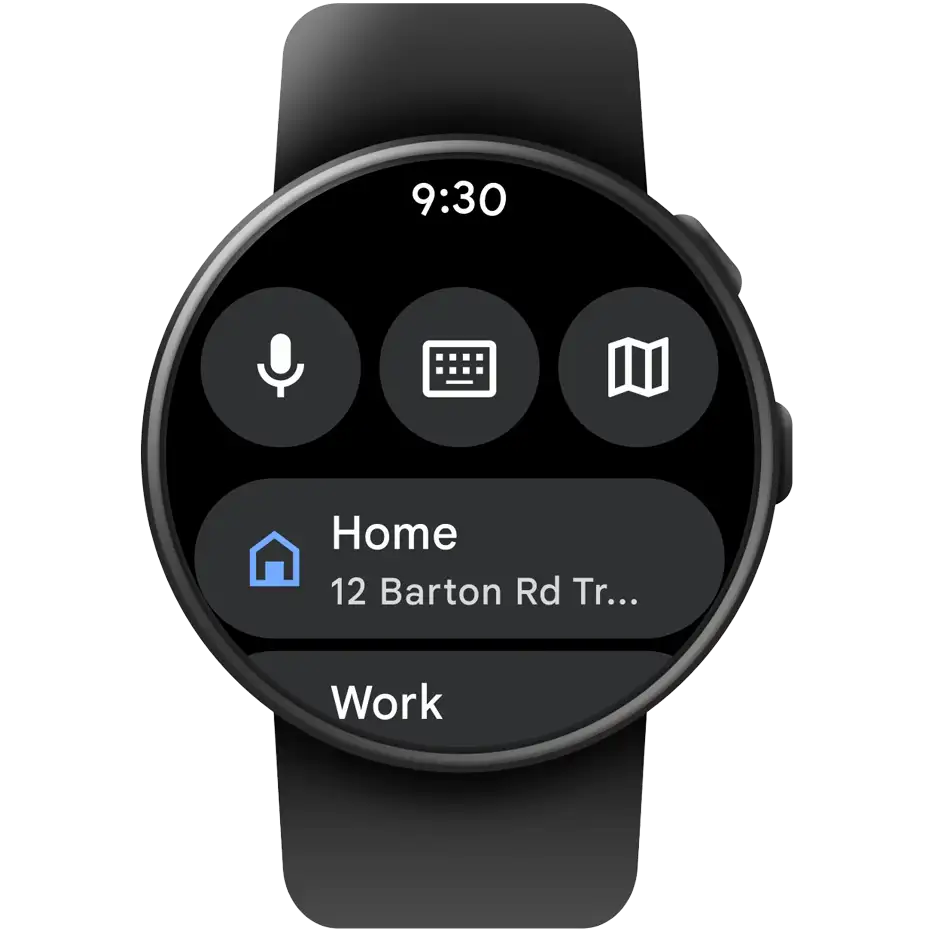
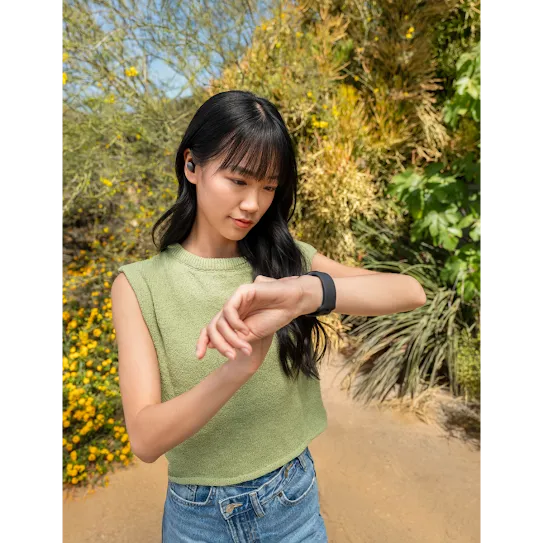 Google Maps on Wear OS Continue navigation on your watch
Phone navigation continues on your watch.
When walking, cycling or doing anything else that keeps your hands busy, navigate hands-free from your Wear OS watch. Start a Google Maps journey on your phone, and it will now also display on your wrist – for safer, glanceable directions. ⓘ Requires internet connection. -
Gemini Gemini on Wear OS watches
Chat with Gemini on your wrist.
Complete more complex tasks on the go. Speak naturally to get answers and ideas, complete tasks across apps, or remember important details like where you parked – all from your wrist. ⓘ Sequences shortened. Check responses. Setup required. Compatibility and availability vary. -
Android Auto Gemini in Android Auto
Get more done hands-free in the car.
Coming soon, chat naturally with Gemini for hands-free assistance while you drive. Ask for help brainstorming ideas, reading or drafting texts, and completing tasks with connected apps. ⓘ Features may differ depending on subscription and results may vary. Some connected apps require setup. Country availability may vary. Check responses for accuracy. Sequences shortened and simulated. -
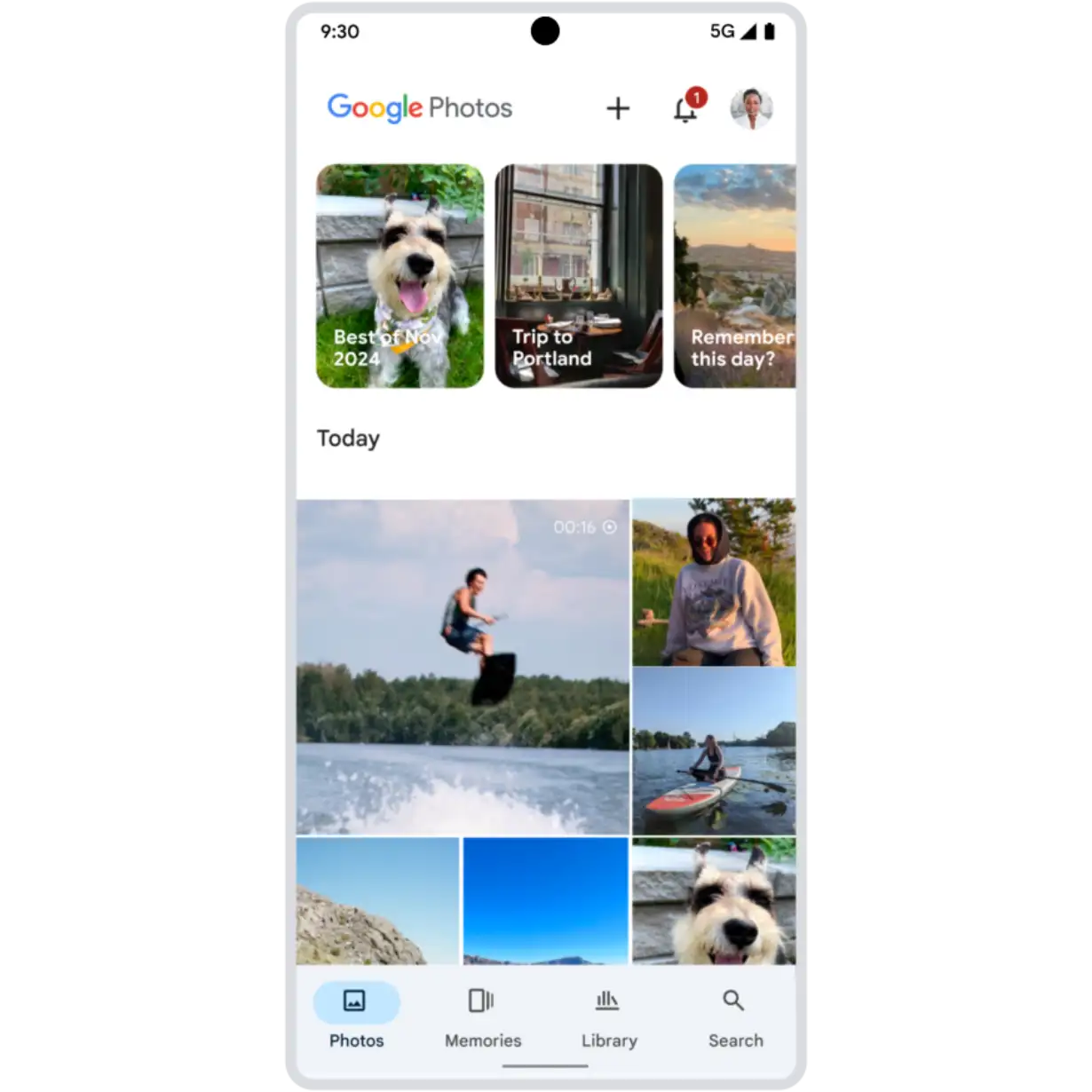
Google Photos Redesigned image editor
Easily edit with the new image editor.
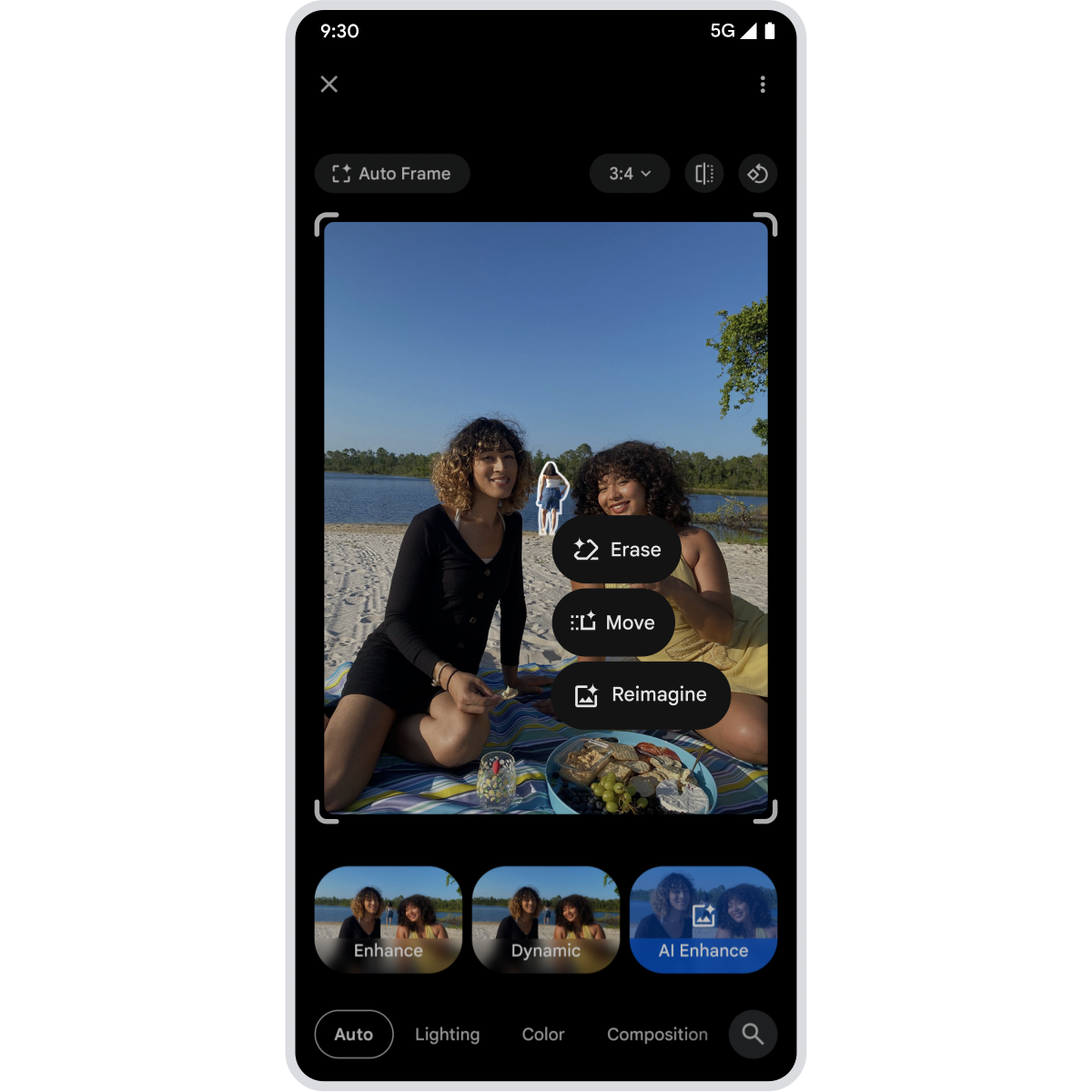
Coming soon, get AI-powered suggestions or instantly access the right tool by tapping, circling, or brushing what you want to edit. ⓘ Available on Android 8+. Results may vary. Feature availability may vary by device, region, and account type. UI subject to change. -
Google Home Favorites in Google Home
Customize Favorites across your devices.
Coming soon, you will be able to pin light controls to your phone, the thermostat to your smartwatch, or security cameras to your TV. Find and manage smart home products faster with customizable Favorites. ⓘ Requires compatible smart devices, smartwatch with Wear OS 3+, Google Account, and the latest version of the Google Home app on watch and phone. Available on eligible Google TV devices. Notifications, remote control, video streaming, and recording require working internet and Wi-Fi. Sequences shortened and simulated. -
Safety Check Timer extension
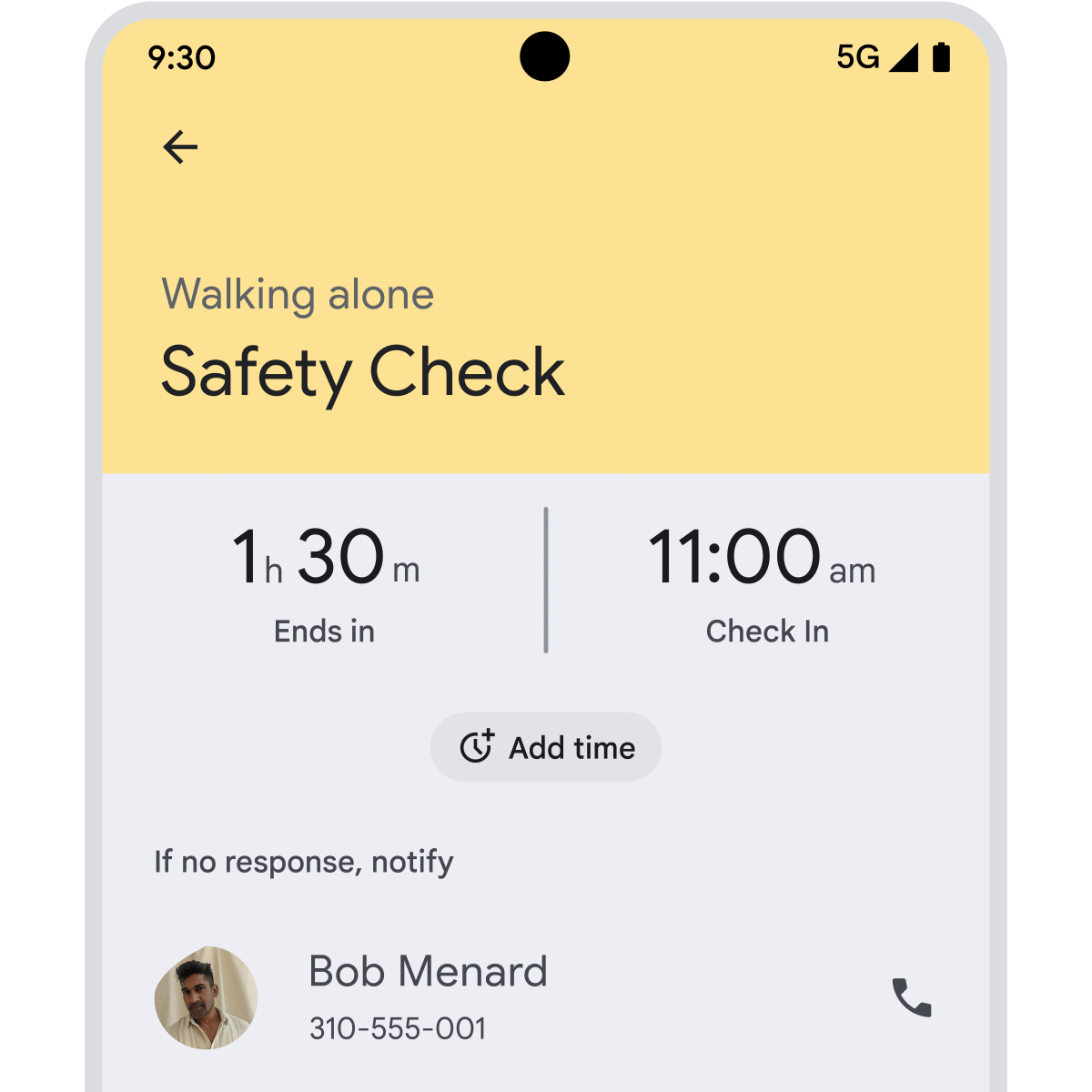
Add extra time to Safety Check.
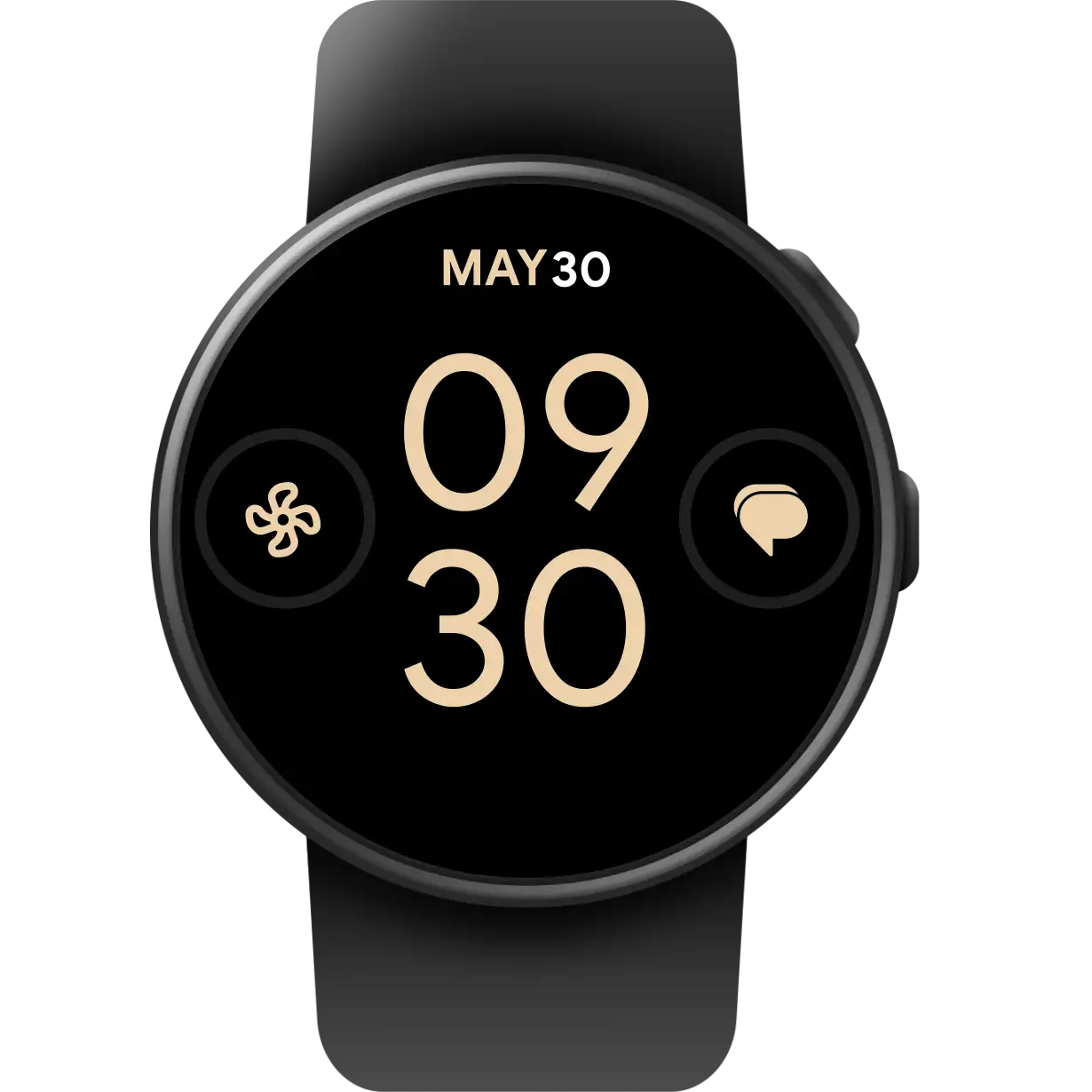
Go farther, feel safer. Whether there has been unexpected delays or you’re feeling great on a solo run, easily extend the time of a Safety Check with a few taps of your phone or smartwatch. ⓘ Location services and Google Location Sharing must be turned on. Data rates may apply. Requires internet connection. Available on Android 12+ and in certain countries for age-eligible users. May not be reliable for emergency communications or available in all countries or languages. -
Wear OS Express transit
Pay for transit faster from your wrist.
With Google Wallet on your Wear OS watch you can tap right away with city transit cards even when the Wallet app is closed. If you use a credit or debit card to tap, make sure to turn this feature on first in your settings. ⓘ Available on Wear OS 5 watches and only available on Wear OS 5.1 for Pixel watches. Wear OS watch needs to be unlocked in order to tap without the Google Wallet app open. Support for using this feature with your default credit or debit card requires an opt-in from your Wallet on Wear settings. Support for using this feature is automatically enabled for municipal transit cards and is initially available only on transit systems in Washington, D.C., Seattle, and Toronto. Learn more. -
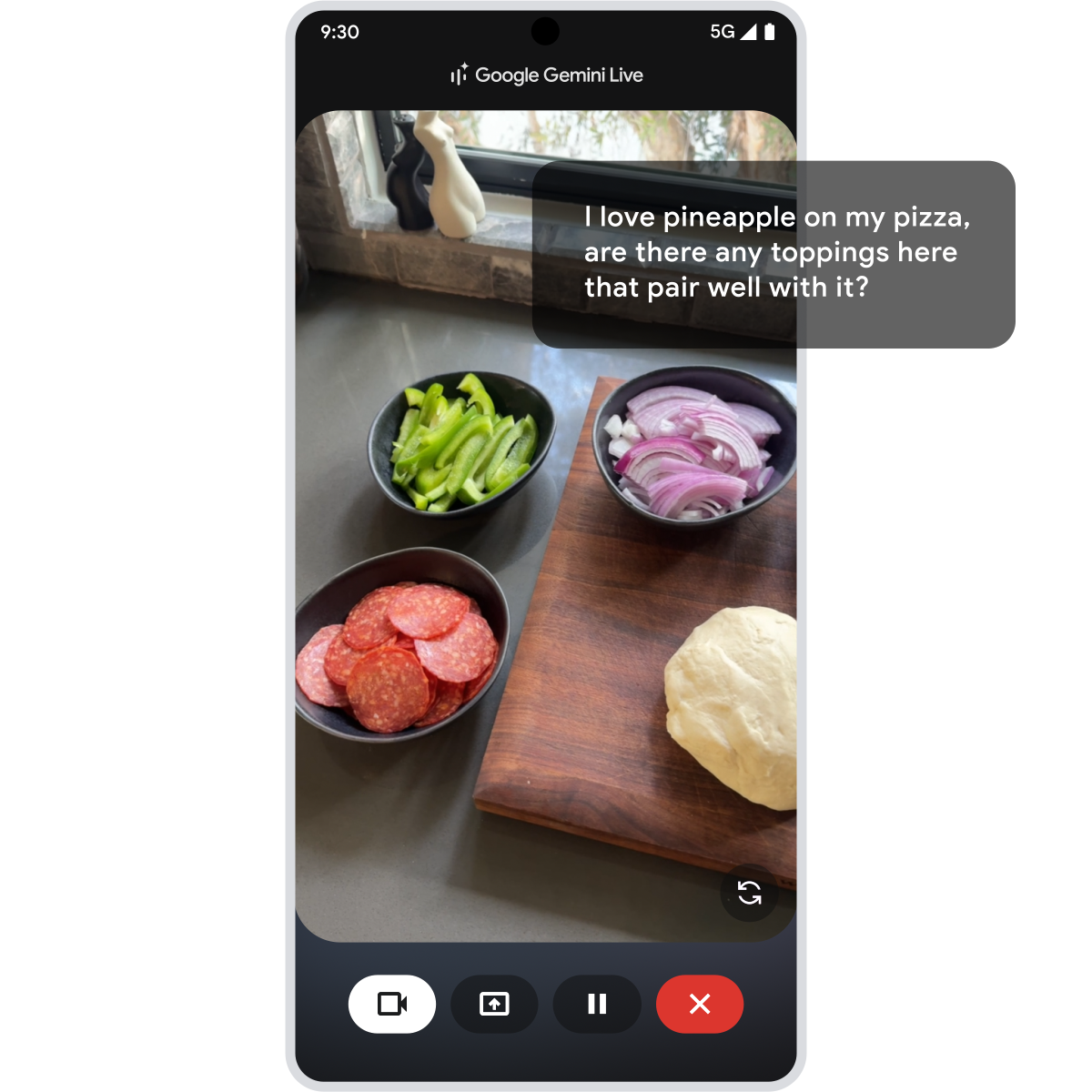
Gemini Live Camera and screen sharing
Ask Gemini about anything you see.
Whether you need help restyling your bedroom, using a new app, or brainstorming recipes with the food in your fridge, you can now share your screen or camera in Gemini Live. ⓘ Results for illustrative purposes and may vary. Check responses for accuracy. Internet required. Compatible with certain features and accounts. Available on select devices and in select countries, languages, and to users 18+. -
Google Messages Group chat updates
Give group chats a personal touch.
Add custom icons and names to Rich Communication Services (RCS) group chats, see which friends have RCS enabled, or mute notifications when you’re busy. ⓘ Group chat icons are only available for RCS-enabled chats. Availability of RCS varies by region and carrier. Sequences shortened and simulated. -
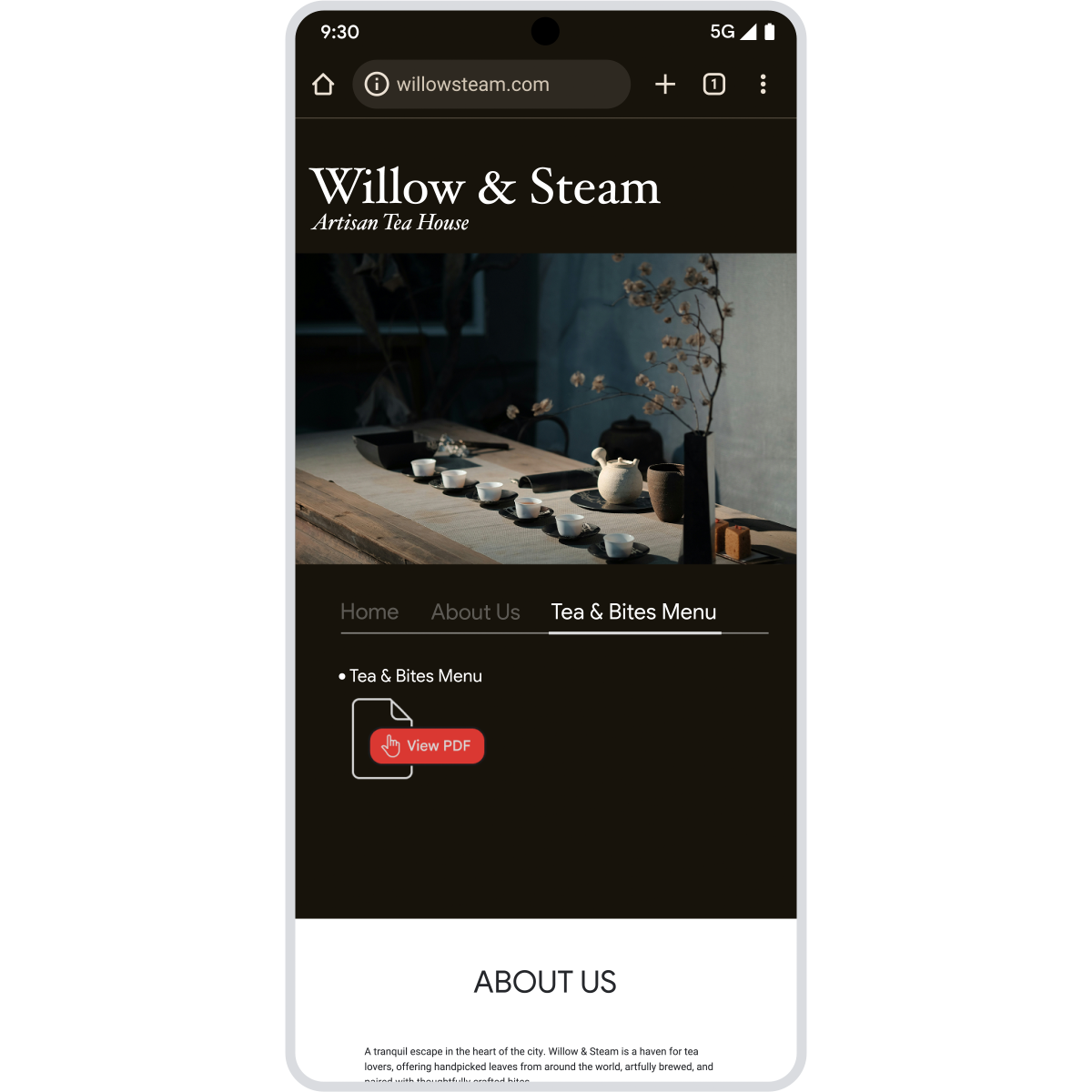
Chrome PDF Viewer
View PDFs directly in Chrome.
Open PDFs without switching apps. Simply tap a PDF link to start reading, with the option to download it if you need to. -
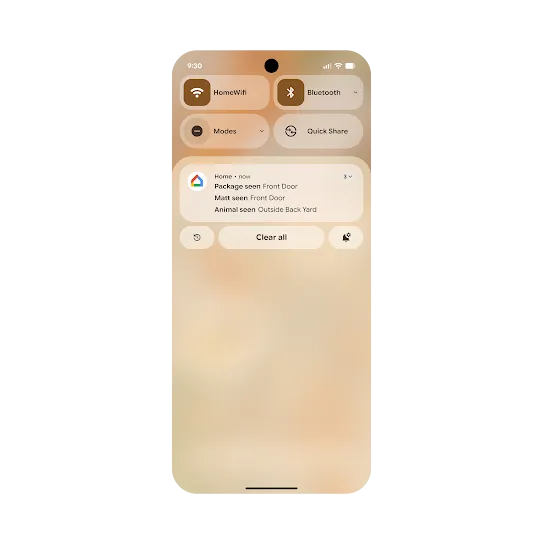 Android 16 Notification auto-grouping
Minimize clutter and keep things organized.
Forced notification auto-grouping stops apps from overwhelming you with multiple individual notifications, grouping them together to keep things looking tidy. -
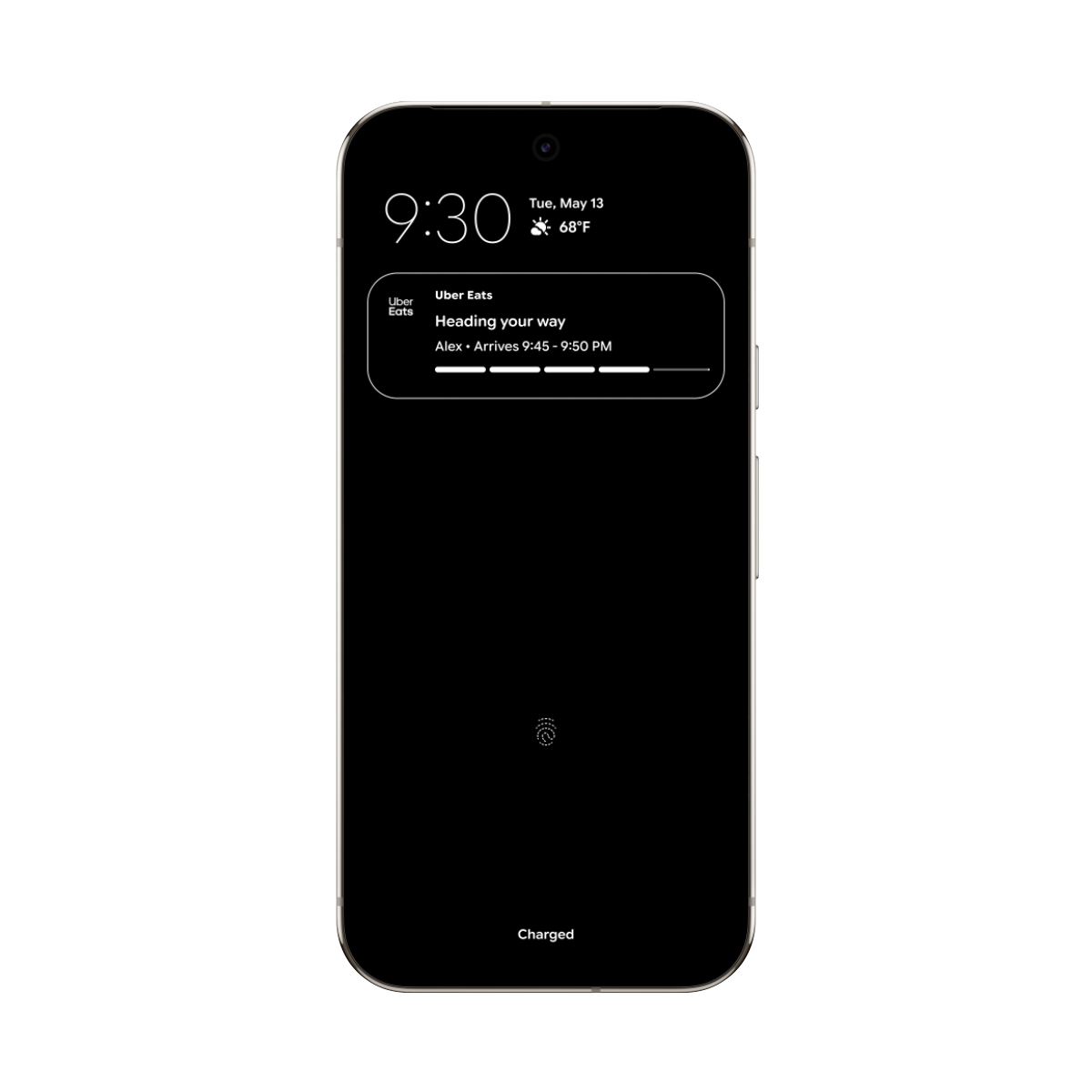
Android 16 Live Updates
See where your ride or package is at a glance.
Know when your car, food or package will arrive without diving into compatible apps. Get real-time updates with a progress bar right in the notification. -
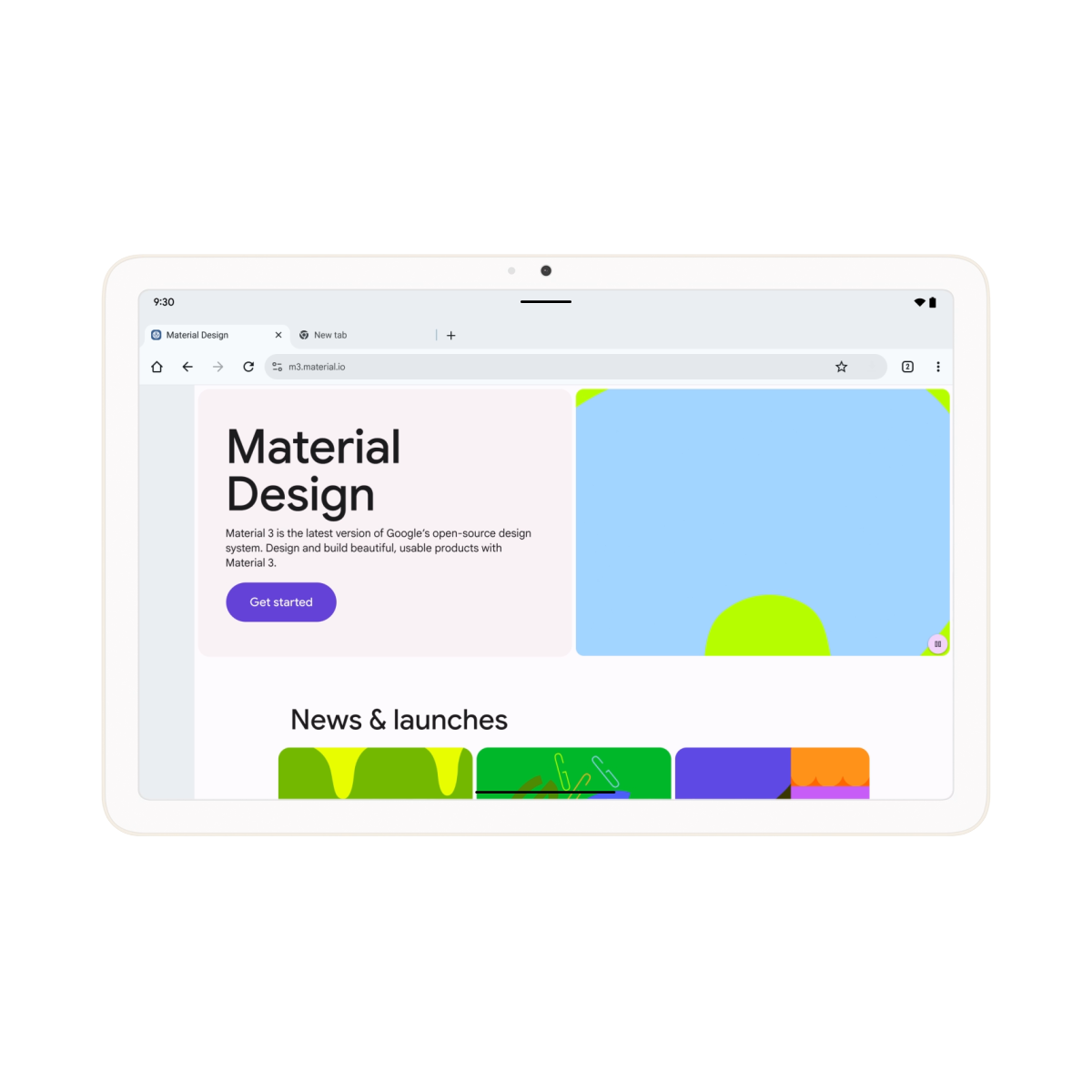
Android 16 Desktop windowing
A desktop-like experience on your tablet.
Open, move and resize multiple app windows, just like a desktop, for easier multitasking on your tablet. Group apps together to streamline your workflow. -
Android 16 Advanced Protection
Stronger security in a single tap.
Get Android’s strongest protection from online attacks, harmful apps, unsafe websites, scam calls and more. Advanced Protection enables multiple safeguards to defend your device and data in one tap. -
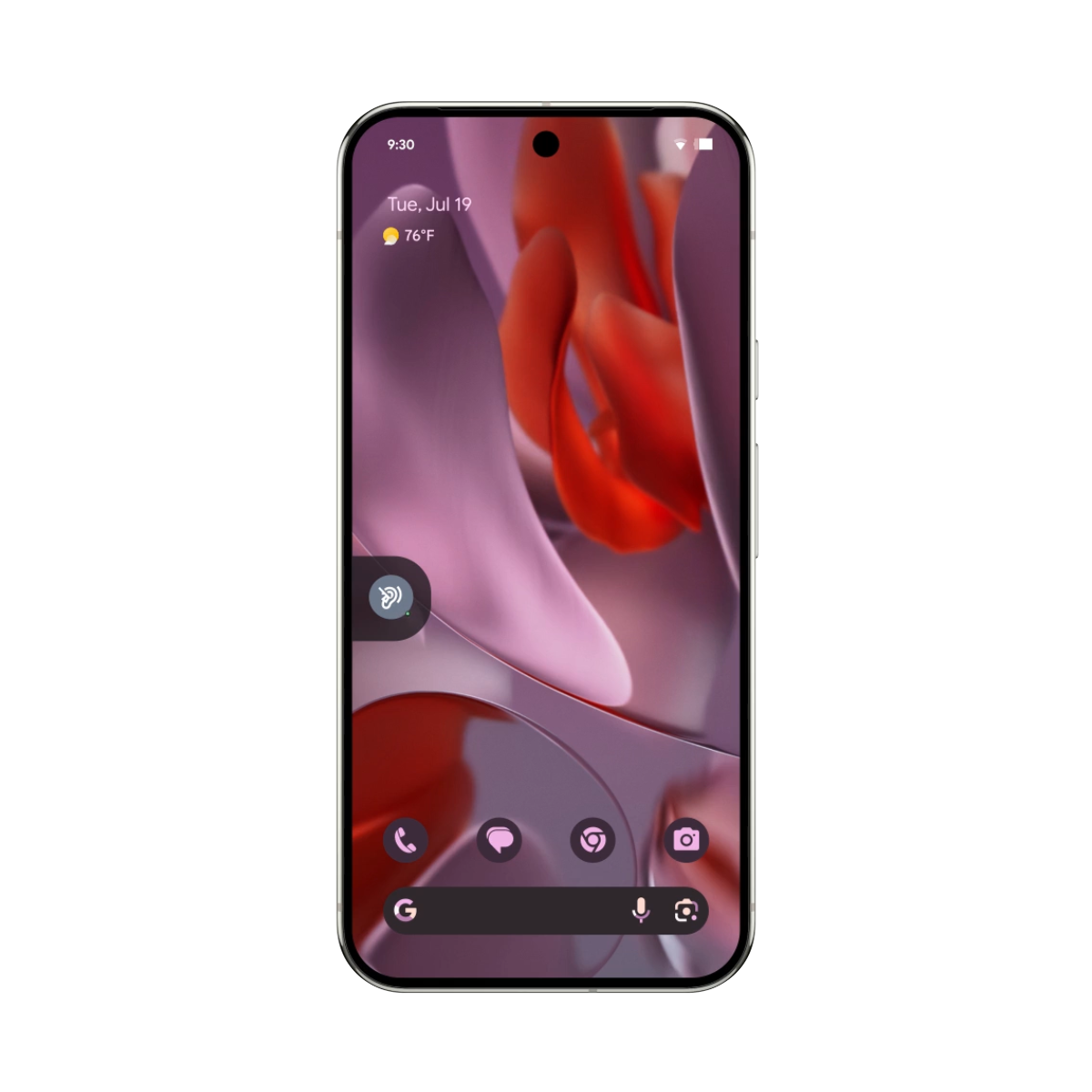
Android 16 Hearing device support
Clearer calling with hearing devices.
Control hearing devices from your device for a simpler experience across different hearing device brands. Or switch to your phone as input with LE Audio hearing devices for clearer calls in noisy environments. -
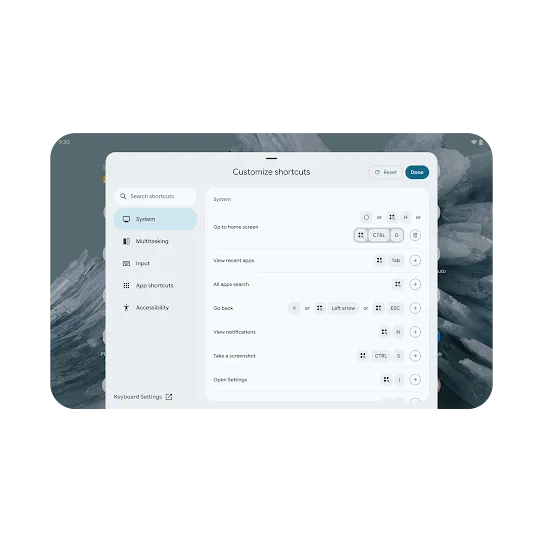 Android 16 Custom keyboard shortcuts
Customize your workflow.
Create your own shortcuts for faster access to the actions and tools you use the most. Add custom shortcuts on your Android tablet with a keyboard.
-
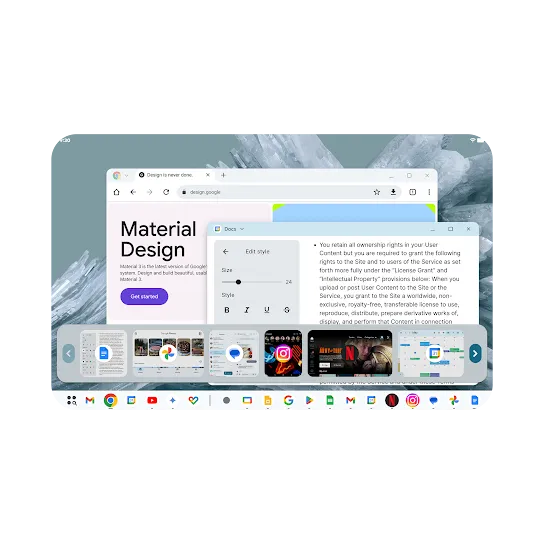 Android 16 Taskbar overflow
Find apps fast when your taskbar is full.
Too many open apps? Not anymore. Taskbar overflow helps you find the app window you need, even when your taskbar is full. -
Android 16 Slider haptics
Get a feel for things with haptic sliders.
Dial in precise volume or phone brightness with haptics that respond to the movement and speed of your swipe at each step of the slider. -
Android 16 Adaptive refresh rate
Optimize battery life and fluid visuals.
Experience smoother scrolling, gaming and animations. Adaptive refresh rate automatically adjusts your display when viewing motion-intense or static content to balance performance and battery life. -
Android 16 HDR screenshots
Flawless screenshots in HDR.
Take, save, edit and share screenshots of your HDR photos and videos while preserving the quality, color and detail of HDR content. Know that they’re seeing what you’re seeing. -
Android 16 Predictive back
Glimpse your destination before going back.
Get a preview of your previous screen before committing to going back by long-pressing the back button in three button navigation. -
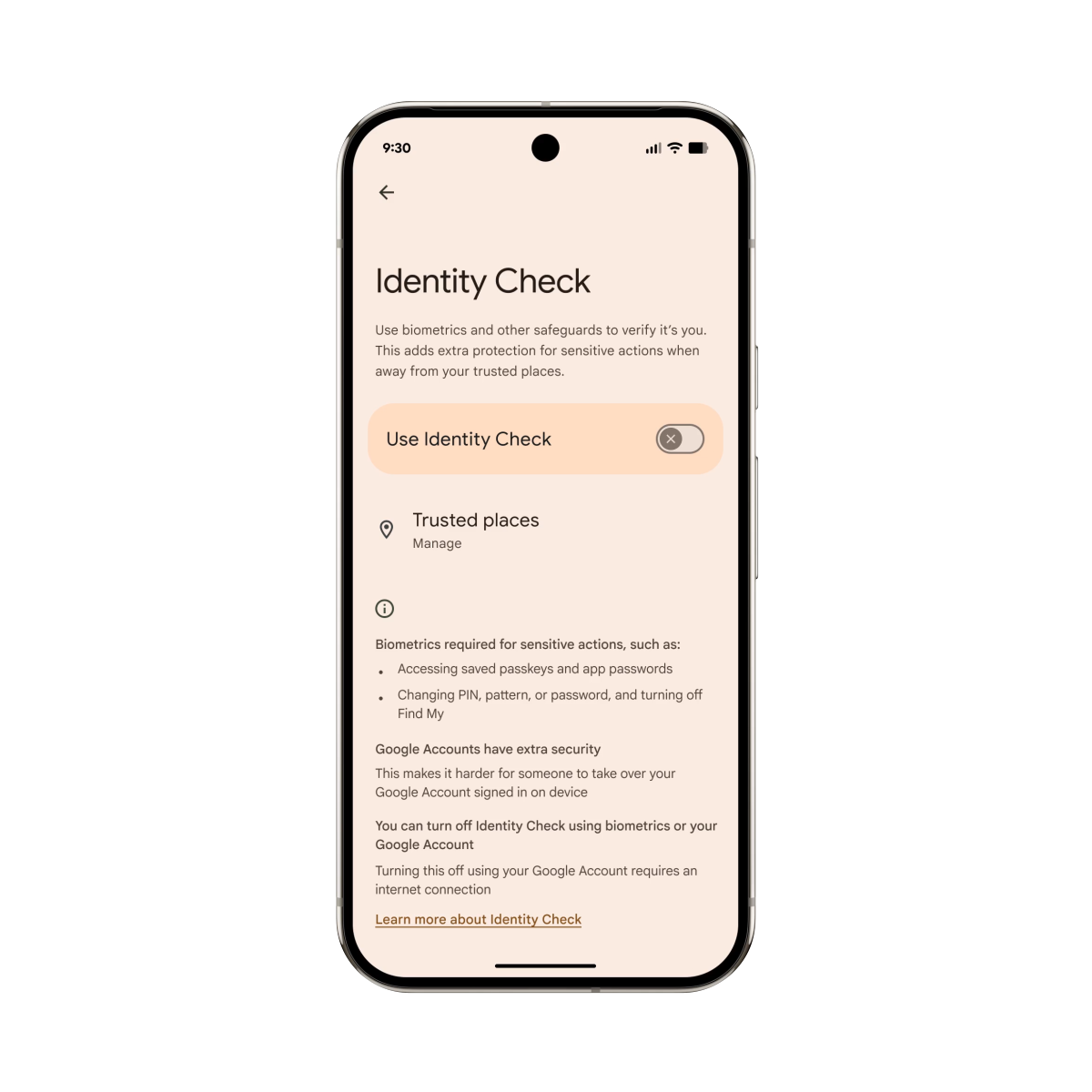
Android 16 Identity Check
Protect against takeovers outside of trusted locations.
Help stop common scams like shoulder surfing & PIN theft. Coming to more devices, Identity Check requires biometric authentication to access sensitive resources when you’re outside trusted locations. -
Android 16 Trade-in mode
Make trade-ins faster.
Trade-in mode provides quicker access to key device details at the point of sale. This makes it faster to trade in a device, get a refund and upgrade. -
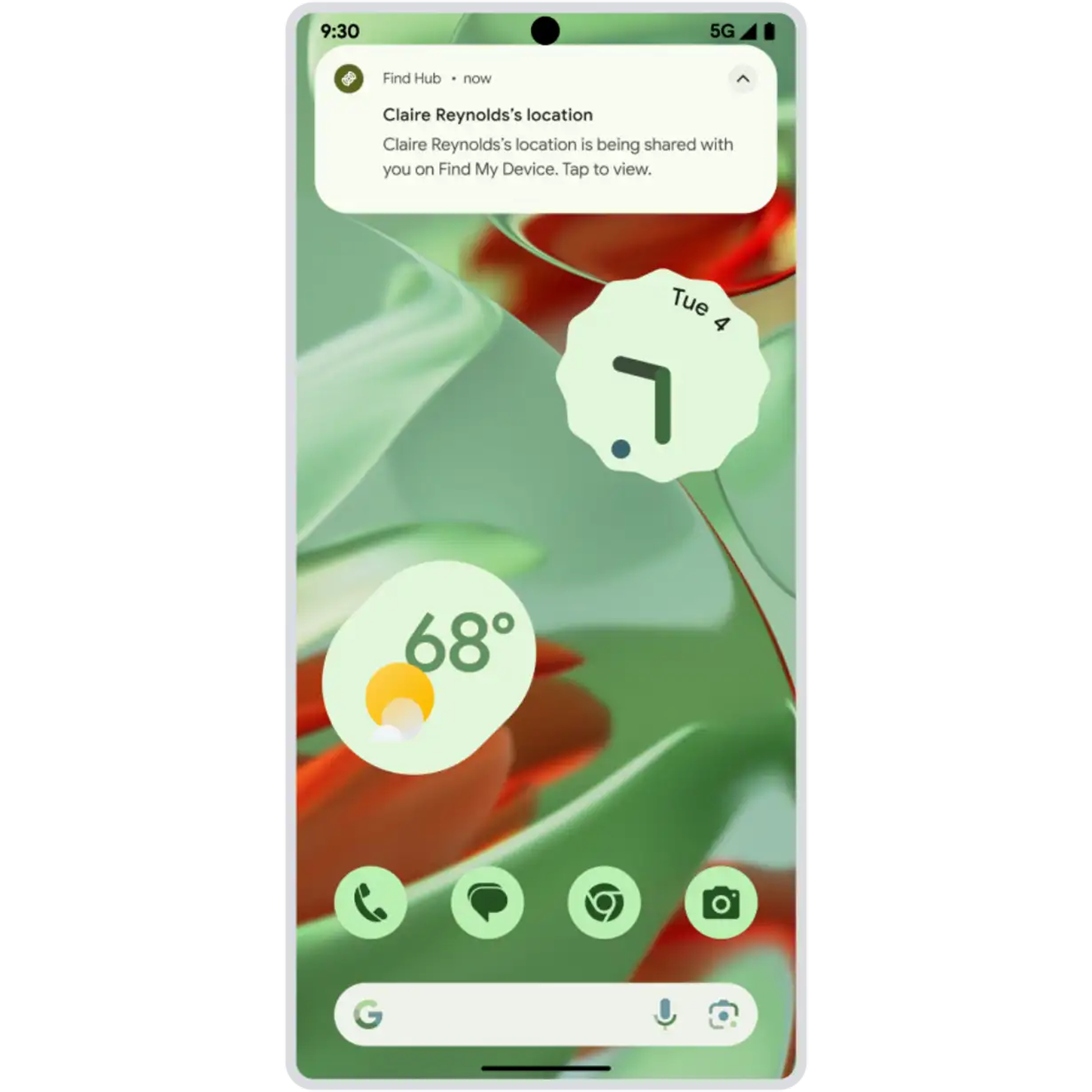
Find Hub Family and friend finding
Find friends and family with live location sharing.
Share your location with trusted contacts in Find Hub for safety and peace of mind. Easily check your friend's ETA for dinner or make sure they got home safe, and manage who sees your location and for how long. ⓘ Location services and Google Location Sharing must be turned on. Requires internet connection. Available on Android 9+ and in certain countries for age-eligible users. -
Android Auto More apps in Android Auto
Park and play. More games available now.
Level up in your downtime with more gaming apps available on Android Auto. Park your car and dive into games like Farm Heroes Saga, Candy Crush Soda Saga, and more. ⓘ Works with compatible apps and games. Requires compatible mobile device running on Android 15+. Vehicle’s touch screen must be compatible with Android Auto. Vehicle must be in park to play. Sequences shortened and simulated. -
Google TV Continue watching across devices
Pick up where you left off on another screen.
Google TV now saves your spot across devices so you can start a movie on your TV and finish it on your phone. Find the new ‘Continue watching’ row to pick up where you left off, without missing a beat. ⓘ Requires a Google account. Subscription, download, or purchase of content or apps may be required for viewing. -
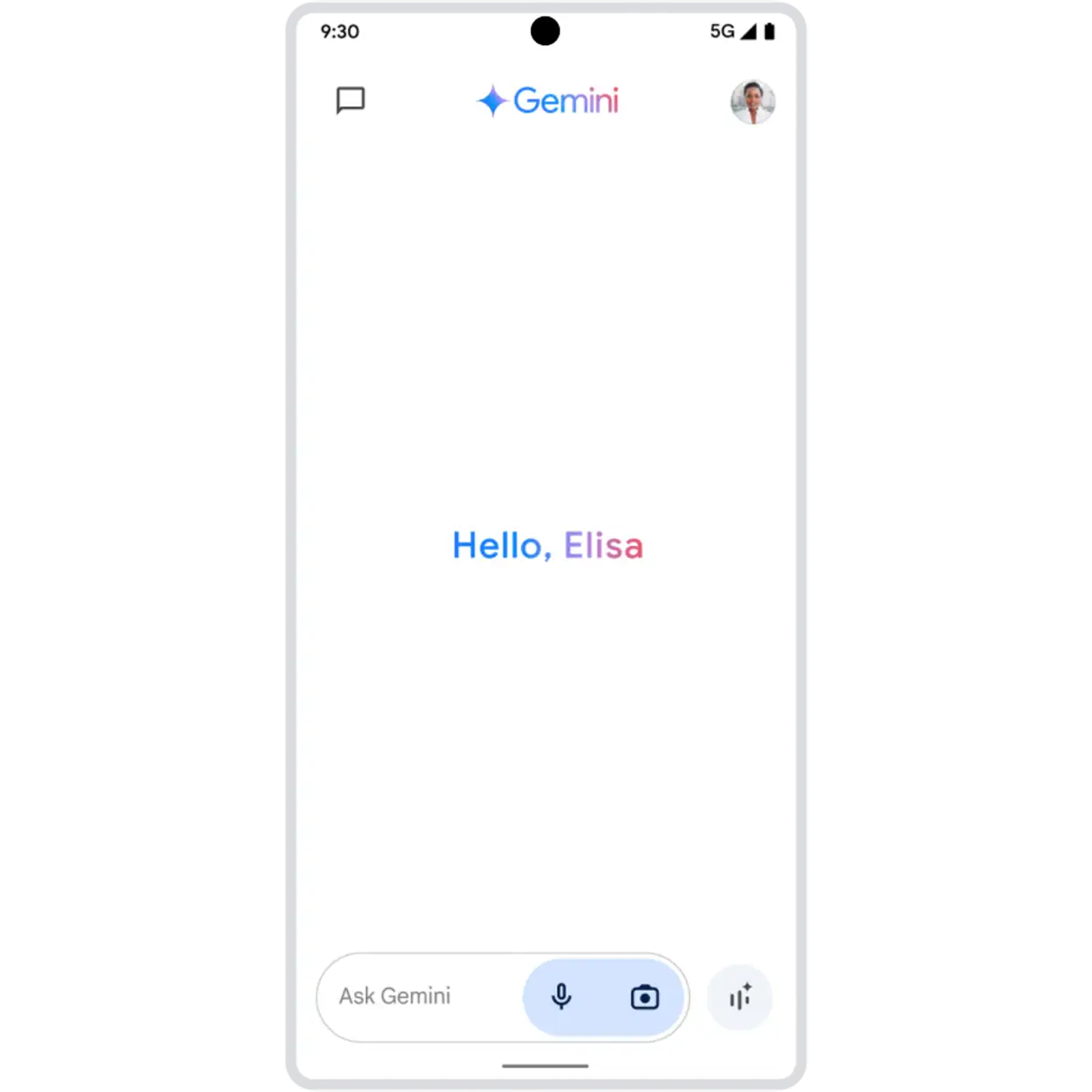
Gemini Live Multimodal
Add helpful context to chats with Gemini Live.
Coming soon, add some helpful context when you talk it out live with Gemini for richer conversations. Just add an image, file, or YouTube video at the beginning of your chat to start a discussion about it. ⓘ Compatible with certain features and with certain accounts. Available on select devices, languages, and countries. Only available to users 18 years and older. -
Google Lookout Gemini in Google Lookout
Image descriptions, enhanced by Gemini.
Receive richer image descriptions than before with Image Q&A in Lookout now enhanced by Gemini 1.5 Pro. Designed together with blind and low-vision communities, use the app to hear image captions, and chat with Gemini to ask follow-up questions. ⓘ Description of images may vary. Available on Android 6+ on devices with 1GB and above. Not available in China. -
Quick Share Quick Share with a QR code
Easily share pics, videos, and more.
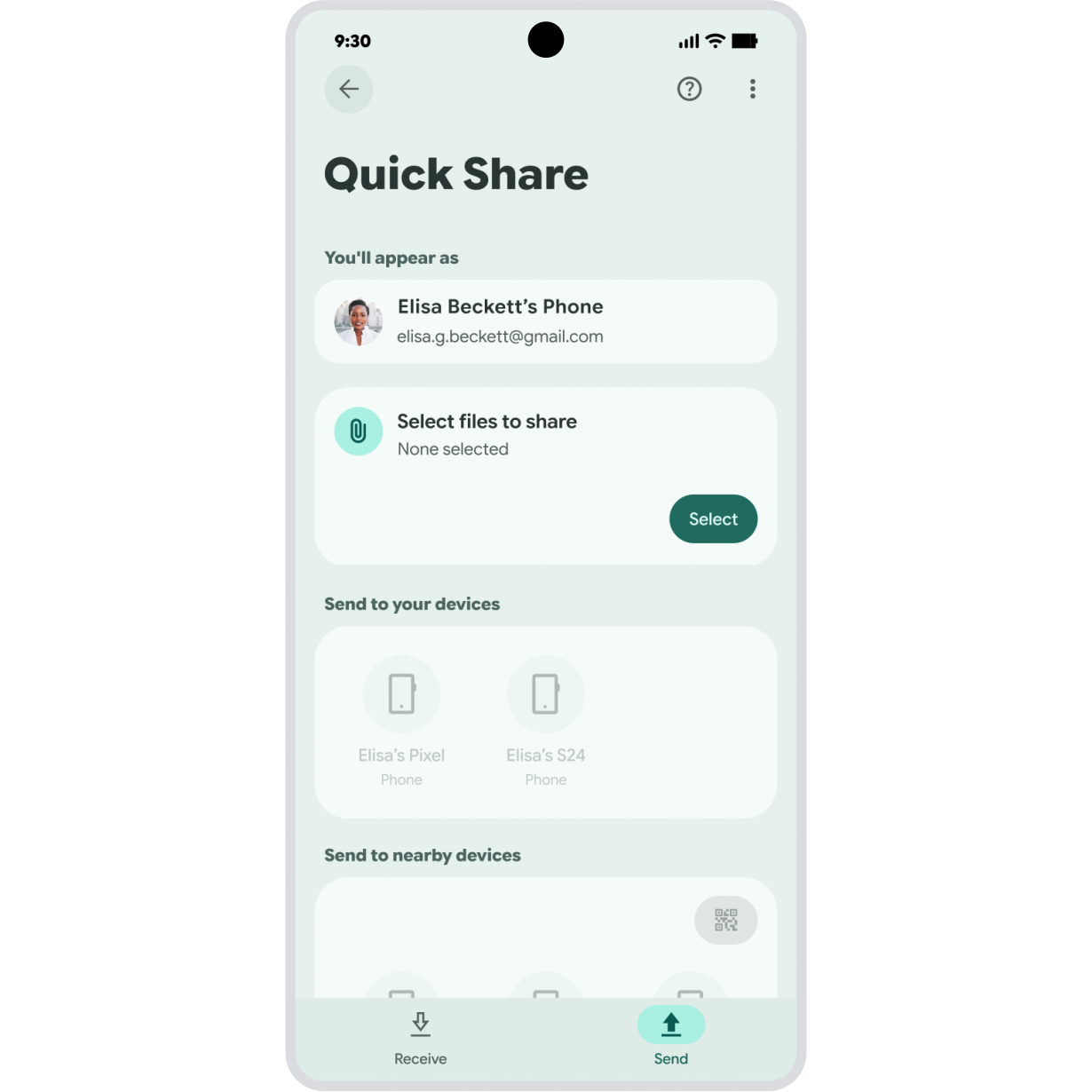
QR codes in Quick Share make it easier to transfer pictures, videos, and documents. All the recipient has to do is scan the code on your screen, no need to add them as a contact, verify devices, or change your sharing settings. ⓘ Available on mobile devices and tablets. Devices must be within Bluetooth sharing distance and have Wi-Fi enabled. -
Google Drive Auto-enhance scans
Snap, save, and share high-quality scans.
Your scans are now crisper and clearer with auto-enhancements in Google Drive. From receipts to documents to ID cards, your scans are optimized to improve contrast, and remove shadows and blurring — no manual editing needed. ⓘ Available on Android 5+. -
Google Photos AI-powered video presets
Easily create share-worthy videos.
Easily turn videos into share-worthy clips. New AI-powered video presets help you automatically trim your video to focus on the most interesting moment and add effects like zooming in on the main action or applying slo-mo with just a few taps. ⓘ Requires Google Photos app. Device must have 3 GB+ RAM and run on Android 8+. -
Gemini Image generation
Create stunning images with Imagen 3.
With our highest-quality image generation model yet, simply describe what you imagine and watch your ideas come to life in seconds. From photorealism to oil paintings, your imagination is the limit. ⓘ Results for illustrative purposes and may vary. Internet connection and subscription for certain features required. Language and country availability varies. Remember to share and create responsibly. -
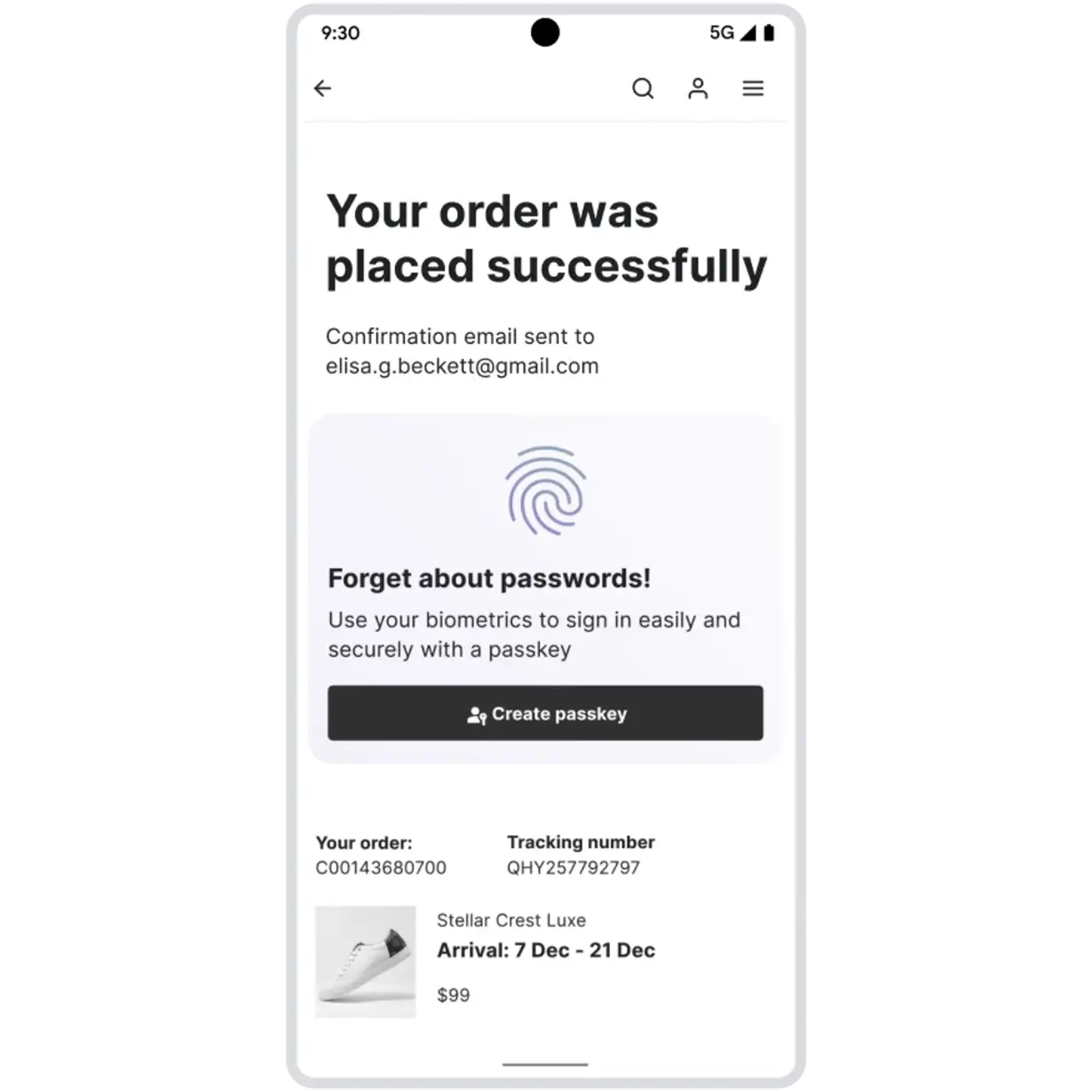
Password Manager Passkey syncing across devices
Sign in to apps and sites faster and more securely.
Passkeys are faster and safer to use than passwords, allowing you to sign in with your fingerprint, face or other screen lock. Now passkeys can be saved to Google Password Manager and used to access sites from any signed-in device, including your desktop or tablet. ⓘ Available on Android, Windows, Linux, macOS, and ChromeOS devices. On Android, the “Use Autofill with Google” toggle must be turned on in Settings. -
Circle to Search Identify a song
Search songs you hear without switching apps.
Search music you hear in the moment—without switching apps. Hear a great song on social media or music playing from speakers near you? Simply long press your Home button or navigation bar and tap the music button to identify the track. ⓘ Sequences shortened and screen images simulated. Available on select devices. Internet connection required. Works on compatible apps and surfaces, and with ambient music only. Will not identify music coming through headphones or if phone volume is off. Results may vary depending on audio matches. -
Android 15 Private space
Keep sensitive apps and data out of sight.
It’s like a digital safe on your phone. Create a separate private space with another layer of authentication. Add sensitive apps, like health or banking apps, to keep them hidden. Private space keeps app data and notifications separate from the rest of your phone to remain virtually invisible. -
Android 15 Theft protection
Get peace of mind and privacy, all in one place.
Help deter theft, get quick protection and recover a stolen device faster. Theft protection is a suite of proactive security features including Failed Authentication Lock, factory reset protection, Theft Detection Lock, Remote Lock, Offline Device Lock and other unauthorized access restrictions. ⓘ Some theft protection features available to users on Android 10+ -
Android 15 Pinnable taskbar
Keep your favorite apps within reach.
Easily pin and unpin your taskbar on larger screens. Keep your favorite apps in reach for quicker access, better control over your screen real estate and more customizability. -
Android 15 App pairs
Multitask in a tap by pairing your most-used apps.
Pair frequently used apps together on your homescreen. With a single-tap, quickly retrieve your favorite pair of apps in split screen to streamline multitasking and give yourself a productivity boost.