Play silent looping video Pause silent looping video
Google AI on Android at work

Making AI helpful for everyone at work.

Discover how Google AI on Android can transform how you work as an employee, a business or a developer.

For your employees

Supercharge productivity, unlock creativity.

A man with a beard and glasses stands against a wall with vertical wooden slats. He is wearing a white t-shirt, a cream-colored textured button-down shirt, and black pants. He is looking down at a smartphone in his hands and holding a laptop under his arm.
Gemini app

Add a brilliant mobile assistant to your team

Try the demo
A man sits in a leather chair with his legs crossed, looking at a smartphone in his hand. He is wearing a dark blue blazer over a white shirt, light-colored trousers, white sneakers, and a smartwatch. In the background, there is a desk with a lamp and a large window looking out onto greenery.
Gemini for Workspace

Enhanced security, transparency and control over company devices.
Learn about Gemini for workspace
A blue adjustable desk lamp sits on a wooden desk alongside several potted plants, a white mug, a glass of water, and a laptop. The desk is positioned in front of a white brick wall, with sunlight streaming across the surface.
Circle to Search

Make moments of discovery seamless.

Try the demo
For your business

Enhanced security, transparency and control over company devices.

For developers

Build smarter tools to solve bigger challenges.
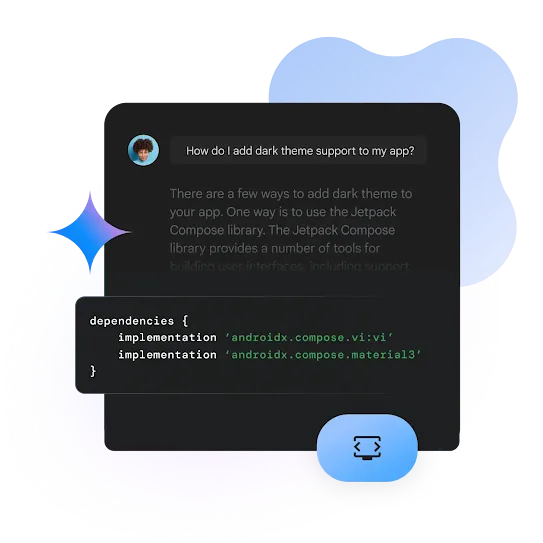
An interface featuring a dark mode chat window where a user asks, "How do I add dark theme support to my app?" The AI response suggests using the Jetpack Compose library and provides a code snippet showing dependencies for androidx.compose.ui:ui and androidx.compose.material3. A blue circular icon with a code bracket symbol is located at the bottom right.
Gemini in Android Studio

Speed up development with an AI-powered coding companion.
Build high-quality Android apps, faster, with a tool designed to do just that. Gemini in Android Studio will help you answer development queries, generate code, find relevant resources, fix errors and more.
Explore how it works
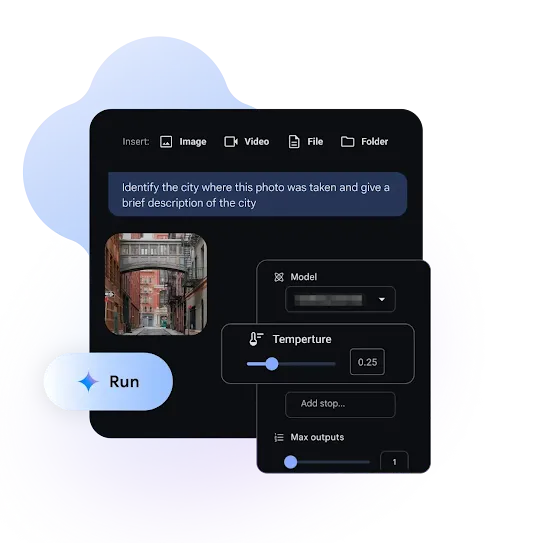
An interface featuring a dark mode developer console. At the top, there are buttons to "Insert" an Image, Video, File, or Folder. A text prompt in a blue box reads, "Identify the city where this photo was taken and give a brief description of the city." Below the prompt is a small photo of a narrow city street with a skybridge between two brick buildings. Overlaid on the right are setting menus for "Model," "Temperature" (set to 0.25), and "Max outputs" (set to 1). A rounded "Run" button with a sparkle icon is located at the bottom left.
Google AI Studio

Start no-code prototyping in no time.
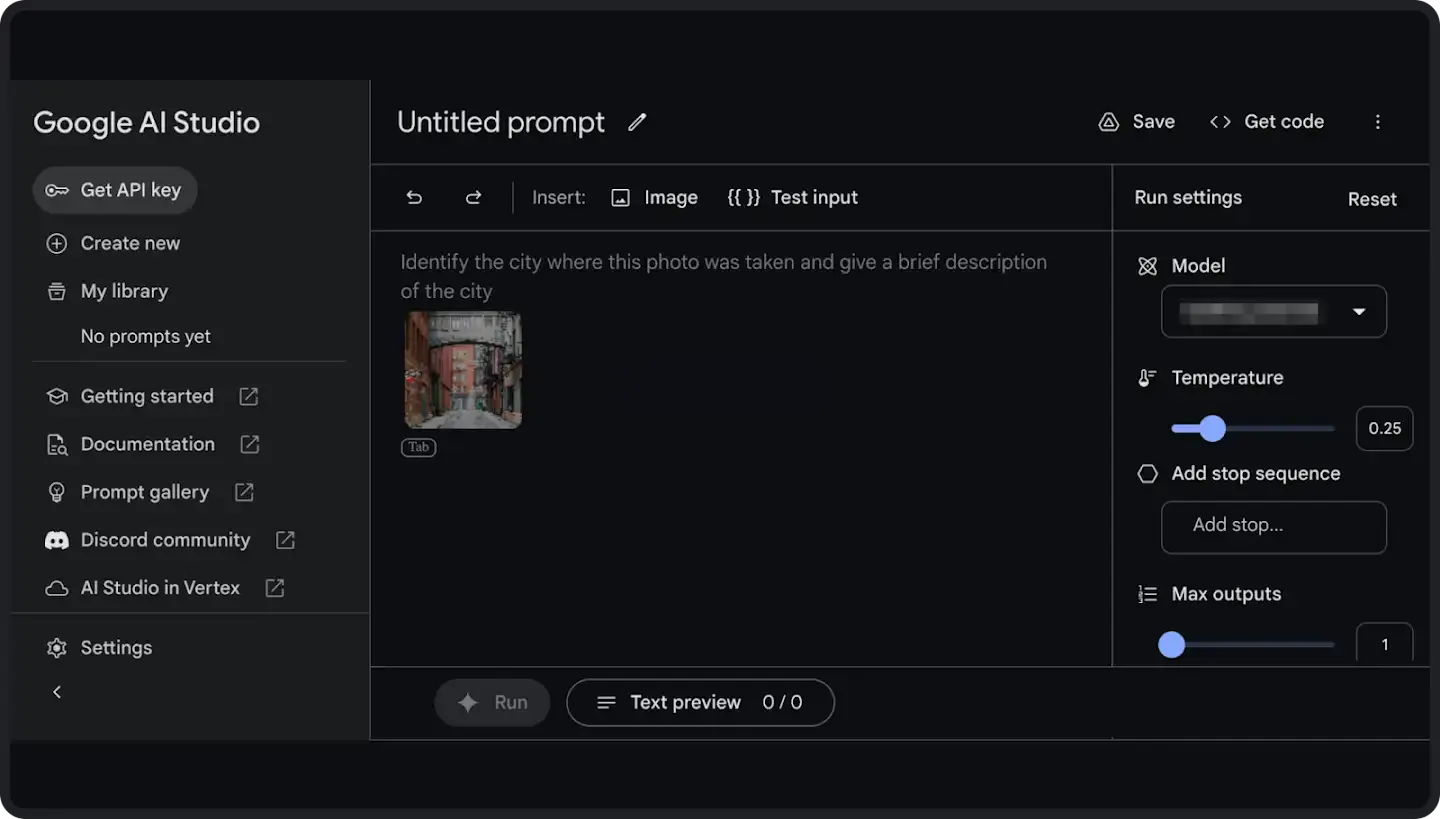
Build and test cutting-edge AI models without complex coding. Classify, organize and inspect images or text, extract actionable insights from large volumes of text and translate customer inquiries into different languages all with Google AI Studio.
Explore how it works
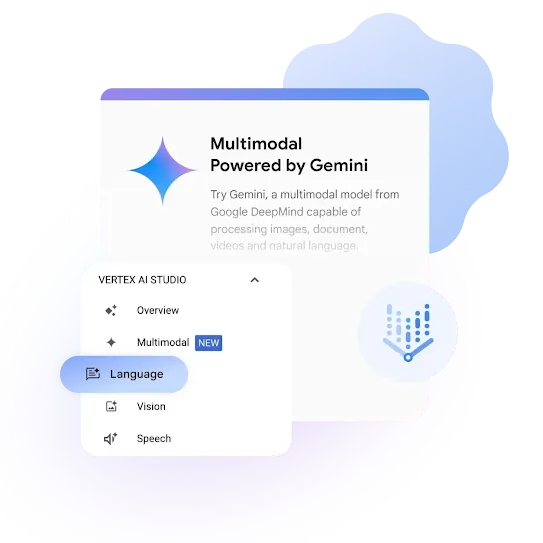
An interface featuring a white window titled "Multimodal Powered by Gemini," which describes Gemini as a model from Google DeepMind capable of processing images, documents, videos, and natural language. A smaller "Vertex AI Studio" menu is overlaid in the foreground, showing options for Overview, Multimodal (marked with a blue "NEW" tag), Language (highlighted in blue), Vision, and Speech. A stylized blue icon with a downward arrow is positioned on the right.
Vertex AI Studio

Deploy large end to end generative-AI models.
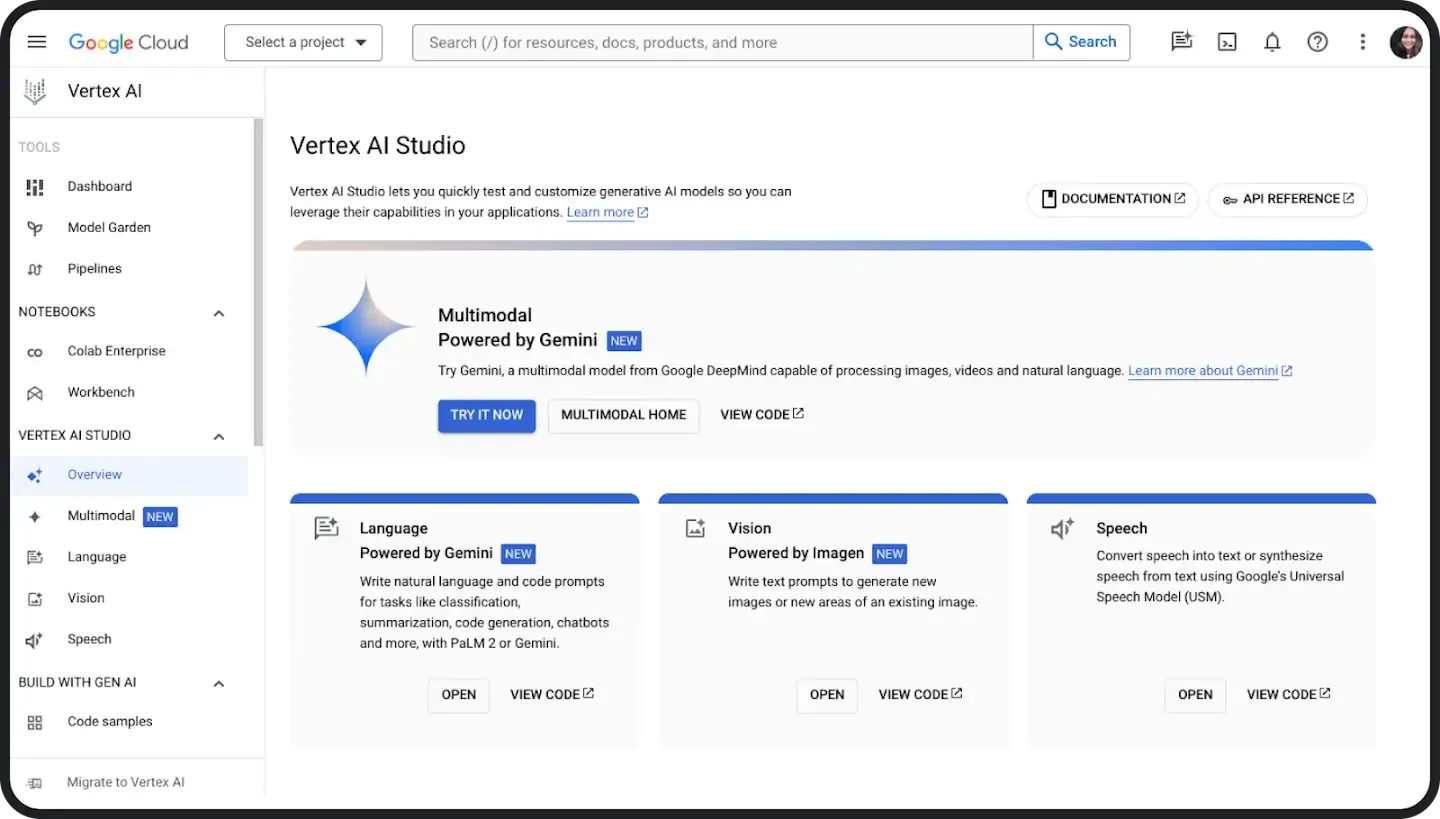
Bring your complex enterprise AI applications to life in a fully-managed, unified development platform. Access and utilize AI solutions, search and conversations, industry-leading compute resources and 130+ foundation models including Gemini all in one place.
Explore how it works
Resources

Learn more about AI for Enterprise.

Android Talks AI

Learn how you can supercharge your work with Google AI on Android while improving control and security with our new video ‘Android Talks AI.’ Tune in to see how to make the most of AI on the go with some of the most groundbreaking business features.
Four people are gathered around a table in a bright, modern office space, engaged in a conversation. A woman with long curly hair and a patterned shirt is smiling as she looks at a man across the table. Another man in a blue denim shirt holds a white mug and listens intently. The table is covered with notebooks, tablets, smartphones, and glasses of water, with soft sunlight casting shadows across the surface.
A man with long dark dreadlocks, a beard, and glasses is seated at a table, looking down at an open book. He is holding a white smartphone in his right hand, showcasing its camera bar with three lenses. He wears an orange and cream color-blocked knit cardigan. The background is softly blurred with warm, ambient lighting.

3 new ways to use Google AI on Android at work

See how the latest AI features can be used on the go in real-life work scenarios in our Keyword blog post.

Some features require an internet connection.
Sequences shortened and simulated.
Results may be different. Check responses for accuracy. Image Generation available in select languages and countries.
Demo is simulated. Final UI may look different.

Play silent looping video Pause silent looping video