Your Android keeps getting better.
Explore all the latest and greatest Android features that help you stay connected, creative, productive and safe.
-
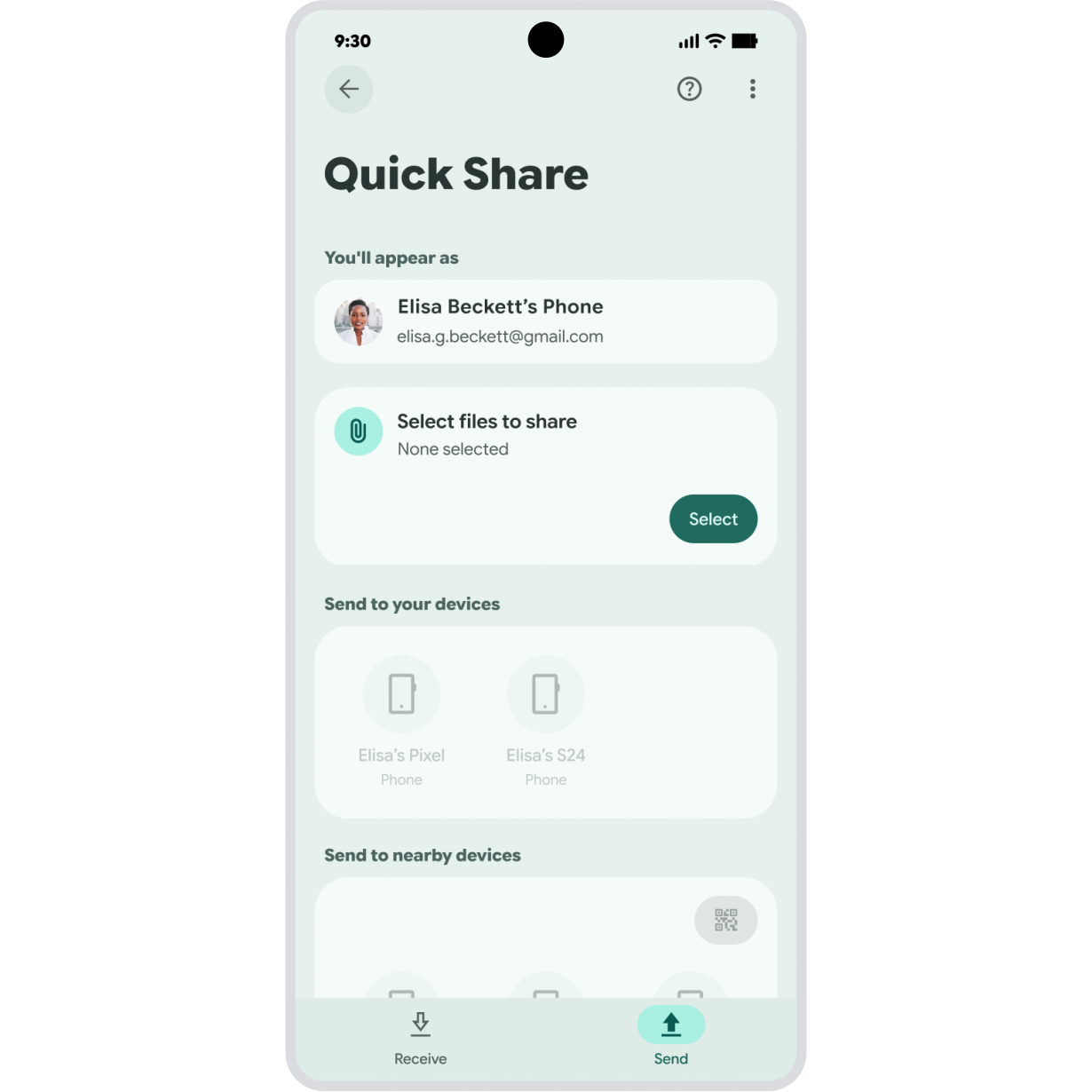
Quick Share
Redesigned for simple sharing
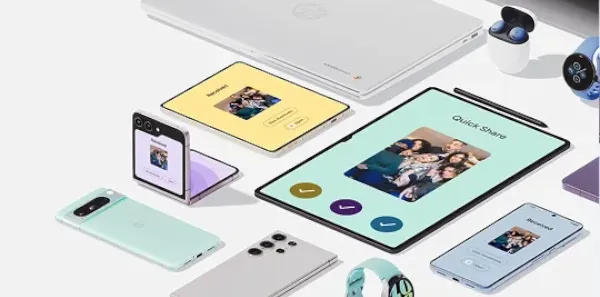
Share files in fewer steps with the new Quick Share. Send photos with a tap, take a sneak peek with image previews, easily toggle between sending and receiving, and track the progress of a send the whole way.
Available on mobile devices and tablets. Devices must be within Bluetooth sharing distance and have Wi-Fi enabled. -
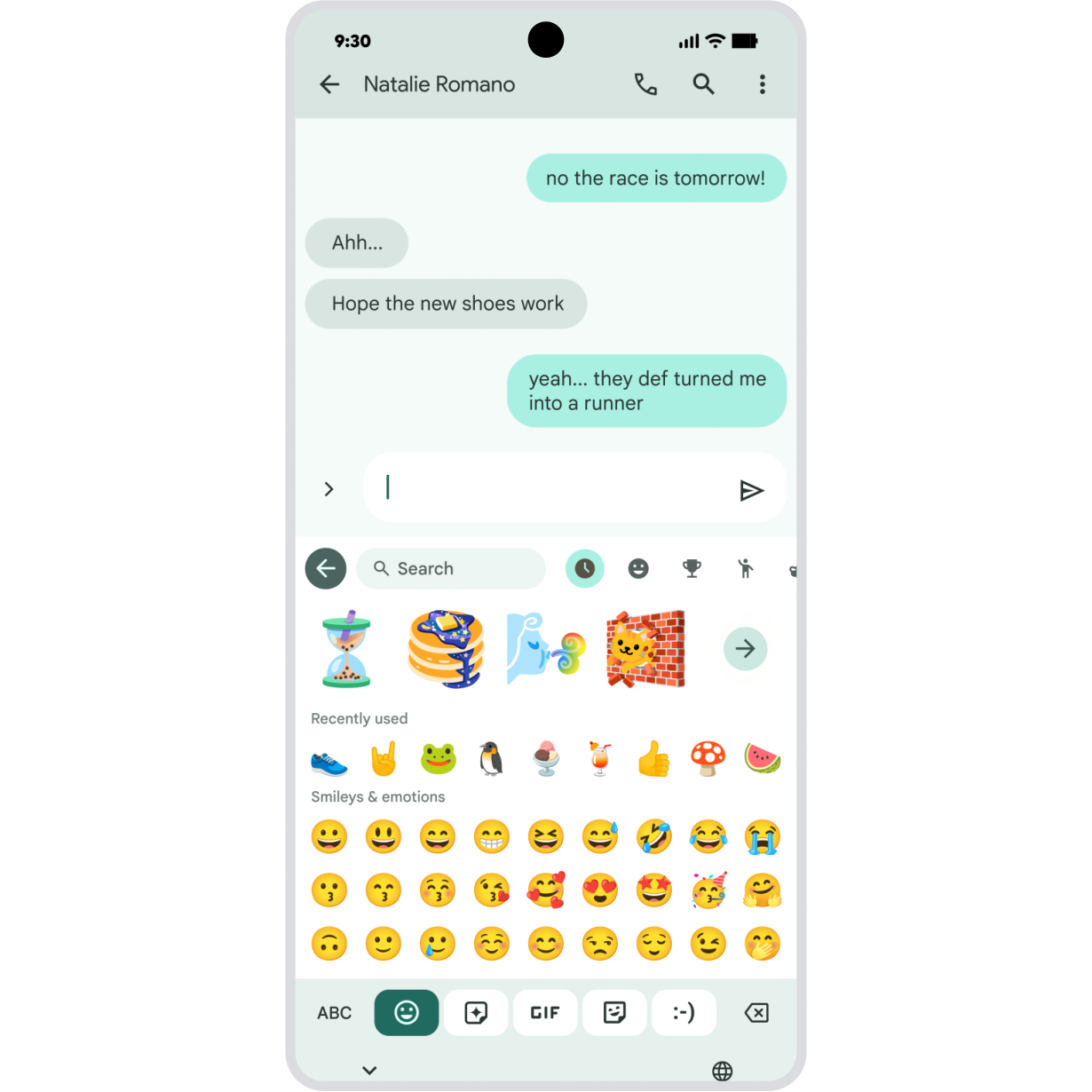
Material 3 Expressive
Customize the look and feel of your apps.
Personalize Google apps with your favorite icons, color palettes, and more. Plus, new layouts are designed to make getting things done feel effortless and more intuitive.
Feature availability across Google apps may vary. -
Family Link
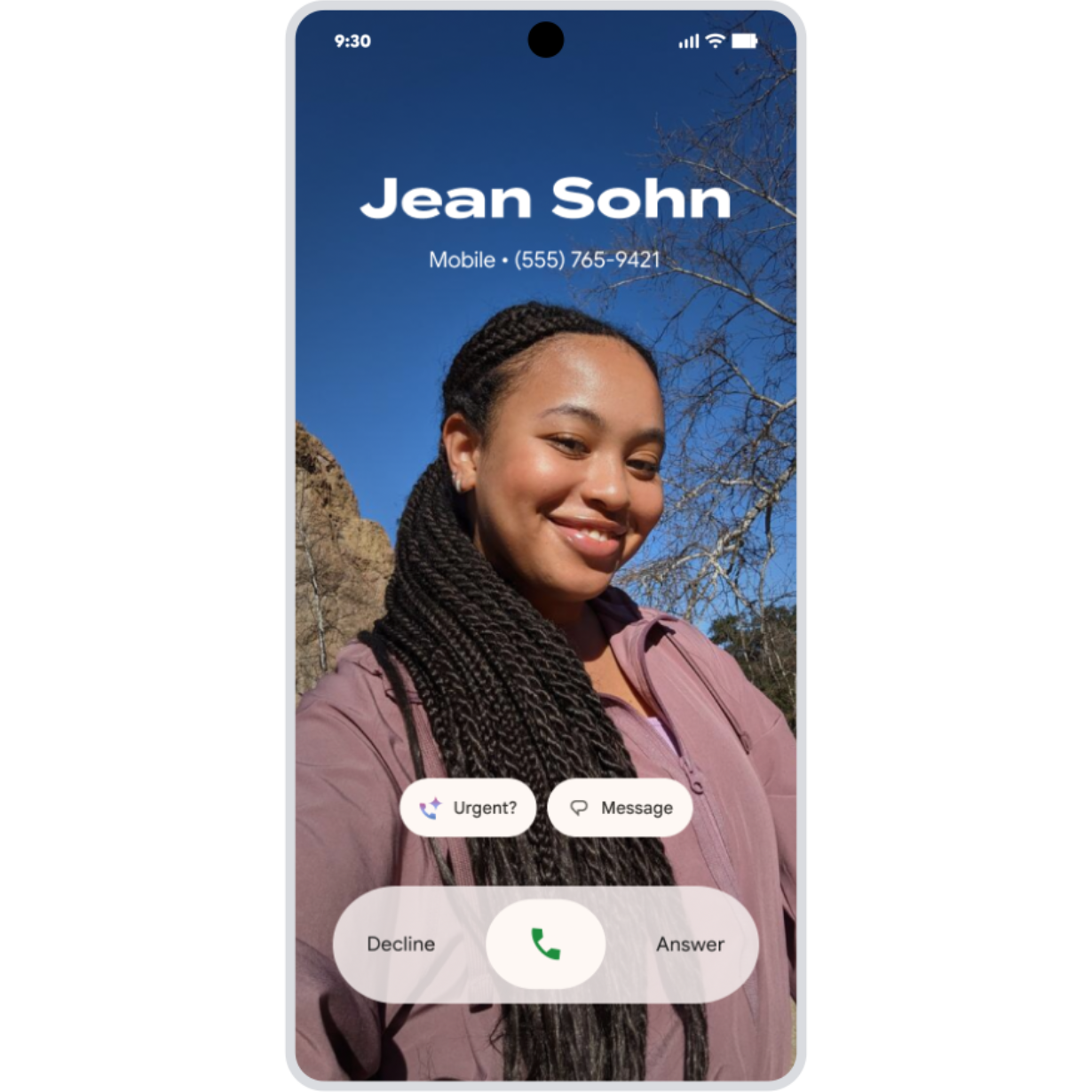
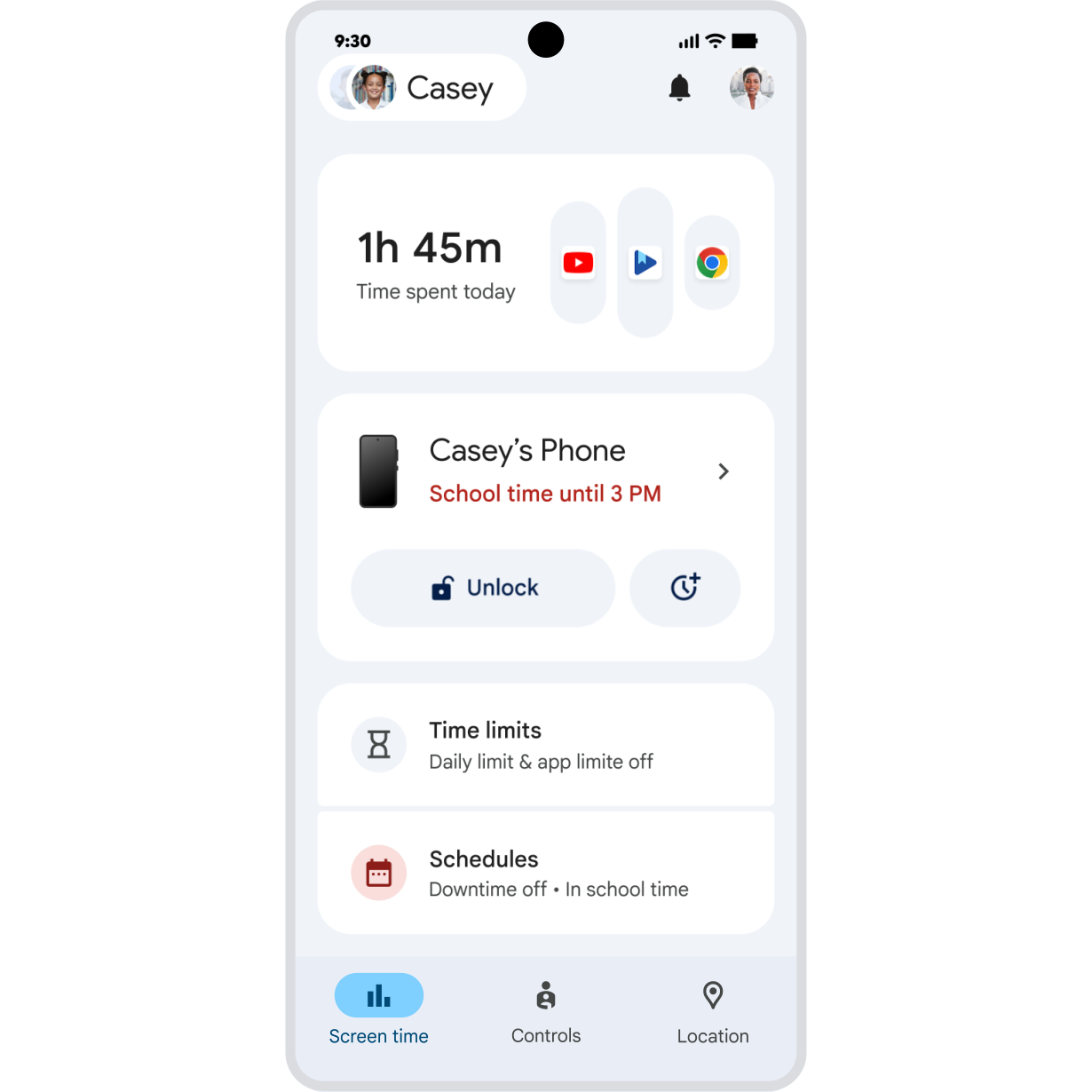
Easily manage who kids text and call.
Help kids build more independence. Parents can now easily manage the contacts their kids can call or text in Family Link – and if they want to add a friend, they can approve new contacts remotely.
Parent-managed contact limits apply to Google Messages and dialer apps on Android. Communications in third-party apps cannot be restricted. Emergency services always remain accessible. Available on Android 14+ and Galaxy Watch for kids. -
Google Maps on Wear OS
Phone navigation continues on your watch.
When walking, cycling, or doing anything else that keeps your hands busy, navigate hands-free from your Wear OS watch. Start a Google Maps journey on your phone, and it will now also display on your wrist – for safer, glanceable directions.
Requires internet connection.