
Two profiles, one device.
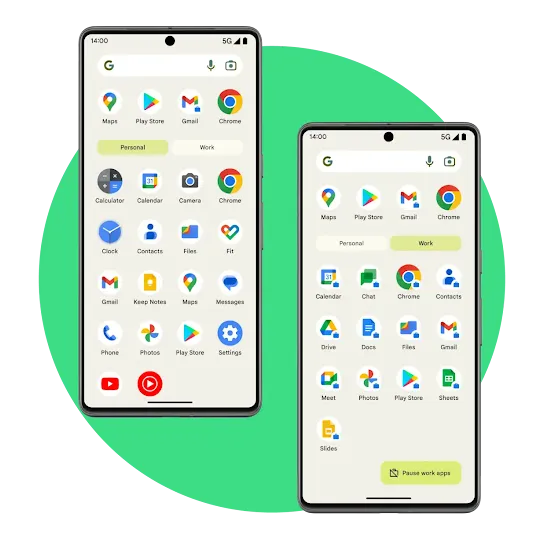
Protect company data and employee privacy, and improve work-life balance with Android work profile.
Help prevent data breaches and improve employee privacy
Highlights
-
Help prevent data breaches
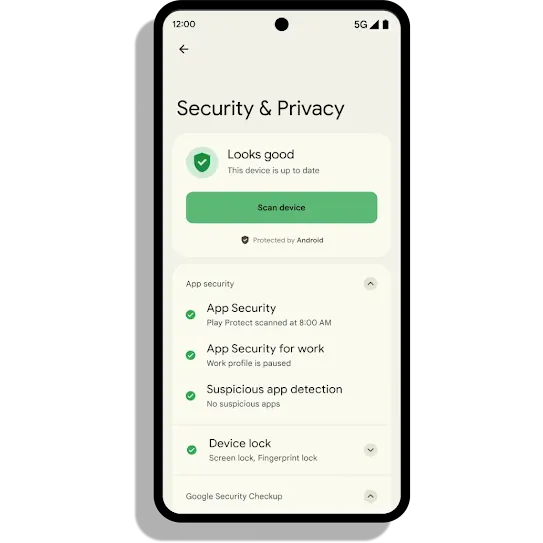
Protect your company's data with full encryption on the work profile, even if there are compromised apps on the personal profile.
-
Enable employee privacy
Give your employees peace of mind. With two profiles on one device, they are free to use their personal data and apps privately.
-
Secure company data
Wipe a device's work profile remotely to protect your company's data without affecting the employee's personal profile.

Optimise device management and deployment
Highlights
-
Unlock personal devices
Allow employees to use personal Android devices for work with full management control over data in the work profile only.
-
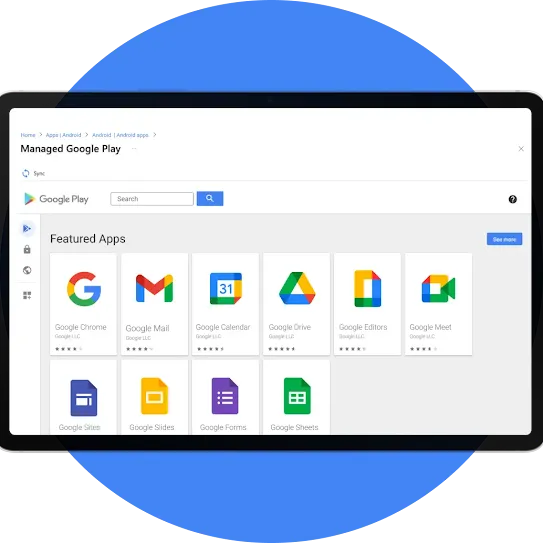
Manage approved app lists
Choose which apps your employees can access on the work profile and remotely manage their settings.
-
Provision devices remotely
Provision company-owned devices remotely with zero-touch enrolment and get employees up and running straight out of the box.
Improve productivity and work-life balance
Highlights
-
Empower people to do more
Boost employee efficiency with work profile's cross-device experiences, such as intuitive context switching, smart dictation and more.
-
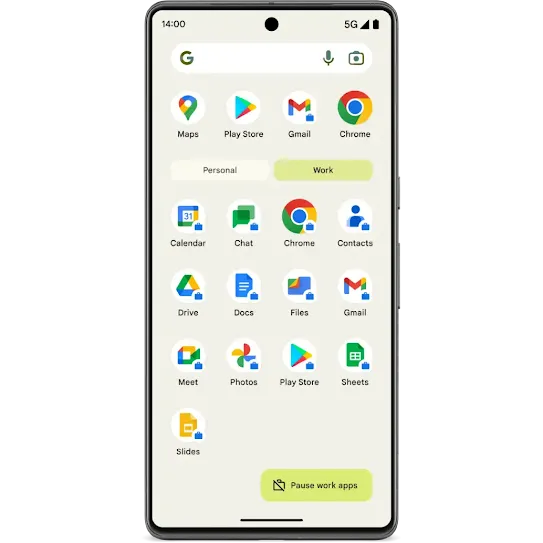
Enable a work-life balance
Help improve work-life balance by allowing employees to toggle off work notifications and fully disconnect after work.
-
Eliminate the need for two devices
Save resources on purchasing multiple devices by unlocking devices for work and personal use.
Businesses around the world are using work profile

UK law firm Brodies LLP uses Android work profile and zero-touch enrolment to help its employees work efficiently and keep their personal data separate.

Trimble uses work profile to securely manage data and applications while giving its teams privacy and the flexibility to disconnect.

Schneider Electric utilises the extensive, customisable and secure controls available with Android Enterprise to give its teams the resources that they need.
Try out the Android work profile.
Get hands-on with the work profile by testing separation, productivity and digital well-being features on your phone. Just follow these easy steps to get your demo up and running on your mobile device.
1
Step 1
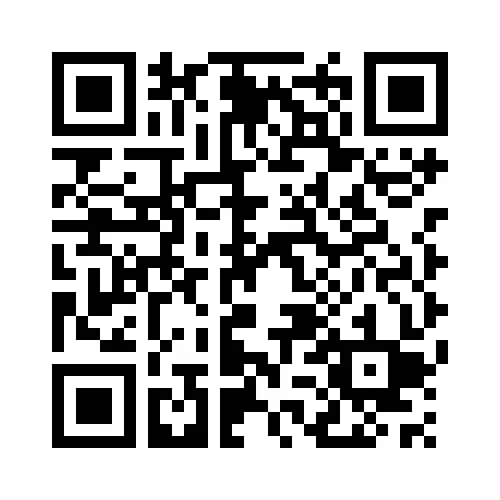
Begin setup.
Scan this QR code to set up your work profile on your Android device.
2
Step 2
Complete setup.
Follow the steps on screen.
3
Step 3
Get the companion guide.
Download the companion guide and follow the steps to begin the demo.
Get the guide