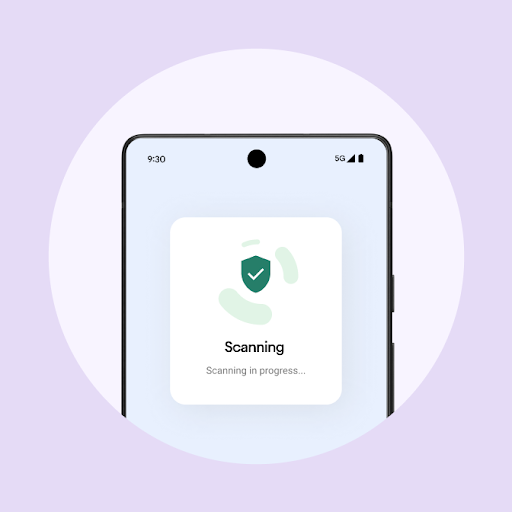
Switch to a phone that feels like you.

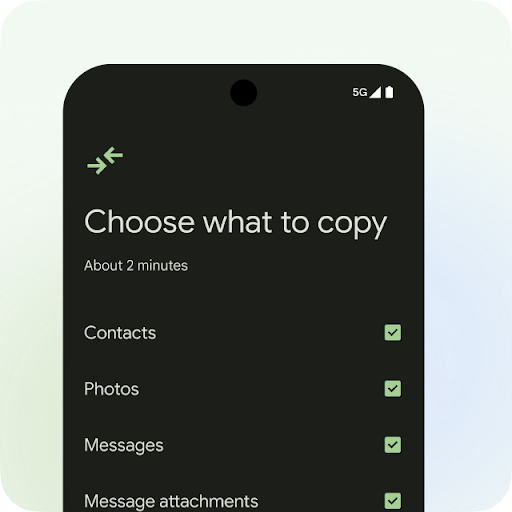
Your favourite apps, photos, chats and more come too with Android Switch.1
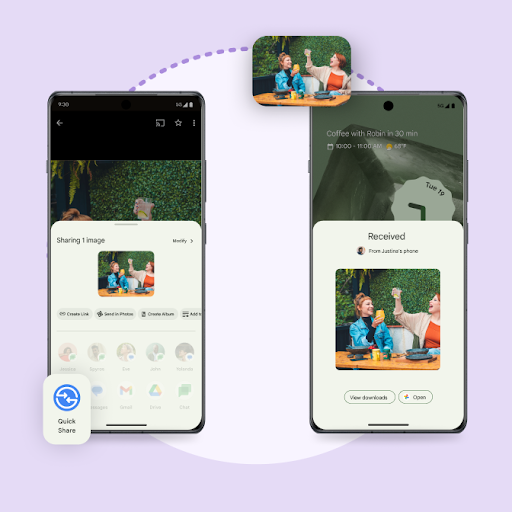
Ready to switch? Here's how to do it:

You can even transfer after setup.

If you want to transfer data from Android to Android,  you can now access Android Switch after you have already set up your device.

Find it in settings or in the Google Play Store.

You can even transfer after setup.

If you want to transfer data from Android to Android,  you can now access Android Switch after you have already set up your device.

Find it in settings or in the Google Play Store.

Get support

Check out our Help Centre to get answers. For concierge support, follow the links below:

Pixel Samsung

More choices, more possibilities.

Find the right phone for you

What you can transfer from iPhone.

Data type Cable Wi-Fi
Contacts

Photos

1) Stored on device

2) Stored in iCloud*

* Request to transfer at privacy.apple.com

Videos

1) Stored on device

2) Stored in iCloud*

* Request to transfer at privacy.apple.com
Calendar events

Messages

SMS, MMS and iMessage text and media

WhatsApp message history and media


Apps

(At no cost in Google Play only)
 

Music

(Any DRM-free, non-iTunes, on your device)
 

Notes